
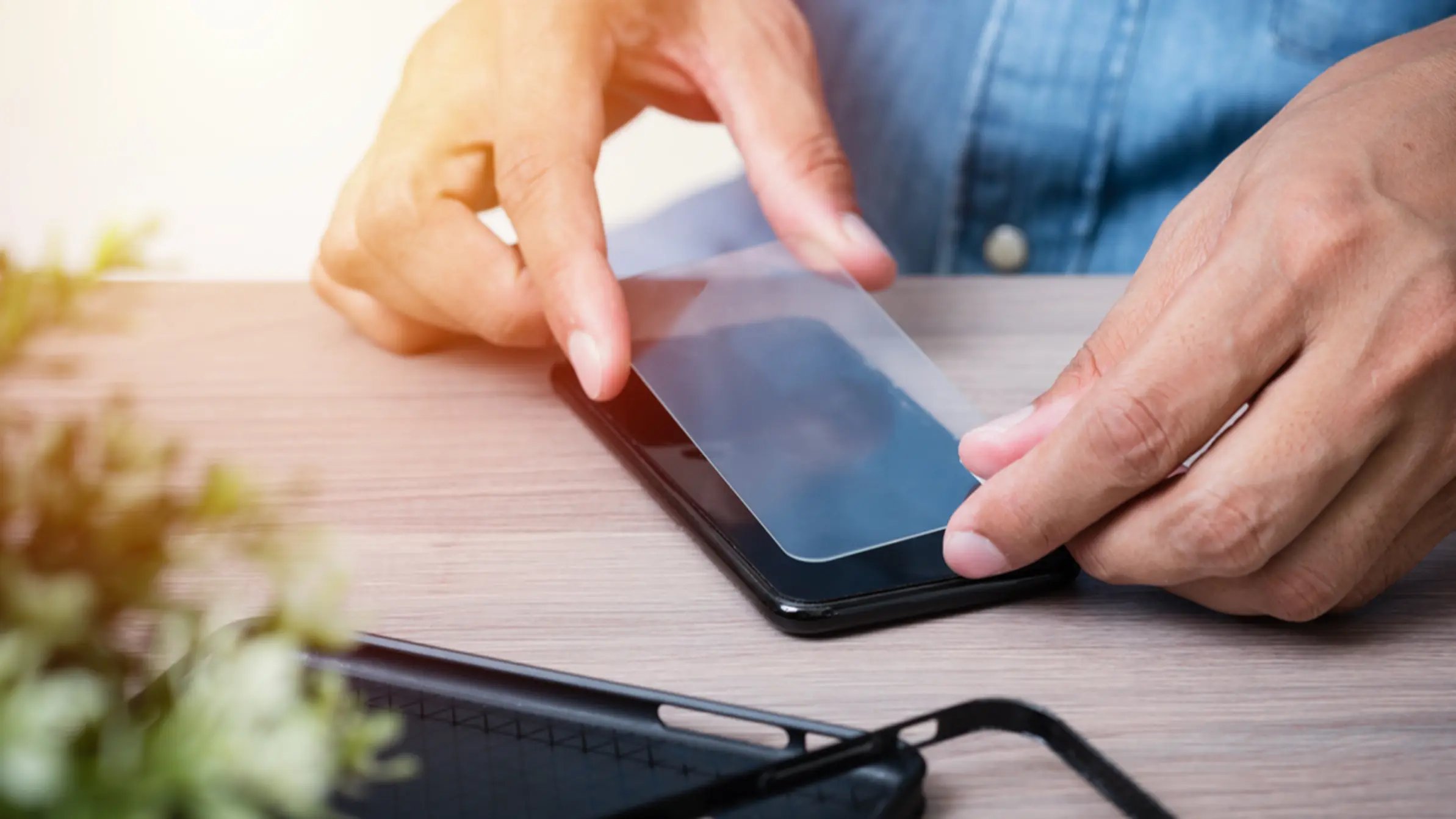
To remove halo effect screen protector issues, start by adjusting your device's display brightness, as this is the only documented official method to reduce the visible ring. The halo effect is a physical gap between the protector and screen that traps dust and air, not a light-scattering problem, so lowering the brightness minimizes how noticeable that gap is.
What causes the halo effect on a screen protector
The halo effect appears as a cloudy or rainbow-like ring around the edges of a screen protector. It is caused by a physical gap between the protector and the screen surface. This gap traps dust particles and air, creating a visible border. It is not caused by light scattering or refraction. The effect is more common on devices with curved or rounded screens, where achieving a perfectly flush fit is difficult. The halo effect is more prevalent in tempered glass protectors because they are thicker and less flexible, making a seamless fit harder to achieve. Incompatible screen protectors that are not designed for a specific device or its touchscreen technology can decrease touch sensitivity and contribute to the halo effect. Improper installation, low-quality protectors, and wear over time can all contribute to the gap that produces the halo. Environmental factors like heat, humidity, and sunlight exposure can weaken the screen protector's adhesive, leading to a less secure fit and potential halo-like distortions.
How to remove halo effect from screen protector with display settings
Adjusting your display brightness is the documented way to reduce the appearance of the halo effect. Apple and Google both provide brightness controls, though neither company documents a specific "halo effect removal" feature. Follow the steps for your device.
iPhone
- Open Control Center and drag the brightness control up or down. On iPhone 8 or earlier, swipe up from the bottom edge.
- Alternatively, go to Settings > Display & Brightness and drag the brightness slider.
- To enable automatic brightness, go to Settings > Accessibility > Display & Text Size > Auto-Brightness and turn it on. The iPhone adjusts brightness using its built-in ambient light sensor.
Android / Pixel
- Open Settings > Display.
- Tap Brightness level and move the slider.
- Turn on Adaptive brightness in Settings > Display so the phone adjusts brightness to surrounding light. Adaptive brightness is on by default on Pixel devices.
- On Pixel phones, go to Settings > Display > Touch sensitivity > Screen protector mode and turn it on. This increases touch sensitivity when using a screen protector but does not directly remove the halo effect.
Switch to a matte or anti-glare screen protector
Replacing your current screen protector with a matte or anti-glare version is the documented hardware fix for reducing the halo effect. A matte protector has a textured surface that diffuses light and reduces reflected glare, which minimizes how visible the halo ring is. A matte screen protector can also provide enhanced privacy by narrowing viewing angles and minimizing side-angle visibility. The fix is purely a hardware change: choose a protector designed to reduce glare.
Clean your screen protector to reduce the halo
Keeping your screen protector clean helps reduce the halo effect because dust, fingerprints, and oils make the physical gap between the protector and screen more visible. Use a soft, lint-free microfiber cloth to wipe the screen gently. If needed, lightly dampen the cloth with a mild solution such as water with a drop of dish soap. Isopropyl alcohol can be used to remove tough stains from a screen protector by gently rubbing it with a dampened corner of a microfiber cloth. Avoid spraying liquid directly onto the device and do not use abrasive materials. No official source documents a halo-specific cleaning procedure, but general screen cleaning is a practical step to minimize the appearance of the gap.
When to reinstall or replace your screen protector
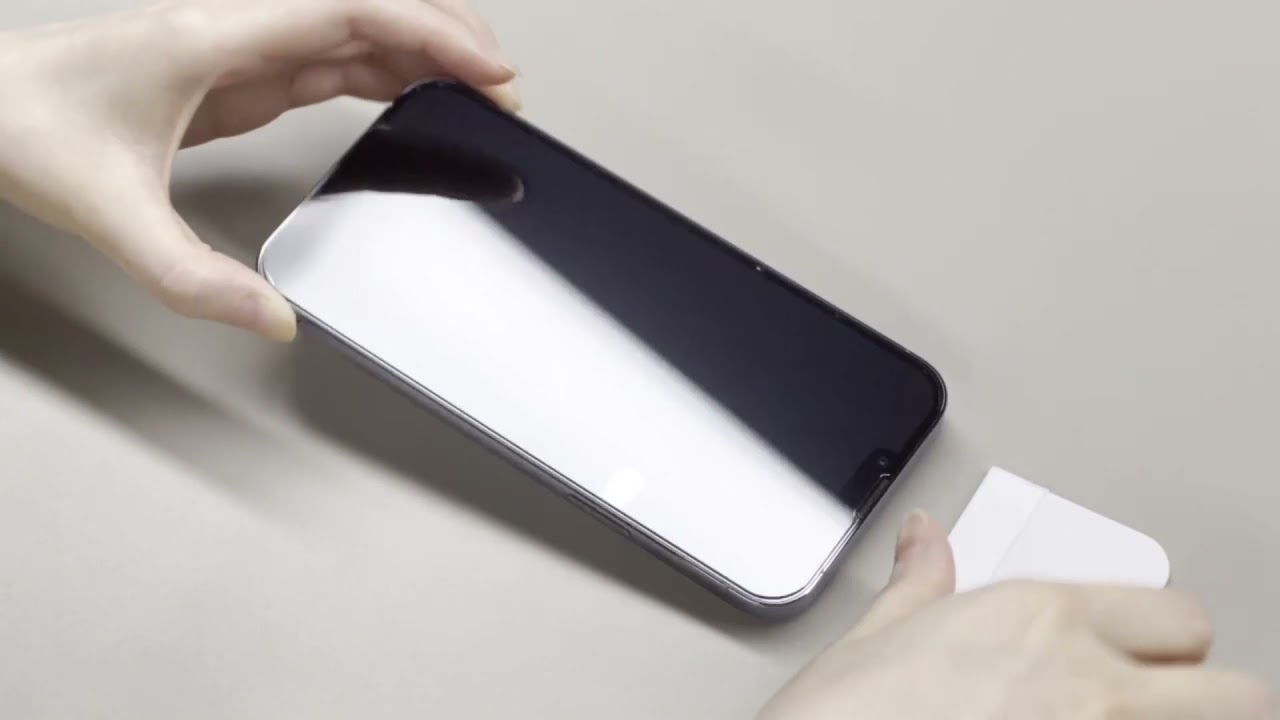
If the halo effect persists after adjusting brightness, switching to a matte protector, and cleaning, the protector likely has a poor fit or trapped debris underneath. In this case, the most effective solution is to reinstall the same protector carefully or replace it with a new one. Proper installation is critical for screen protector application and repair, as even a small misalignment or dust speck can create a visible halo. If you need guidance, refer to articles on proper installation techniques for your specific device model.
Frequently Asked Questions
Can the halo effect damage my phone screen?
No, the halo effect is a visual issue only. It does not damage the screen itself. The gap that causes the halo is between the protector and the screen, not within the display hardware.
Will a thicker screen protector make the halo effect worse?
Thicker protectors, especially tempered glass, can make the halo effect more noticeable because they are less flexible and more likely to leave a gap on curved screens. A thinner or more flexible protector may reduce the appearance of the halo.
Does screen protector mode on Pixel phones fix the halo effect?
No. Screen protector mode increases touch sensitivity so your phone registers taps through a thicker protector. It does not address the physical gap that causes the halo effect. Adjusting brightness or switching to a matte protector are the effective methods.
How often should I clean my screen protector to prevent the halo effect?
Clean your screen protector whenever you notice visible dust, smudges, or fingerprints. A weekly cleaning routine is generally sufficient, but you may need to clean more often if you use your phone in dusty or oily environments.
Is the halo effect covered under warranty for screen protectors?
Some manufacturers offer replacement warranties for screen protectors that develop visible defects, including halo effects caused by poor adhesion. Check the warranty terms from your protector's manufacturer. Most warranties do not cover halo effects caused by improper installation.
Related reading: How To Remove Old Phone Screen Protector.