This tag page collects guides and troubleshooting articles for wireless earbuds and headphones, aimed at anyone who owns a pair and needs practical help getting them to work with their phone. Whether you are setting up a new device for the first time or dealing with a connection issue, the articles here focus on the real-world steps of pairing, charging, and resetting your audio gear.

The articles fall into two main themes. The first is initial setup and pairing, covering how to connect specific models like True Wireless Earbuds, Skullcandy Indy Evo, and Bose Earbuds to an iPhone or other phone. The second theme is fixing common problems, including how to resync Jlab Wireless Earbuds, reset Beats Pro Wireless, and even how to find lost Realme Earbuds. You will also find straightforward answers to basic questions, such as where to plug in earbuds on an iPhone 12 or how to charge Beats Wireless Headphones.

Each article helps you perform a specific action: pair a Sony headset, connect Jabra Wireless Headphones, or pair Redmi Earbuds. The goal is to give you clear, step-by-step instructions so you can get your earbuds working again without searching through multiple sources.
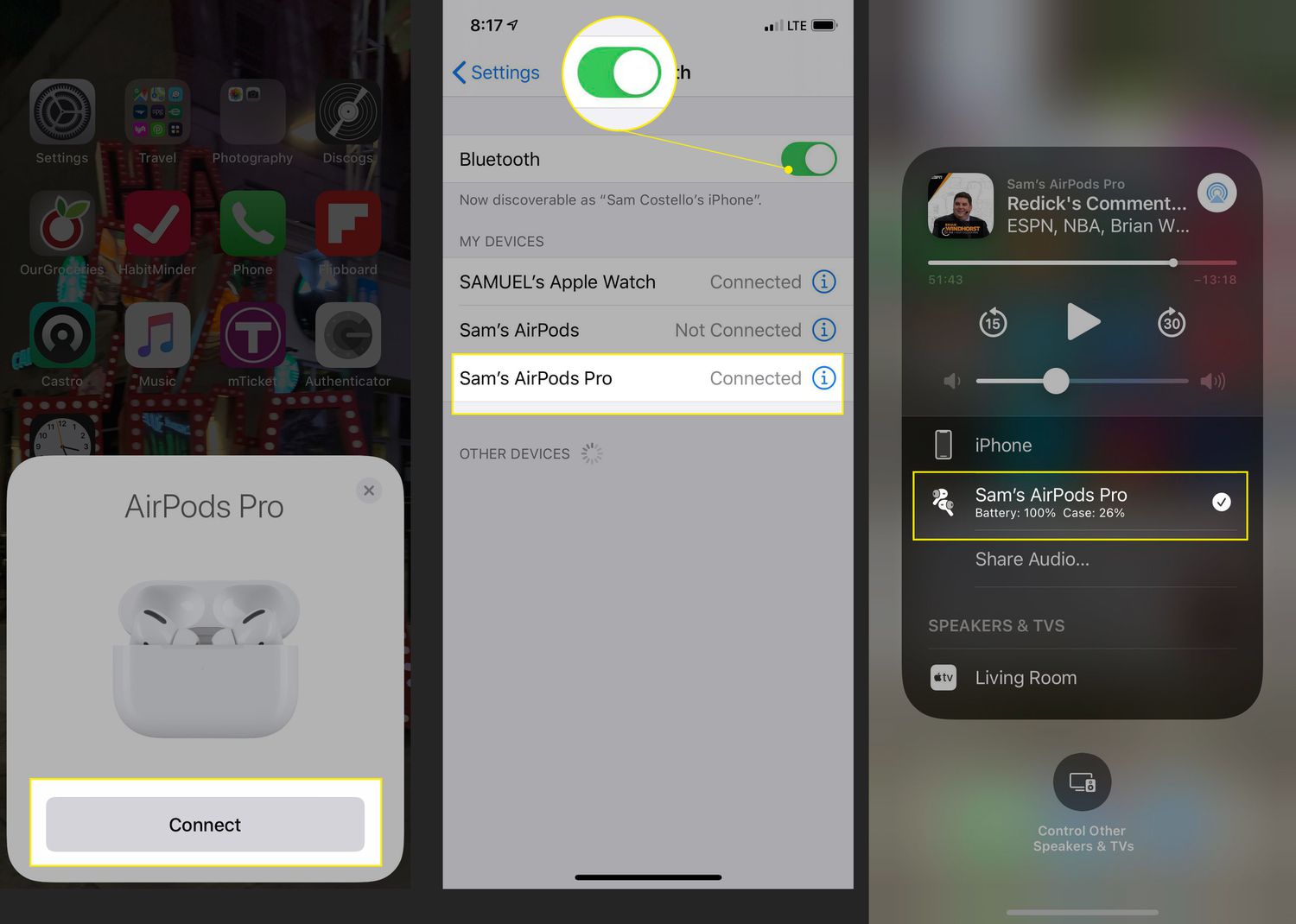
Where To Plug In Earbuds On IPhone 12

To plug in earbuds on iPhone 12, use the Lightning port on the bottom of the phone. The Lightning connector is located at the bottom of the device, next to...

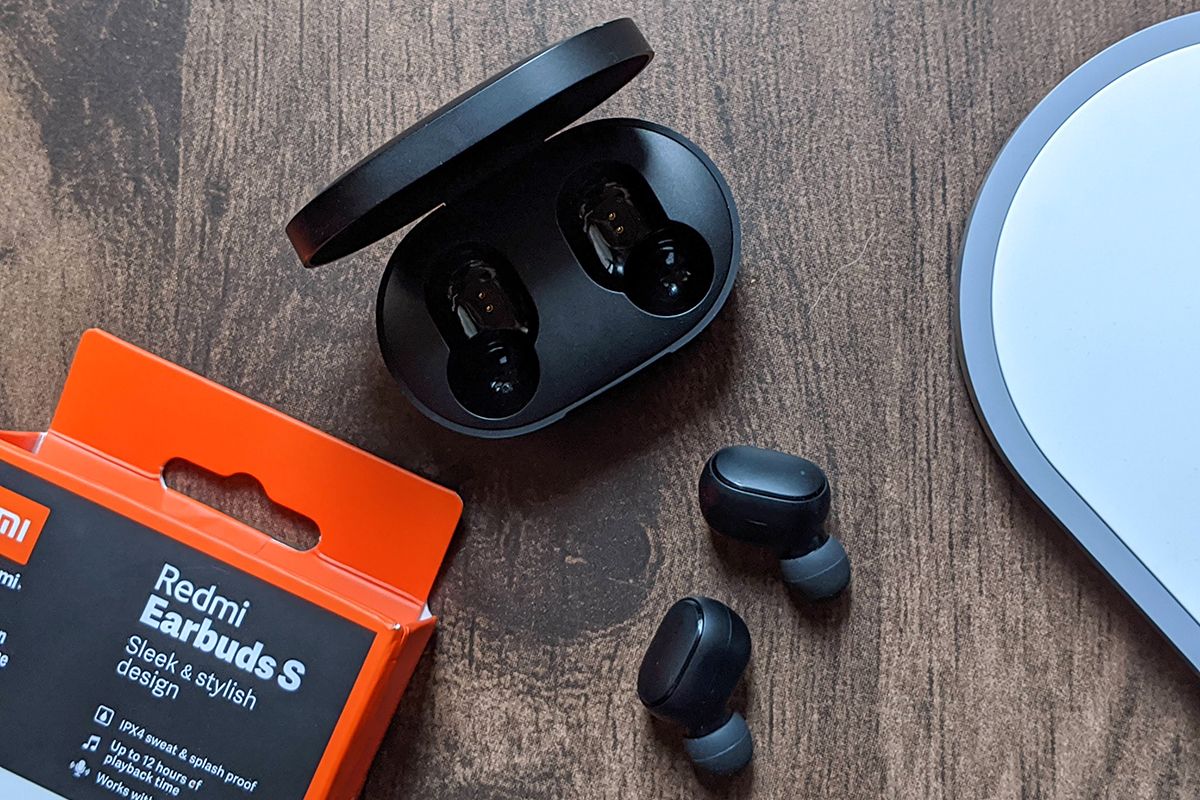
How To Pair Redmi Earbuds

To pair Redmi earbuds, start by charging the earbuds and their case, then put the earbuds into pairing mode and connect from your device's Bluetooth settings. This is the core...

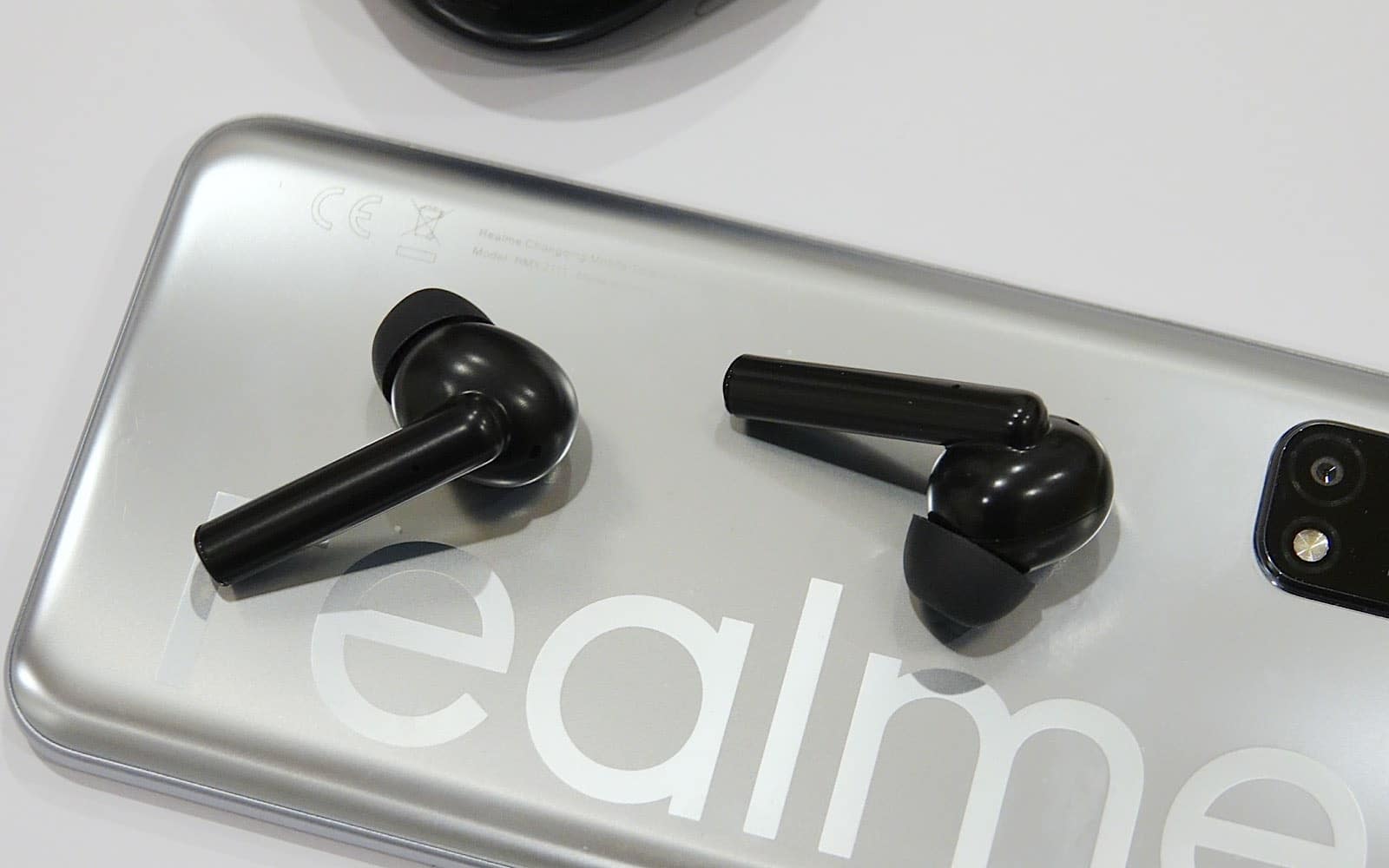
How To Find Lost Realme Earbuds

To find lost Realme earbuds, start by retracing your steps to the last place you used them. Not all Realme earbuds have a built-in find feature, so your best chance...

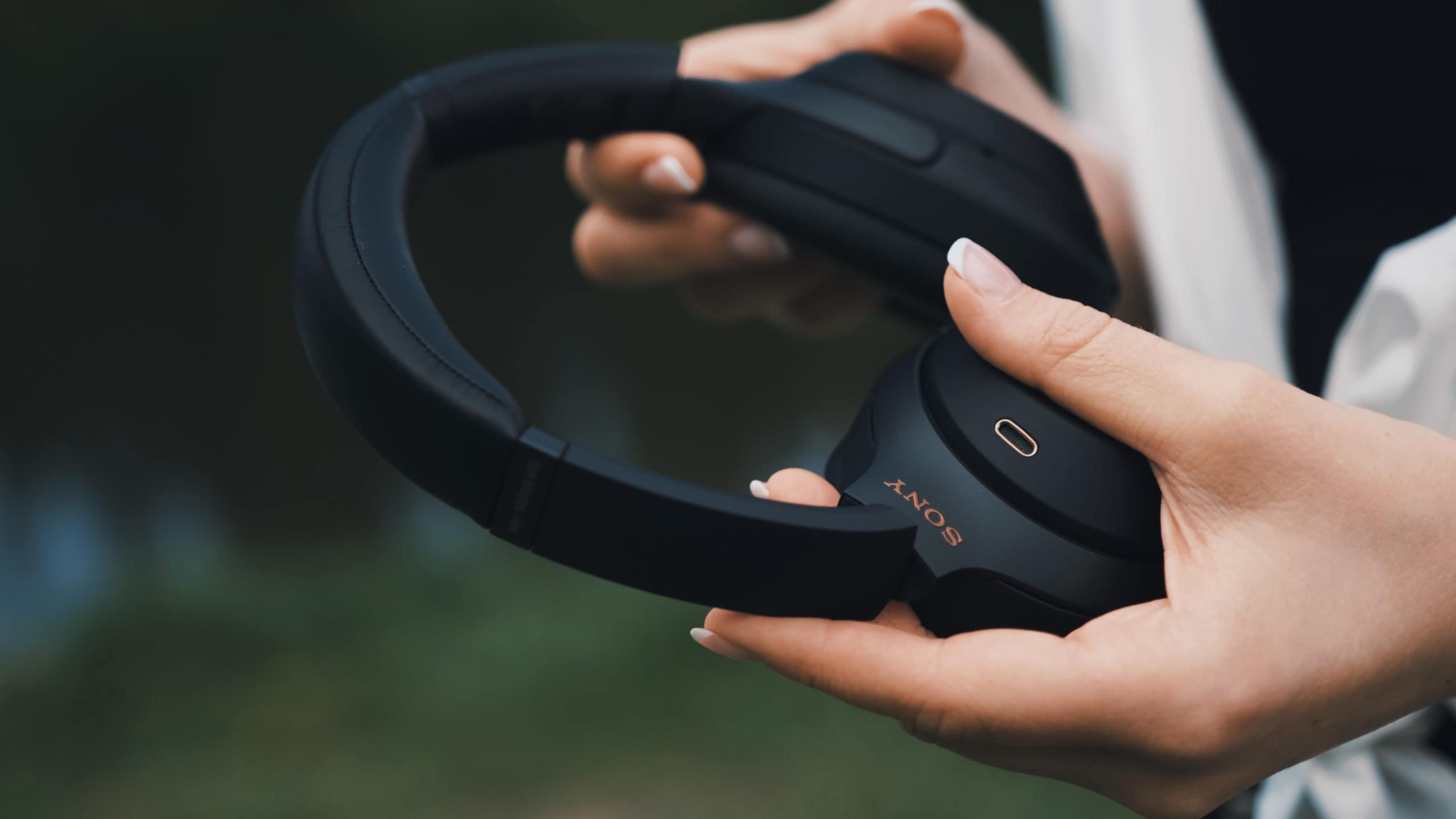
How To Pair Sony Headset

To pair a Sony headset, you first need to ensure the headset is charged, keep it within 1 meter of your source device, and have Bluetooth enabled on that device....

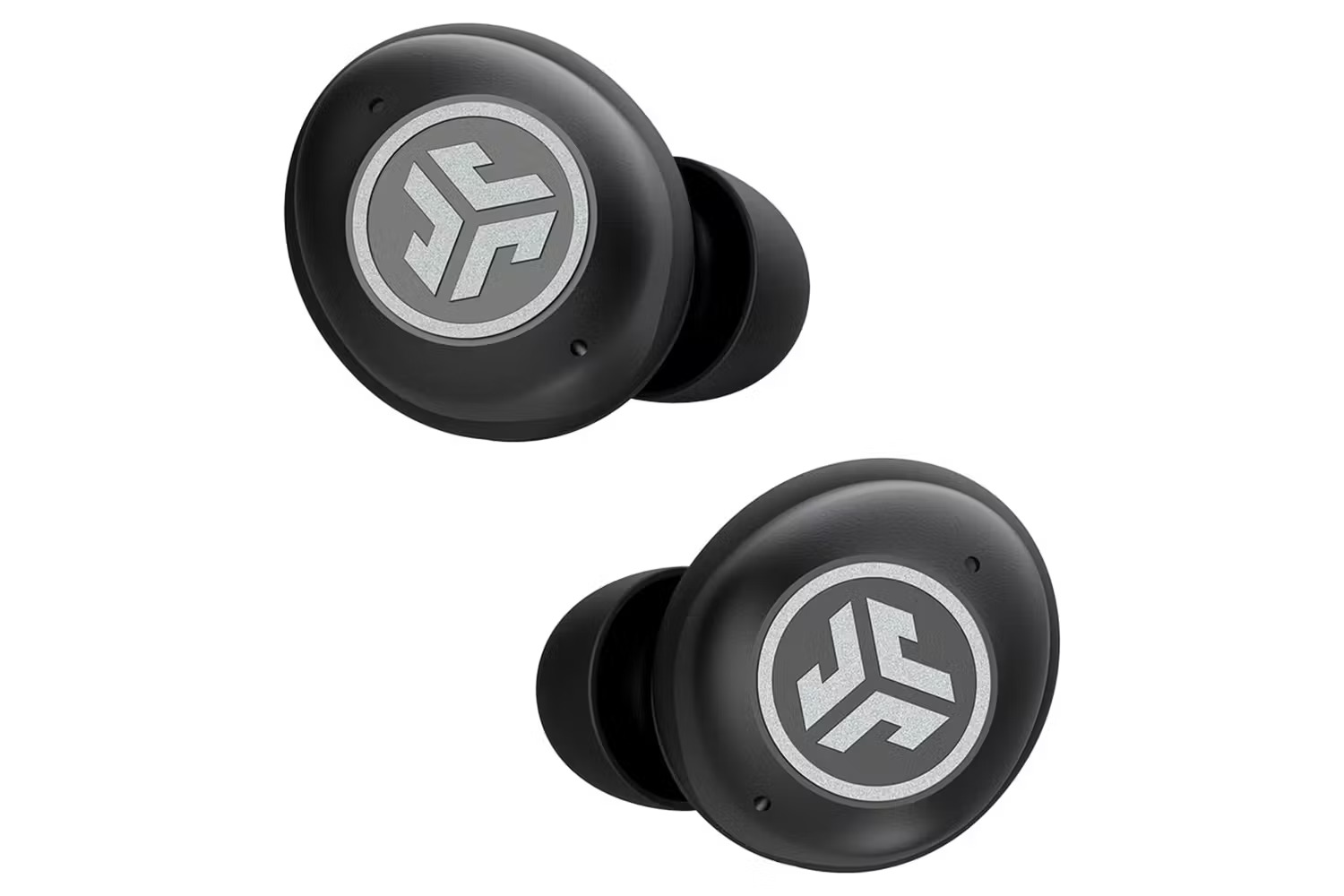
How To Connect My Jlab Earbuds To My Phone

To connect JLab earbuds to your phone, you pair them directly through your phone’s Bluetooth settings, no app is required. The exact menu path differs slightly between Android and iPhone,...

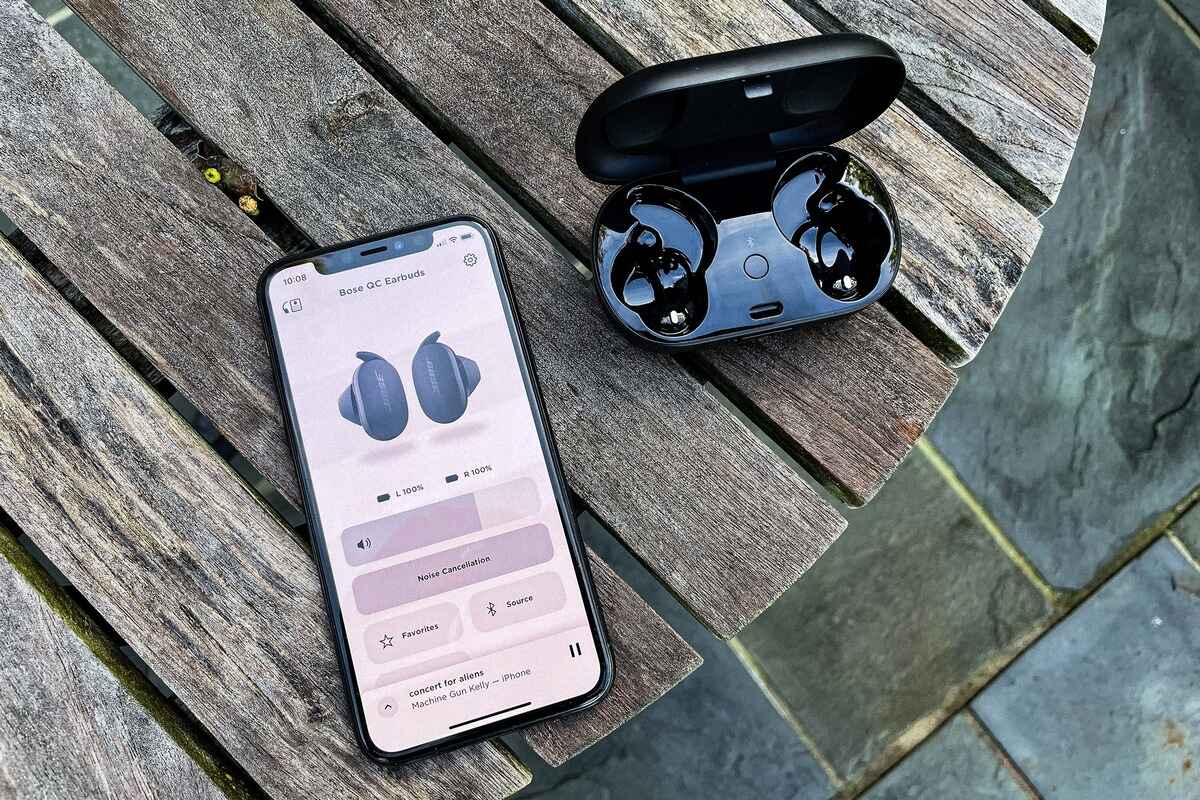
How To Connect Bose Earbuds To IPhone

To connect Bose earbuds to iPhone, put your earbuds in pairing mode using the button on the charging case, then tap their name in your iPhone's Bluetooth settings. This is...

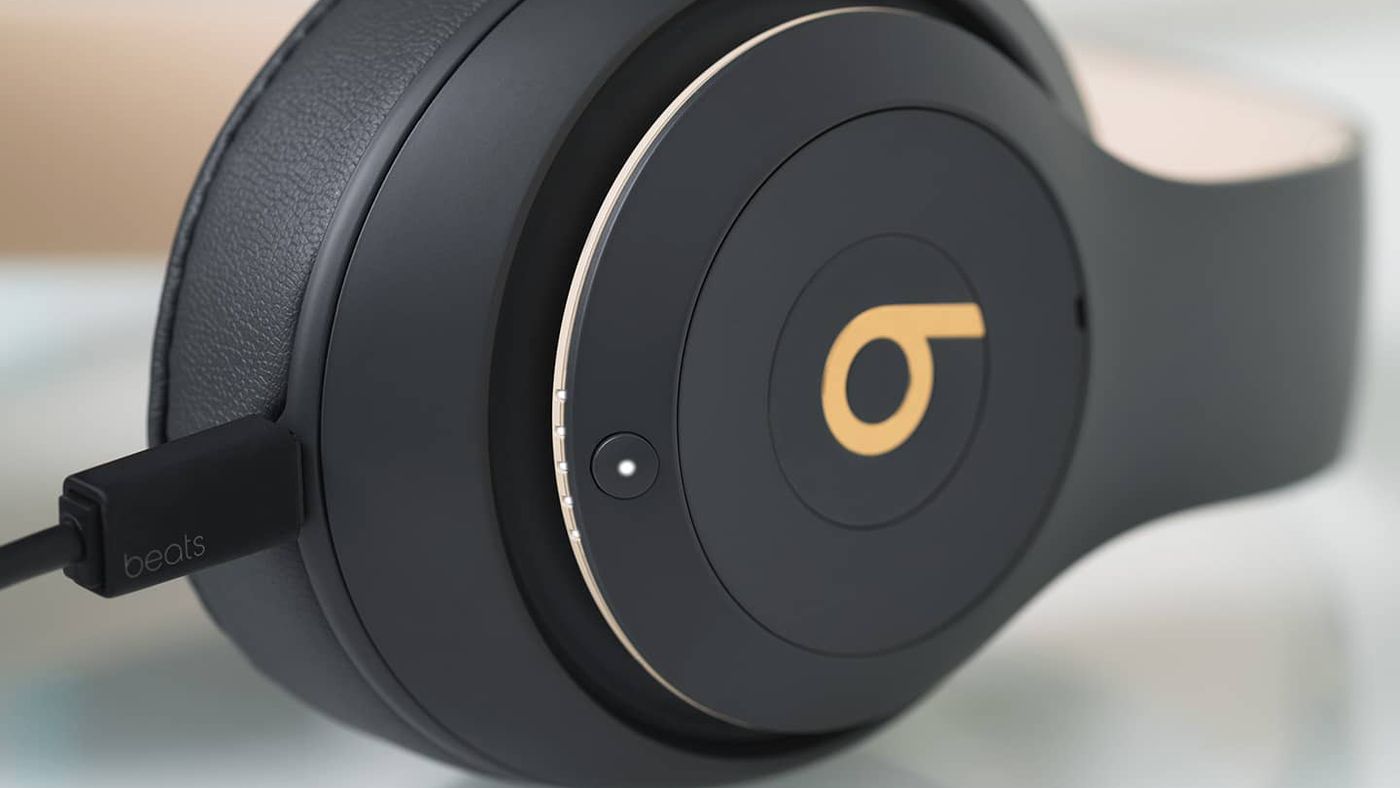
How To Charge Beats Wireless Headphones

To charge Beats wireless headphones, connect the appropriate charging cable directly to the headphone's port or, for earbuds, place them in their case and power the case. The correct method...

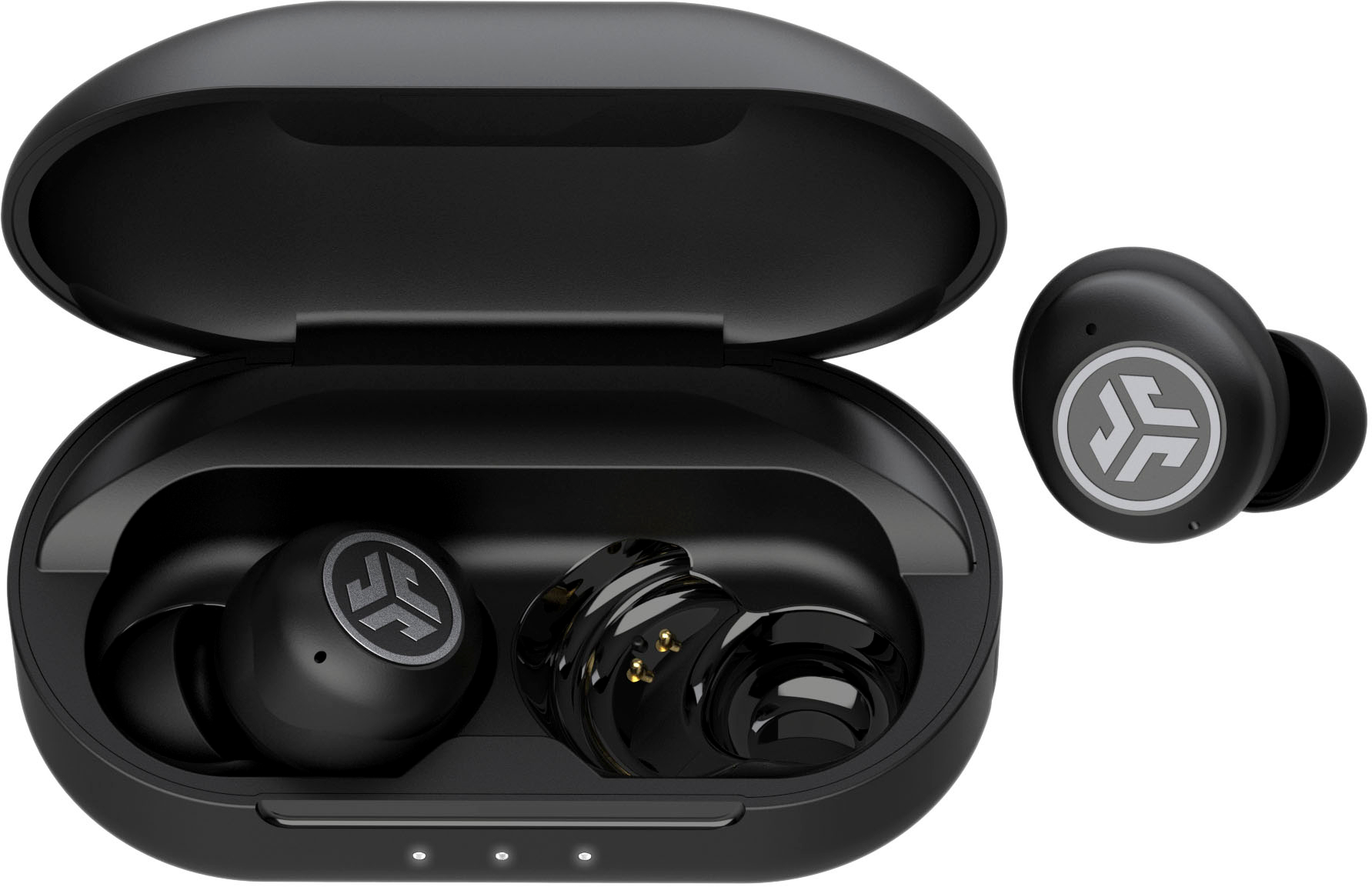
How To Resync Jlab Wireless Earbuds

To resync JLab wireless earbuds, first forget the earbuds in your device's Bluetooth settings, then tap each earbud 7 times while they are in the open charging case, remove the...

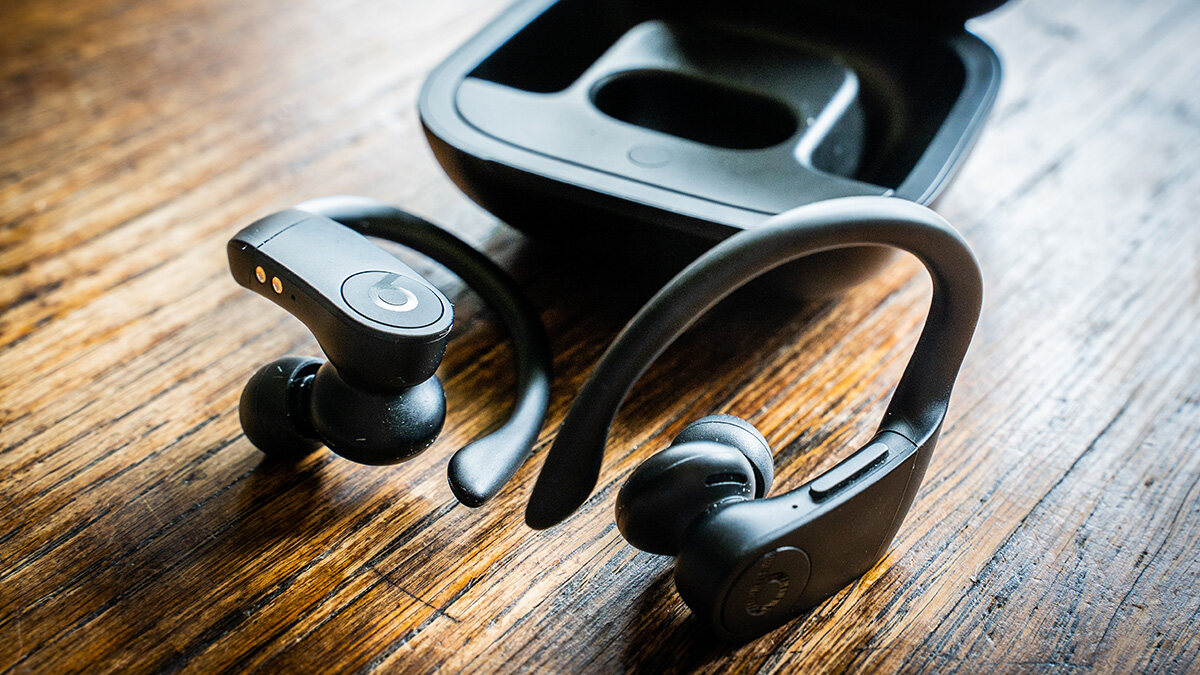
How To Reset Beats Pro Wireless

To reset Powerbeats Pro, place both earbuds in the charging case, leave the case open, and press and hold the system button on the case for 15 seconds until the...

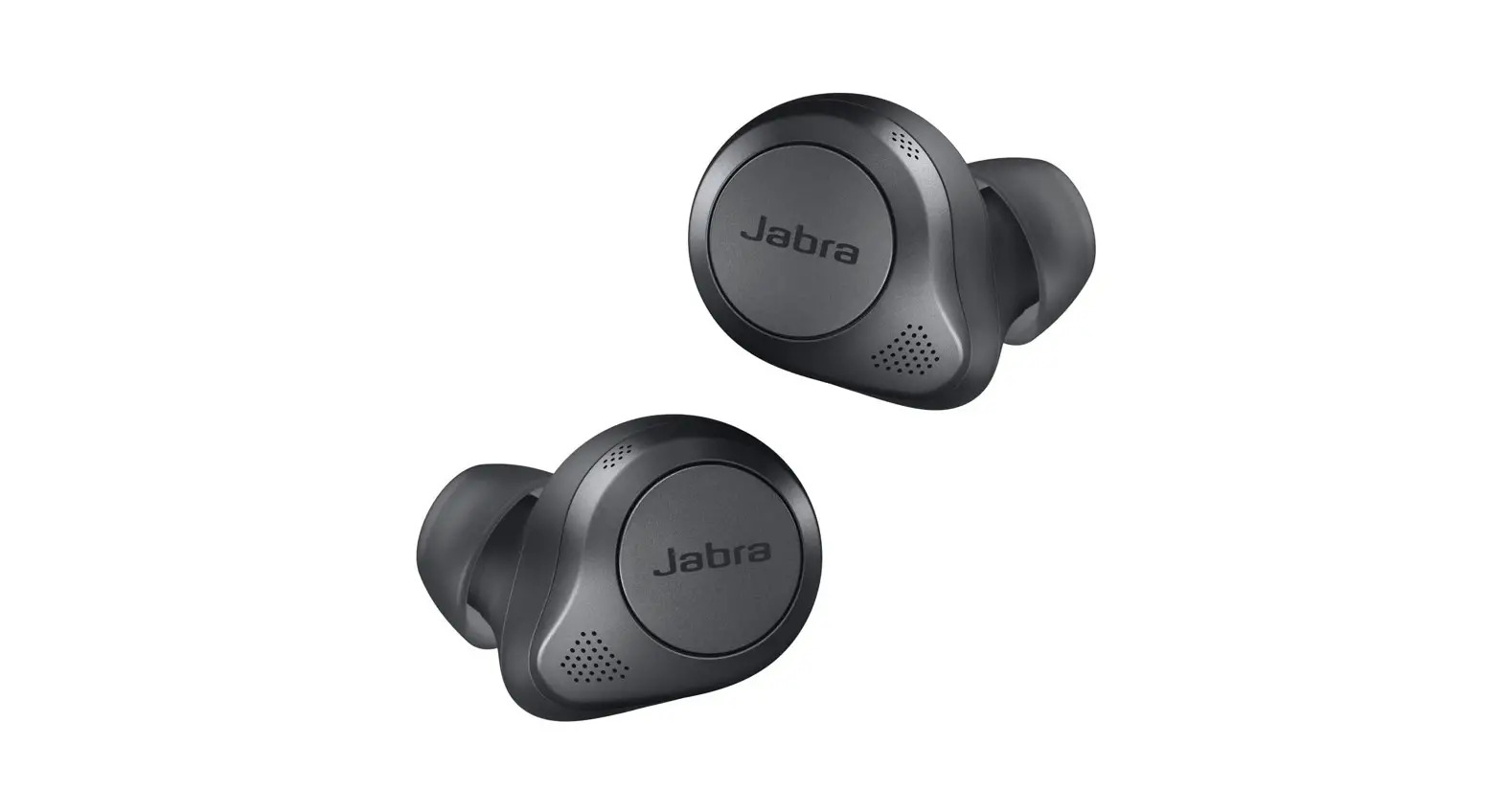
How To Connect Jabra Wireless Headphones

To connect Jabra wireless headphones, first ensure Bluetooth is enabled on your phone or computer, then put the headphones into pairing mode. The specific steps for pairing wireless earbuds differ...