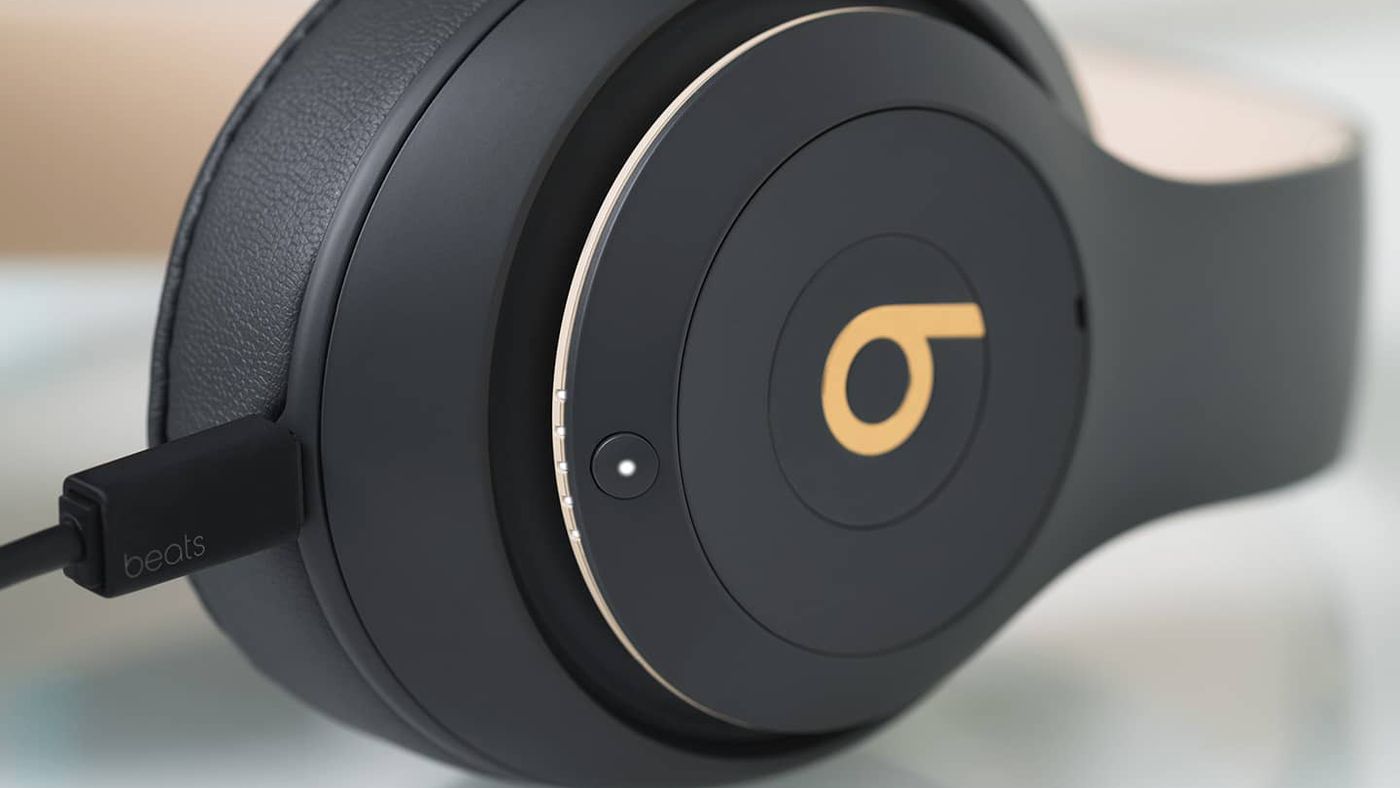
To charge Beats wireless headphones, connect the appropriate charging cable directly to the headphone's port or, for earbuds, place them in their case and power the case. The correct method depends on whether you own over-ear headphones or wireless earbuds, and identifying your cable type is the first step.
How to charge Beats wireless headphones: the two main methods
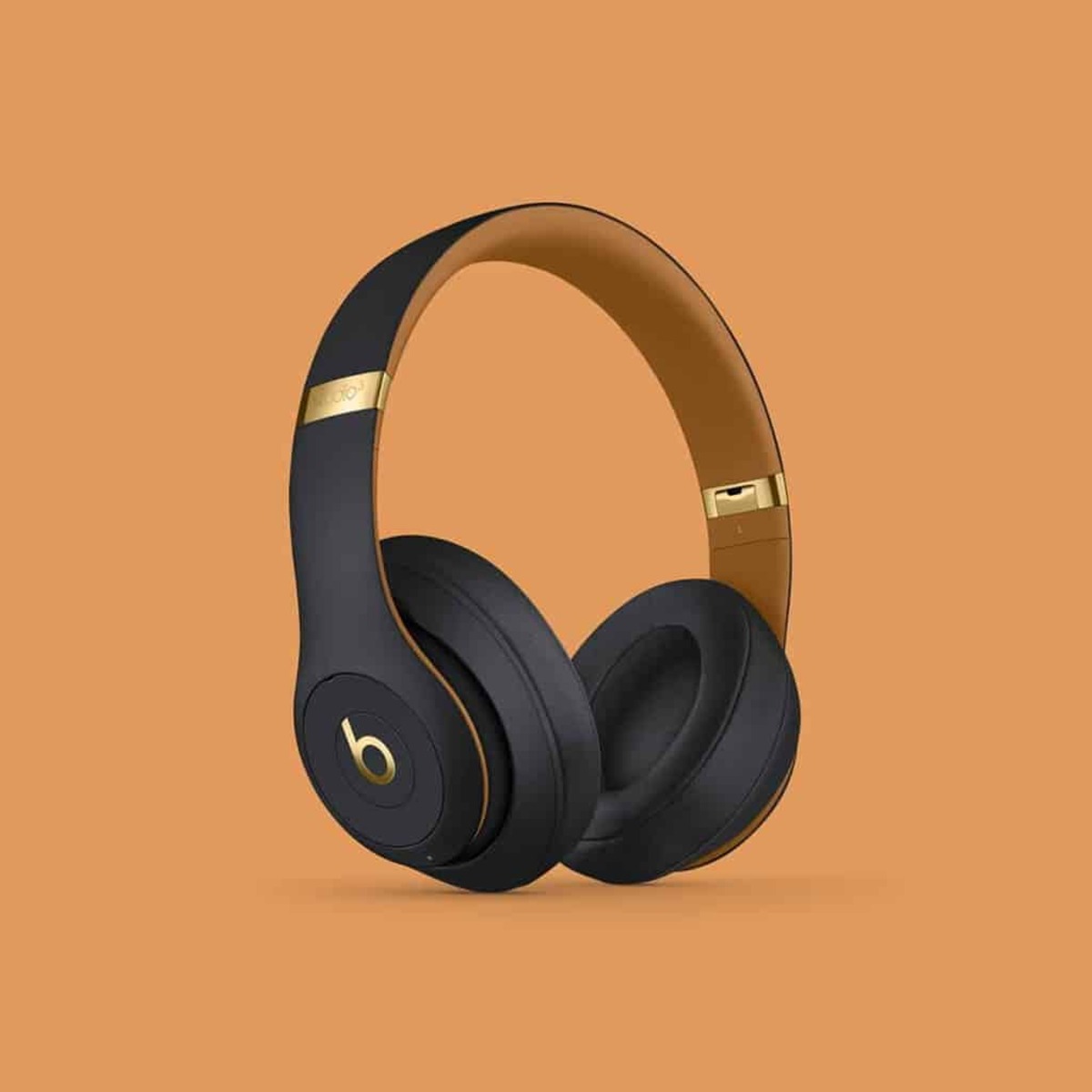
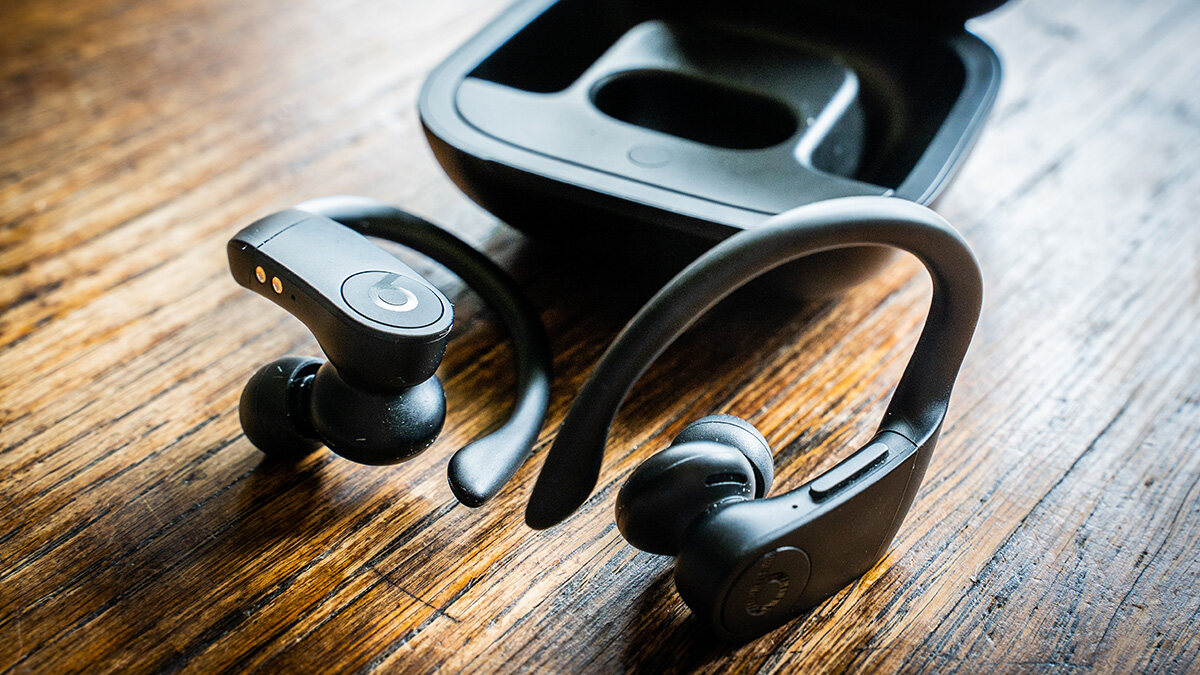
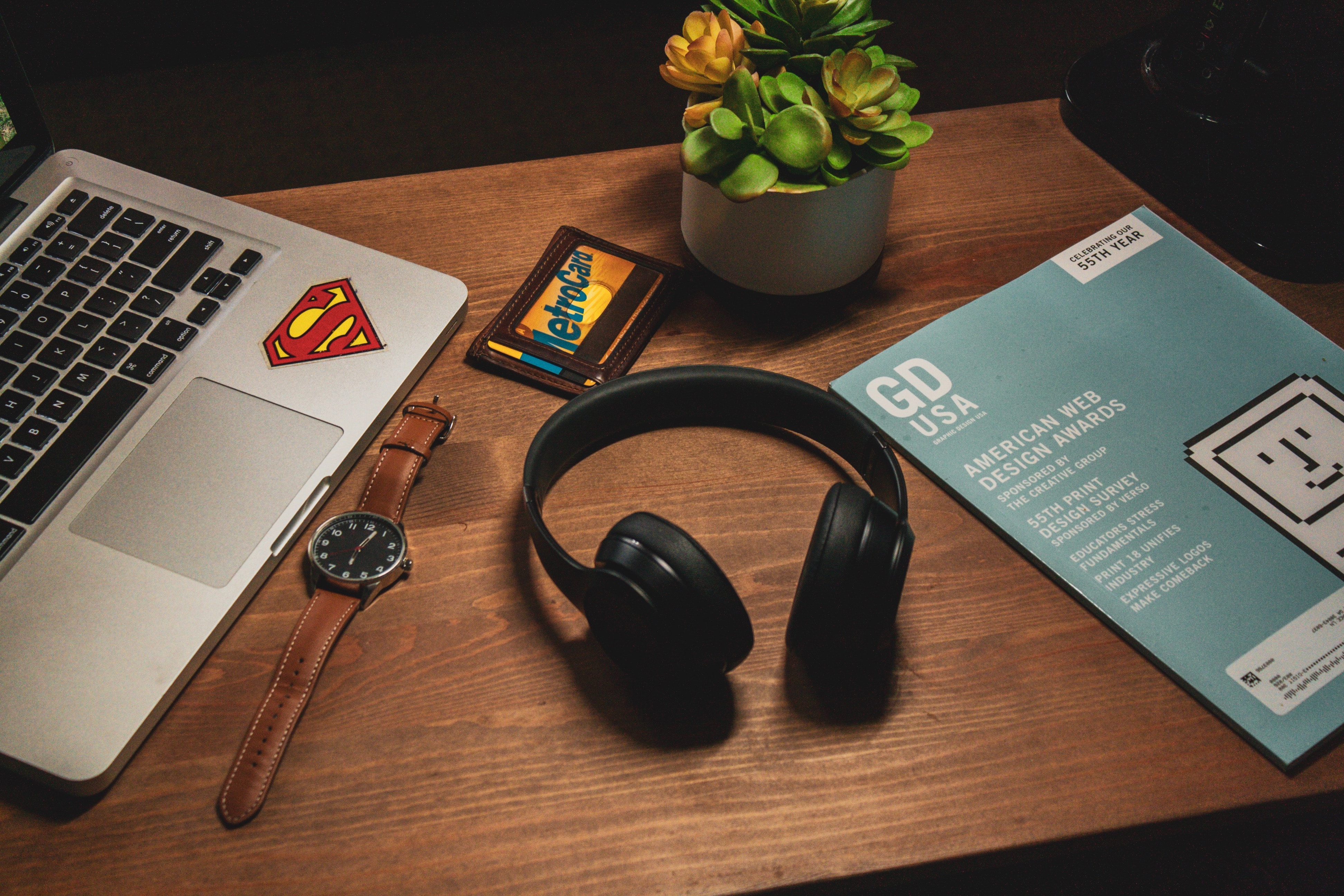
Charging wireless earbuds and headphones follows two distinct paths. For over-ear and on-ear models like Beats Solo 4 or Beats Studio Pro, you plug a cable directly into the headphone. For true wireless earbuds such as Beats Fit Pro or Powerbeats Pro, you charge the case that holds the earbuds, which then charges the buds themselves.
Identify your cable type: USB-C vs. Micro-USB
Most modern Beats wireless headphones and earbuds charge using a USB-C cable. Older models, such as the Beats Solo 3 Wireless, typically charge with a Micro-USB cable. Check the charging port on your device; if it is small and oval-shaped, it is USB-C. If it is wider and trapezoid-shaped, it is Micro-USB. A USB-C power adapter is often sold separately and is not included with the headphones.
How to properly connect and charge your Beats headphones
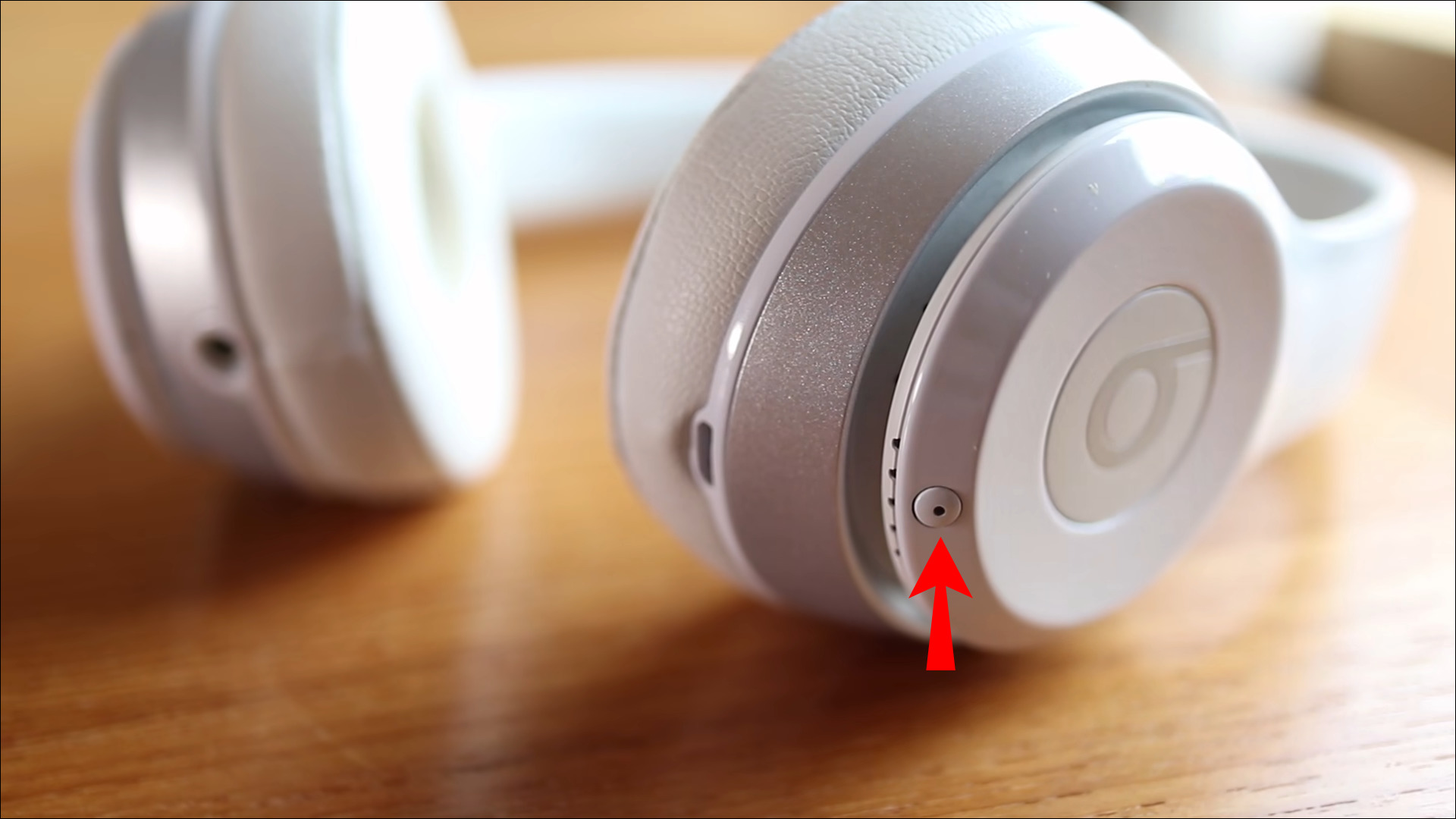
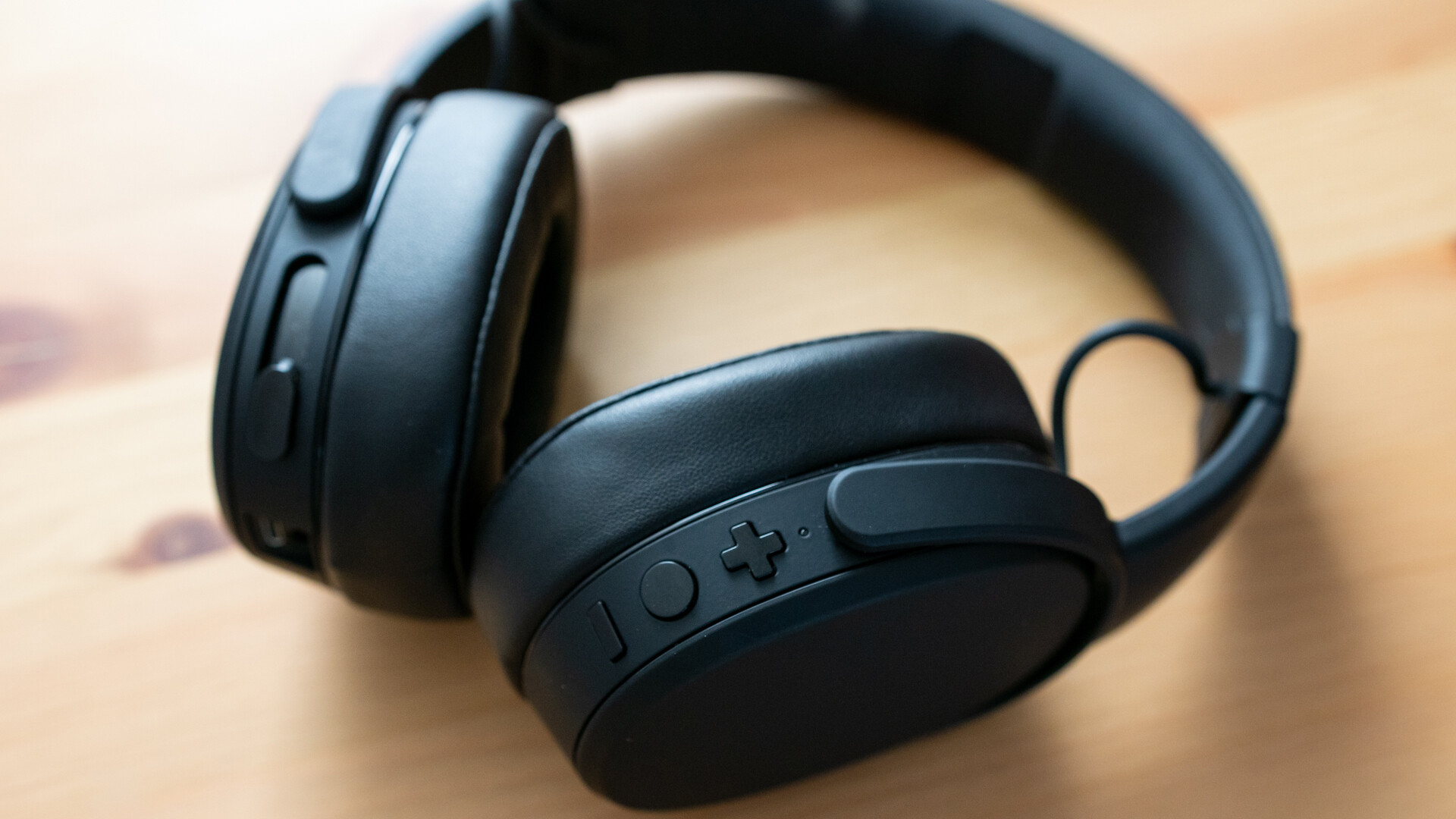
- Locate the charging port on your Beats headphones. It is usually on the bottom or side of the ear cup.
- Ensure both the charging cable connector and the port are clean and free from debris.
- Hold the cable firmly and align the connector with the port. Insert it straight in without angling or twisting.
- Push gently until you feel a secure click or snap. Give a slight tug to confirm the connection is firm.
- Plug the other end of the cable into a compatible USB-C power adapter connected to a power outlet.
- Avoid frequent interruptions during charging; constantly disconnecting and reconnecting the cable can disrupt the process and result in an incomplete charge.
How to charge Beats earbuds using the charging case
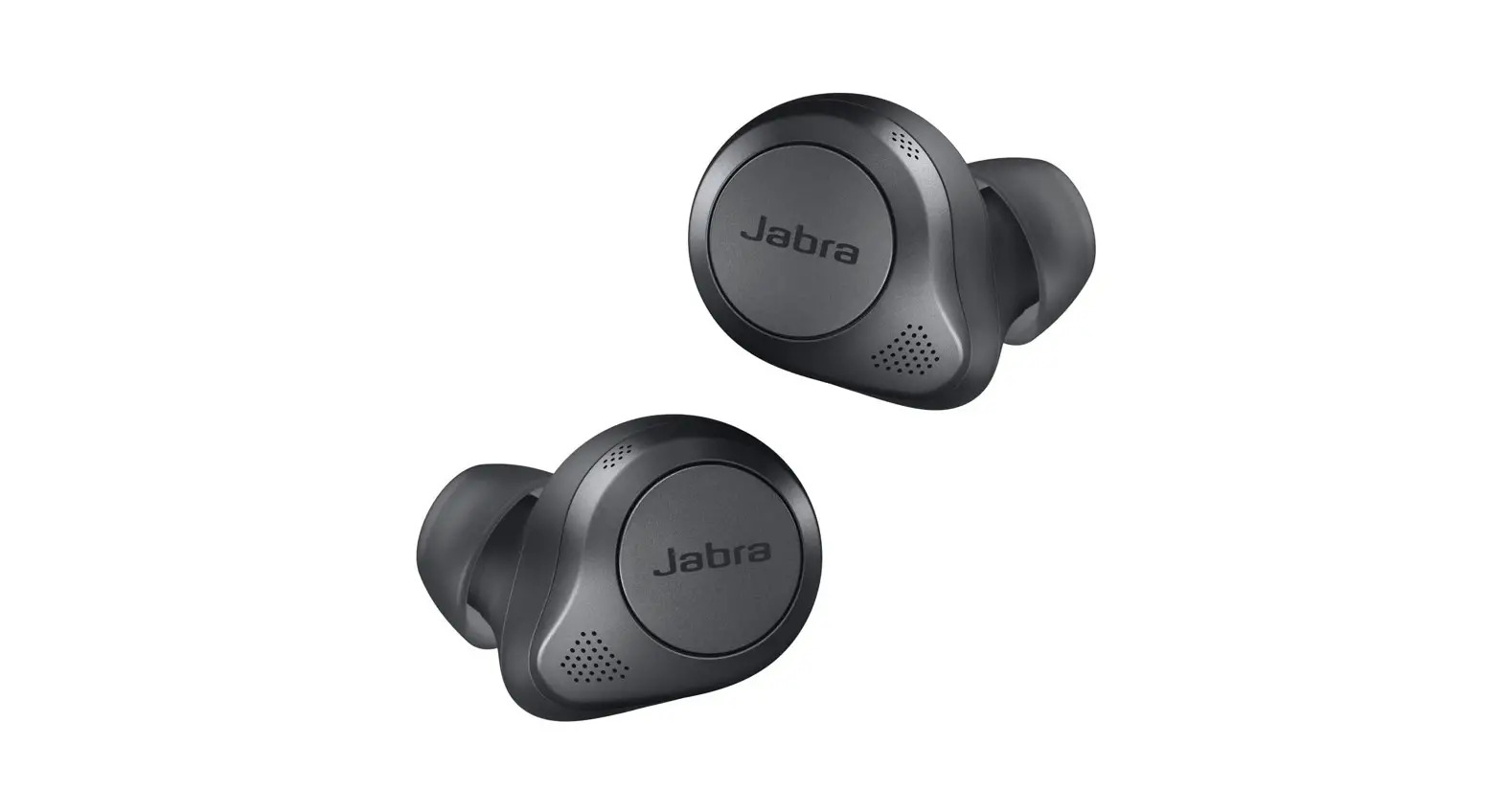
For Beats earbuds like Beats Fit Pro, Powerbeats Pro, Beats Studio Buds, or Beats Flex, place both earbuds into their charging case. You can often charge the case without the earbuds inside. Connect the case to a power outlet using the appropriate charging cable (USB-C for most recent models) and a compatible power adapter. Some models, including Powerbeats Pro, Beats Studio Buds, and Beats Fit Pro, also support Qi wireless charging for their cases.
Understanding the charging indicator lights by model
Different Beats models use distinct LED signals to show charging status:
- Beats Solo 4: The light on the right ear cup pulses red while charging and turns white when at least 95% charged. Use the Beats app to check battery level and charging progress with a precise percentage and estimated time to full charge.
- Beats Studio Pro: The five fuel gauge lights on the right ear cup flash during charging, and all five remain lit when fully charged.
- Other models: Refer to your user manual for specific LED patterns, as indicators vary by generation.
Using Fast Fuel to get hours of playback in minutes
Many Beats models feature Fast Fuel charging, providing significant playback time from a short charge. For example, a 10-minute charge can give Beats Solo 4 up to 5 hours of playback and Beats Studio Pro up to 4 hours. A 5-minute Fast Fuel charge can provide up to 1 hour of playback for Beats Fit Pro, Powerbeats Fit, and Beats Solo Buds. A full charge for most Beats headphones typically takes 1-2 hours.
Frequently Asked Questions
Can I charge my Beats headphones with my phone charger?
Yes, if the charger uses a USB-C or Micro-USB port that matches your headphone's cable. Ensure the power adapter provides sufficient output; most phone chargers work, but charging speed may vary.
How do I know if my Beats earbuds are charging in the case?
When you place earbuds in the case, the case's LED indicator typically flashes or glows to show charging status. For models with wireless charging, the case may also show a light when placed on a Qi charger.
What should I do if my Beats won't charge?
First, clean the charging port and cable connector with a dry cloth. Try a different USB-C or Micro-USB cable and a different power source. If the issue persists, reset your Beats by following the manufacturer's reset instructions for your specific model.
Can I overcharge my Beats wireless headphones?
Modern Beats headphones have built-in circuitry to prevent overcharging. Once fully charged, they stop drawing power. However, for battery health, it is good practice to unplug them once the charging indicator shows a full charge. Set a timer for the estimated charging time to avoid leaving headphones plugged in for extended periods, which can degrade battery life over time.
Do Beats Studio Buds charge wirelessly?
Yes, Beats Studio Buds support Qi wireless charging for their case. Place the case on a Qi-compatible charging pad to charge without cables.
Where should I charge my Beats headphones?
Charge in a cool, dry place and avoid extreme temperatures or humidity, which can affect charging efficiency and overall performance.
Does using the original cable matter?
Using the original charging cable and adapter helps maintain warranty and support coverage for your Beats wireless headphones.
For the wider topic, see charging wireless earbuds and headphones.