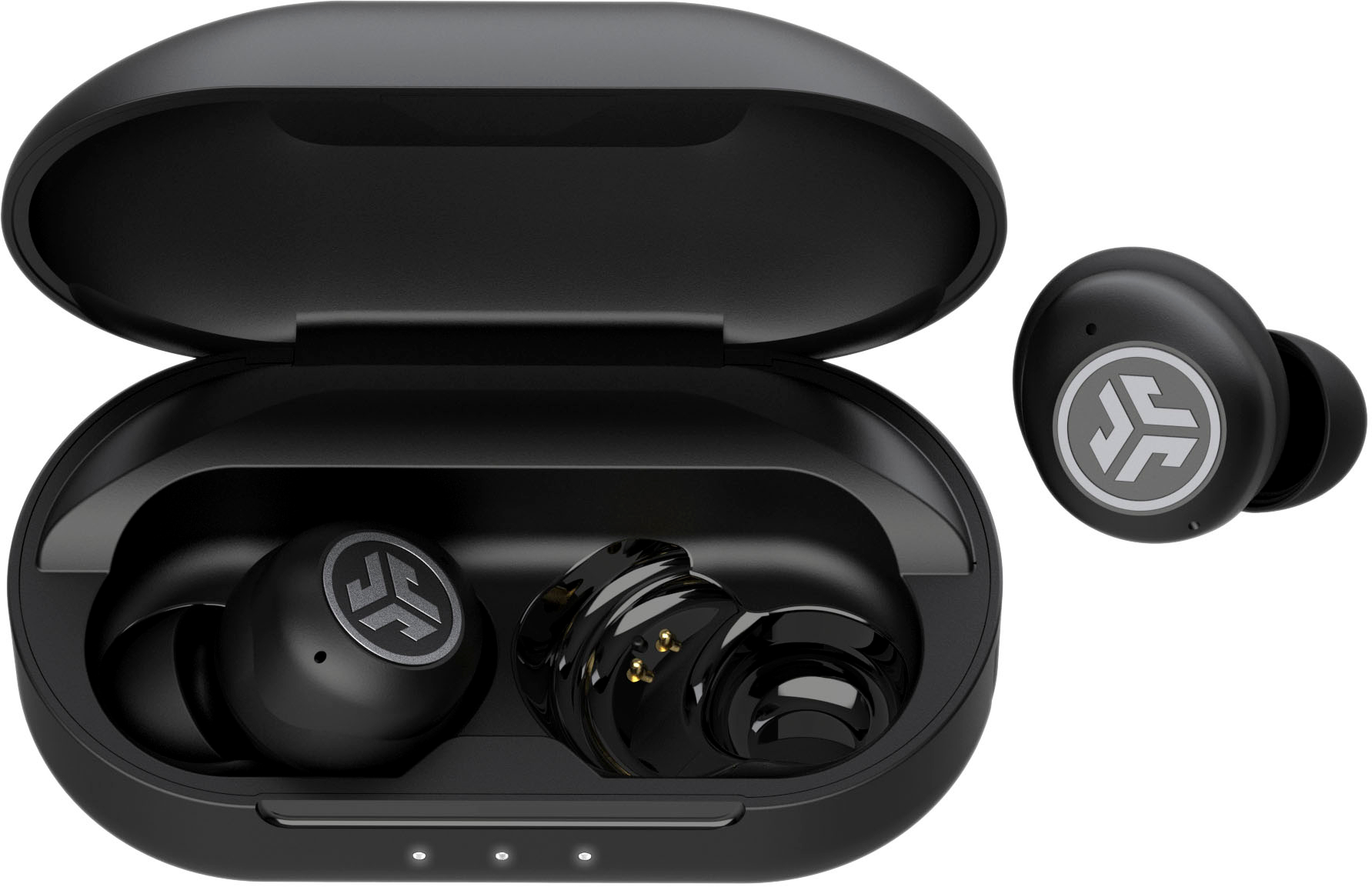
To connect JLab earbuds to your phone, you pair them directly through your phone’s Bluetooth settings, no app is required. The exact menu path differs slightly between Android and iPhone, but the core process of selecting your earbuds from the Bluetooth list is the same for both.
How to connect JLab earbuds to an Android phone
On an Android phone, the verified path to connect your JLab earbuds is through the Bluetooth settings menu. This method works for all JLab true wireless models and does not require the JLab app.
- Open your phone’s Settings.
- Tap Devices (on some Android versions this may be labeled Connected devices).
- Select Pair new device.
- Your phone will scan for nearby Bluetooth devices. When your JLab earbuds appear in the list, typically under their model name, tap the name to pair.
Once paired, the earbuds will reconnect automatically whenever Bluetooth is on and they are within range.
How to connect JLab earbuds to an iPhone
Connecting JLab earbuds to an iPhone follows the same principle: use the phone’s built-in Bluetooth menu. No app or additional setup is needed.
- Open your iPhone’s Settings.
- Tap Bluetooth.
- Under Other Devices, look for your JLab earbuds’ name.
- Tap the earbuds’ name to complete the pairing.
After the initial connection, the earbuds will appear under My Devices and will reconnect automatically when in range.
How to put JLab earbuds in pairing mode
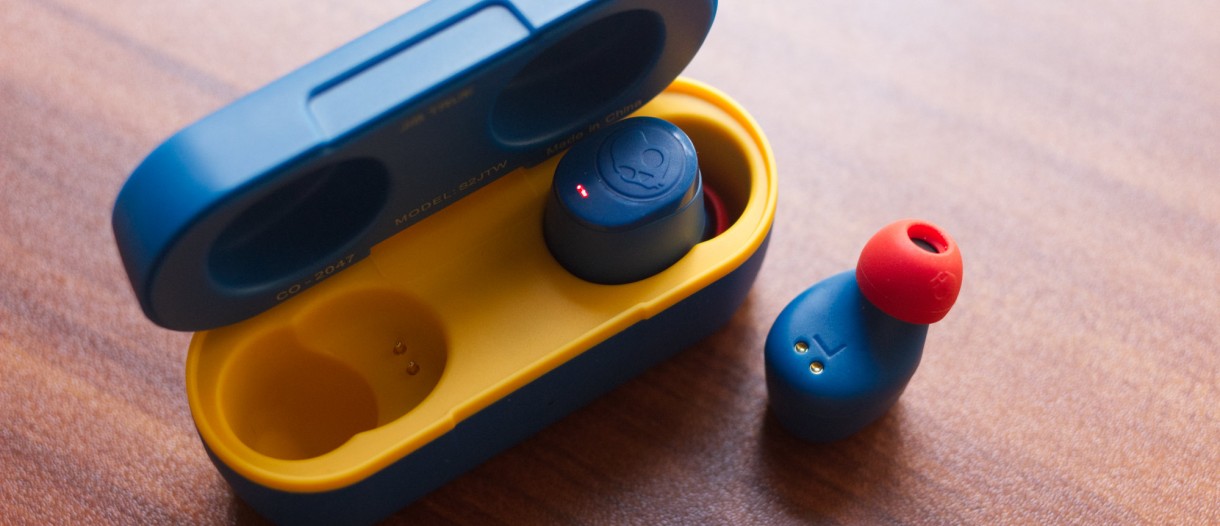
JLab earbuds enter pairing mode automatically when you first take them out of the charging case. If they do not connect, or if you are pairing wireless earbuds for the first time, a manual reset forces them back into pairing mode.
Initial pairing from the case
- Place both earbuds in the charging case.
- Open the lid.
- Remove the earbuds, they should enter pairing mode automatically.
- On your phone, open the Bluetooth menu and select the earbuds from the list.
Manual reset (7-tap process) when pairing fails
If the earbuds do not appear in your phone’s Bluetooth list, JLab recommends this reset method:
- In your phone’s Bluetooth settings, find your JLab earbuds and tap Forget (or Unpair) to remove them. For Epic Lab Edition specifically, forget 'JLab Epic Lab Edition' from Bluetooth device settings before the 7-tap reset.
- Keep the earbuds in the charging case.
- Tap the Right earbud 7 times.
- Then tap the Left earbud 7 times.
- Remove both earbuds from the case. One earbud will show a solid white light, and the other will blink blue/white. This indicates the earbuds are in pairing mode.
- On your phone, go back to Pair new device (Android) or Other Devices (iPhone) and select your earbuds.
Frequently Asked Questions
Do I need to use the JLab app to connect the earbuds?
No. The JLab app is optional and is only used for adjusting sound profiles or updating firmware on supported models. Pairing is done entirely through your phone’s Bluetooth settings.
Supported devices and documented limits
JLab App-compatible models list: GO Pop+, GO Tones+, GO Pop ANC, GO Sport+, GO Pods ANC, JLab Flex, JBuds Open Sport, JBuds Sport ANC 4, JBuds Mini, JBuds Air Sport Gen 3, JBuds Air ANC Gen 2, JBuds ANC 3, JBuds Air Pro, JBuds Air Pro ANC, JBuds Pods ANC, Work Buds, Epic Lab Edition, Epic Sport ANC 3, Epic Open Sport, Epic Air Sport ANC Gen 2, Epic Air ANC Gen 2.
What if my earbuds do not show up in the Bluetooth list?
First, forget the earbuds in your phone’s Bluetooth settings. Then perform the 7-tap reset on both earbuds while they are in the charging case. After resetting, remove them and check under Other Devices on iPhone or Pair new device on Android.
What does successful pairing look like?
This confirms the earbuds are in pairing mode and ready to connect.
Can I connect my JLab earbuds to multiple devices?
Yes, but only one device at a time. To switch to a different phone or tablet, disconnect the earbuds from the current device and pair them with the new one using the same Bluetooth settings process.
How do I disconnect my JLab earbuds from my phone?
Go to your phone’s Bluetooth settings, find the earbuds in your paired devices list, and tap Forget or Disconnect. The earbuds will then be available to pair with another device.
Related reading: How To Pair Redmi Earbuds.