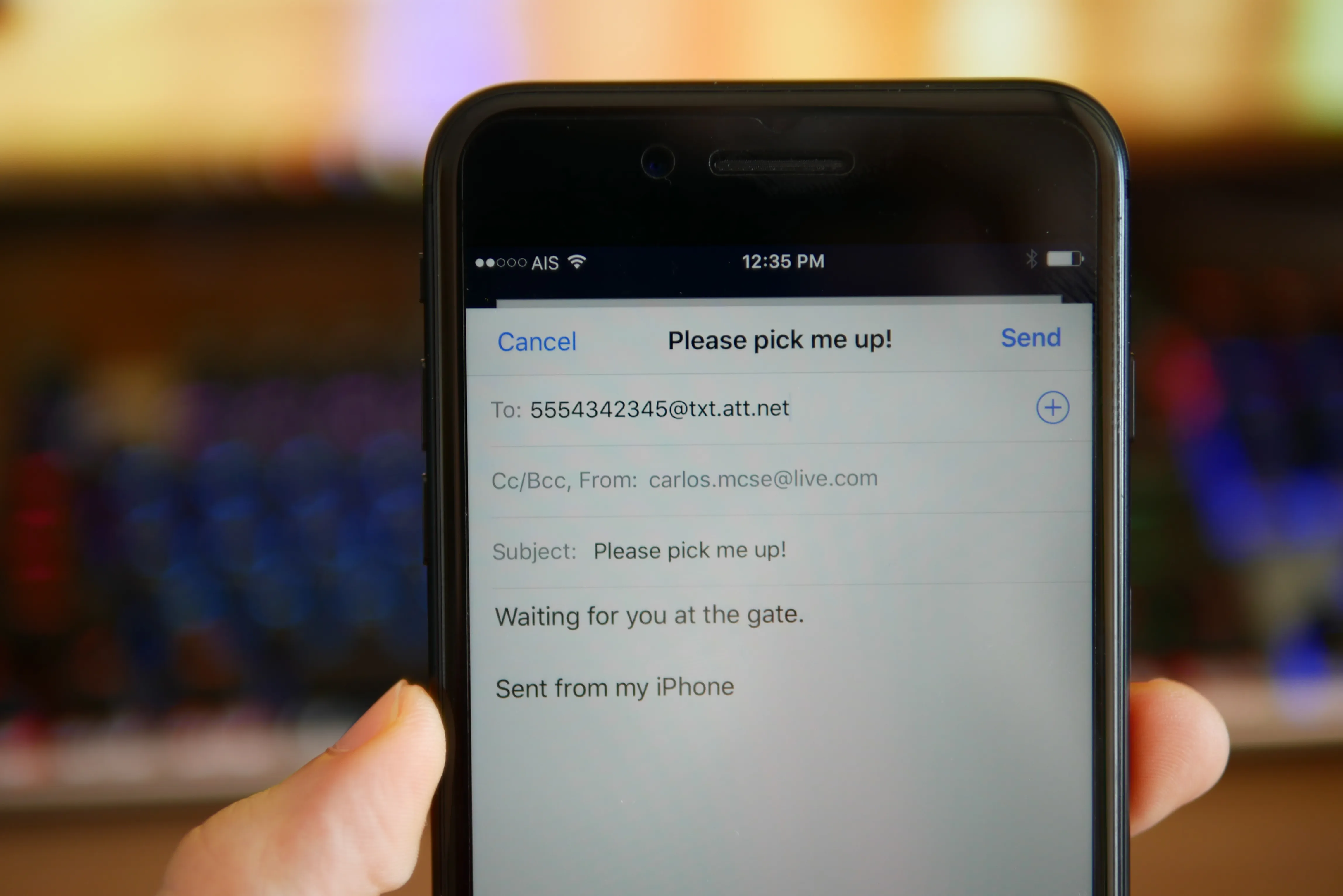
This tag collects articles for anyone who uses email on their phone, whether you’re managing a personal Gmail account, setting up a new email on a Samsung or iPhone, or trying to send a text message from your email to a carrier like AT&T, Verizon, or Consumer Cellular. The content here is for everyday phone users who need practical, step-by-step help with email tasks that often come up when you’re on the go.
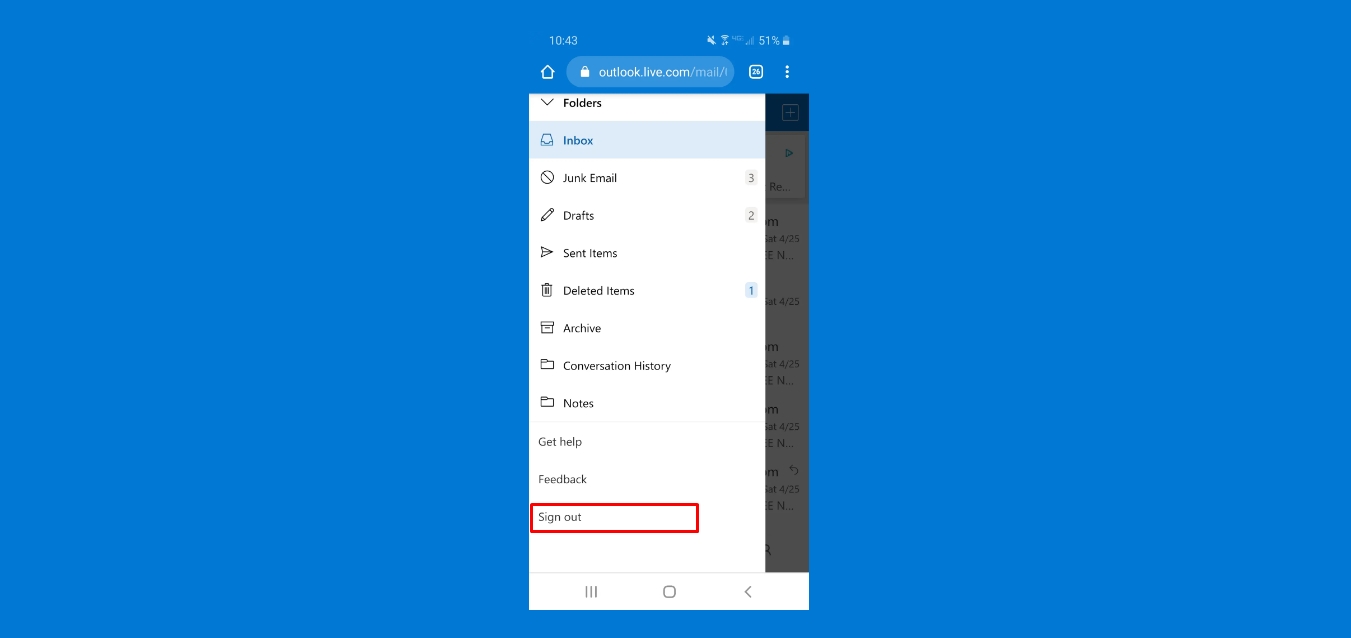
The articles solve three main kinds of problems. First, they cover email setup and account access, including how to change your email password on both Android and iOS, how to set up email on a Samsung phone, and how to transfer Gmail data to another Gmail account. Second, they address sending and receiving messages in creative ways, like using email to text a phone number, faxing from your cell phone, or emailing a picture to a Verizon phone. Third, many articles focus on email management and troubleshooting, such as blocking emails on Android or Samsung, deleting all email on an Android phone, retrieving archived Gmail messages, and signing out of or viewing passwords in the Outlook mobile app.
Specific topics you’ll find include sending high-priority email in Outlook Mobile, saving Verizon Wireless voicemails, and even using email to log into apps like Snapchat, TikTok, or PayPal without a phone number. Whether you’re a Mystic Messenger player trying to get more guests or someone just trying to clean up your inbox, these guides help you get the job done on your phone.