This tag collects articles focused on resetting, unlocking, and troubleshooting a wide range of devices, from smartphones and tablets to wireless earbuds and game consoles. It is intended for anyone who has forgotten a password, is dealing with a frozen screen, or needs to wipe a device clean for resale or troubleshooting. The content covers both software-based resets and hardware recovery methods for various brands.

The articles address several clear themes. One major group helps with bypassing lock screens and recovering access, including guides on how to FRP bypass lock on any Android phone, how to unlock a ZTE phone password, and how to unlock a Coolpad phone without the password. Another set focuses on standard factory resets and data wipes, such as how to reset a Motorola phone that is locked, how to wipe an LG phone, and how to factory reset a T-Mobile hotspot. A third theme covers resets for accessories and peripherals, with instructions on how to reset Skullcandy wireless earbuds, how to reset a Pioneer Mixtrax touchscreen, and how to restart a docking station.

These articles help the reader regain control of a locked device, clear personal data before selling or recycling hardware, and fix common issues like unresponsive screens or forgotten PINs. Whether the problem is a Samsung phone that needs a hard reset or a Wii U gamepad that won't sync, the listed guides provide step-by-step solutions for restoring functionality.
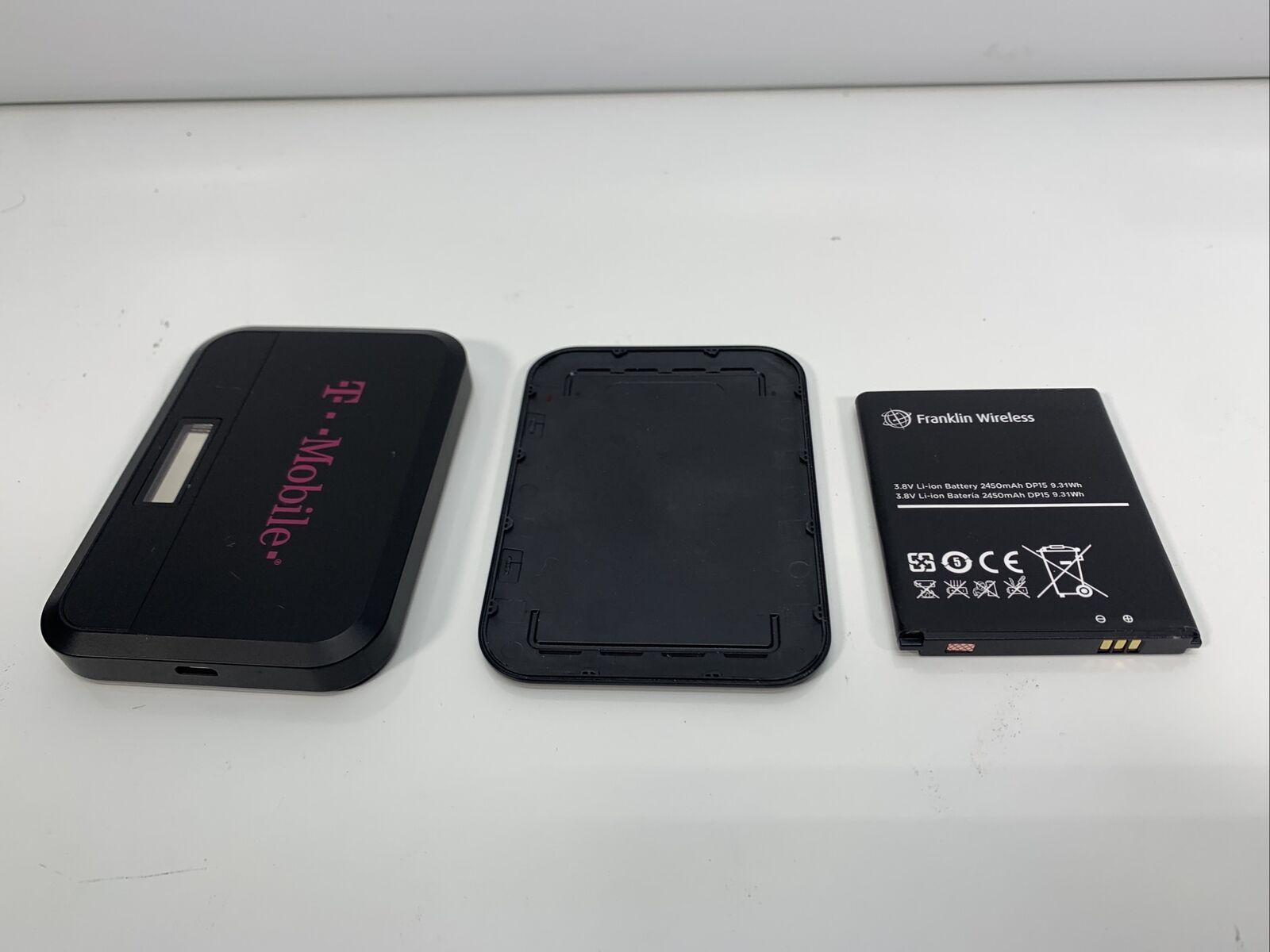
How To Reset A T-Mobile Hotspot

To reset a T-Mobile hotspot, you can choose between a soft reset that clears temporary issues without erasing your data or a factory reset that restores the device to its...

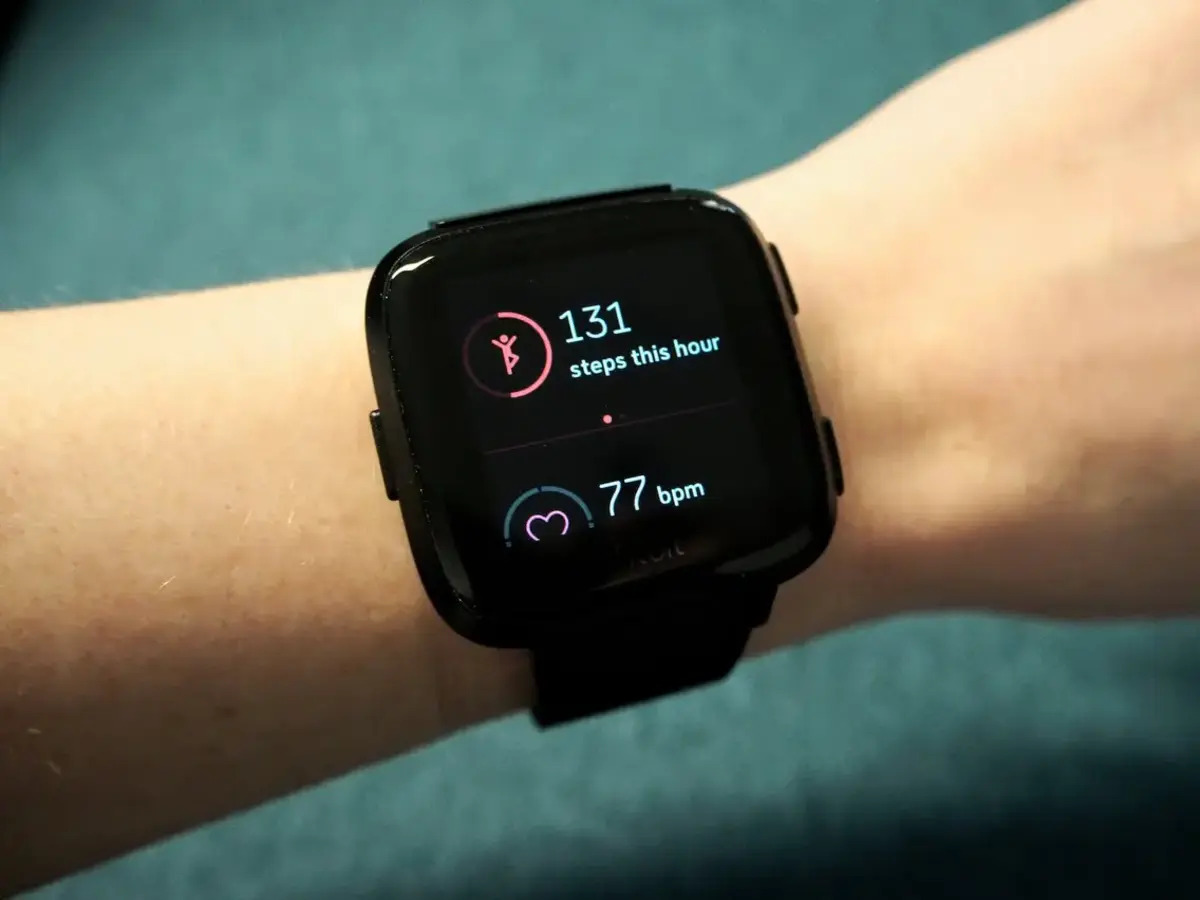
How To Reset Fitbit Versa

To reset Fitbit Versa, open the Settings app on the watch, tap About, then tap Factory Reset. This is the primary method to erase all data and restore factory settings,...

How To Reset A Cricket Android Phone

To reset a Cricket Android phone, you must first decide which type of reset solves your problem, as each option affects your data differently. A factory reset erases everything and...

How To Reset A Cricket Phone

To reset a Cricket phone, you will erase the device and return it to factory settings, which fixes persistent problems or prepares it for sale. The correct method depends on...

How To Reset A Oneplus Phone

To reset a OnePlus phone, open Settings, tap System, then Reset options, and select Erase all data (factory reset) if your model and software version show that option. This is...

How To Reset Assurance Wireless Phone

To reset an Assurance Wireless phone, the safest first step is to contact Assurance Wireless customer support, as the official reset procedure varies by device model. Reasons to reset your...

How To Reset AT&T Phone

To reset an AT&T phone, you choose between a soft reset (restart) for minor glitches or a factory reset to erase everything and restore the device to its original state;...

How To Return Samsung Phone

To return a Samsung phone purchased from Samsung.com within the U.S., you must initiate the process within 15 days of delivery and contact Samsung Order Support to receive a return...