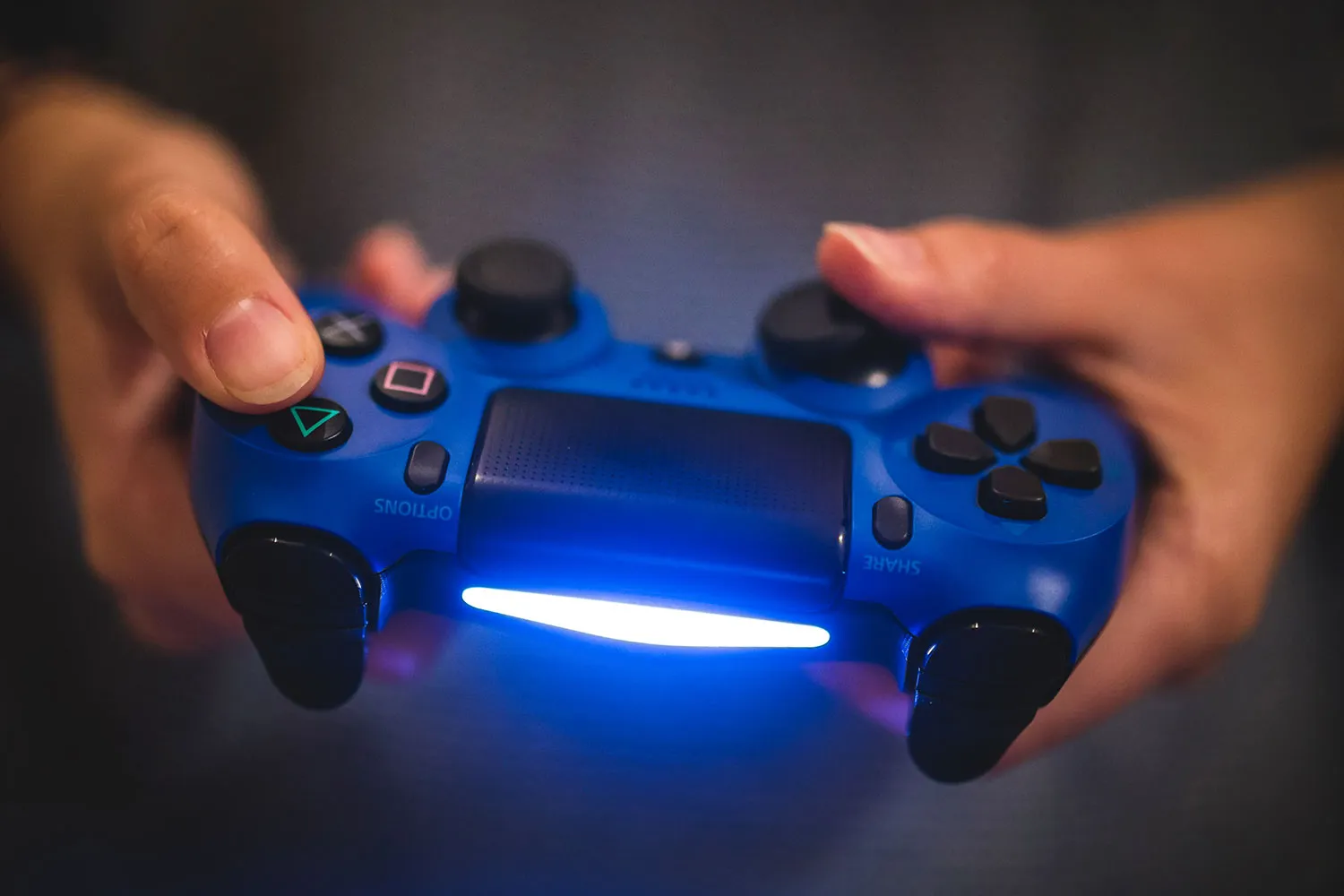
The File Transfer tag on CellularNews collects practical guides for anyone who needs to move data between phones, computers, game consoles, and other devices. Whether you are a casual user trying to save TikTok drafts before switching phones or a gamer looking to get PS4 clips onto your handset, these articles are written for real people facing everyday connectivity snags.

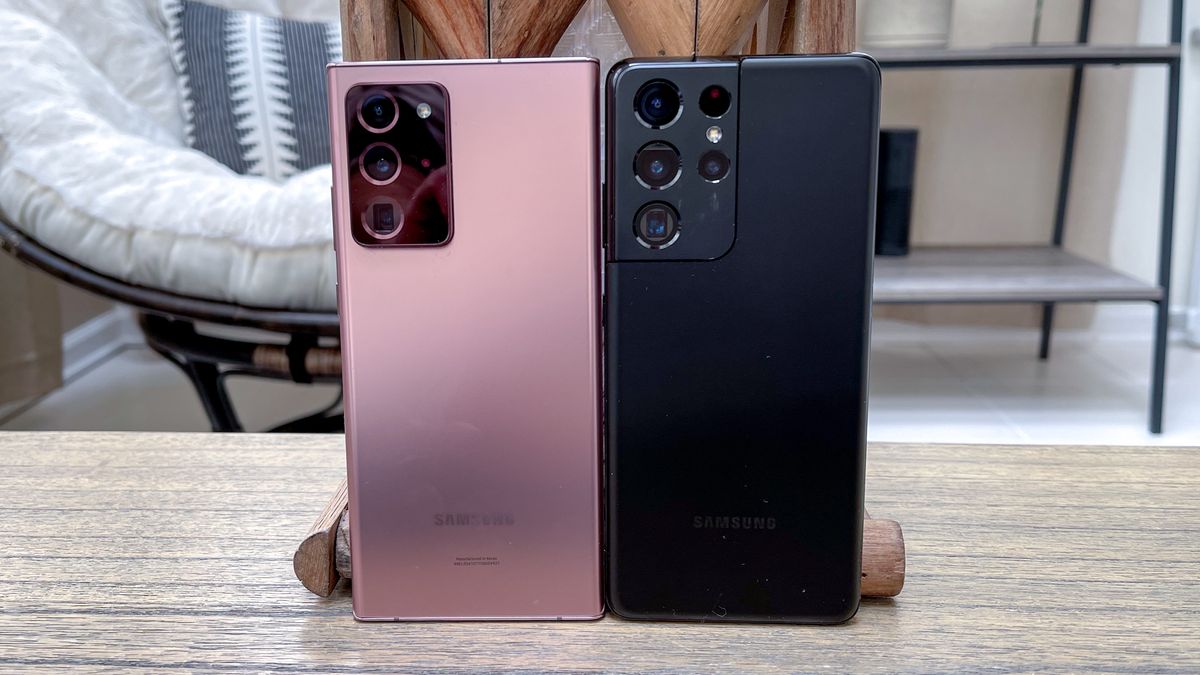
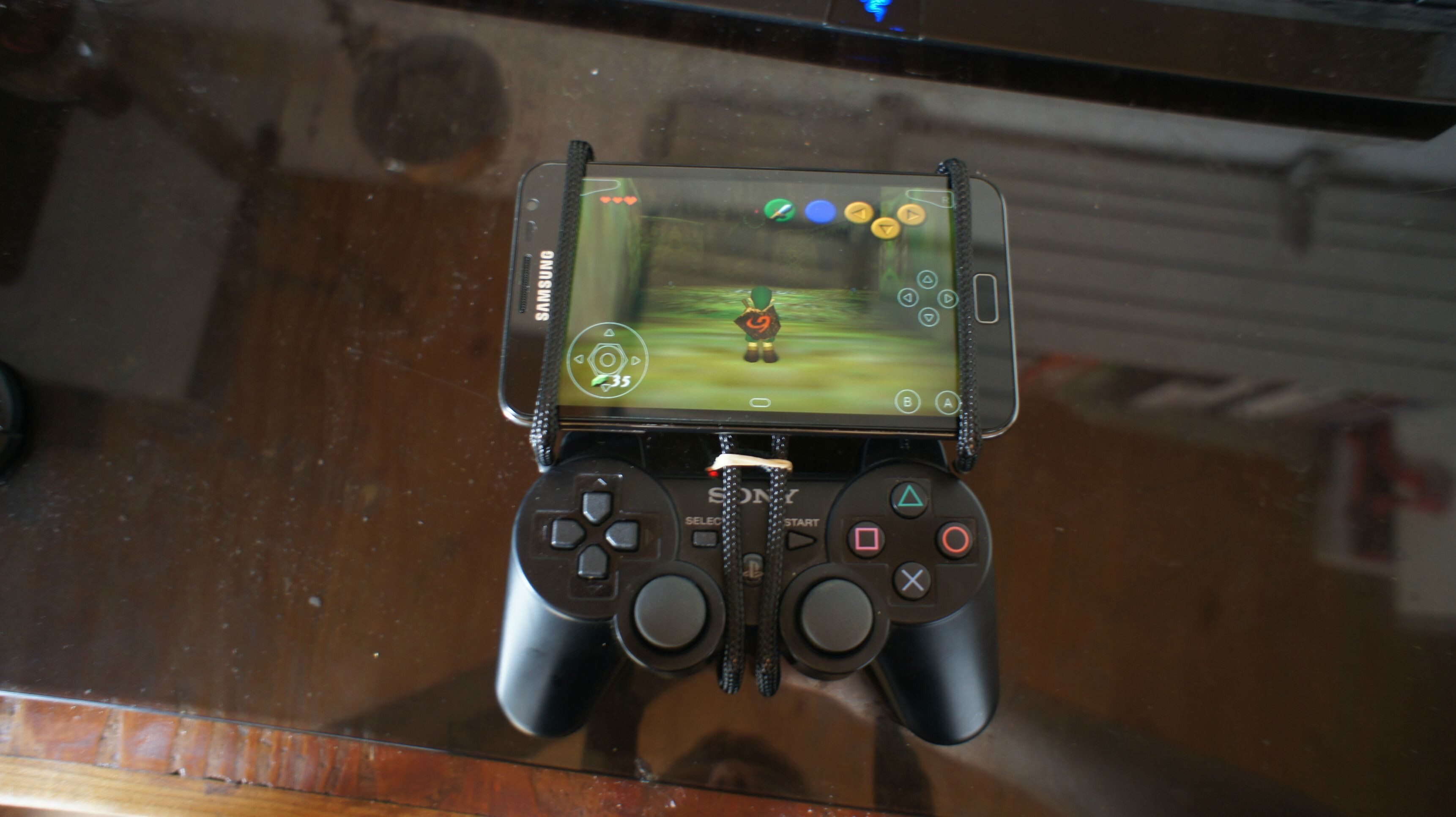
The articles here solve two main kinds of problems. First, they tackle direct device-to-device transfers, such as how to transfer data from Samsung to Samsung via Bluetooth, how to link a Samsung tablet to a phone, or how to connect an Android phone to a PS3. Second, they address connection failures and configuration hurdles, for instance, the best fixes when a USB is not recognized and won’t show up, how to configure a phone to a Mac, or how to connect a ZTE phone to a PC. A few articles also cover app-based sharing, like how to use TeamViewer on your smartphone or how to send audio files on Discord Mobile.

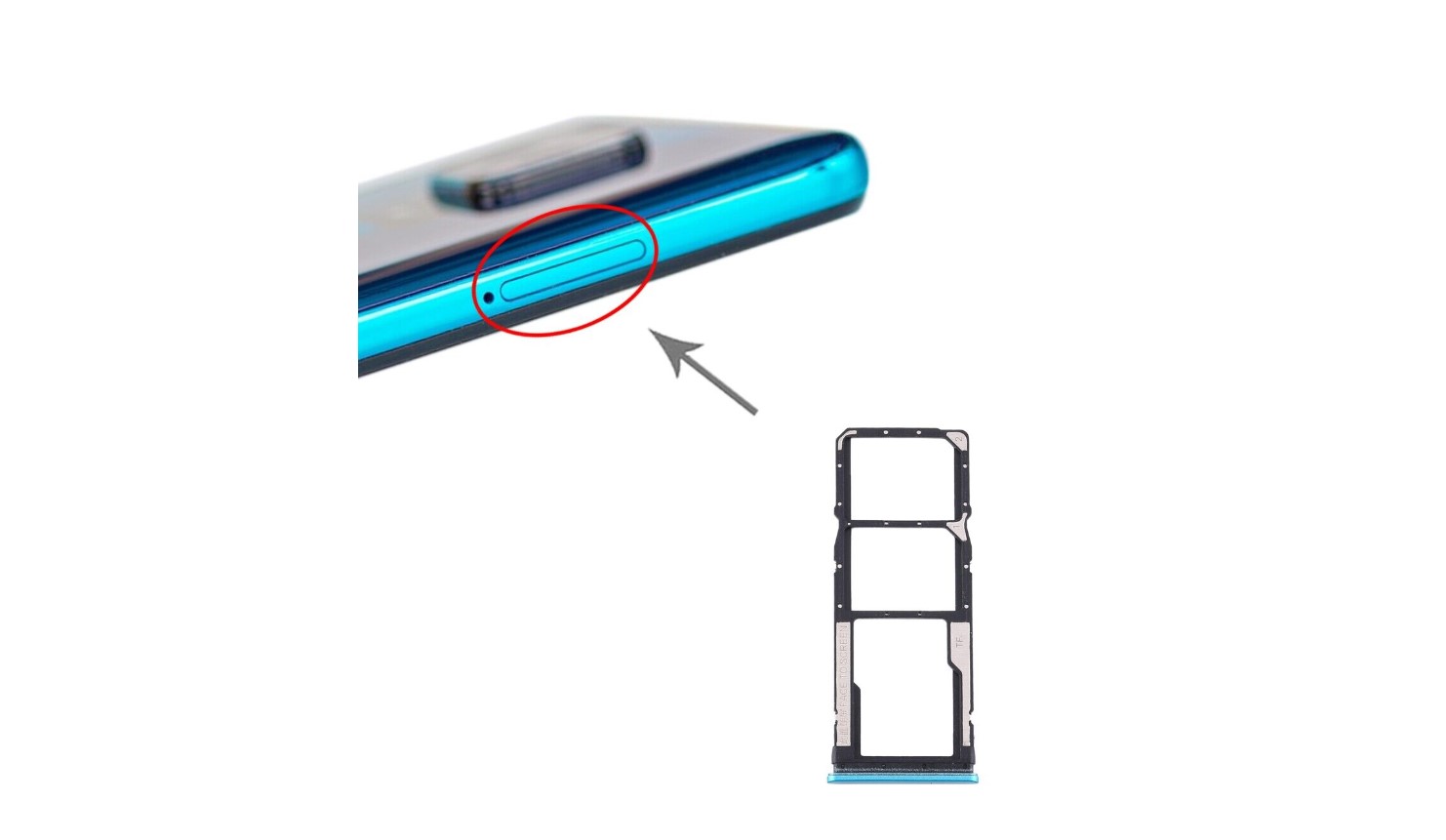
In short, these guides help readers do specific things: copy multiple photos and videos, access an SD card in a Redmi Note 9, get Nvidia clips on a phone, or even explore Kindle Paperwhite tips and tricks. Every article focuses on a clear, actionable task without unnecessary fluff.
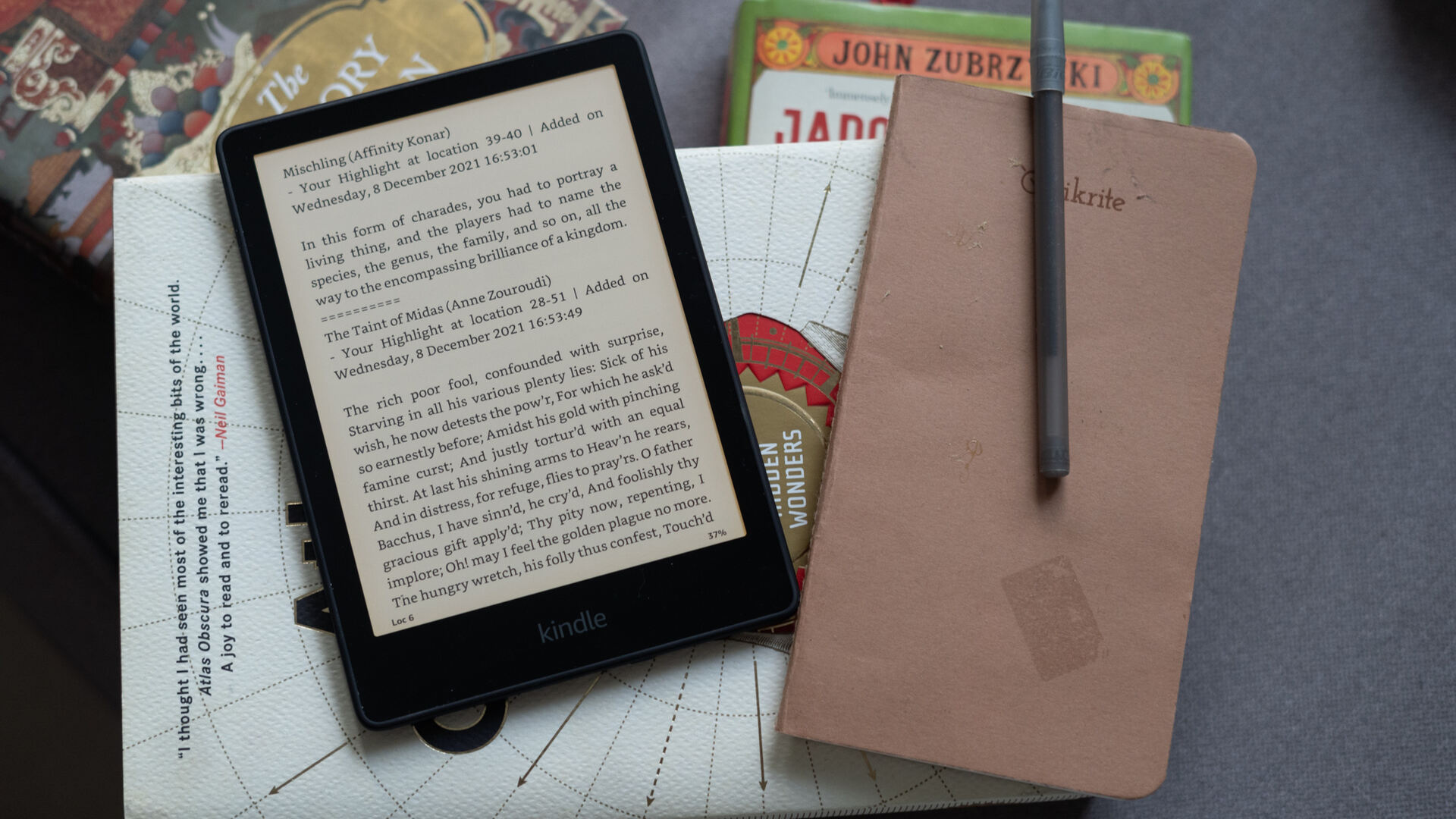
Kindle Paperwhite Tips And Tricks

Essential Kindle Paperwhite tips and tricks for every reader One of the most surprising kindle paperwhite tips and tricks is that your device hides a fully functional web browser, accessible...

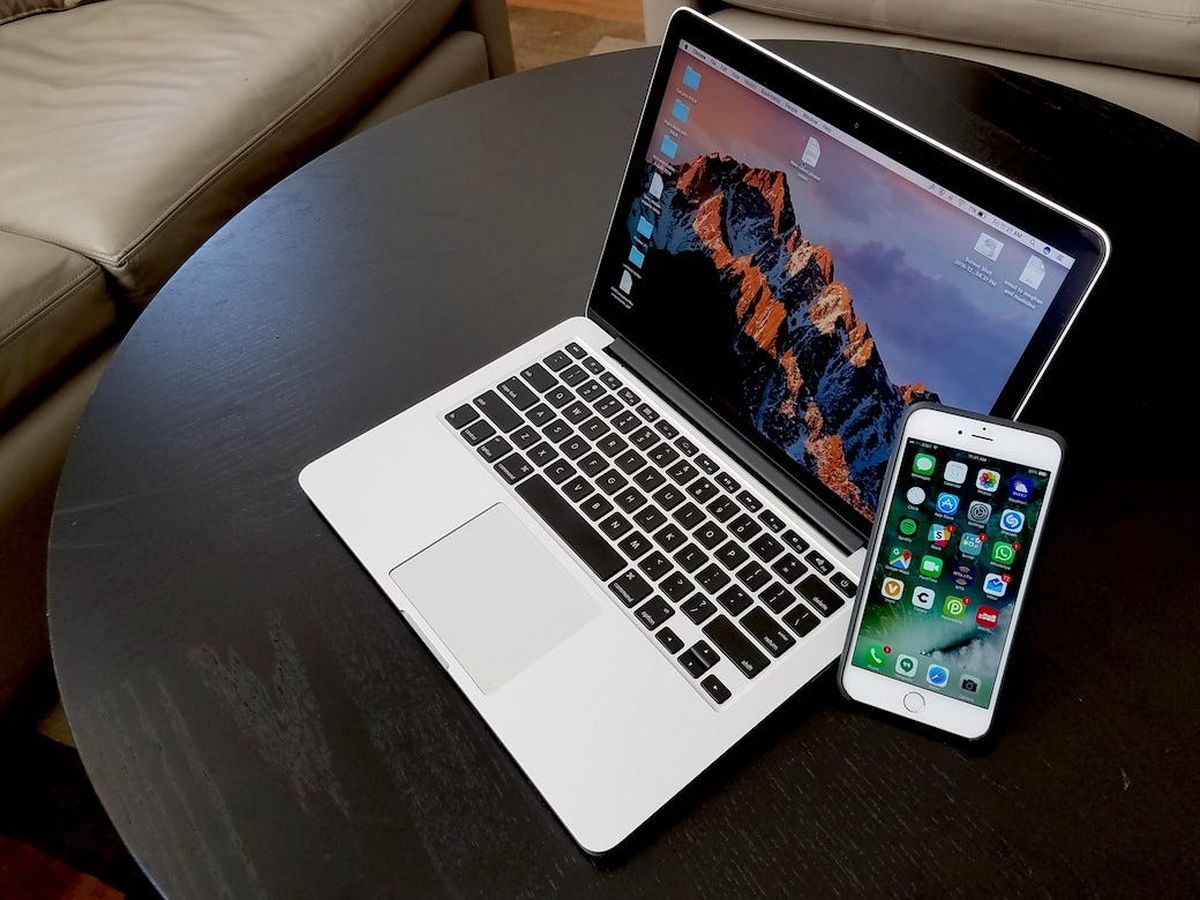
How To Configure Phone To Mac

To configure phone to Mac for file transfer, you need to follow a different process depending on whether you use an iPhone or an Android phone. iPhone users connect via...

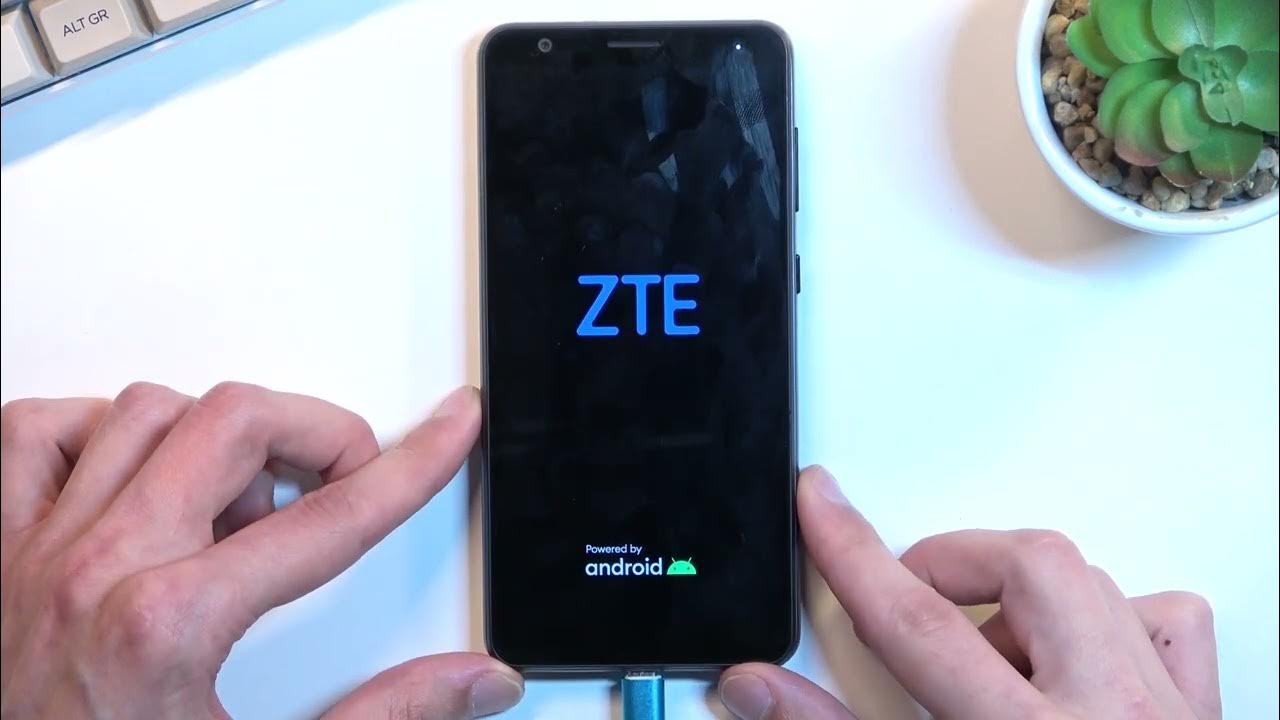
How To Connect ZTE Phone To PC

To connect a ZTE phone to a PC, use a USB cable and set the phone to File Transfer (MTP) mode when prompted. This is the only method with documented,...

How To Get Nvidia Clips On Phone

To get Nvidia clips on phone, you must record your gameplay on a PC using NVIDIA's software and then transfer the file to your mobile device. There is no official...

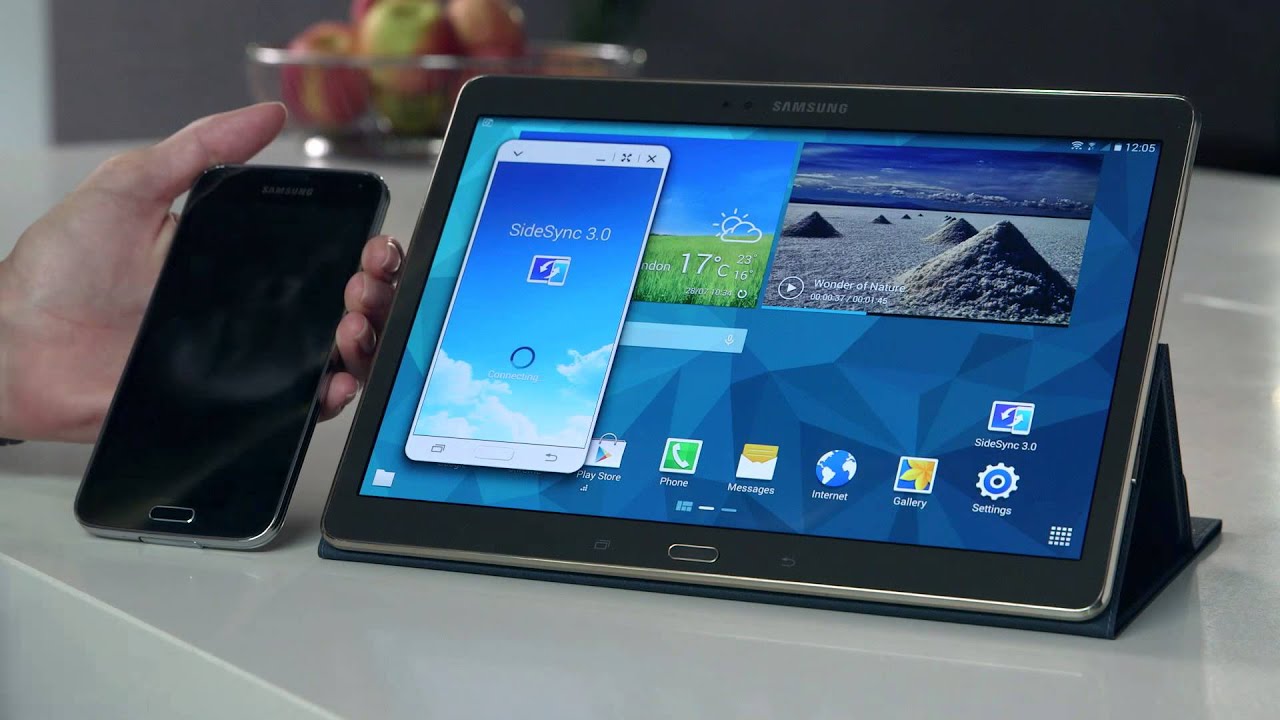
How To Link Samsung Tablet To Phone

To link a Samsung tablet to a phone, you pair the two devices using standard Bluetooth. This connection lets you transfer files between them, but it does not enable calls,...

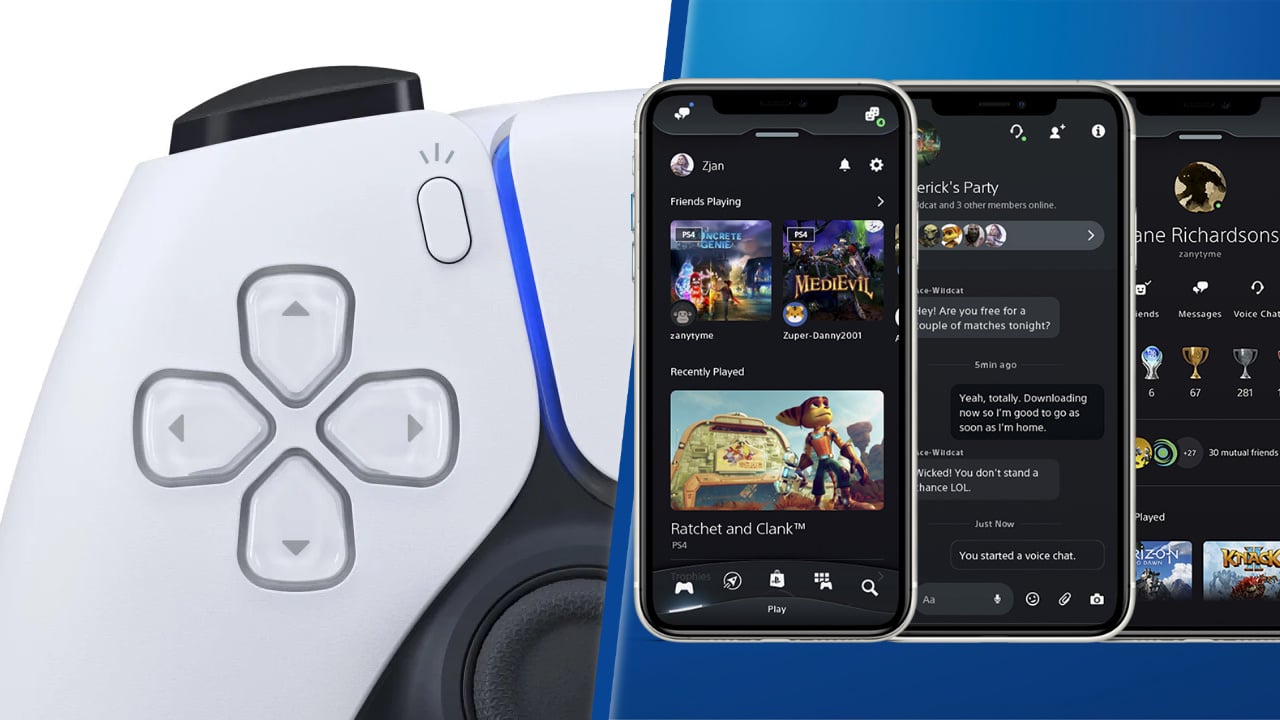
How To Look At Clips On PS4 App On Phone

You cannot get PS4 clips on phone through the official PlayStation App, because the app's capture viewing feature is exclusive to the PS5. To get PlayStation clips on phone, you...

How To Transfer PS4 Clips To Phone

To transfer PS4 clips to phone, the most reliable method is to copy the clips from your PS4's Capture Gallery to a USB flash drive, then use an OTG adapter...