This tag page collects articles focused on managing files and storage on Android devices, specifically for users who rely on the Files by Google app or similar tools to organize their phone’s data. It is intended for anyone who needs practical, step-by-step guidance on moving, transferring, or freeing up space without losing important content.
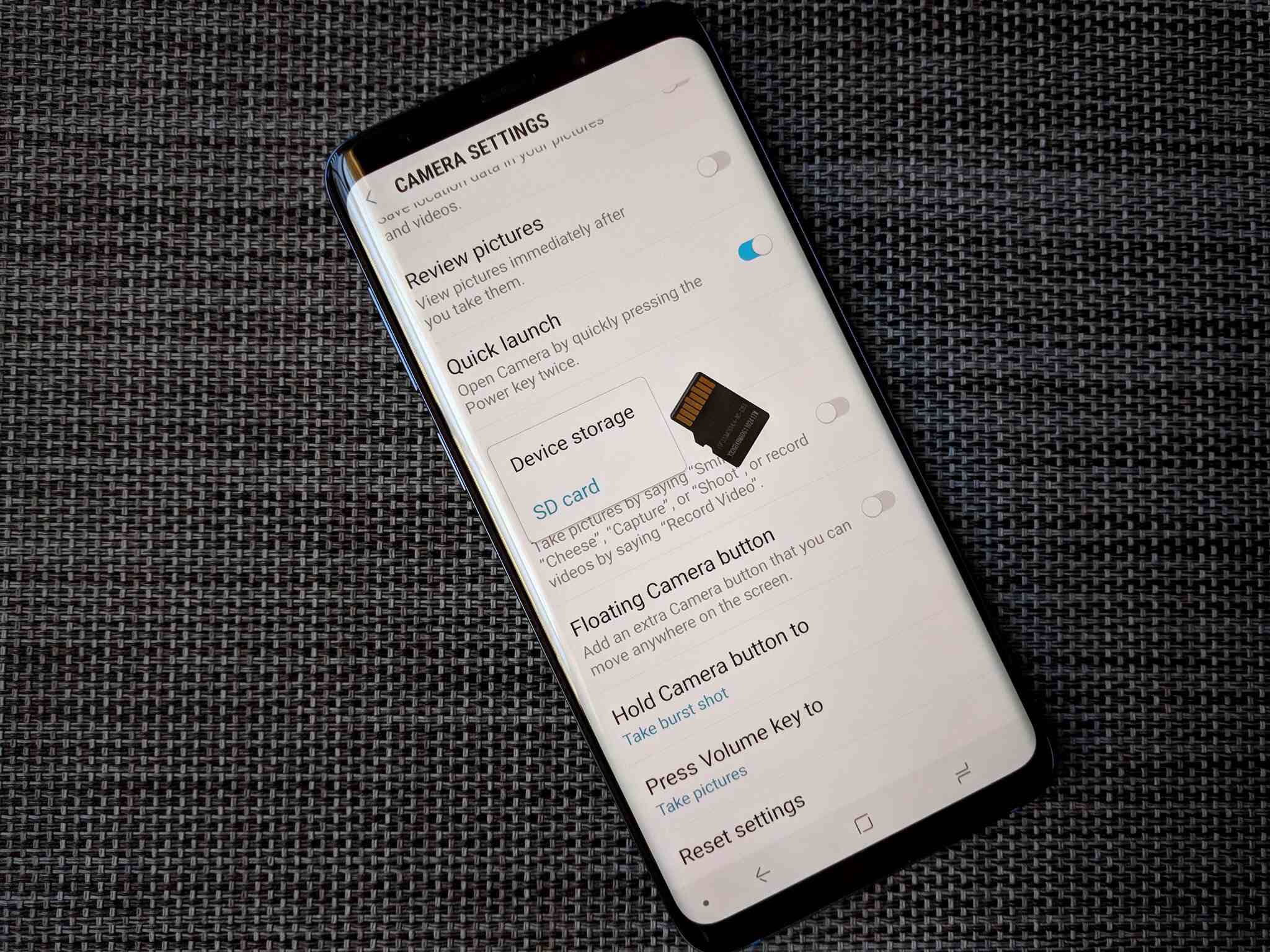
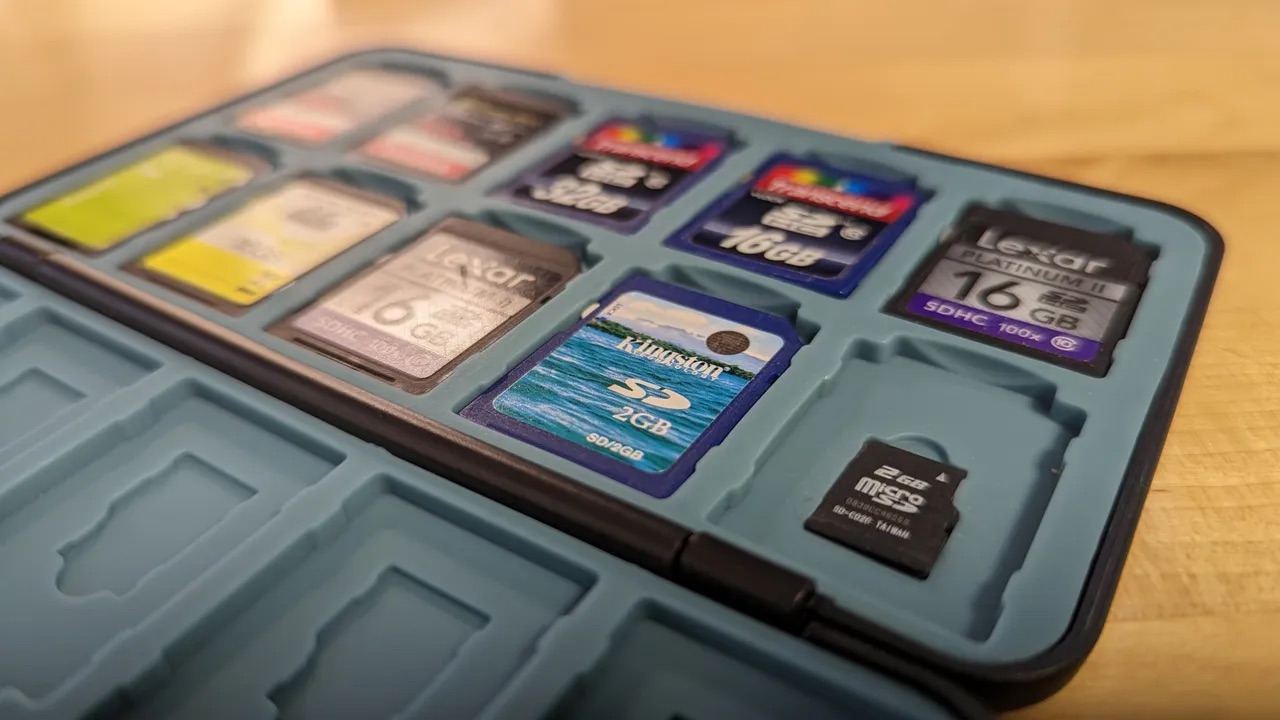
The articles here address two main kinds of problems: first, how to locate and assess your phone’s available storage, and second, how to physically relocate files between different storage locations. For example, you can learn how to find phone storage on Android to see what is taking up space, and then follow guides on moving photos to an SD card or transferring SD card data to another SD card. These instructions help you shift media and documents out of internal memory and onto expandable storage or external drives.
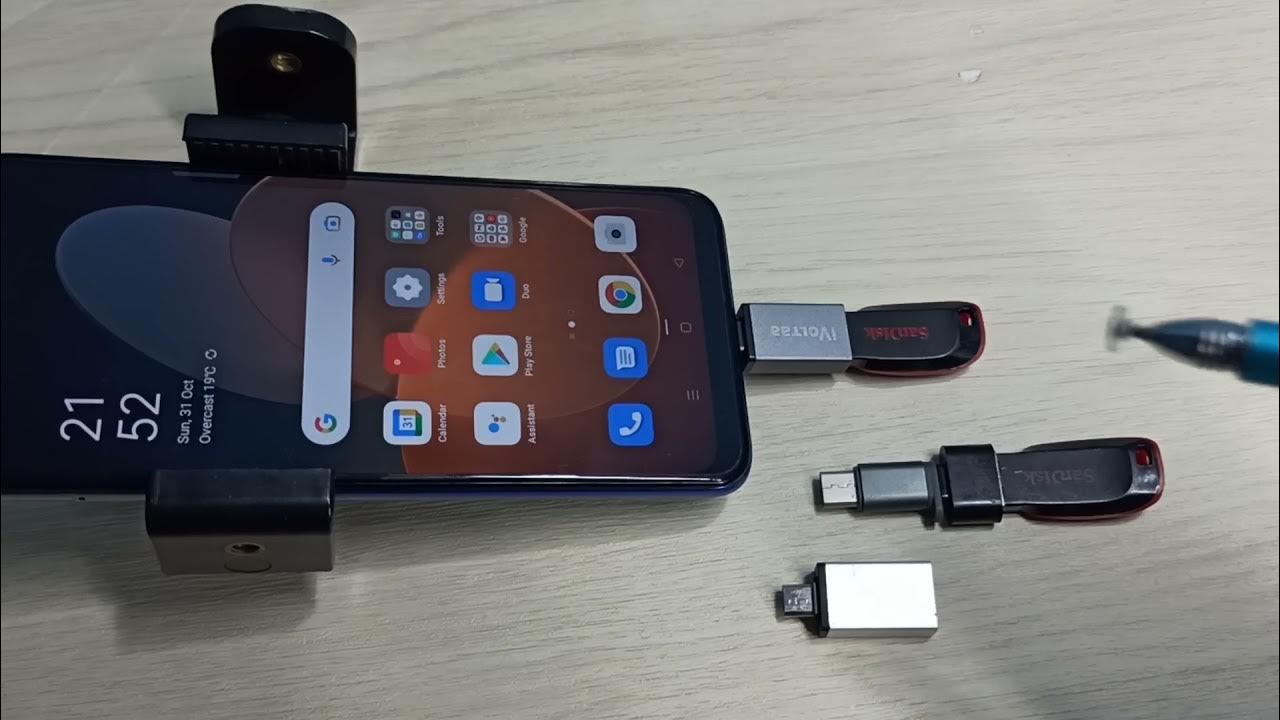
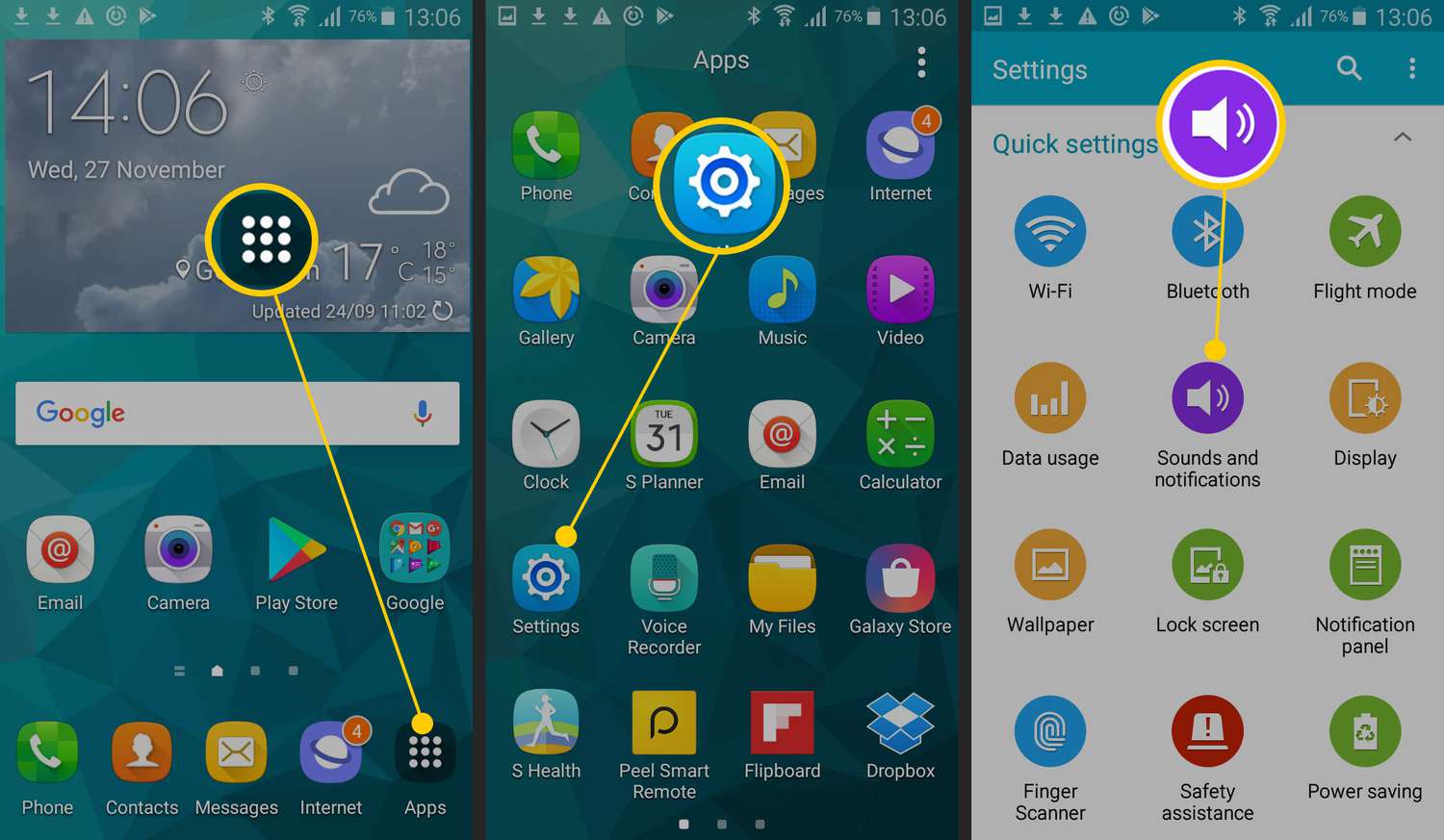
Specific topics covered include making a song your ringtone on Android, which involves moving an audio file to the correct system folder, and moving pictures to a flash drive from a Google phone, which shows how to offload photos directly to a USB drive. Each article provides clear steps to complete these file-management tasks without extra software.