This tag collects articles about the low-level software that makes your devices run, known as firmware. It is for anyone who needs to troubleshoot hardware glitches, perform advanced system modifications, or fix issues where a device’s screen is unresponsive or its behavior is erratic. Whether you are dealing with a smartphone, a fitness tracker, or a gaming headset, the guides here focus on restoring proper function through software-level solutions.
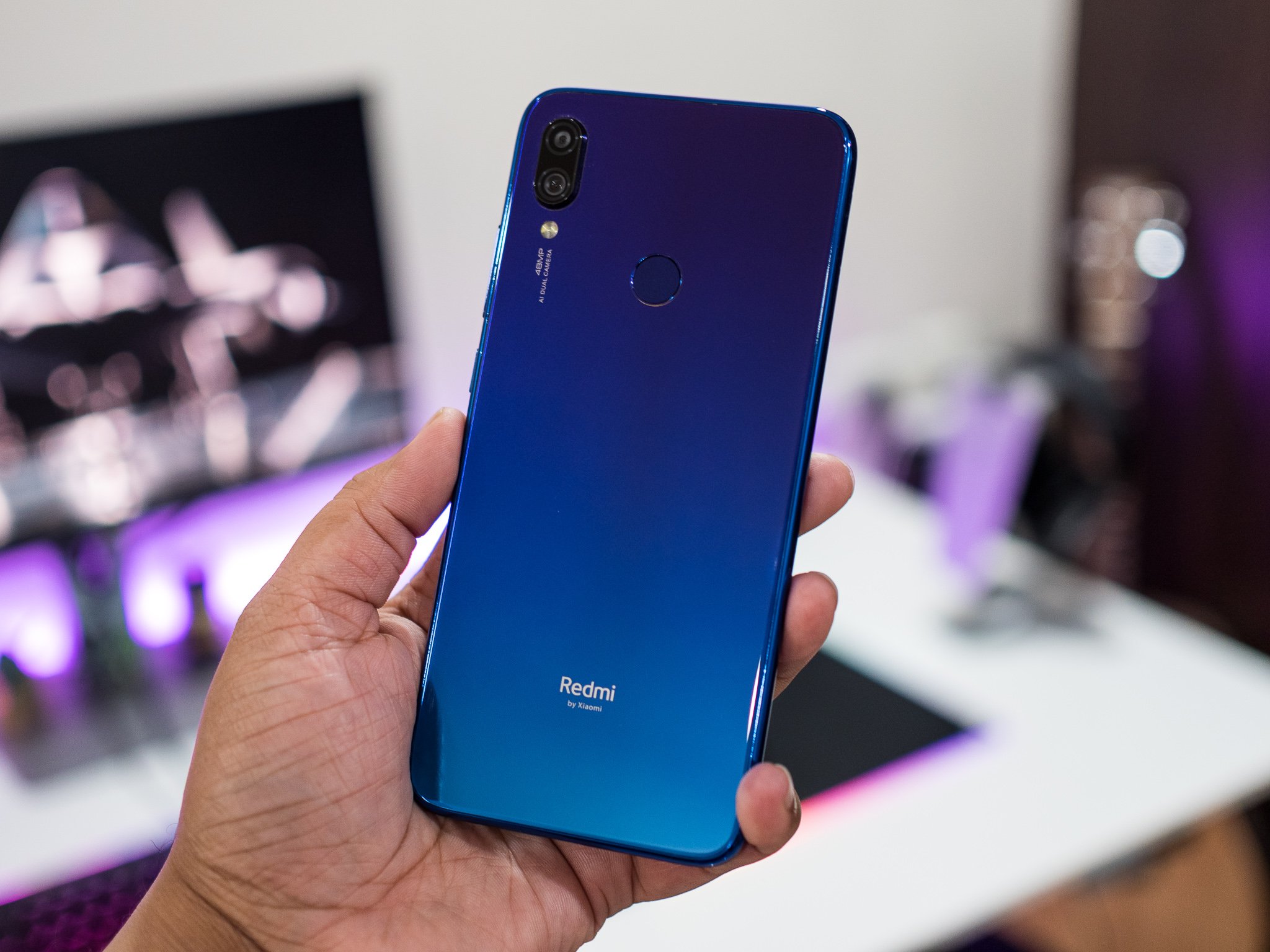
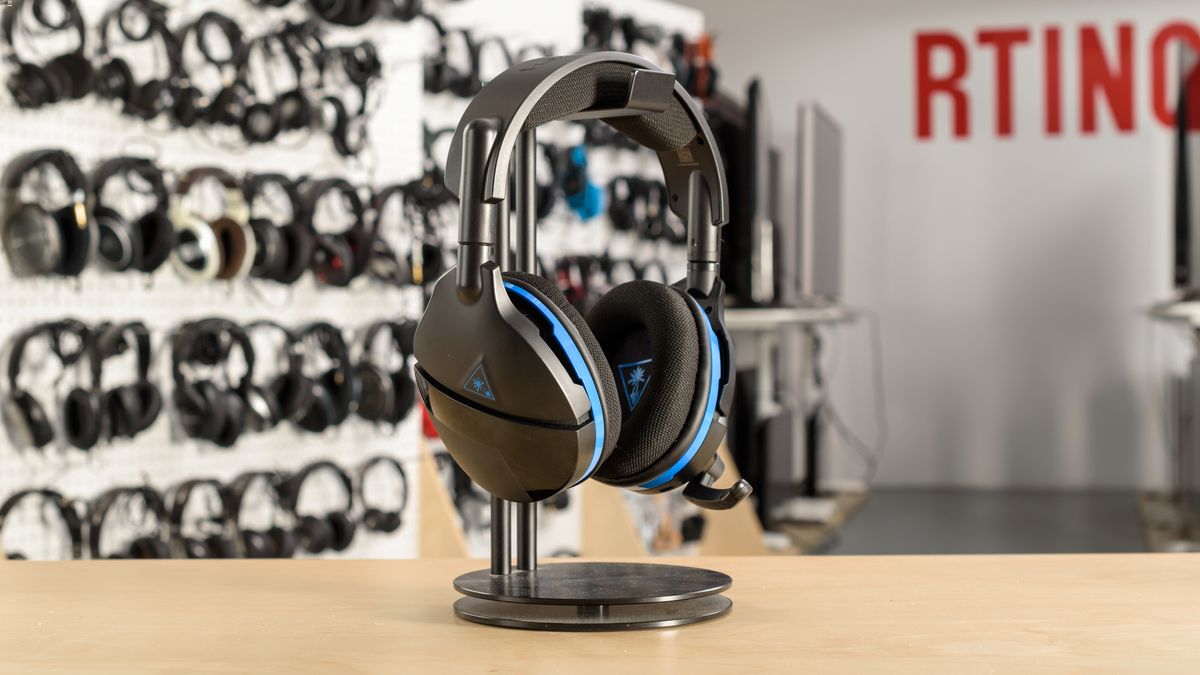
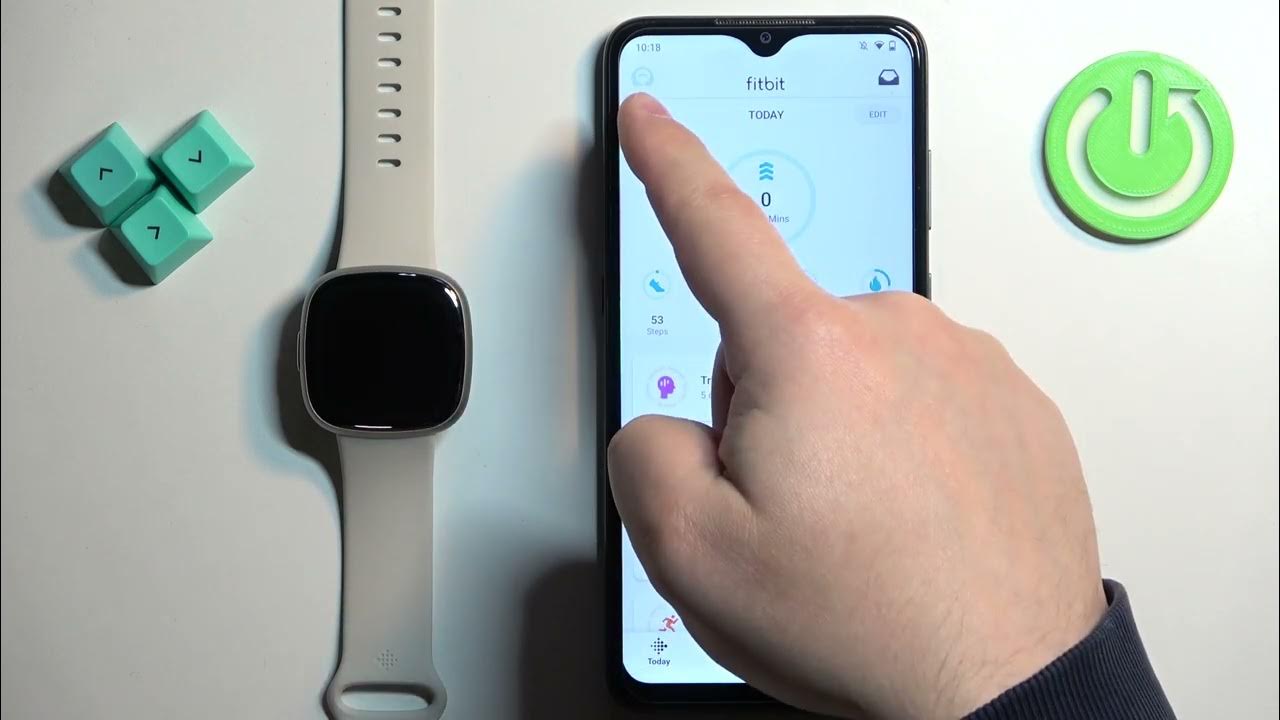
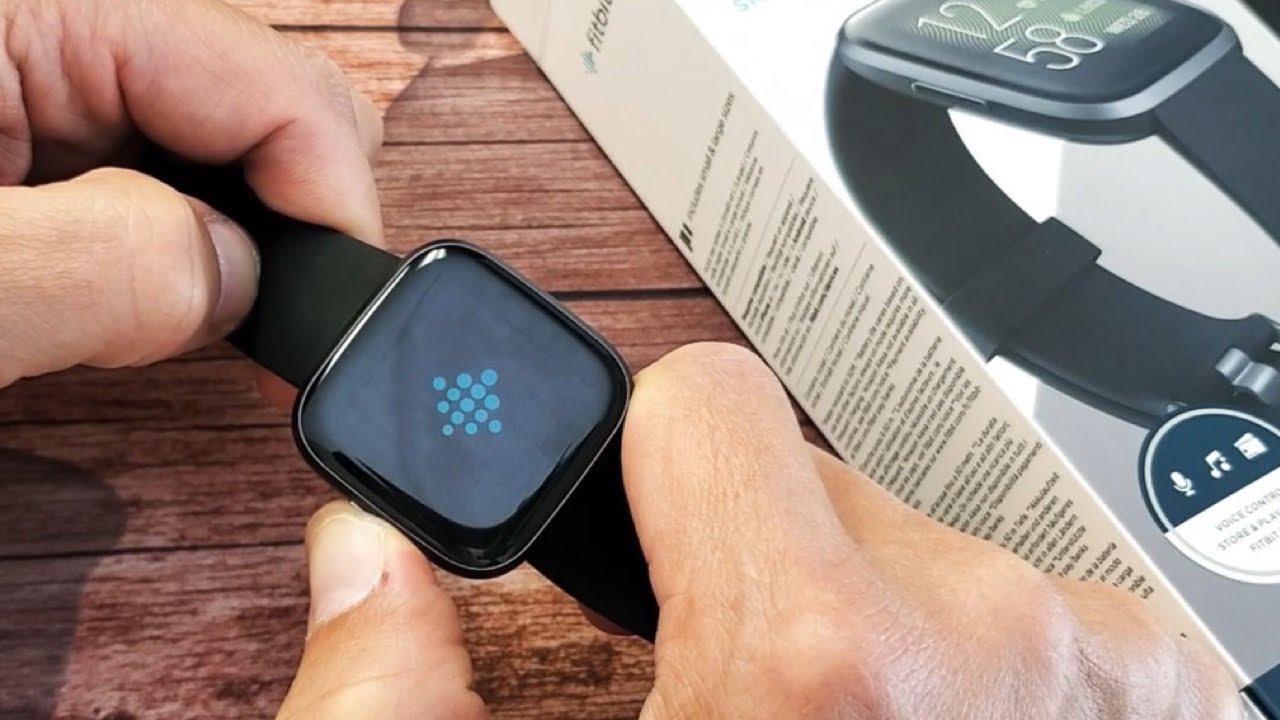
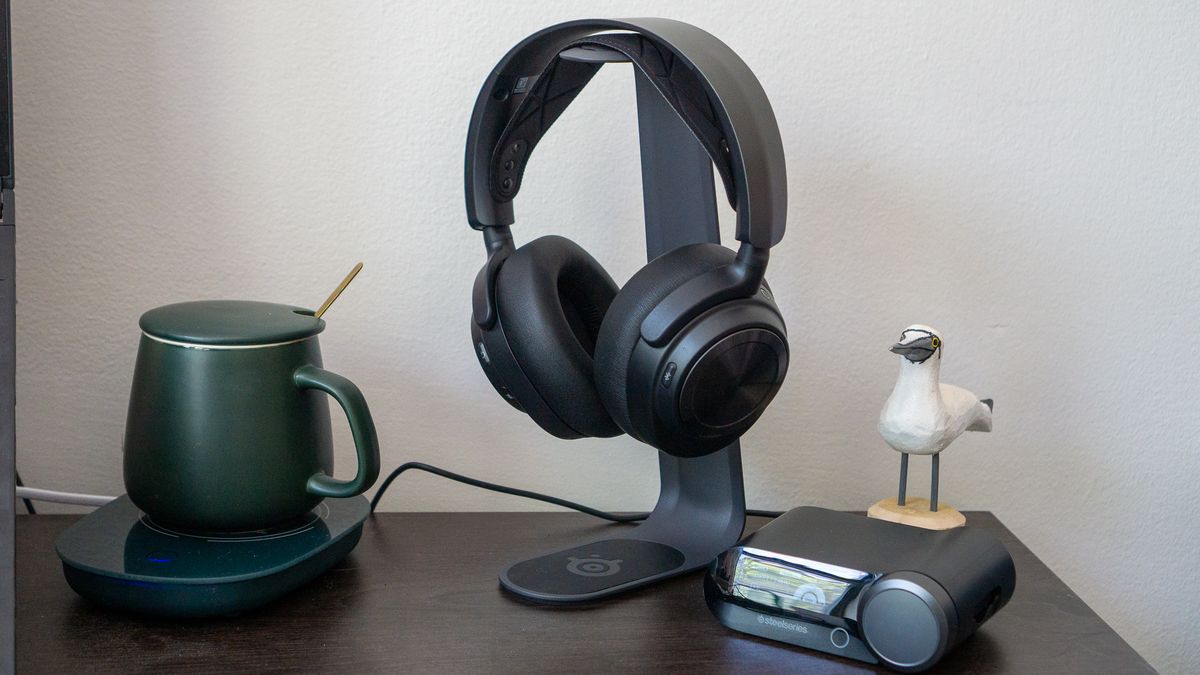
The articles address two main themes: restoring and modifying device firmware, and fixing persistent power or sensor problems. For example, you can learn how to downgrade iOS using SHSH2 blobs or flash a new system image on a Xiaomi Redmi Note 7 via TWRP recovery. On the hardware side, the page helps you diagnose why a gimbal is shaking, why a Turtle Beach or Steelseries headset keeps turning off, and how to reset a Fitbit Versa 2 when the screen is black.
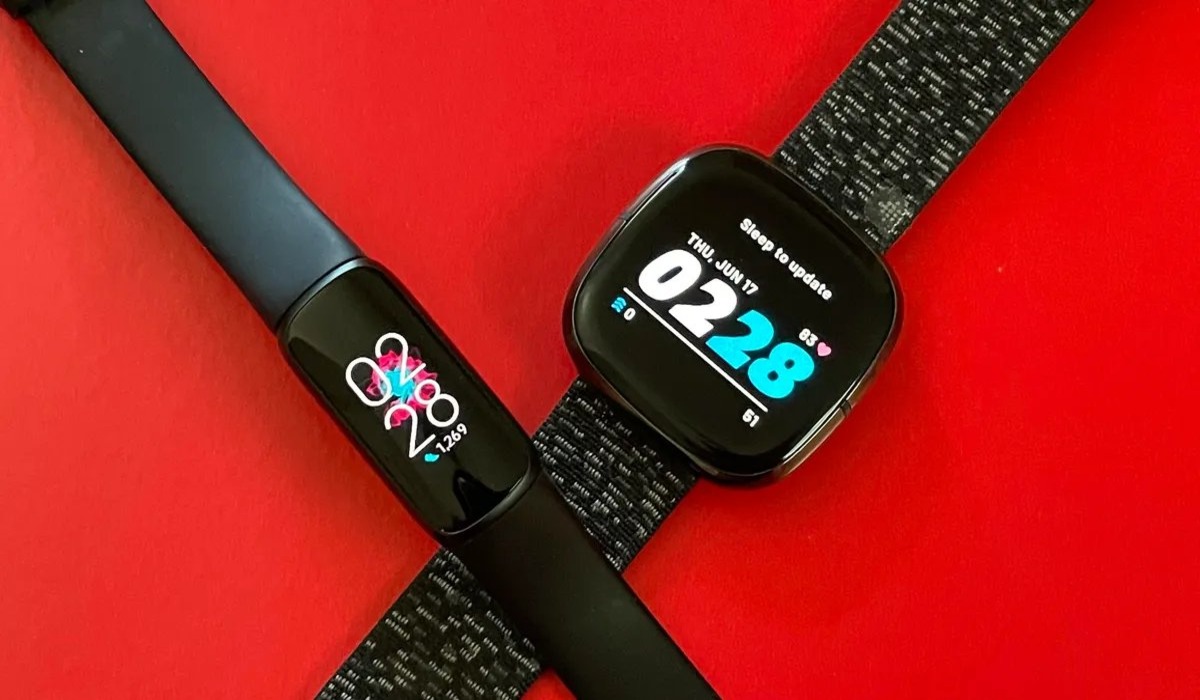
Specific topics covered include changing the language on a Fitbit, selecting the best Fitbit model for monitoring atrial fibrillation, and resolving power-cycle issues on popular gaming headsets. These articles help you take direct action to fix a frozen screen, stop unexpected shutdowns, or update the core software on your phone or wearable.