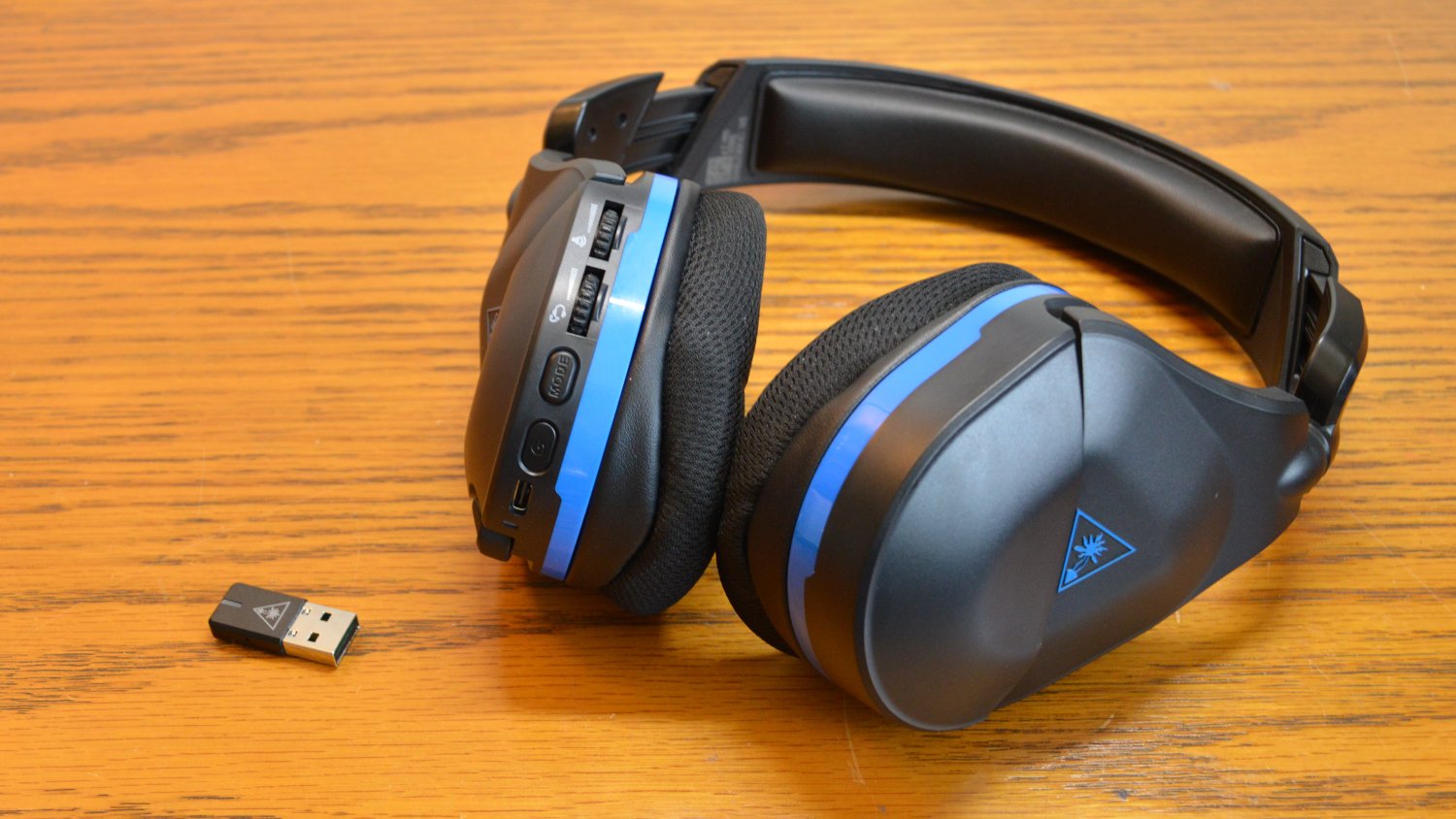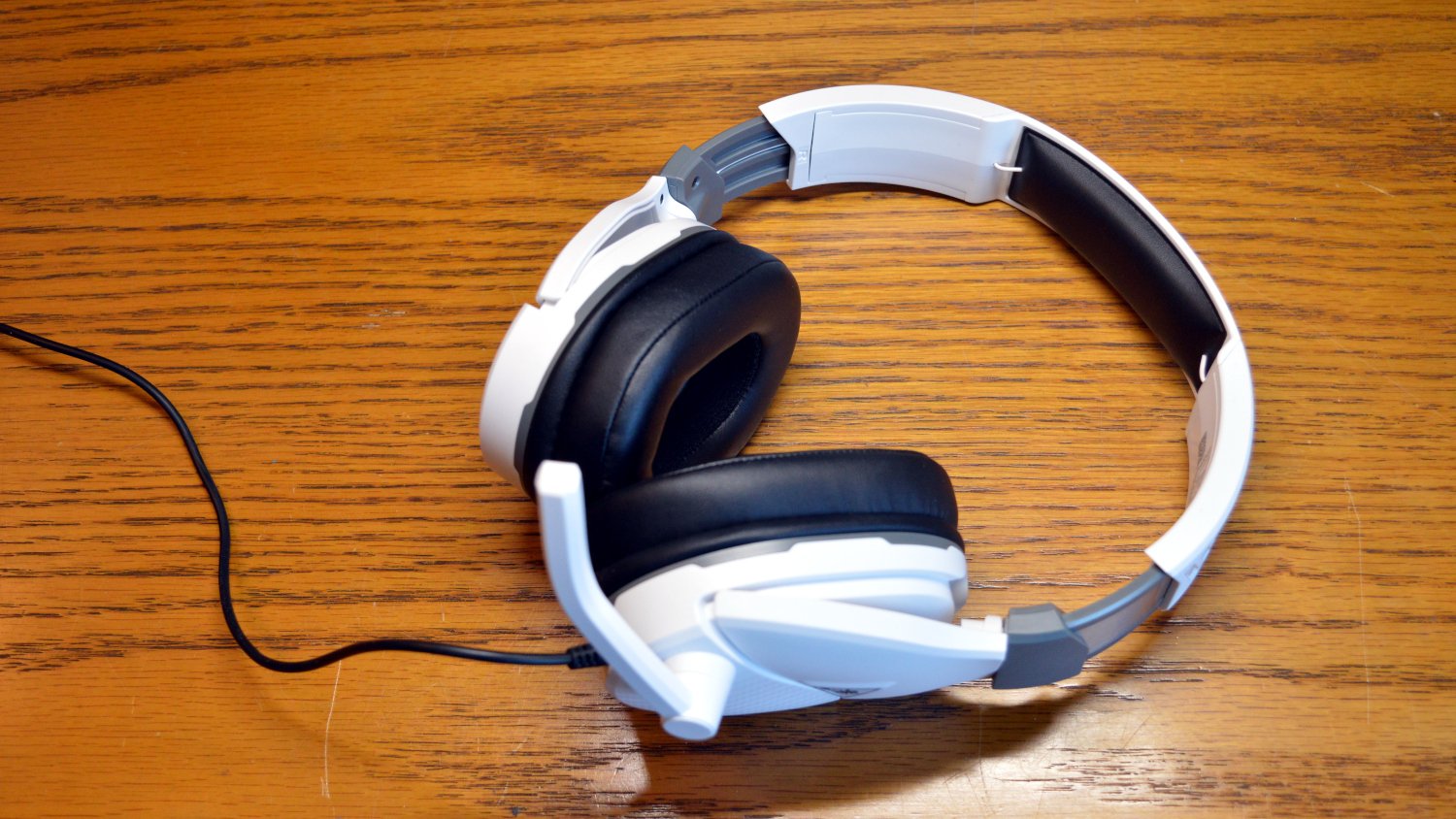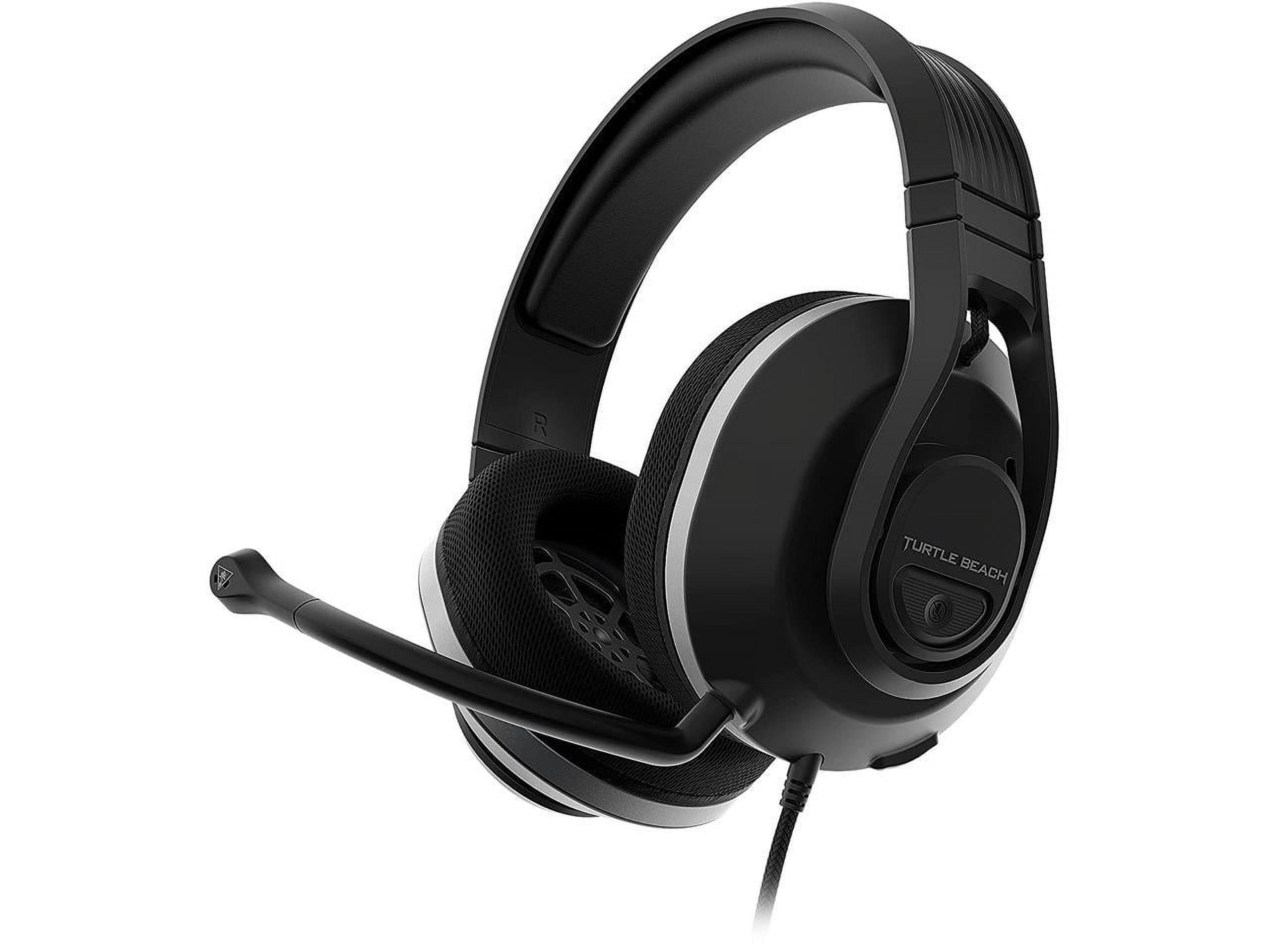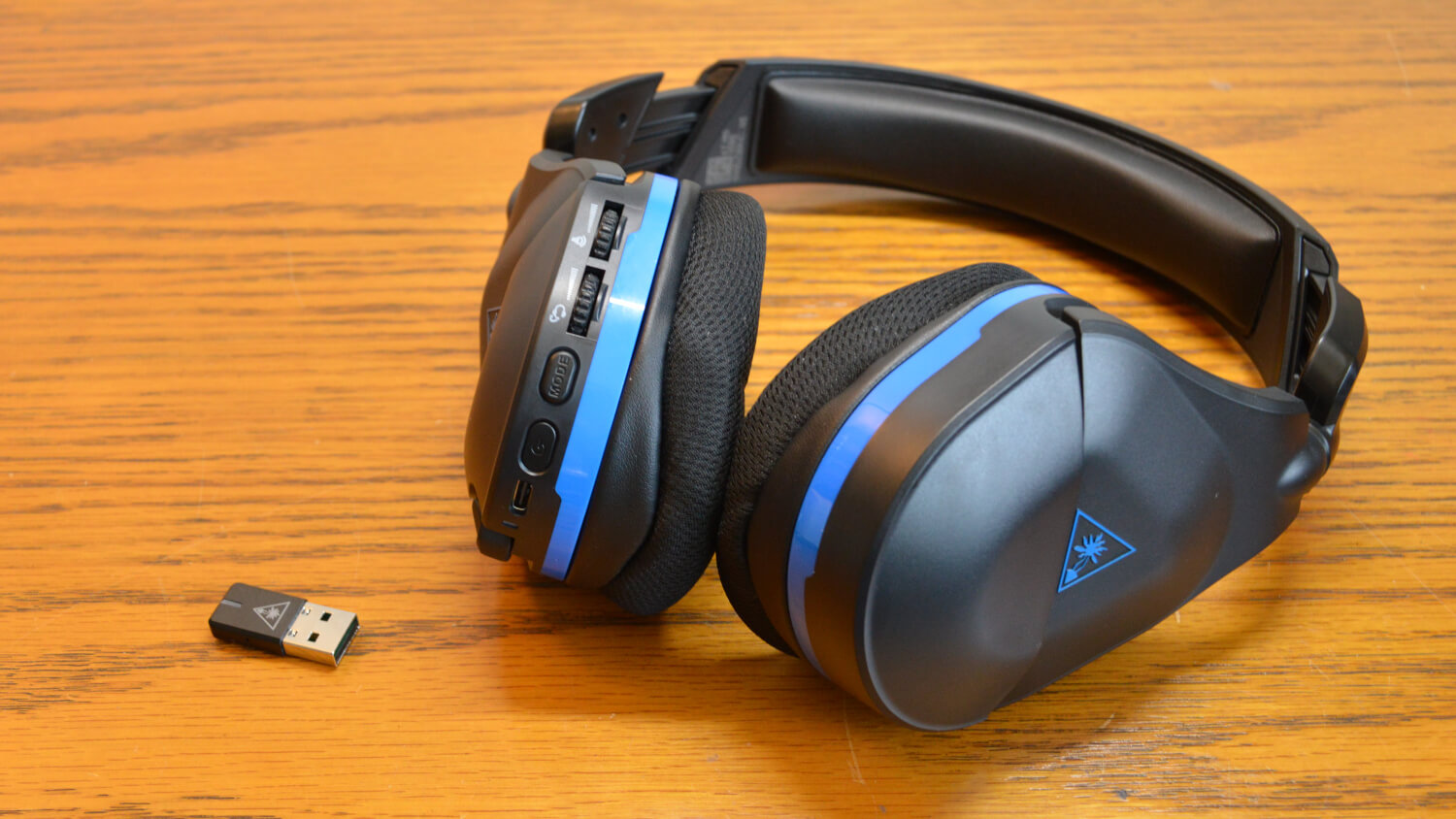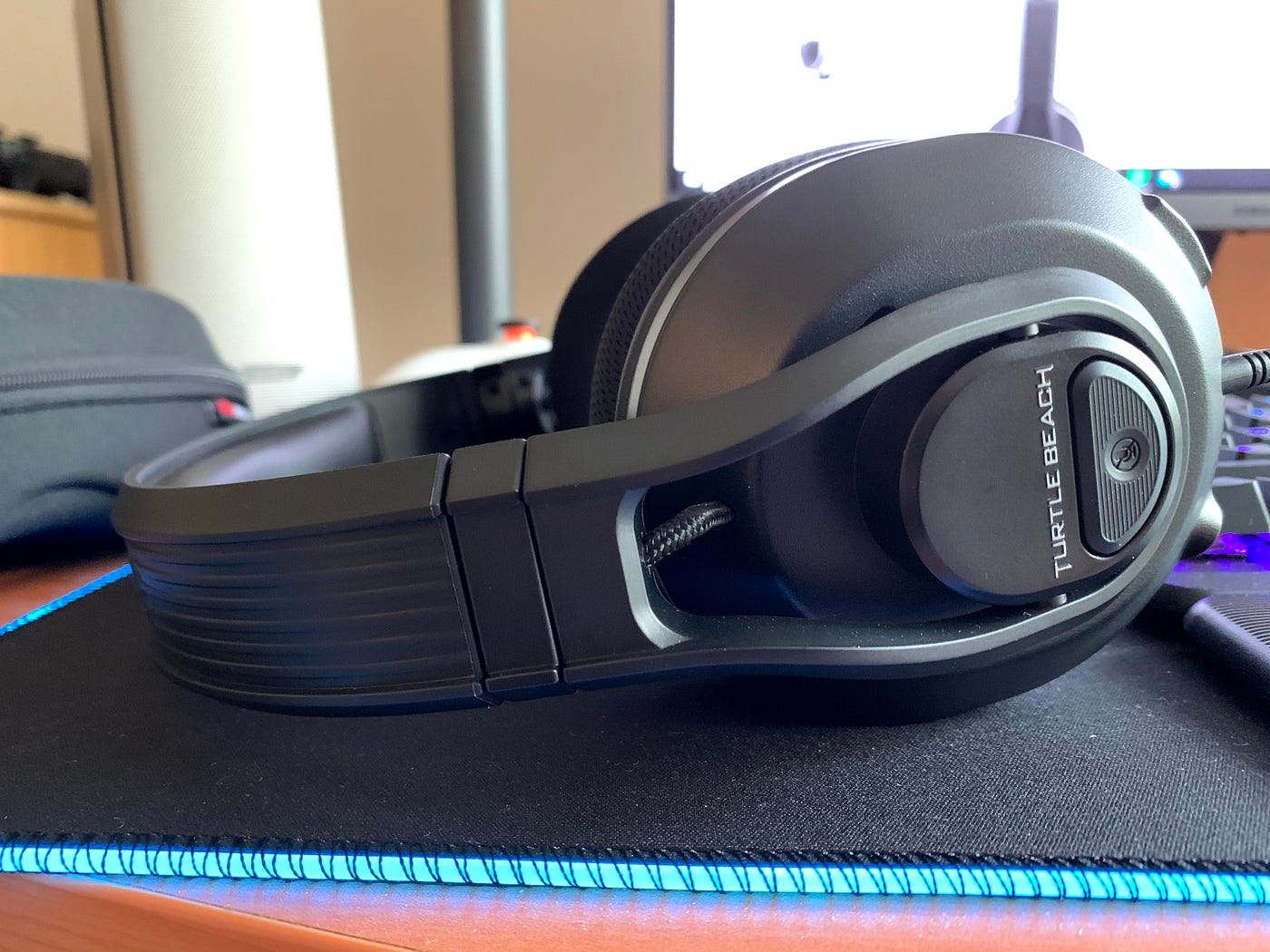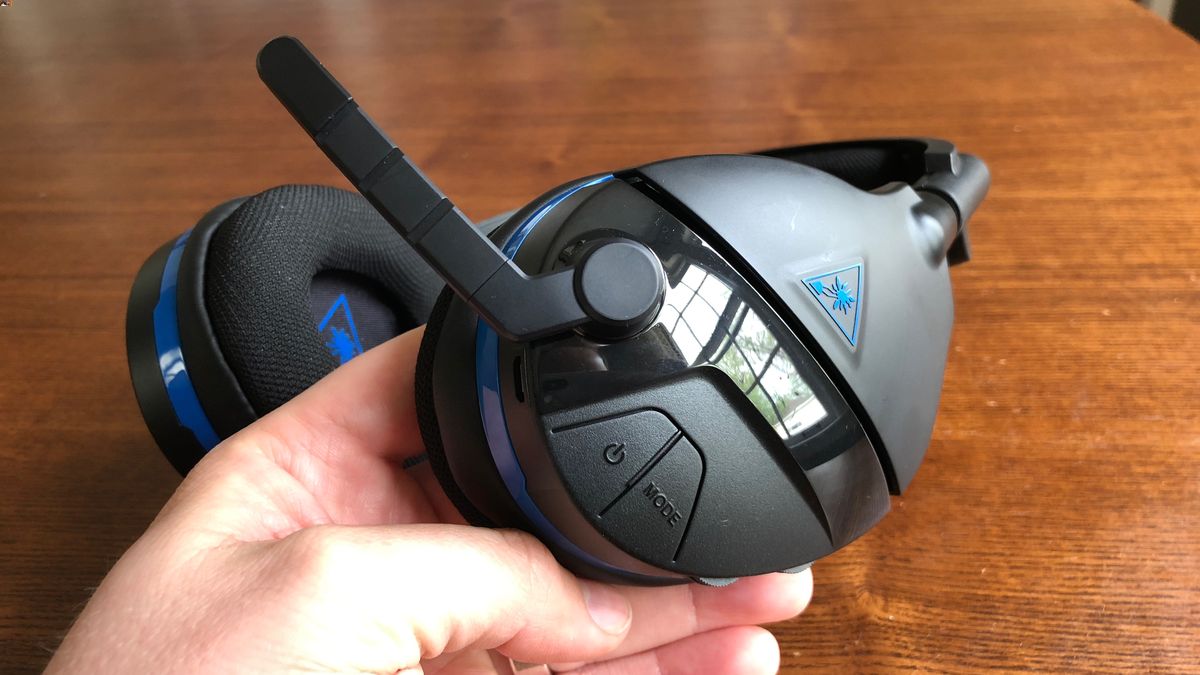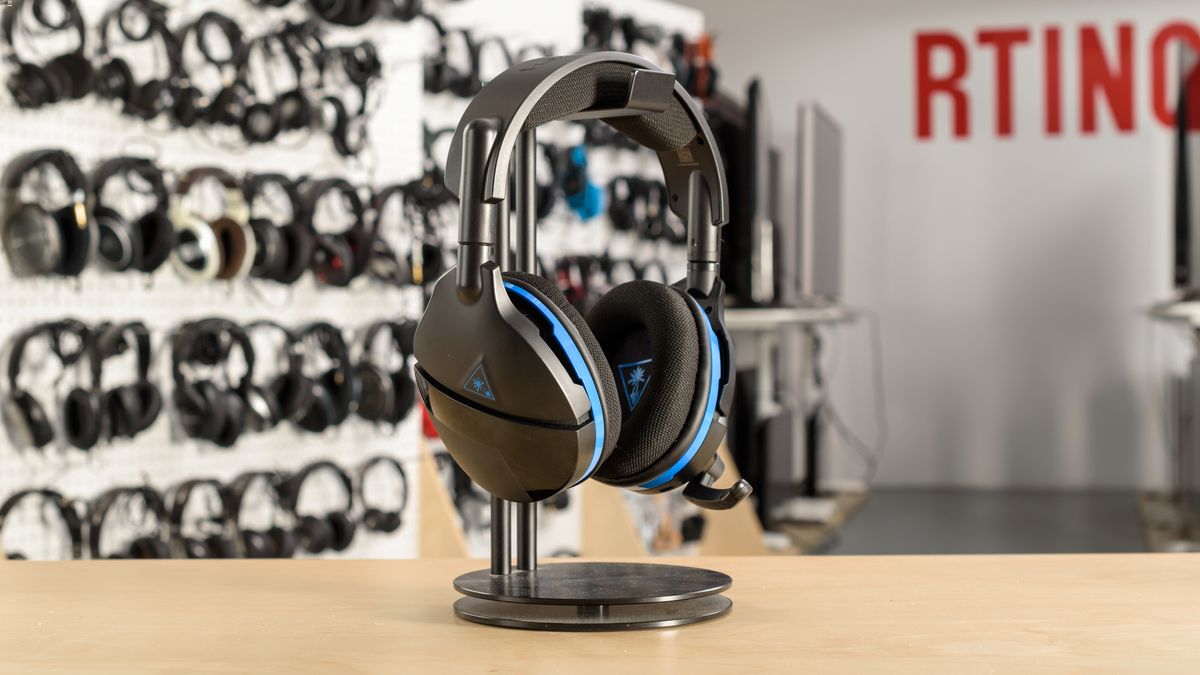
If your Turtle Beach headset is not turning off, the issue is often firmware-related rather than a simple button failure, and the documented fix is model-specific. The only official recovery procedure Turtle Beach provides for a headset that won’t power down is for the Stealth 700 for Xbox One, and it requires starting with the headset already powered off.
Why your turtle beach headset not turning off happens
It is frustrating when a headset refuses to shut down, but this behavior is typically caused by a firmware glitch rather than a stuck power button. Check if the power button is stuck or damaged, and try gently pressing and releasing it a few times. Turtle Beach does not publish a universal fix for all models; the official recovery path is documented only for specific headsets. This means the steps that work for one model will not necessarily work for another, and generic troubleshooting advice may waste time. The verified fix targets the Stealth 700 for Xbox One and relies on a specific button-and-USB sequence that forces the headset into a recovery state.
Official fix: Stealth 700 for Xbox One recovery
This procedure is the only officially documented method from Turtle Beach for resolving a headset that will not turn off. It applies exclusively to the Stealth 700 for Xbox One and requires the Turtle Beach Audio Hub application on a Windows or macOS computer.
- Download and install the Turtle Beach Audio Hub on a Windows or macOS computer.
- Ensure the headset is completely powered off before beginning.
- Open the Turtle Beach Audio Hub application.
- Connect the USB Charge Cable to the headset’s USB Charge/Update port.
- While the headset remains powered off, press and hold the Superhuman Hearing button, then connect the USB cable to the computer.
- If the Audio Hub prompts you to complete a headset update, follow the on-screen instructions.
- If no prompt appears, disconnect and repeat the steps from the beginning.
- Do not move the headset or jostle the USB connection during the update process.
- After the update finishes, try powering the headset on normally.
The critical detail is that the headset must start powered off. If it is already stuck on, you cannot begin this recovery sequence until you get it into an off state.
What to do if your headset is stuck on
If the headset will not power down at all, draining the battery completely is a potential workaround. Let the headset run until the battery is fully depleted and the device shuts off on its own. Remove the battery pack (if removable) and reinsert it after a few seconds to reset the headset. If USB-powered, unplug the USB cable from the device, wait a few moments, then plug it back in. Power cycle the headset by disconnecting all cables and adapters for a minute or two, then reconnecting. Once it is in a powered-off state, you can attempt the recovery procedure for the Stealth 700 for Xbox One. During the subsequent update, do not interrupt the process by moving the headset or disconnecting the cable, as this can corrupt the firmware further.
No fix for your model? Contact support
Other Turtle Beach headset models lack any documented recovery steps for a “won’t turn off” issue. If your headset is not a Stealth 700 for Xbox One, or if the recovery procedure above does not resolve the problem, the only remaining path is to contact Turtle Beach support directly. Check Turtle Beach forums and support channels for firmware bugs reported by other users after a recent update. Prepare your headset model number, serial number, and details of the issue before contacting support. Keep a record of support communication including dates, representative names, and case numbers. The official support page instructs users to reach out to the support team if the recovery process fails, but does not provide a specific phone number, email, or hours in the retrieved material.
Frequently Asked Questions
How do I reset my Turtle Beach headset?
Disconnect USB/charger, remove battery if applicable, wait 10 seconds, reinsert battery and reconnect.
Why is there no sound coming from my Turtle Beach headset?
Check audio cable connection, volume settings, mute status, test on another device.
Why is my Turtle Beach headset mic not working?
Check physical connection, mute status, input device selection, test on another device.
Why does my Turtle Beach headset have low sound quality?
Check audio settings, inspect audio cable for damage, update firmware.
Why might a Turtle Beach headset not turn off?
It is most often a firmware glitch, but no universal root cause is provided.
Is there a universal button combination to force power off?
No. The only official recovery sequence found is model-specific and involves the Superhuman Hearing button during a USB connection for the Stealth 700 for Xbox One. No universal button combo is documented.
Does the fix differ by model?
Yes. The official page retrieved is explicitly for the Stealth 700 for Xbox One, so it should not be treated as a universal fix for every Turtle Beach headset.
Are iPhone or Android steps documented?
The recovery path requires the Turtle Beach Audio Hub on Windows or macOS.
For the wider topic, see troubleshooting gaming headsets.