Welcome to the Fitbit tag page on CellularNews. This collection is for anyone who owns or is considering a Fitbit wearable and wants to get the most out of it, especially when paired with a smartphone. Whether you are a new user setting up your device or an experienced owner troubleshooting a glitch, the articles here focus on the practical, day-to-day management of your tracker.

The articles solve three main types of problems. First, they cover essential setup and connectivity tasks, such as syncing your Versa 2 to an iPhone, reconnecting a Fitbit Versa 2 to your phone, and unlocking a Versa 2 using your phone. Second, they address common device settings and customizations, including how to turn GPS on, change the clock face on a Fitbit Charge 4 or Versa 3, set up Google Assistant, and even turn off the green light on your tracker. Third, they help you interpret your data and fix specific issues, from understanding what BPM means and how reliable Fitbit calories are, to troubleshooting why your Fitbit keeps buzzing or shutting off.

These guides help you accomplish real tasks: you can learn how to reset a Fitbit Charge 3 when the screen is black, add activities to your log, sync your Peloton rides, or transfer a Fitbit Charge to another person. They also clarify features like the ECG app on the Sense 2 and what the Fitbit Ace 3 does, ensuring you can use your device with confidence.
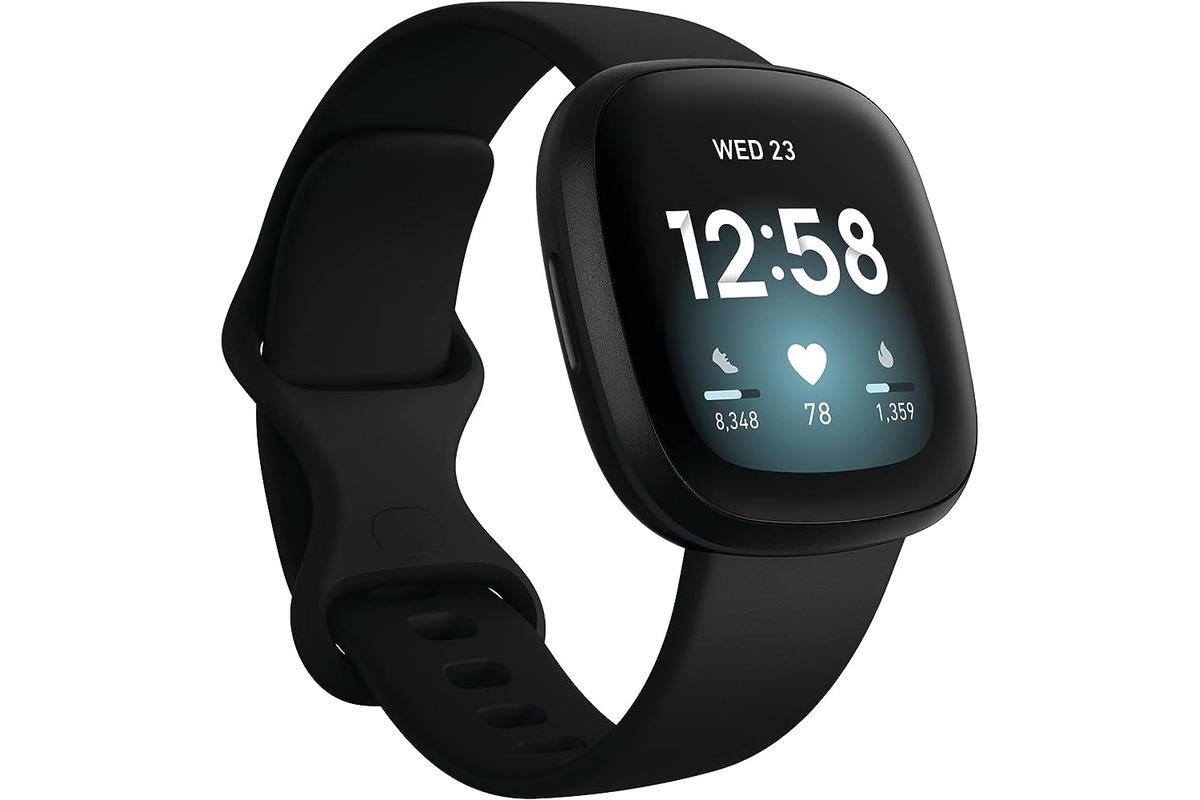
When Did Fitbit Versa 3 Come Out

The Fitbit Versa 3 release date is confirmed as the end of September 2020, though the official Fitbit user manual does not specify a single exact launch day. This places...

How To Connect Fitbit To Bluetooth

To connect Fitbit to Bluetooth, you pair the device through the Fitbit app, not your phone's Bluetooth settings. The Fitbit app uses Bluetooth Low Energy (BLE) technology to communicate and...

How To Restart Fitbit Ace 3

To restart Fitbit Ace 3, swipe through the clock face to open the Settings app, tap Reboot Device, then press and hold the screen for 3 seconds until you see...

Why Is My Fitbit App Not Working

If your Fitbit app is not working, the problem is almost always a Bluetooth conflict, missing phone permissions, or an outdated software version. The two most common causes are another...

Which Fitbit Can Make Calls

If you are searching for which Fitbit can make calls, the answer is limited to five specific models: the Sense, Sense 2, Versa 3, Versa 4, and Ace LTE. These...

How To Restart Fitbit Inspire 3

To restart Fitbit Inspire 3 when it is frozen or unresponsive, connect it to its charging cable and press and hold both touch-sensitive side buttons for about 10 seconds until...

Which Fitbit Is Waterproof

If you need a Fitbit that can handle swimming or showering, the models to look for are the Flex 2, Charge 3, Versa series, and Ionic. Each of these devices...

How Do I Reset A Fitbit Versa 2

To reset a Fitbit Versa 2, open the Settings app on the watch, tap About, and then tap Factory Reset. This on-watch path is the only documented method to factory...