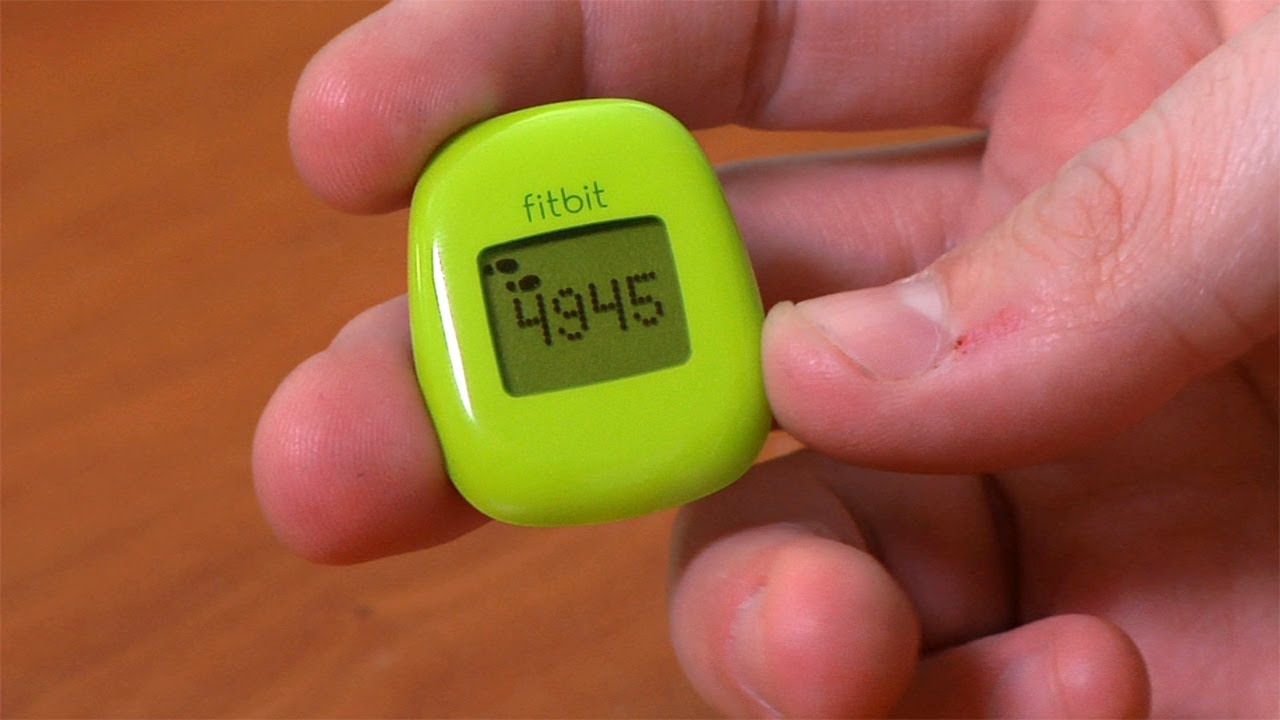
Welcome to the Fitbit tag page on CellularNews. This collection is for anyone who owns or is considering a Fitbit wearable and wants to get the most out of it, especially when paired with a smartphone. Whether you are a new user setting up your device or an experienced owner troubleshooting a glitch, the articles here focus on the practical, day-to-day management of your tracker.
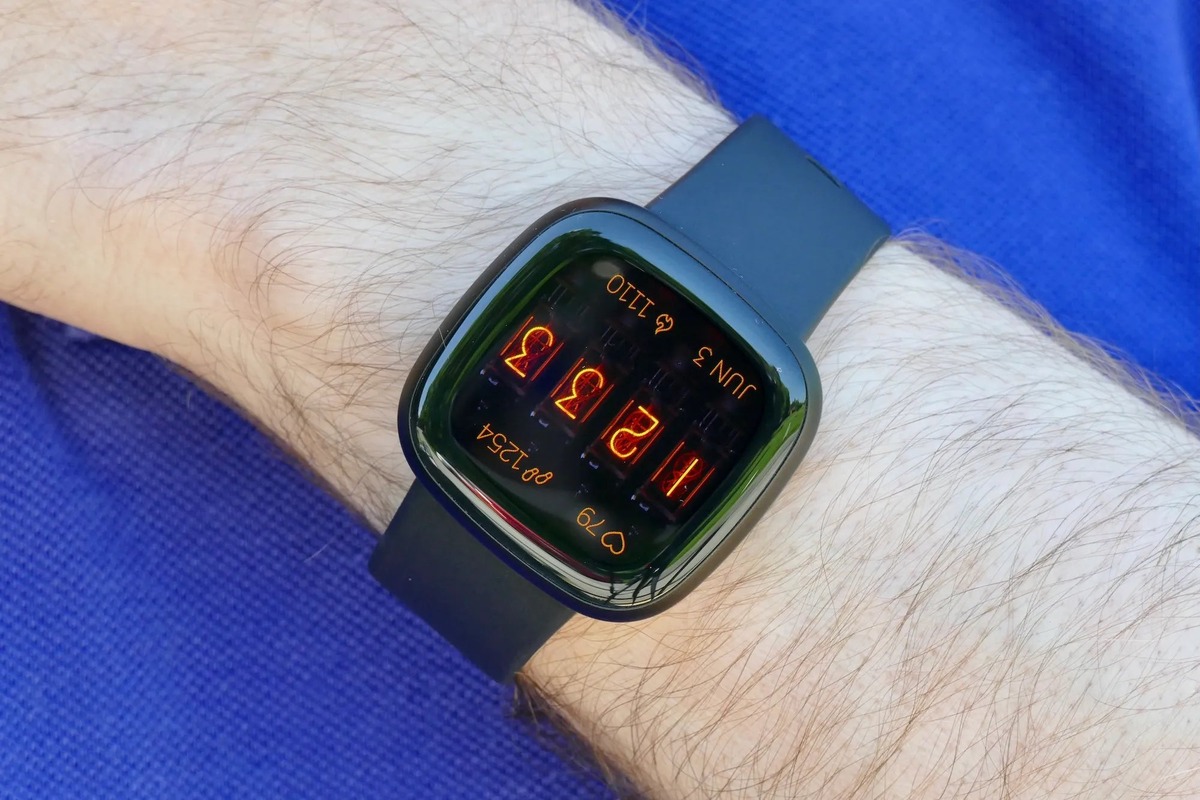
The articles solve three main types of problems. First, they cover essential setup and connectivity tasks, such as syncing your Versa 2 to an iPhone, reconnecting a Fitbit Versa 2 to your phone, and unlocking a Versa 2 using your phone. Second, they address common device settings and customizations, including how to turn GPS on, change the clock face on a Fitbit Charge 4 or Versa 3, set up Google Assistant, and even turn off the green light on your tracker. Third, they help you interpret your data and fix specific issues, from understanding what BPM means and how reliable Fitbit calories are, to troubleshooting why your Fitbit keeps buzzing or shutting off.
These guides help you accomplish real tasks: you can learn how to reset a Fitbit Charge 3 when the screen is black, add activities to your log, sync your Peloton rides, or transfer a Fitbit Charge to another person. They also clarify features like the ECG app on the Sense 2 and what the Fitbit Ace 3 does, ensuring you can use your device with confidence.