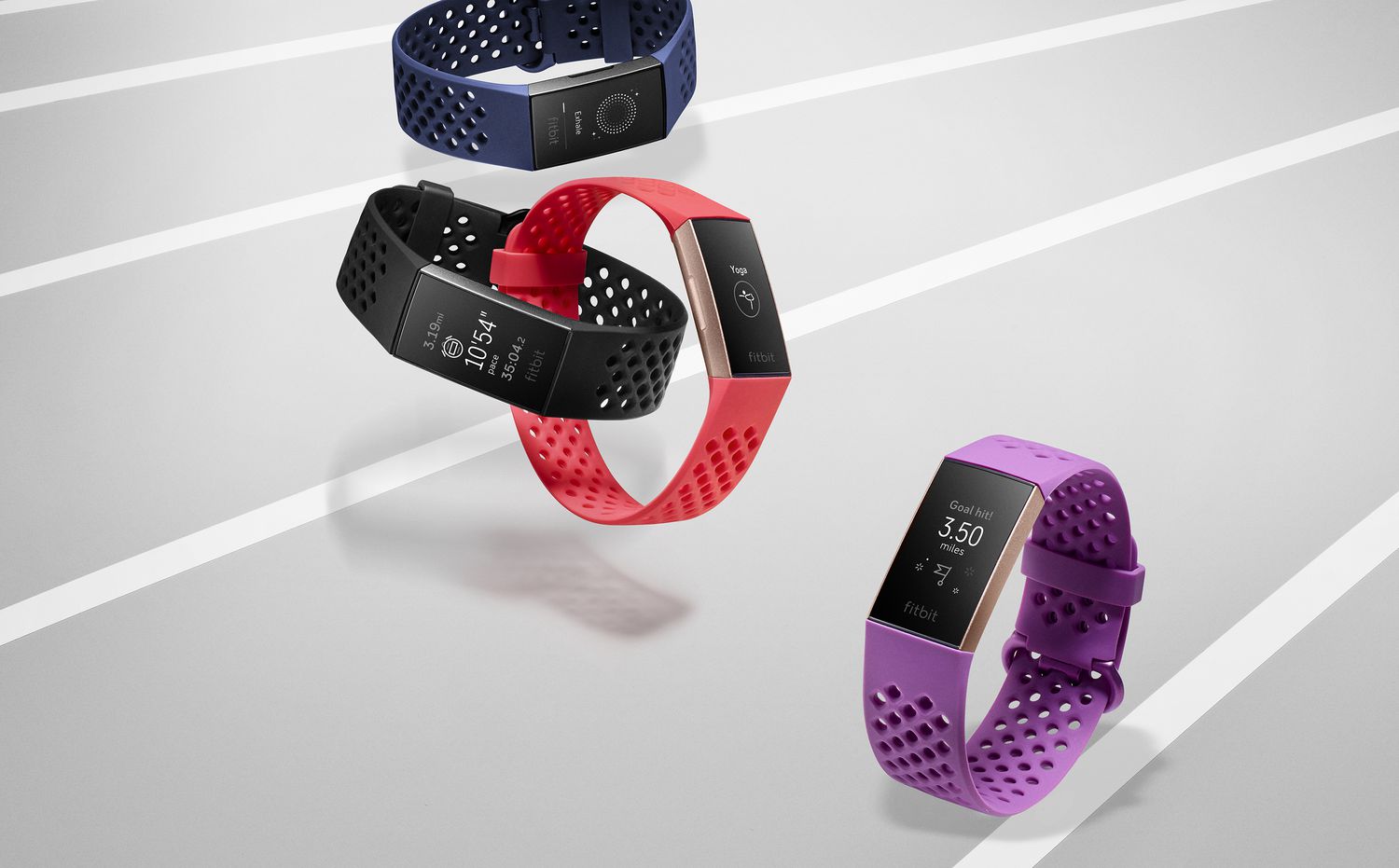
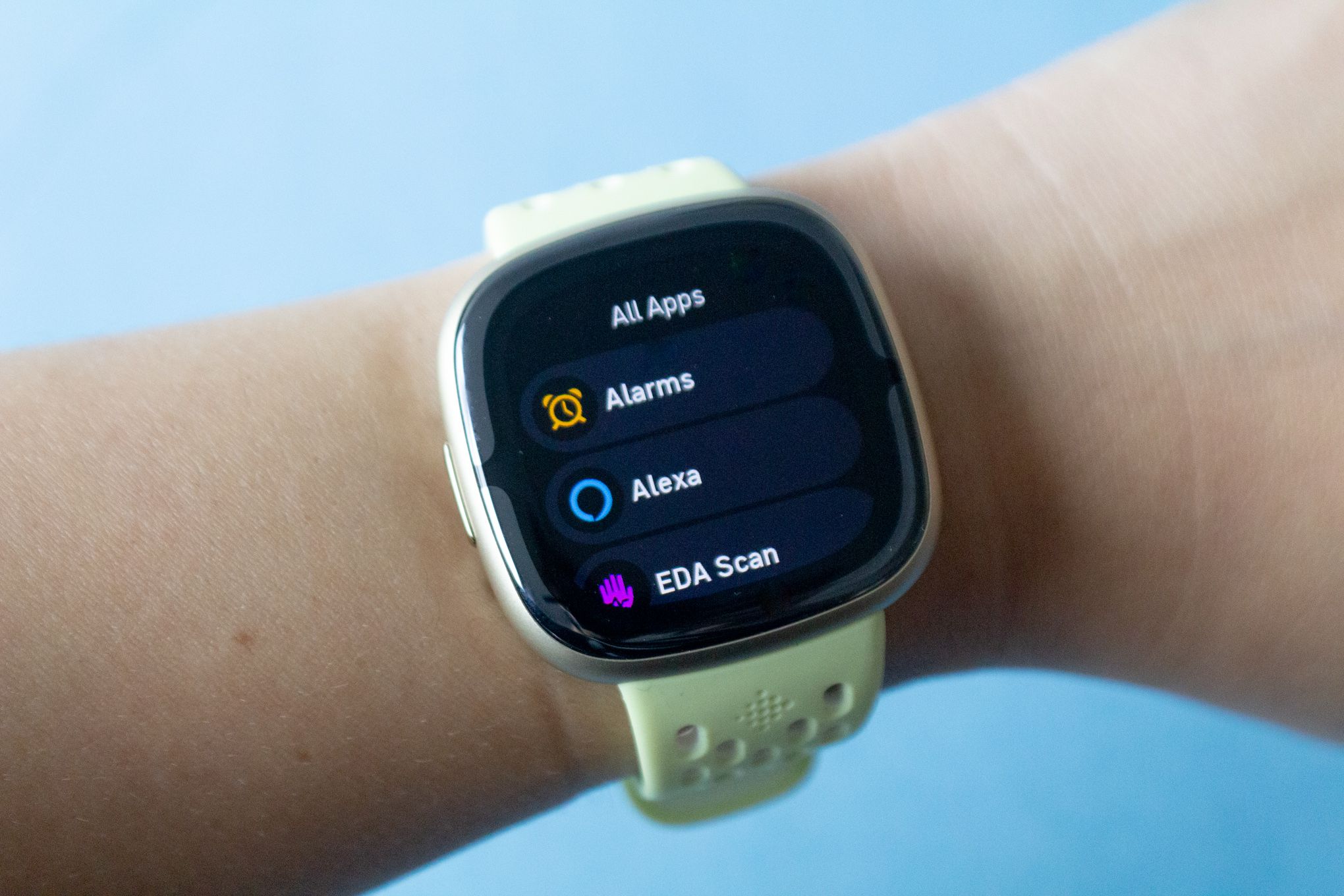
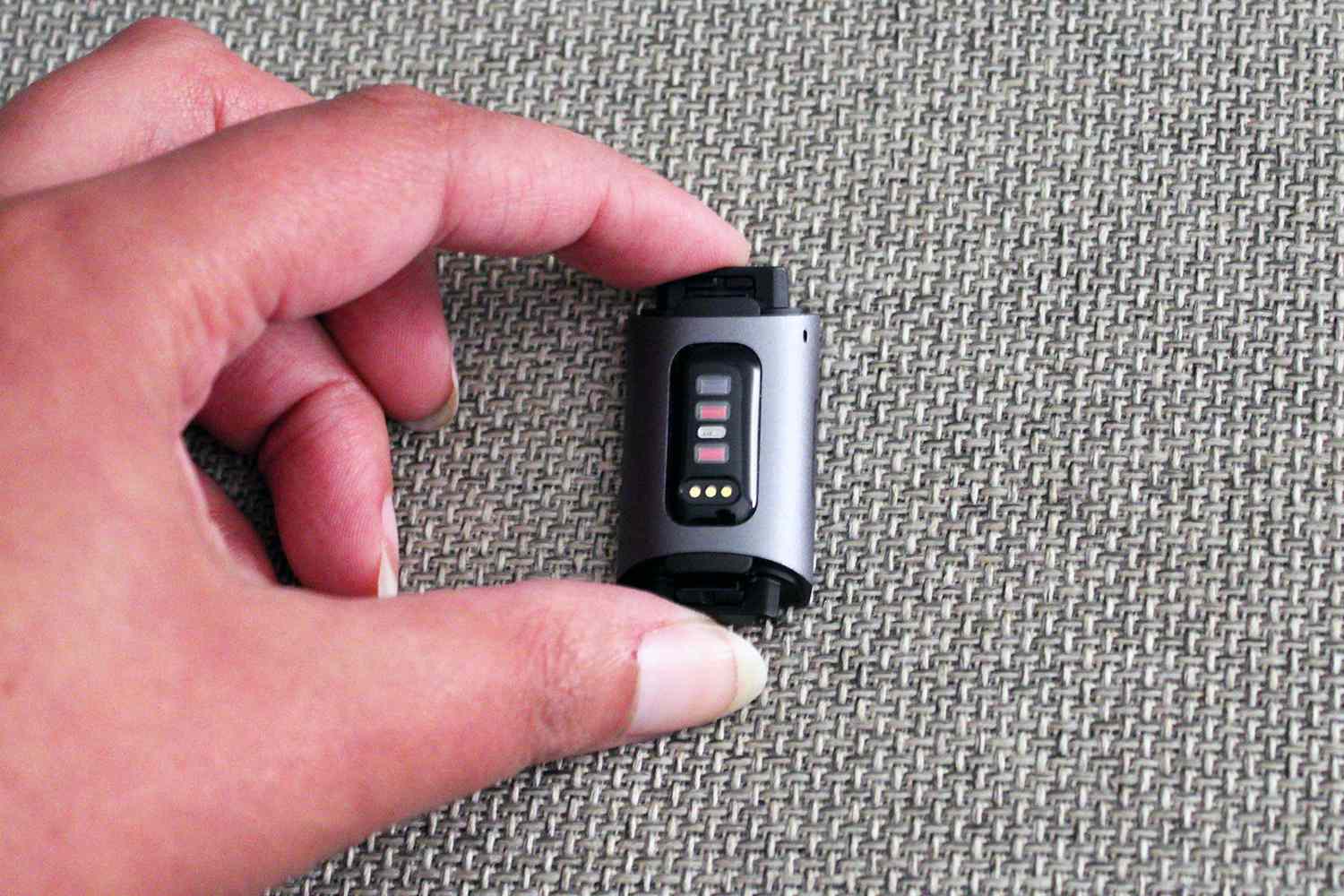
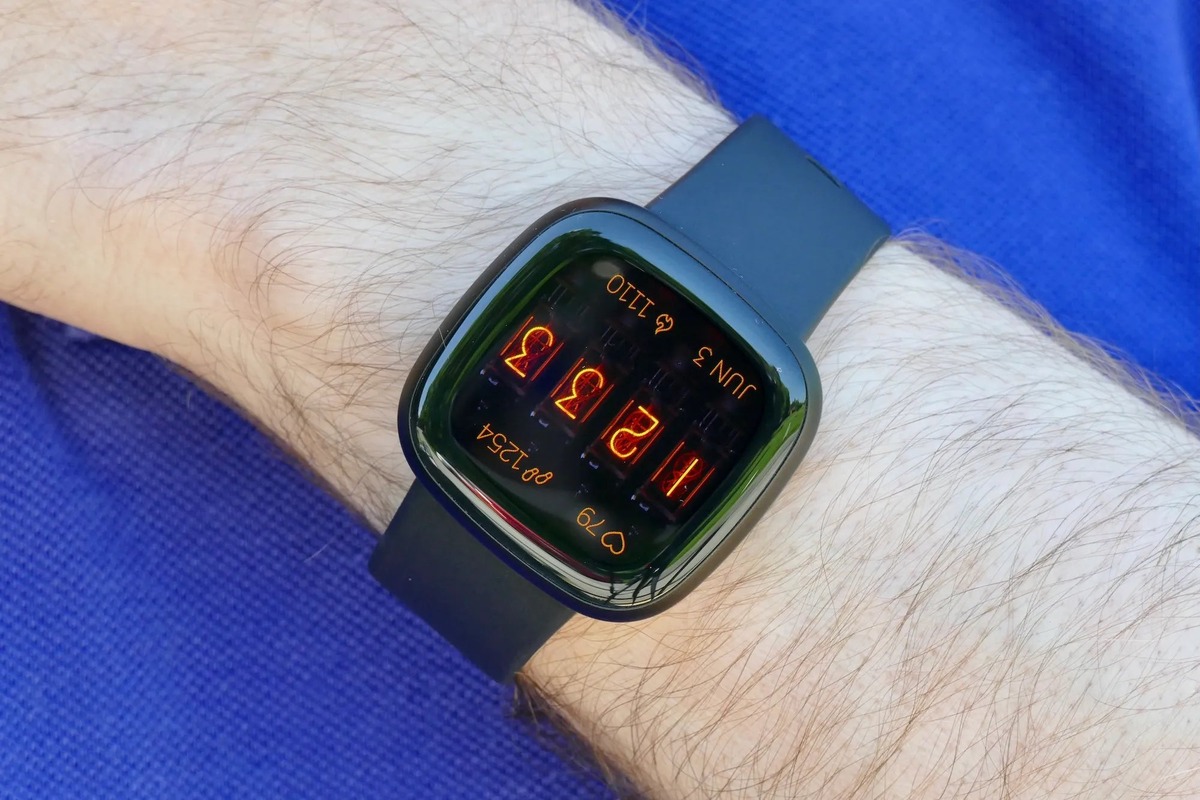
Our guides and troubleshooting articles for wearable devices, specifically aimed at anyone who owns or is considering a Garmin, Whoop, or Fitbit tracker. Whether you are trying to set up a new smartwatch, fix a frozen screen, or simply understand what a specific feature does, this page brings together practical answers for common day-to-day problems.
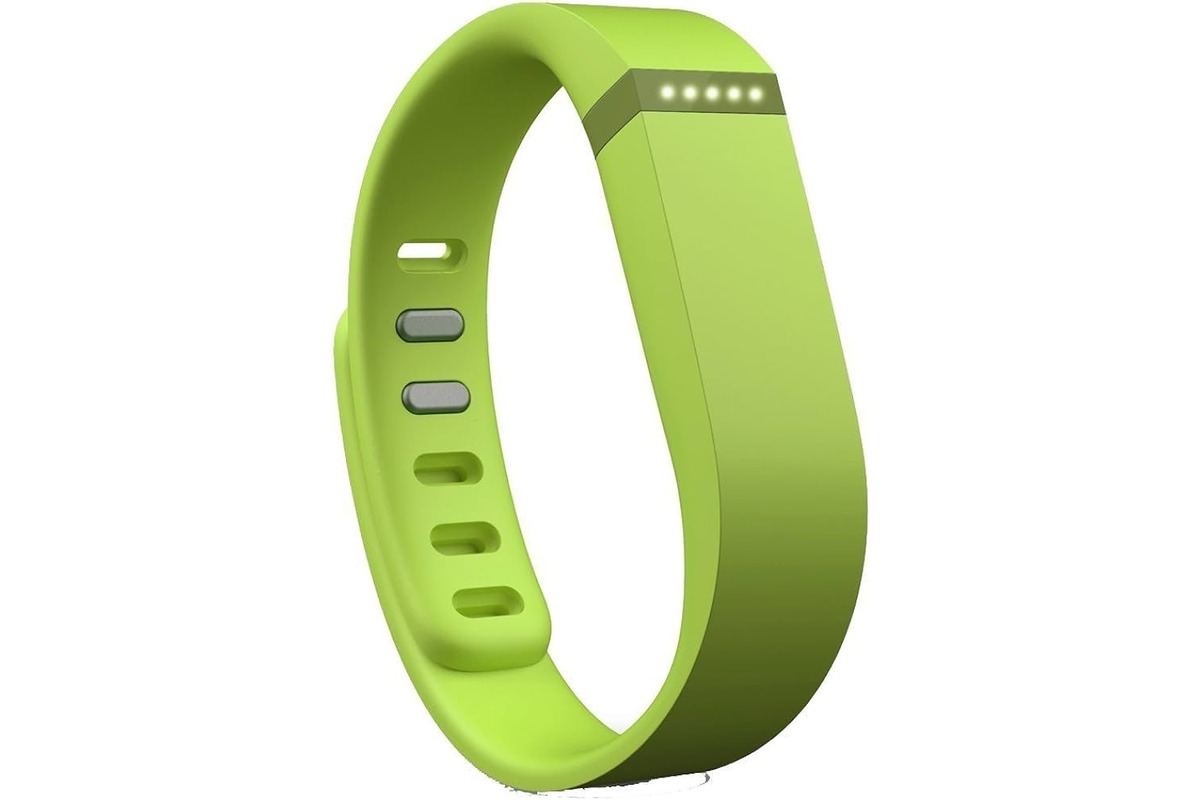
The articles here fall into two clear categories. First, there are many pieces focused on setup and hardware basics, such as how to connect a Q7 Smartwatch to an Android phone, how to waterproof a Fitbit Flex, or how to remove Fitbit bands. Second, a large group of articles tackle display and charging issues, including how to reset a Fitbit Charge 3 when the screen is black, how to turn up the brightness on a Fitbit Charge 4, and what to do when the Fitbit Charge 5 is not showing the time when turning your wrist. You will also find straightforward explanations for features like what Body Battery on a Garmin means, how Garmin measures stress, and what BPM means on a Fitbit.
These articles help the reader perform specific actions: charge their device correctly, update software, set an alarm, transfer ownership, or even find a lost watch. By grouping these solutions together, the tag saves you from searching across the site for the fix or fact you need right now.