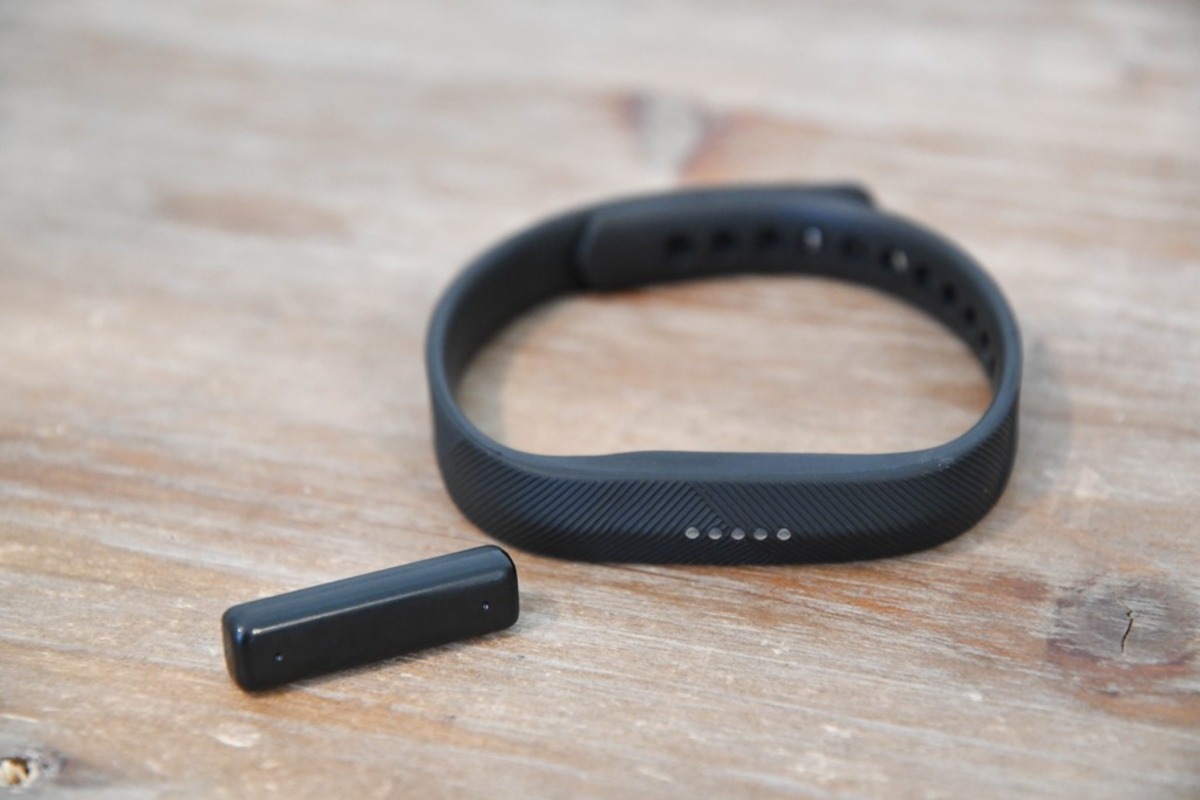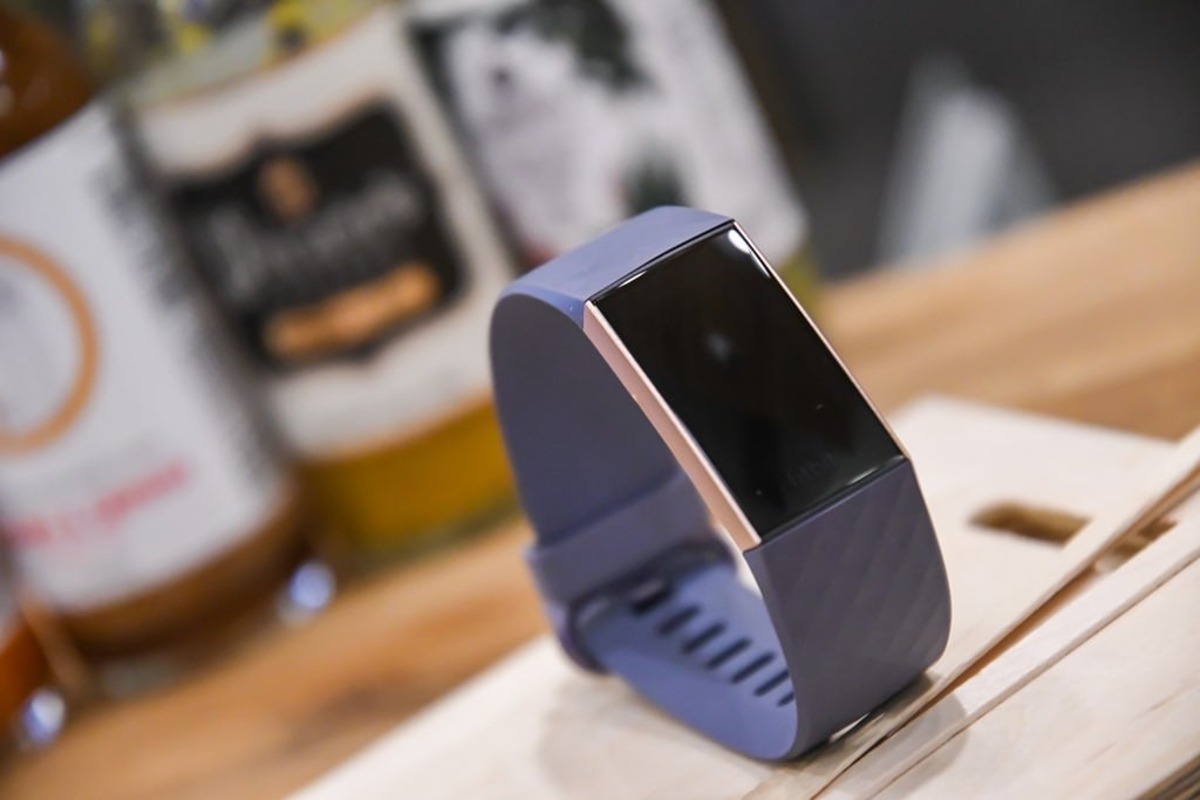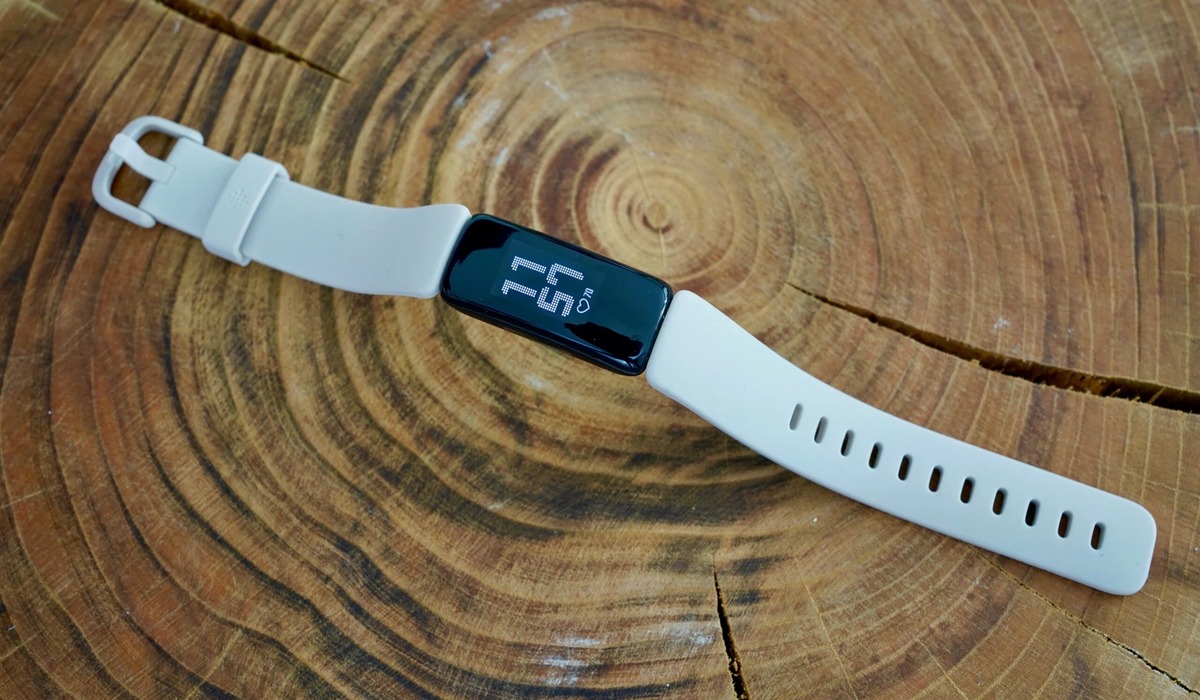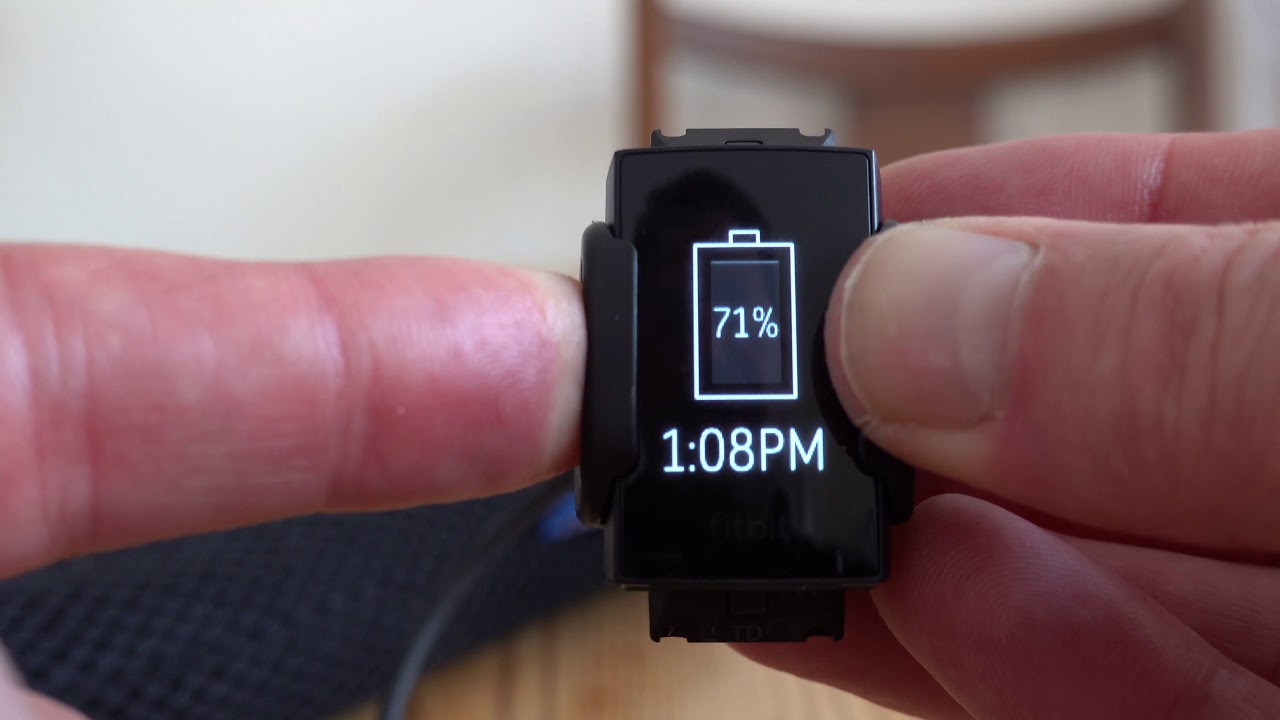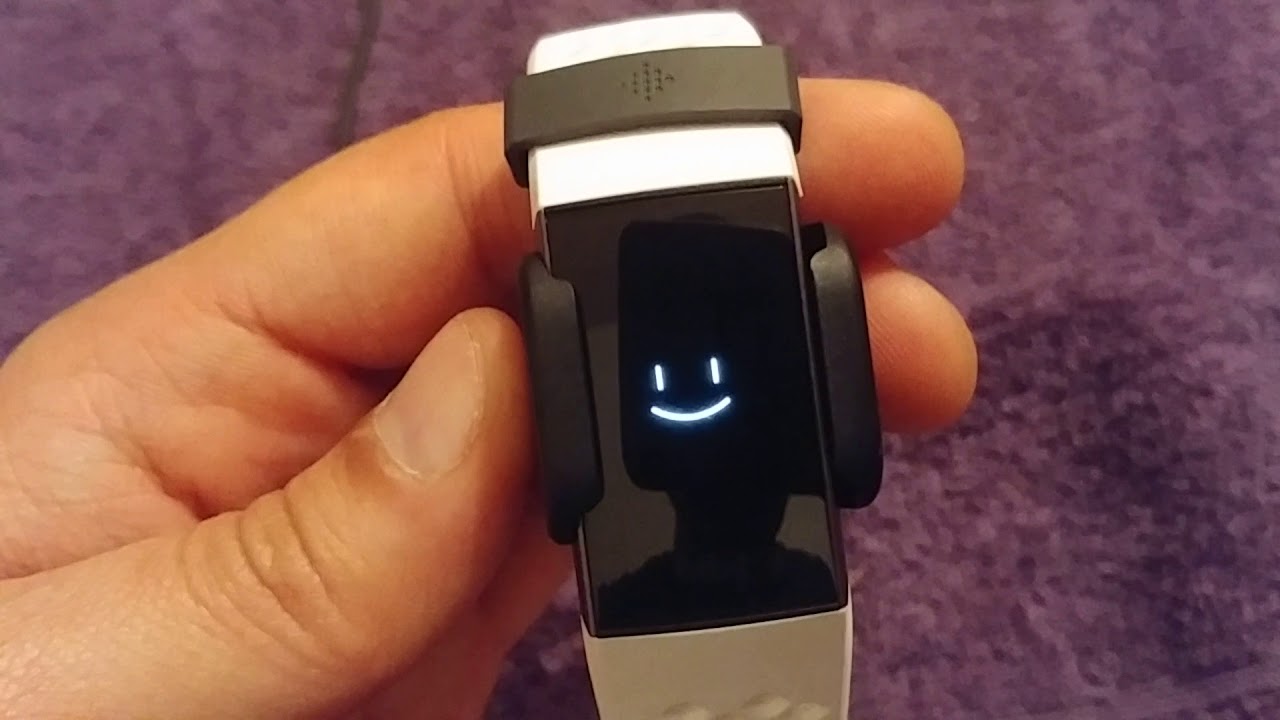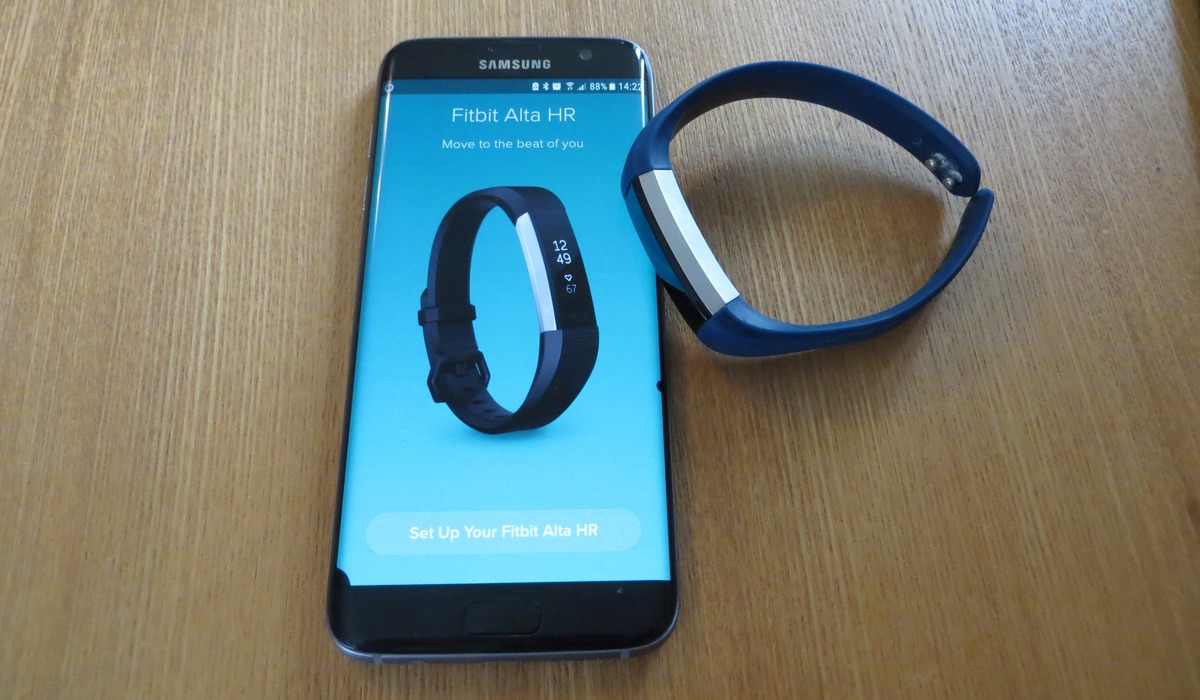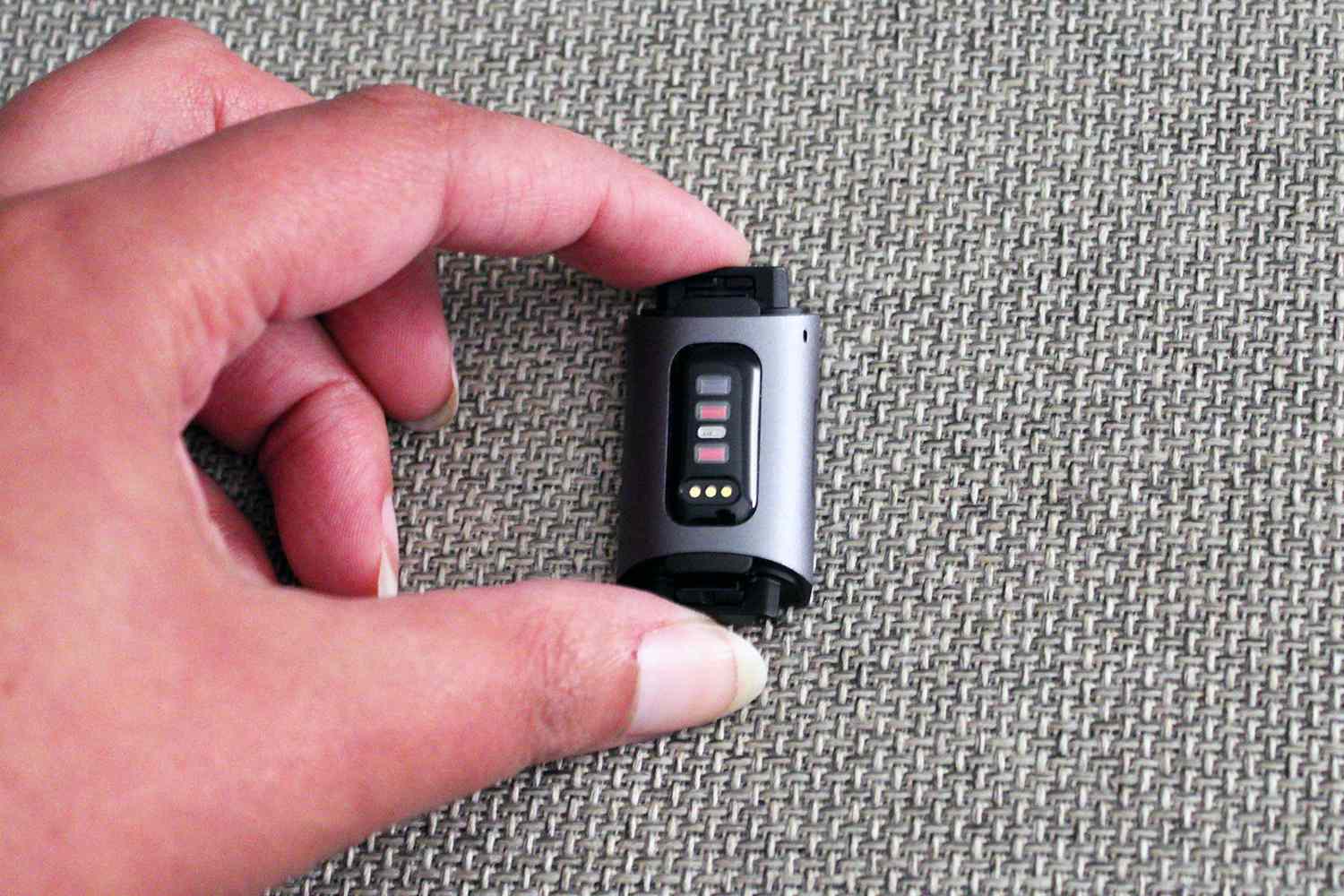
When you have an old Fitbit, the first thing to do is protect your personal data by syncing it, performing a factory reset, removing it from the Fitbit app, and forgetting the Bluetooth pairing. This mandatory preparation is the same whether you plan to sell, donate, gift, or recycle the device, and it ensures no one else can access your information.
What to do with an old Fitbit: First, protect your data
Before choosing any option for your old Fitbit, you must complete these preparation steps to secure your data. Start by syncing your Fitbit so your most recent health and activity data is captured. Then, erase the device or factory reset it to delete all app and personal data. Next, remove the device from your Fitbit account: in the Fitbit app, go to the Today tab, tap the devices icon, tap the device, then tap the option to remove the device; on Android phones, tap the trash icon. Finally, on your phone or tablet, go to Settings > Bluetooth, find the Fitbit device, and choose Forget. These steps are the only essential preparation for any path forward.
Option 1: Sell or trade in your Fitbit
If your old Fitbit is in good working condition, selling or trading it in can recoup some of your investment. Assess the condition before selling: evaluate overall condition, ensure it is functioning properly with no significant damage or defects, and ideally clean and well-maintained. Research the market value of your particular Fitbit model by checking online marketplaces such as eBay or Amazon to note the average selling price. Choose a selling platform: online platforms like eBay, Craigslist, or Swappa allow direct sales; alternatively, look for trade-in programs offered by Fitbit or other retailers. Create a detailed and accurate listing with high-quality photos highlighting features, condition, and included accessories. Set a fair price based on age, condition, and included accessories. Negotiate with potential buyers and use secure payment methods for a smooth transaction. The data-wiping steps above are the only essential preparation for selling; no official "transfer ownership" feature exists in Fitbit support and ownership help documentation. After you erase the device and remove it from your account, the buyer can set it up as their own. For trade-in programs, check with retailers or Google's recycling partner for offers, but remember that the same reset-and-remove process applies.
Option 2: Donate or gift your Fitbit
Donating or gifting your old Fitbit gives it a second life and helps someone else start their fitness journey. If the device is no longer functional or has significant wear and tear, it may be best to explore other options such as recycling instead of donating or gifting. The requirement is to erase your Fitbit device before giving it away so app and personal data are deleted. This is the same reset-and-remove process: sync, factory reset, remove from the Fitbit app, and forget Bluetooth pairing. After that, the new owner should set it up as their own device in the Fitbit app. Consider donating to local community centers, youth organizations, or charities focused on health and fitness.
Option 3: Repurpose your Fitbit as a simple tracker
If you want to keep using your old Fitbit yourself, you can repurpose it as a simple activity tracker. The device can still be used with the Fitbit app if it meets minimum OS requirements. One current Google support page lists Apple iOS 16.4 or higher and Android 11 or higher, while another regional support page lists iOS 15 and higher and Android 9 or higher. Because the documented minimum versions vary by region, check the applicable requirement on your local support page. If you want to buy accessories for continued use, you can buy Fitbit accessories from official retailers. DIY project idea: Transform the old Fitbit into a smart home accessory by connecting it to devices like a smart lightbulb or smart lock, using its sensors to trigger actions. DIY project idea: Create a personalized digital photo frame by removing the band and attaching the Fitbit to a small photo frame to display uploaded pictures. DIY project idea: Design fitness-themed jewelry by removing the faceplate and attaching it to a bracelet or necklace chain. DIY project idea: Create a temperature and humidity monitor by connecting the Fitbit's sensors to a Raspberry Pi or Arduino board. DIY project idea: Make it a remote control for smart devices like a smart TV, music player, or drone using the Fitbit's buttons or touchscreen.
Option 4: Recycle your Fitbit properly
When your Fitbit is no longer functional or you simply want to dispose of it responsibly, recycling is the environmentally friendly choice. Before recycling, Google recommends erasing or factory resetting the Fitbit to protect personal information. Then, request a free shipping label from Google's third-party recycling partner; the prepaid label is emailed to you. Place the device in a box, attach the label, and follow the shipping instructions, or drop it off at a collection site if one is available near you. This ensures the device's components are properly handled and valuable resources are recovered.
Frequently Asked Questions
Do you need to reset an old Fitbit before giving it away?
Yes, Google says to erase or factory reset it first. This deletes all app and personal data so the new owner can set it up as their own device without accessing your information.
How do you remove it from the app?
On Android phones, tap the trash icon instead.
Can I still use my old Fitbit without the app?
Your old Fitbit can still function as a basic step tracker without the app, but you will lose access to detailed data, goal setting, and syncing. The device will continue to track steps and display time on its own.
What if my old Fitbit won't turn on or sync?
If the device won't turn on or sync, you cannot complete the factory reset or removal steps. In this case, proceed directly to recycling. Google's recycling program accepts non-functional devices, and the prepaid shipping label still applies.
Is there a trade-in program for Fitbit devices?
However, some retailers and third-party services may offer trade-in options. Always erase your data before sending the device to any trade-in service.
Related reading: How To Transfer Fitbit Flex To Another Person.