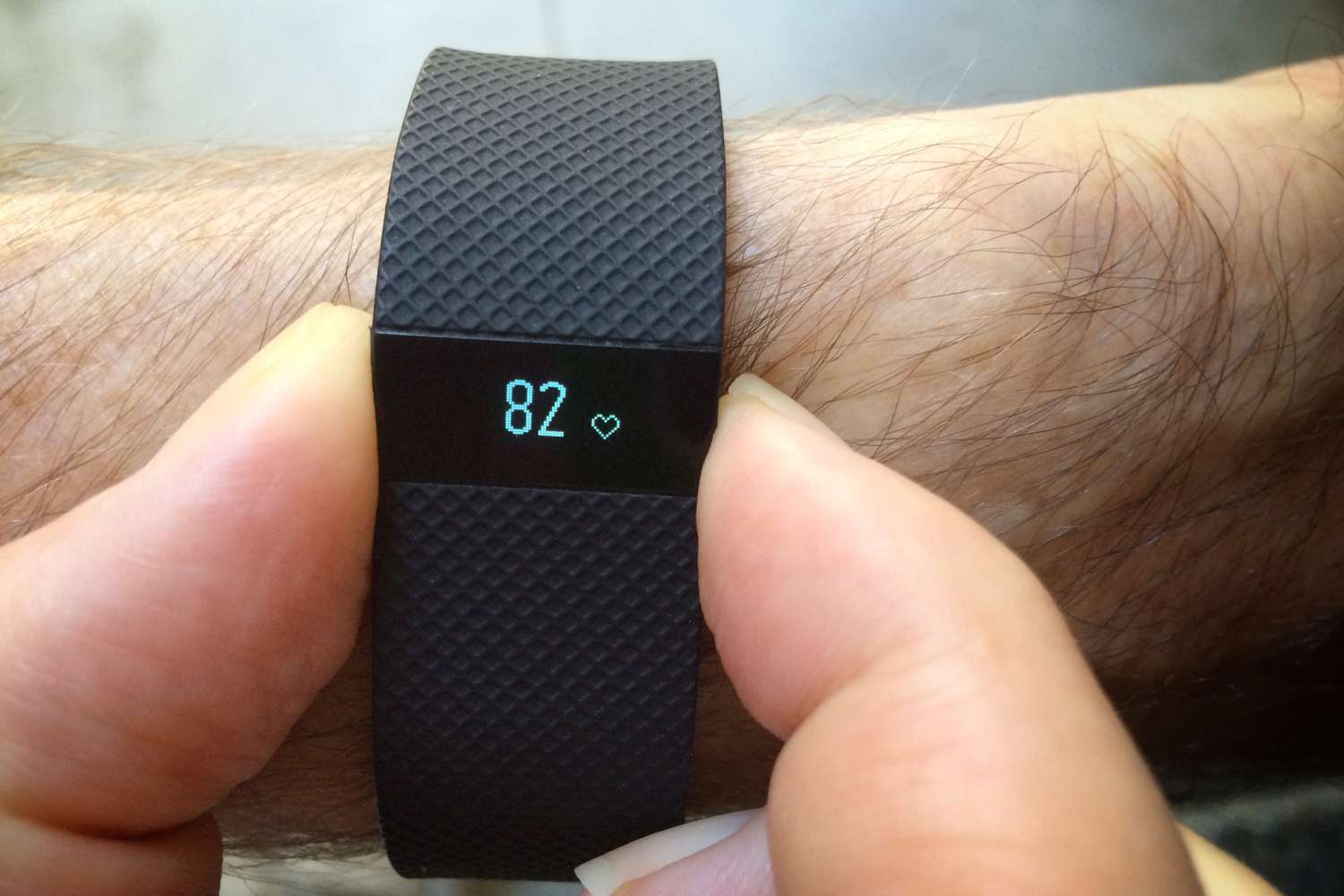
To unlock a Fitbit when you have forgotten the 4-digit PIN, open the Fitbit app on your synced phone and tap the "Today" tab or your profile icon. From there, tap your device image, scroll down to "Device Lock," and select the option to reset your PIN code, this is the primary method for regaining access and the most direct way to learn how to unlock Fitbit.
How to unlock your Fitbit when you forgot the PIN
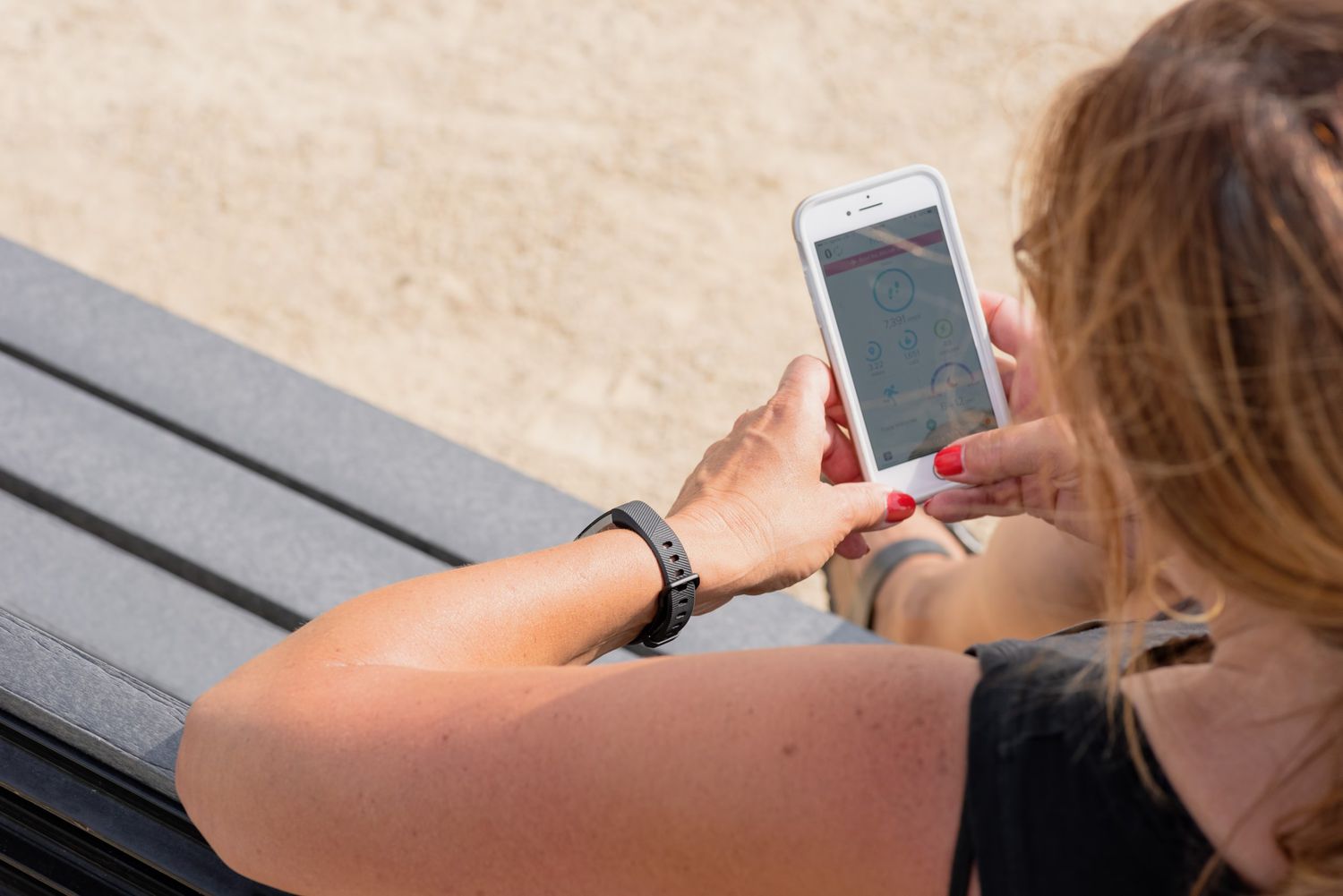
If your Fitbit is still synced to your phone but you cannot remember the PIN, the Fitbit app provides a straightforward reset path. Open the app and tap the "Today" tab or your profile icon in the upper left. Tap your device image or name, then scroll down and select "Device Lock." Inside these settings, you will find an option labeled "Reset PIN Code" or "Unlock your Fitbit." Follow the on-screen prompts to create a new 4-digit PIN, and your device will unlock immediately.
What happens after 10 wrong PIN attempts
Entering an incorrect PIN ten times on your Fitbit device triggers a security lock. The screen will display an "Unlock with Phone" prompt, which directs you back to the Fitbit app method described above. If you enter an incorrect PIN 10 times on your Fitbit device, it will prompt you to unlock it using the Fitbit app. This safeguard prevents brute-force guessing while ensuring you still have a recovery path through your synced phone.
How to factory reset a frozen or unresponsive Fitbit
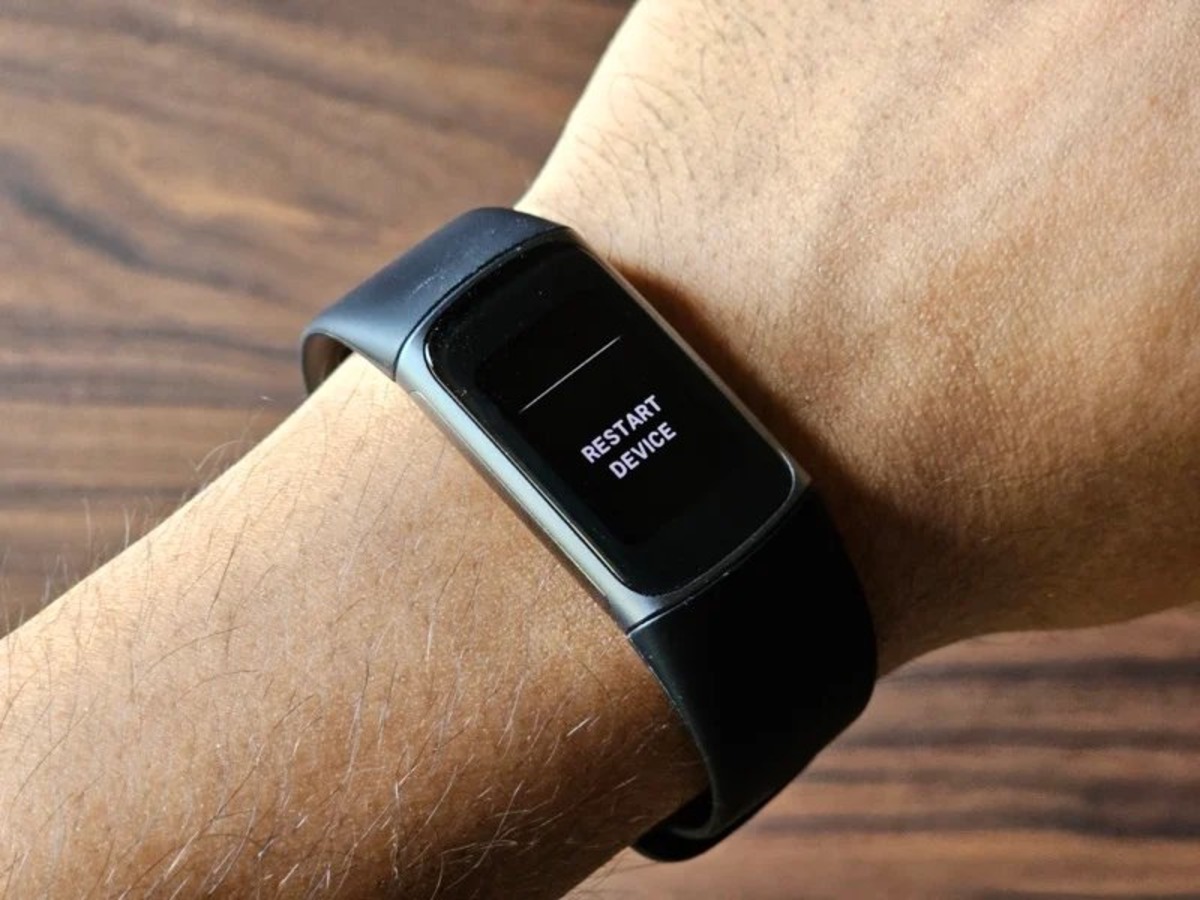
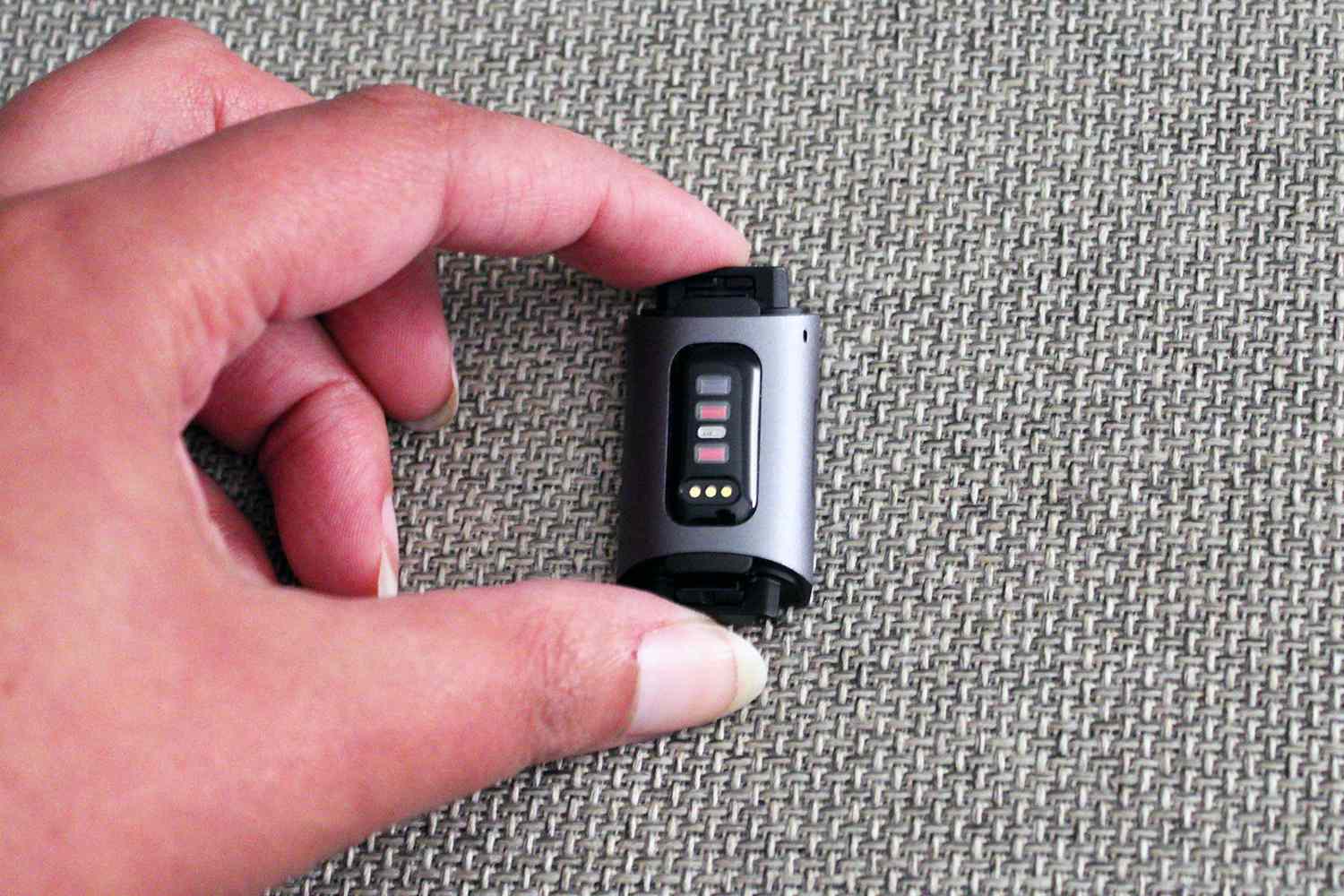
When your Fitbit is stuck on the "Unlock with Phone" message, is frozen, or becomes unresponsive, and the app method does not work because the device is not synced, a factory reset is the necessary last resort. This process erases all data and settings, including the forgotten PIN, and requires you to set up the device as new.
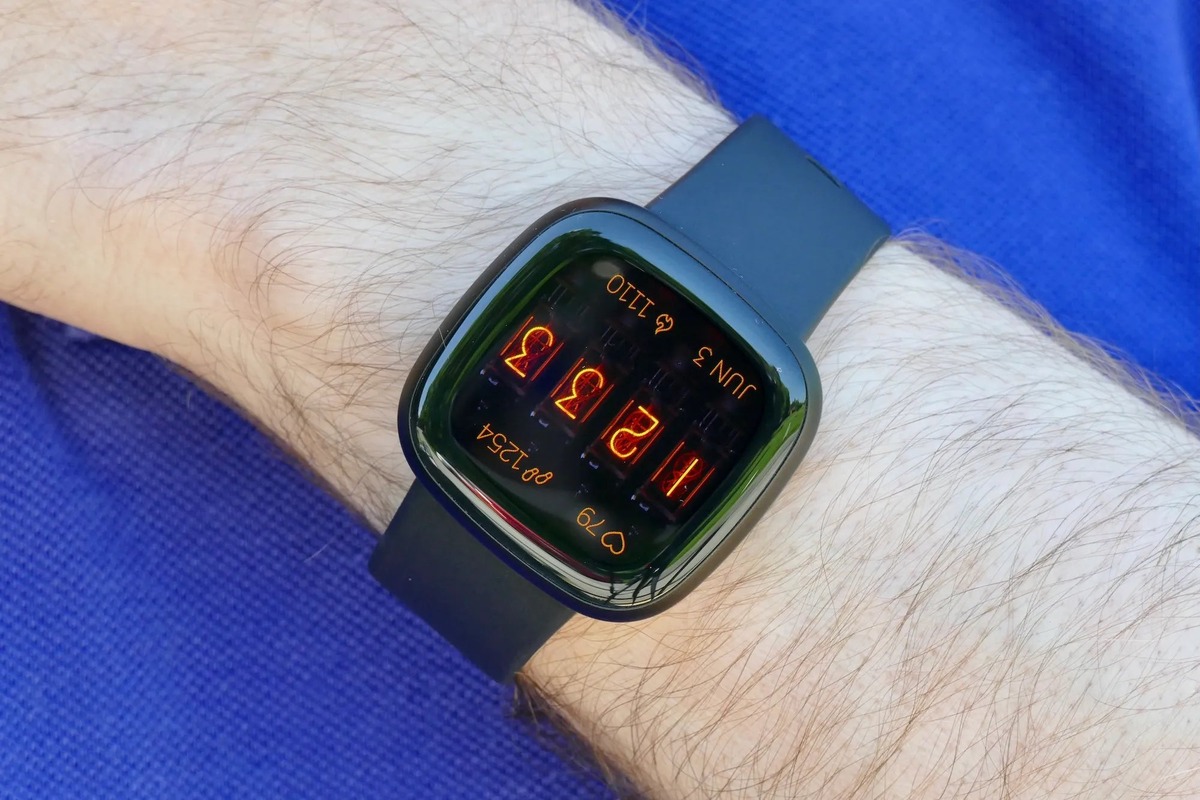
- For Fitbit Versa 2, press and hold the side button for 10 to 15 seconds, releasing it when the Fitbit logo appears.
- After the reset completes, open the Fitbit app and remove the device from your account if it was previously synced. This step is critical before re-pairing. After a factory reset, you should remove the device from your Fitbit account in the app (if it was previously synced) before setting it up again.
- Set up the device again as a new Fitbit, following the app's pairing instructions.
This factory reset method works for other models as well, though the button-hold duration may vary. Once reset, you will regain full access to your Fitbit features and metrics, including activity tracking, sleep monitoring, and heart rate data.
Frequently Asked Questions
Can I unlock my Fitbit without using the app?
If your Fitbit is synced and responsive, the app method is the only supported way to reset a forgotten PIN. For frozen or unresponsive devices, a factory reset via button presses is the alternative, but this requires re-pairing through the app afterward.
How do I disable the lock screen on my Fitbit?
Disabling it removes PIN protection, so your data will be less secure if the device is lost or stolen.
What should I do if my Fitbit is locked and won't respond to button presses?
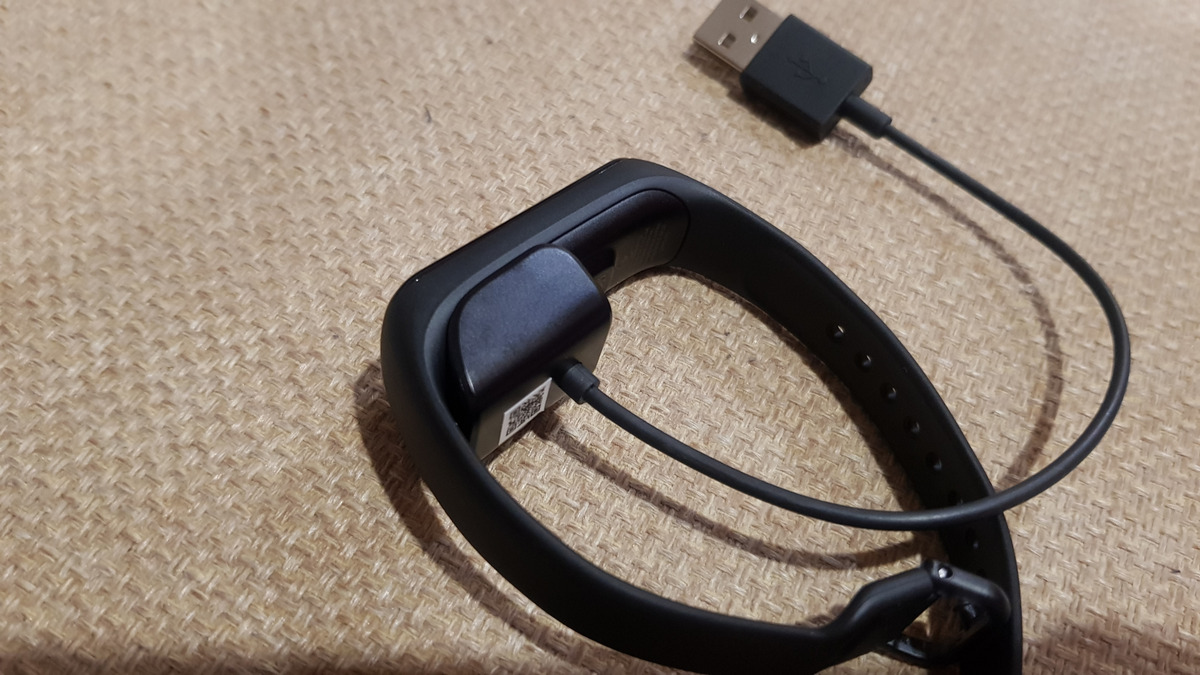
If the screen is completely unresponsive and the button hold does not trigger a reset, ensure the device has sufficient battery charge by placing it on the charger for at least 30 minutes. Then attempt the factory reset button sequence again. If it still does not respond, contact Fitbit support for further assistance.
Will a factory reset delete my Fitbit data?
Yes, a factory reset erases all data stored on the device, including activity logs, settings, and the PIN. Data synced to your Fitbit account in the app before the reset will remain available after you set up the device again.
Can I unlock a Fitbit that was never synced to my phone?
If the device was never paired, the app cannot connect to reset the PIN. In this case, a factory reset is the only option, but you will need to pair it with a phone afterward to use it fully.
Related reading: How Do I Restart Fitbit.