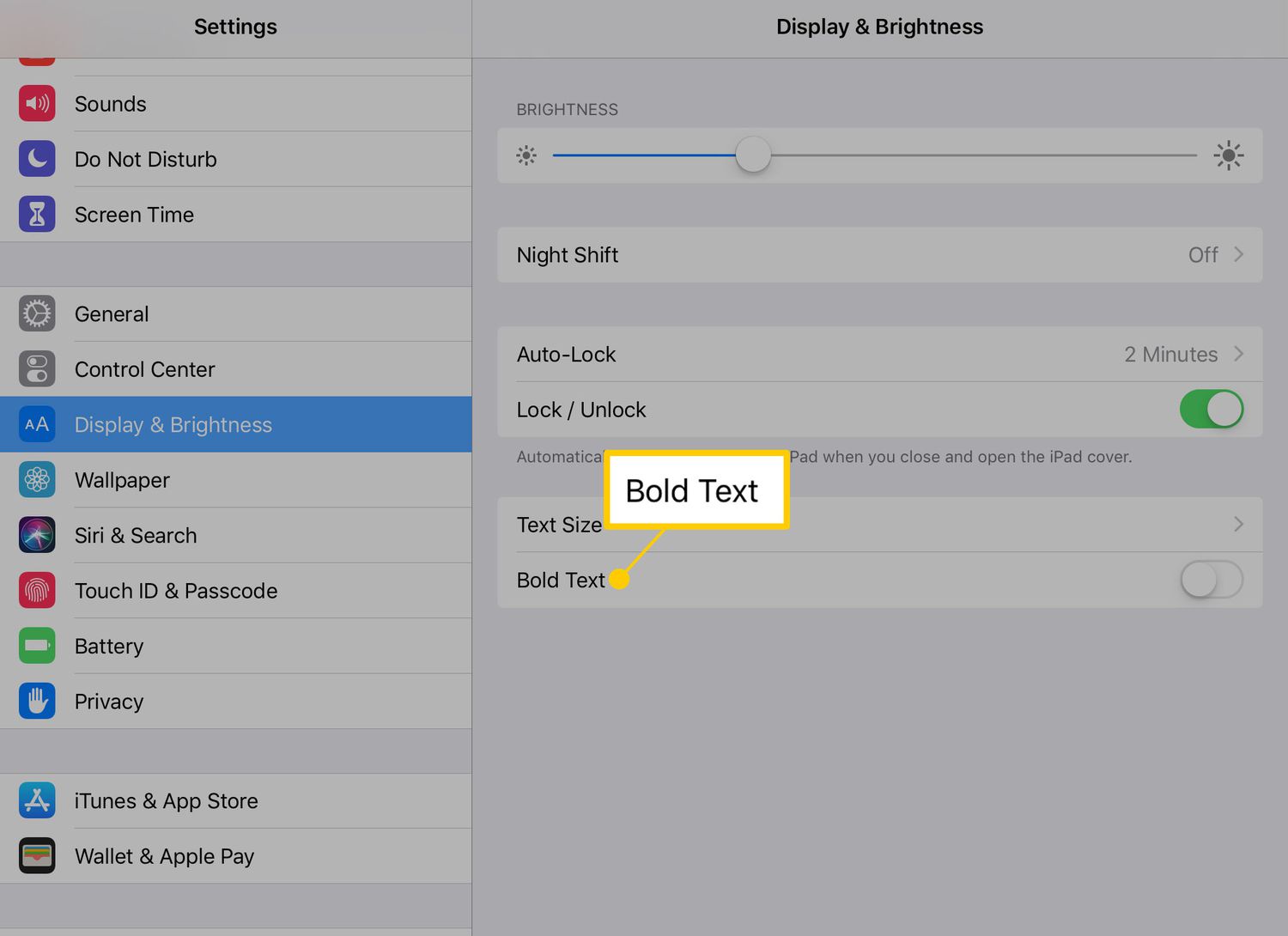
Articles for anyone who finds on-screen text too small or hard to read on their mobile device. Whether you are an Android user, an iPhone owner, or someone who works with documents on the go, these guides focus on making text clearer and more comfortable to see.
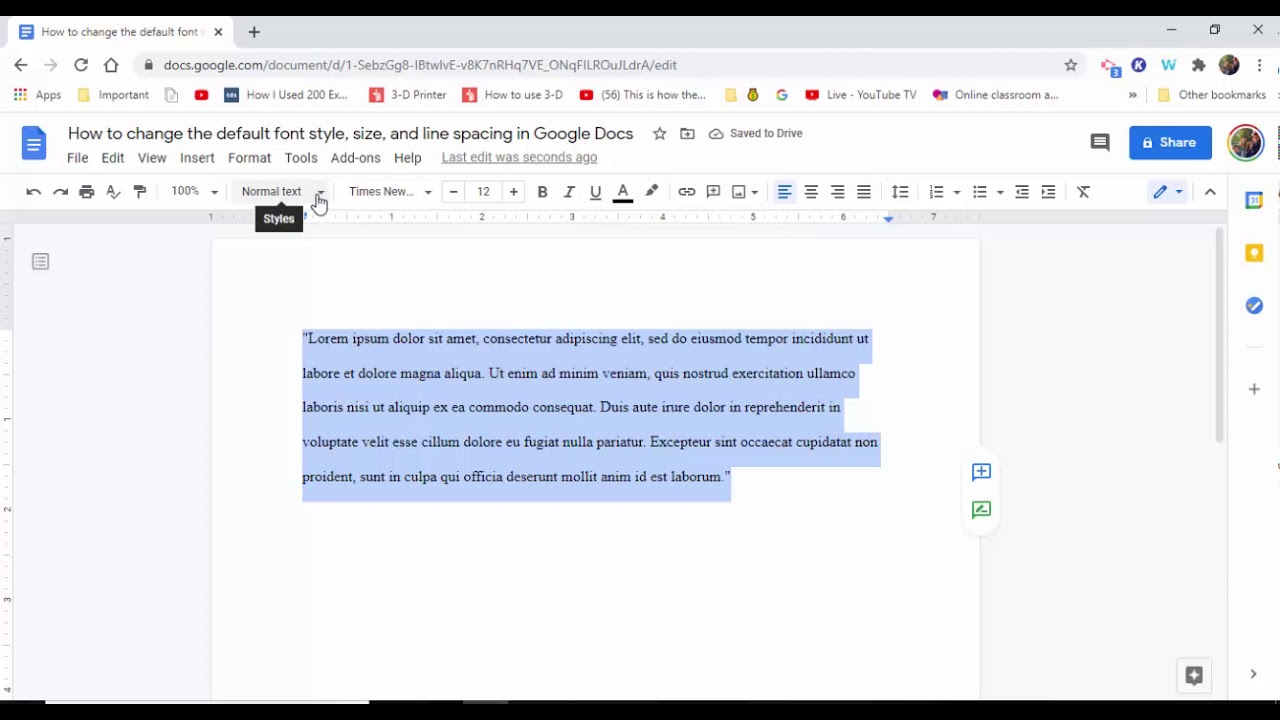
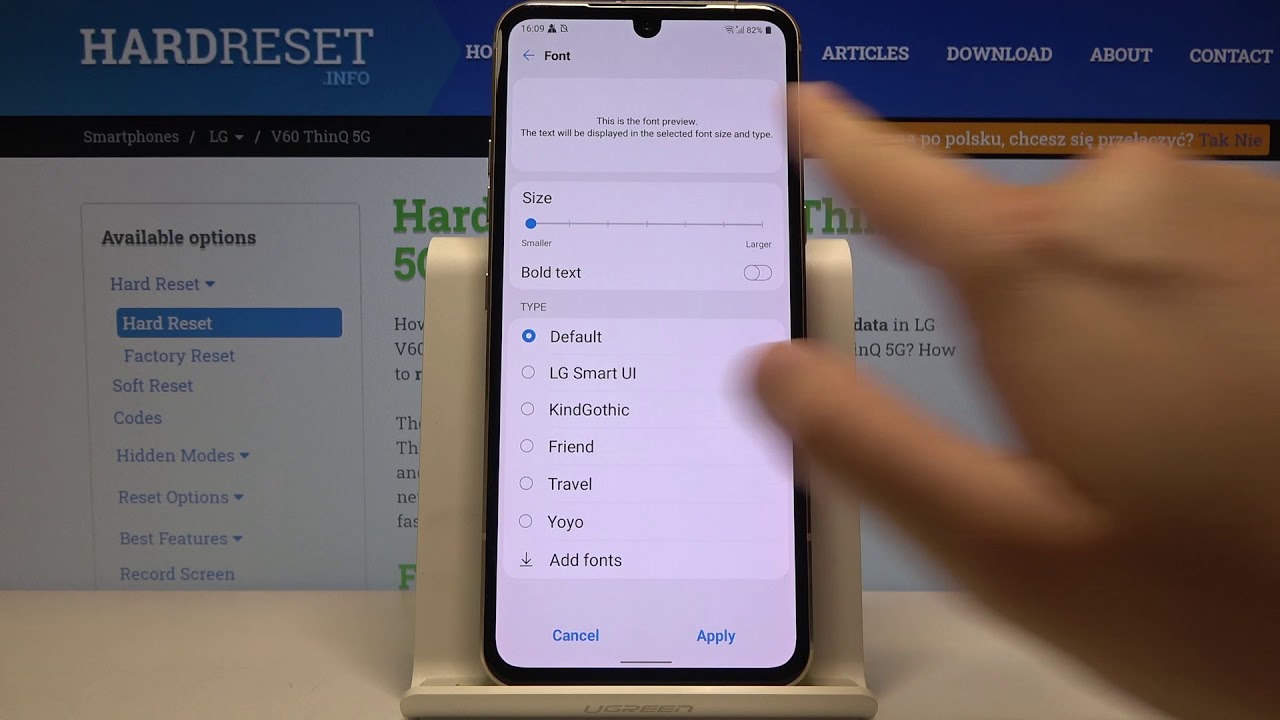
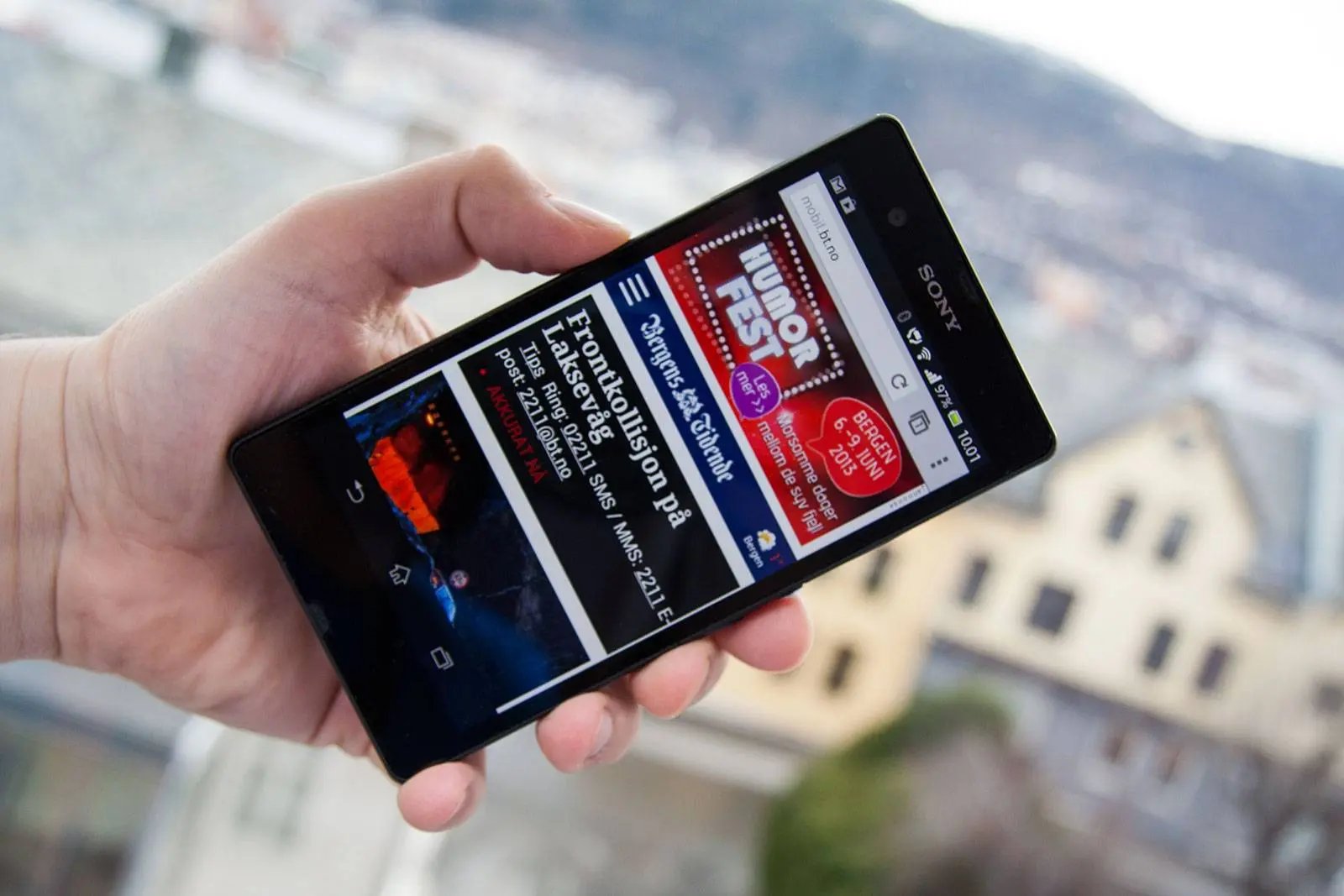
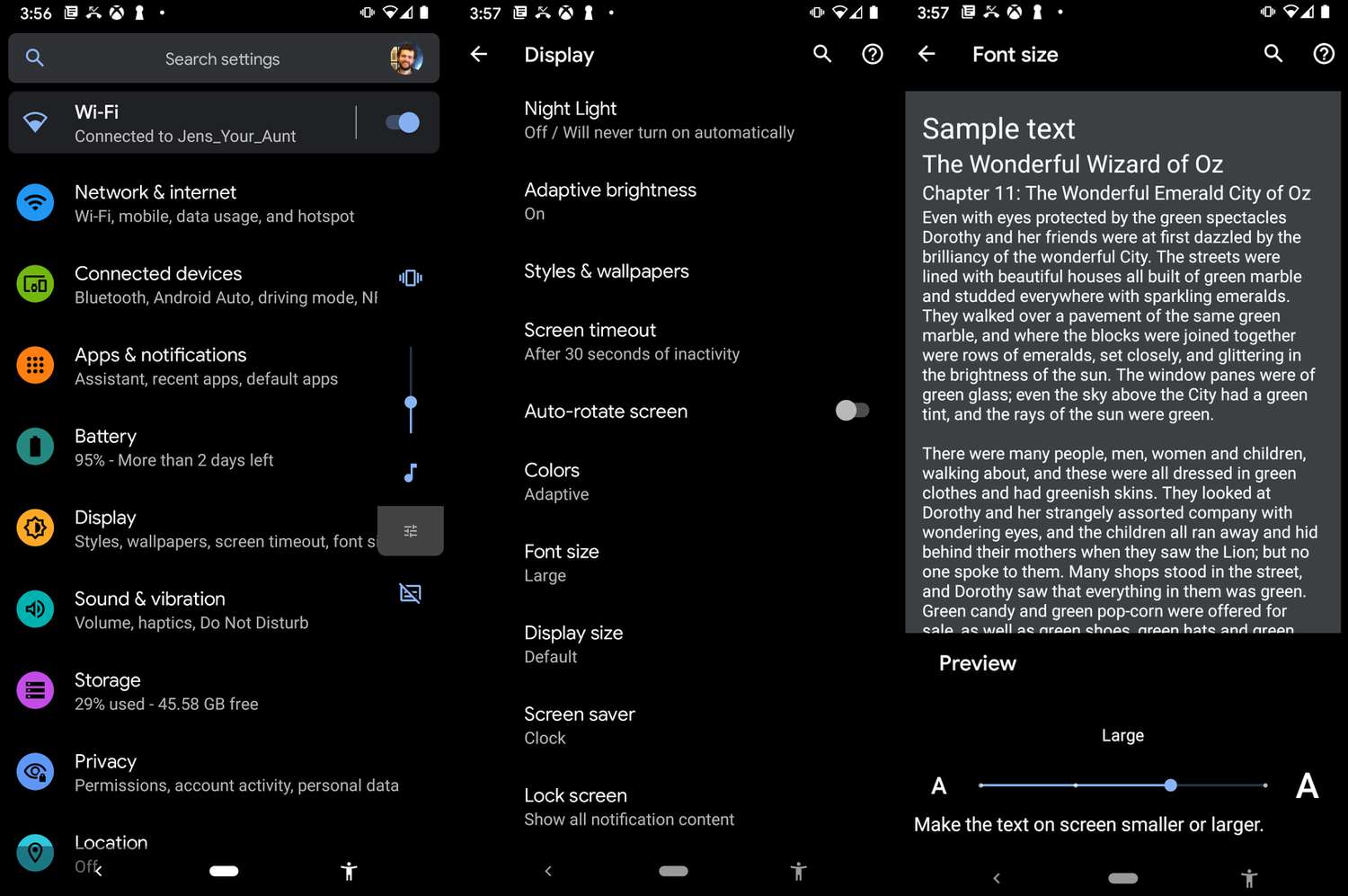
The articles here solve two main kinds of problems. First, they help you adjust system-wide display settings, such as making text larger and bolder or increasing the font size on an iPhone 11. Second, they address specific device quirks, like changing the font on a Sony Xperia Z without needing to root the phone. For those who use productivity apps, there is also a guide on changing font size in Google Docs on mobile, helping you read and edit documents more easily.
These straightforward how-tos let you take control of your screen’s legibility. You can learn to enlarge text on Android, brighten your display, or simply make your phone’s text bigger and bolder with a few taps.