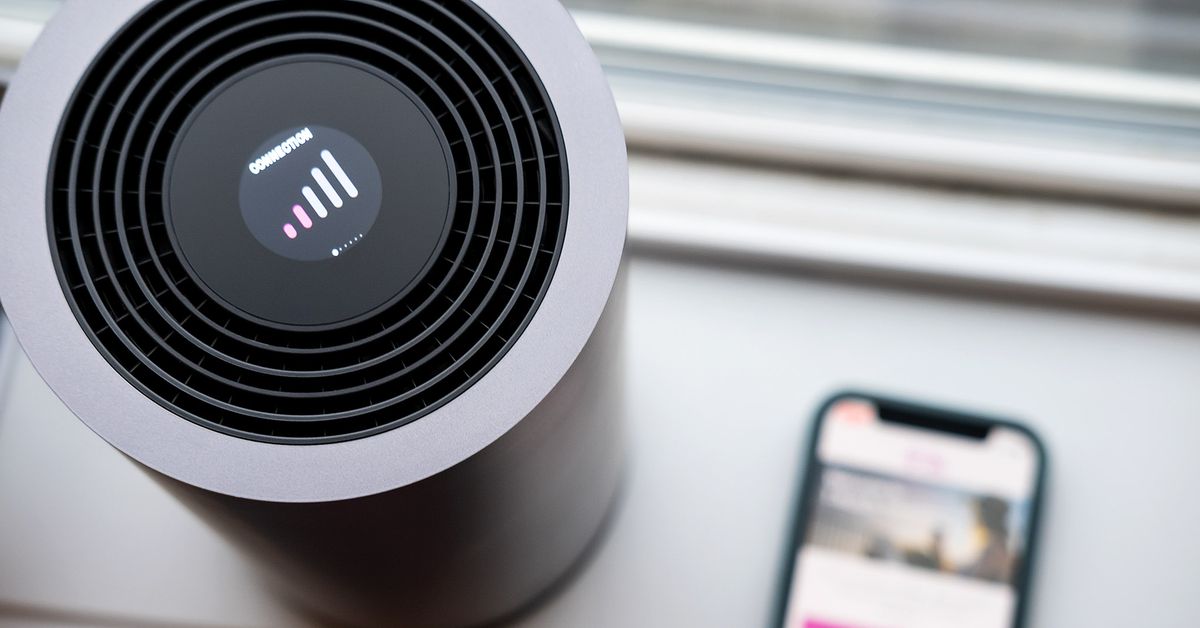
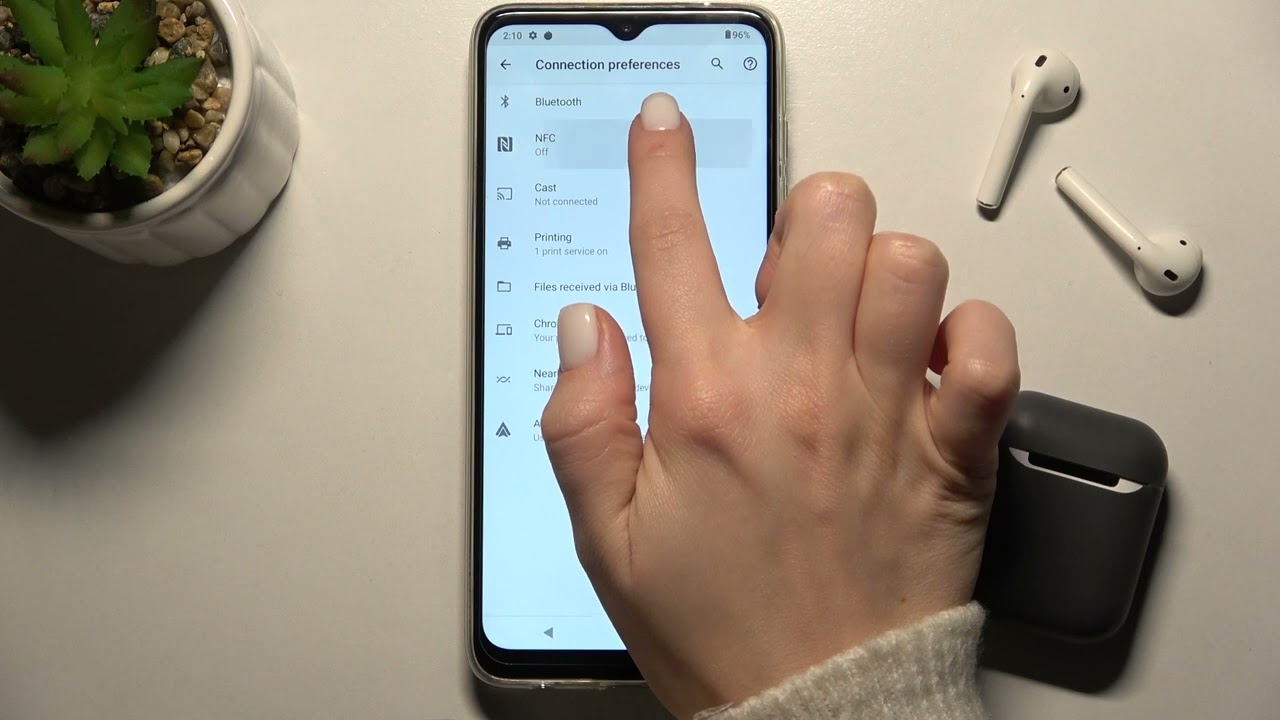
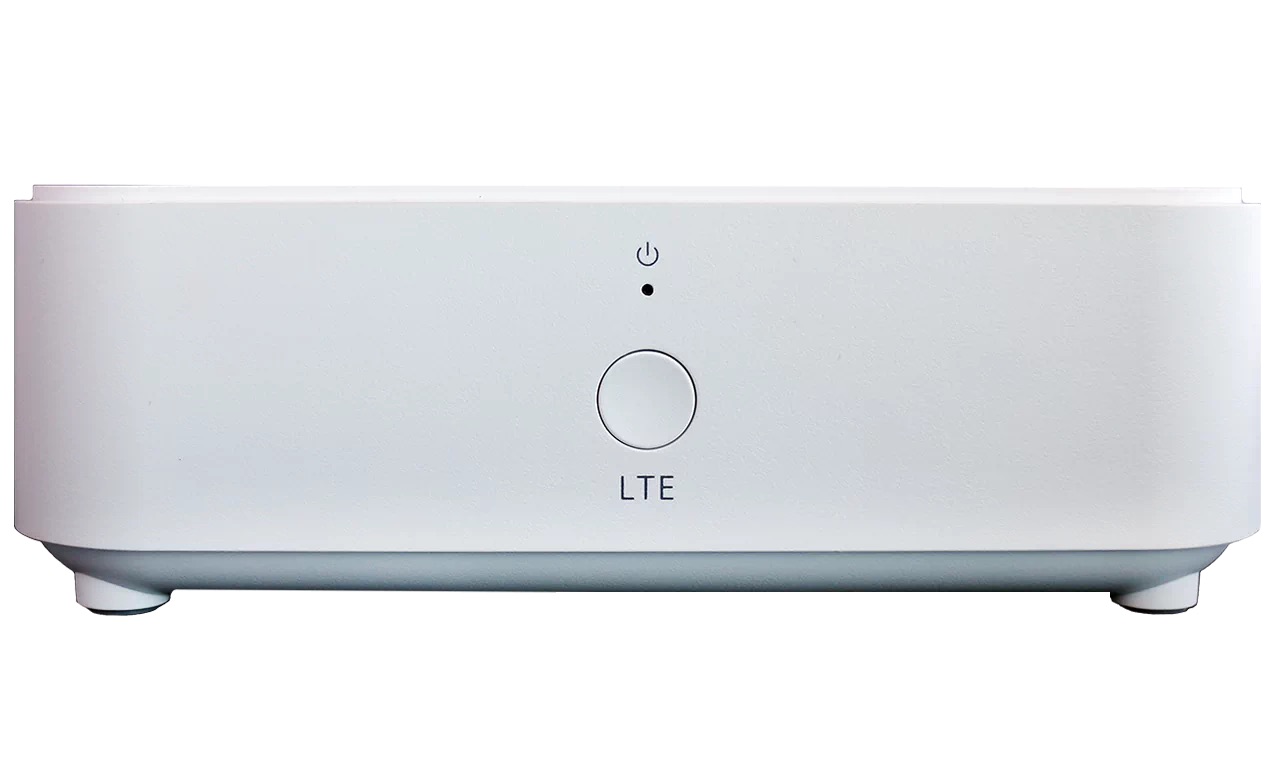
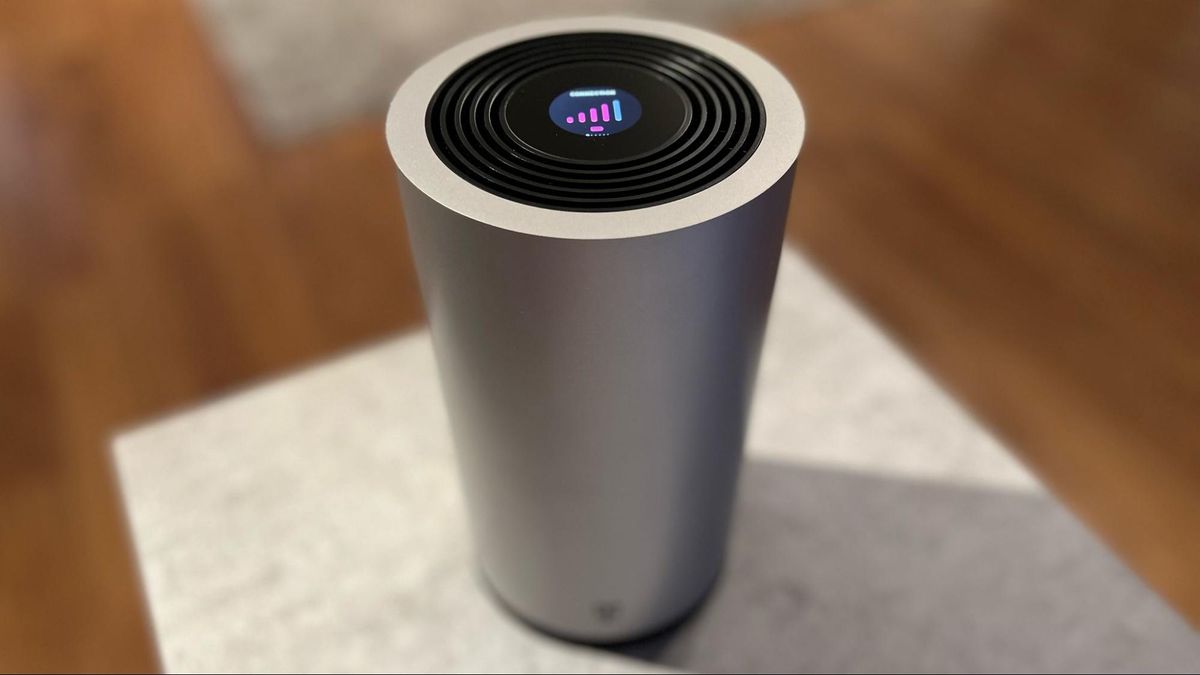
Our guides and troubleshooting articles specifically for people who use a cellular home internet gateway, most often from T-Mobile, or who manage their own Wi-Fi network through a provider like Xfinity or AT&T. This page is built for anyone setting up a new router or wireless TV box, dealing with a connection that has stopped working, or trying to secure their home network by changing the Wi-Fi password.
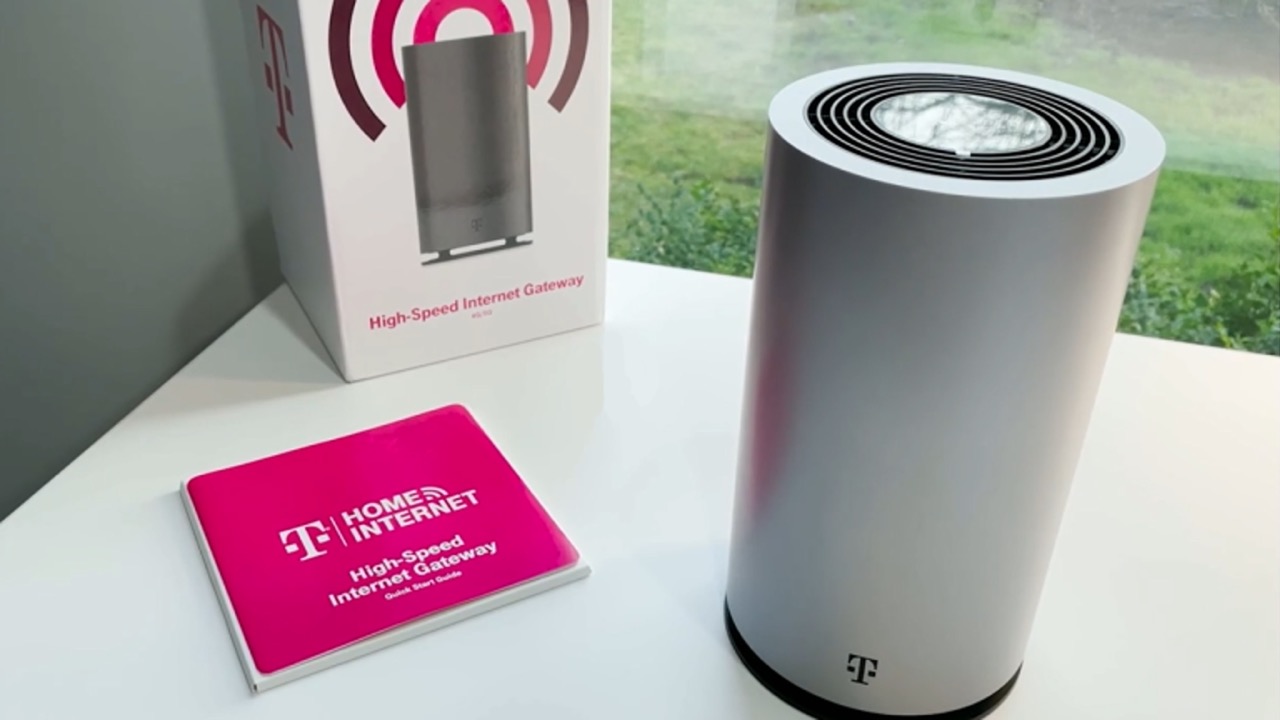
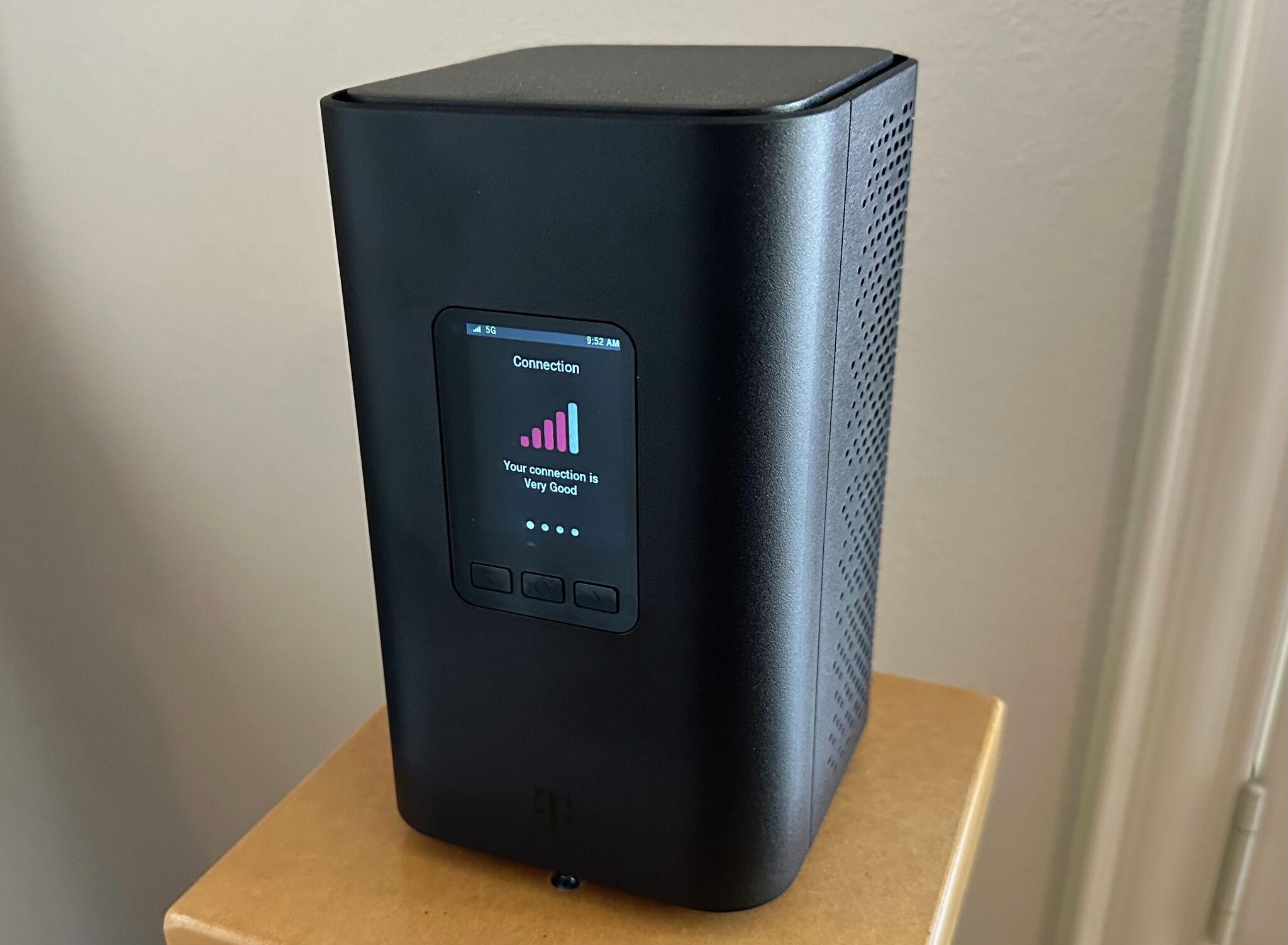
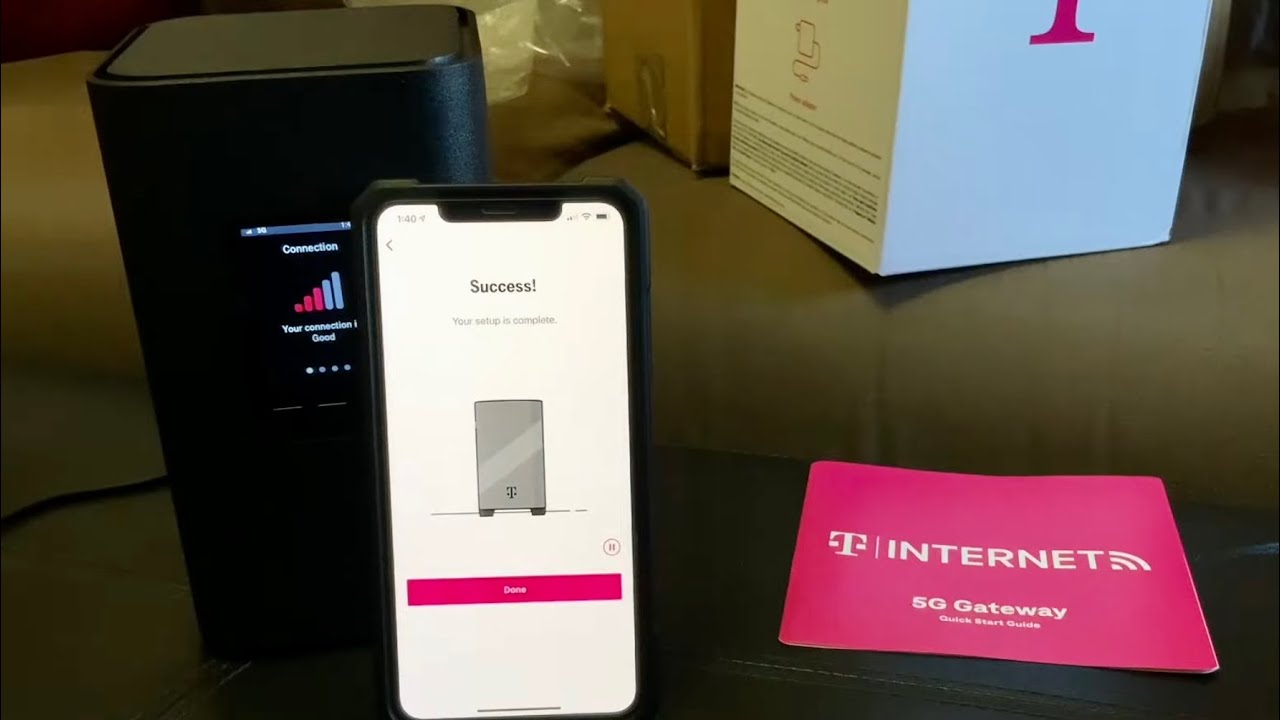
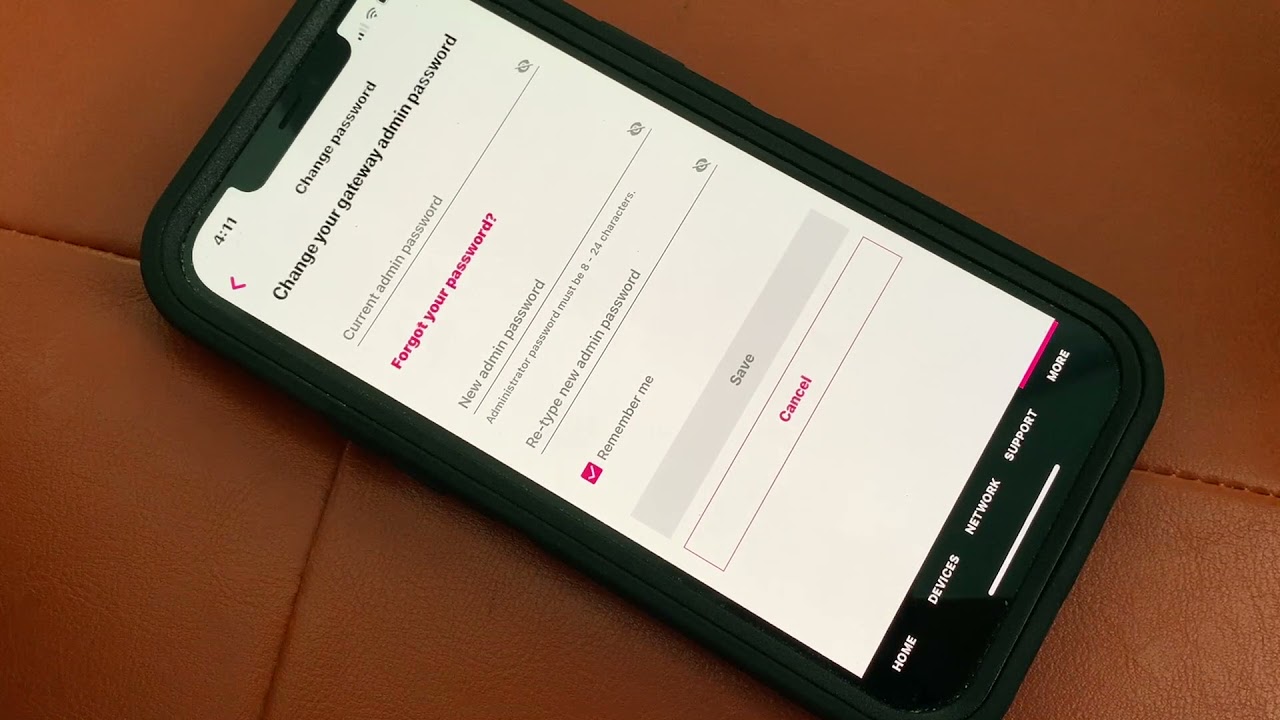
The articles here solve practical, everyday problems grouped around two main themes: setup and security, and connectivity and troubleshooting. For setup and security, you will find step-by-step instructions on how to change the wireless password on a T-Mobile or AT&T gateway, how to set up a Comcast wireless router, and how to configure an Xfinity Wireless TV Box. For connectivity and troubleshooting, the guides explain why your T-Mobile Home Internet might not be working, how to reset the T-Mobile 5G Gateway, and how to turn off or set up an Xfinity hotspot. Other specific topics covered include locating the WPS button on a T-Mobile router, connecting a printer to T-Mobile internet, and understanding what the T-Mobile 5G Gateway actually is. Each article helps the reader take a direct action, from returning equipment to adjusting settings on their home network.