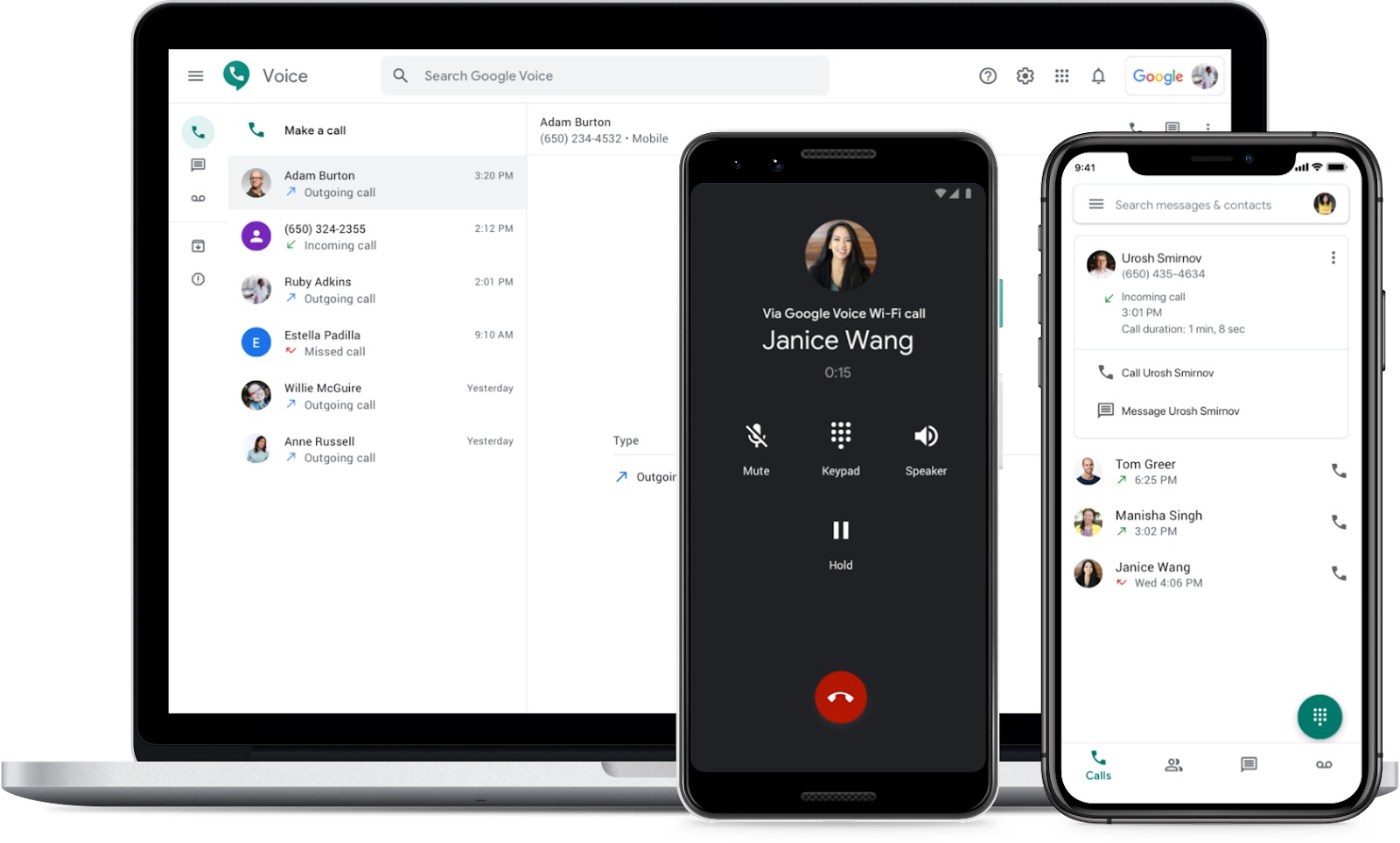
This tag page collects CellularNews guides and how-tos centered on Google Voice and related internet-based calling. It is for anyone looking to understand, set up, or troubleshoot Google Voice on their phone, whether they are new to the service or trying to solve a specific problem like number porting or voicemail setup.
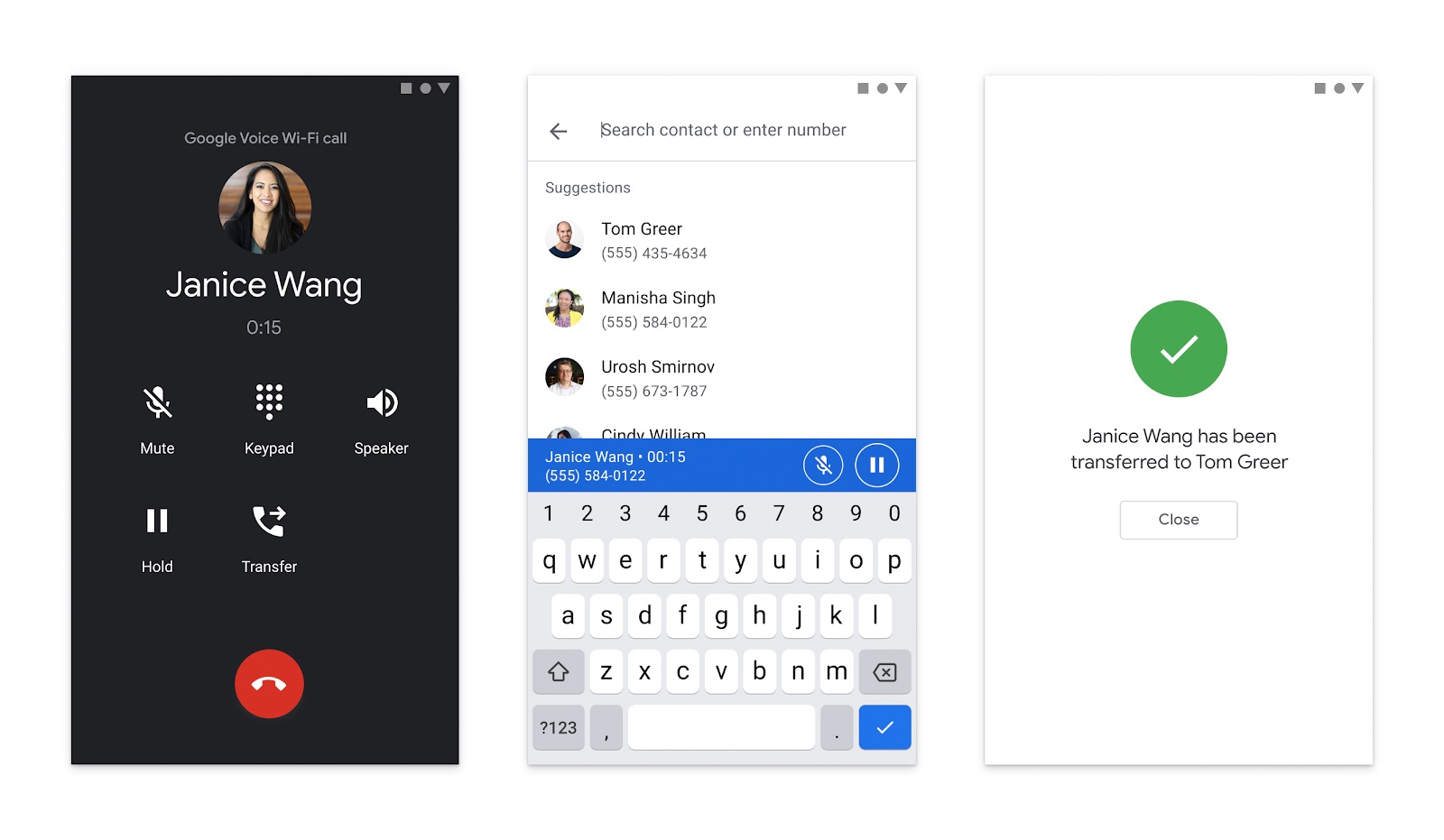
The articles here solve practical phone number and calling problems, falling into a few clear themes. One major theme is getting and managing a Google Voice number: you can learn how to get a Google phone number for personal or business use, how to transfer an existing number to Google Voice, and what to do if your number cannot be used. Another theme is making calls and using features, with guides on how to use the internet to make phone calls, how to make a three-way call on Android, and how to use Google Voice on an Android device or even a tablet as a phone. A third theme covers voicemail and account settings, including how to set up and change your voicemail on Android, how to forward calls from your cell phone to Google Voice, and how to remove your mobile number from the service.
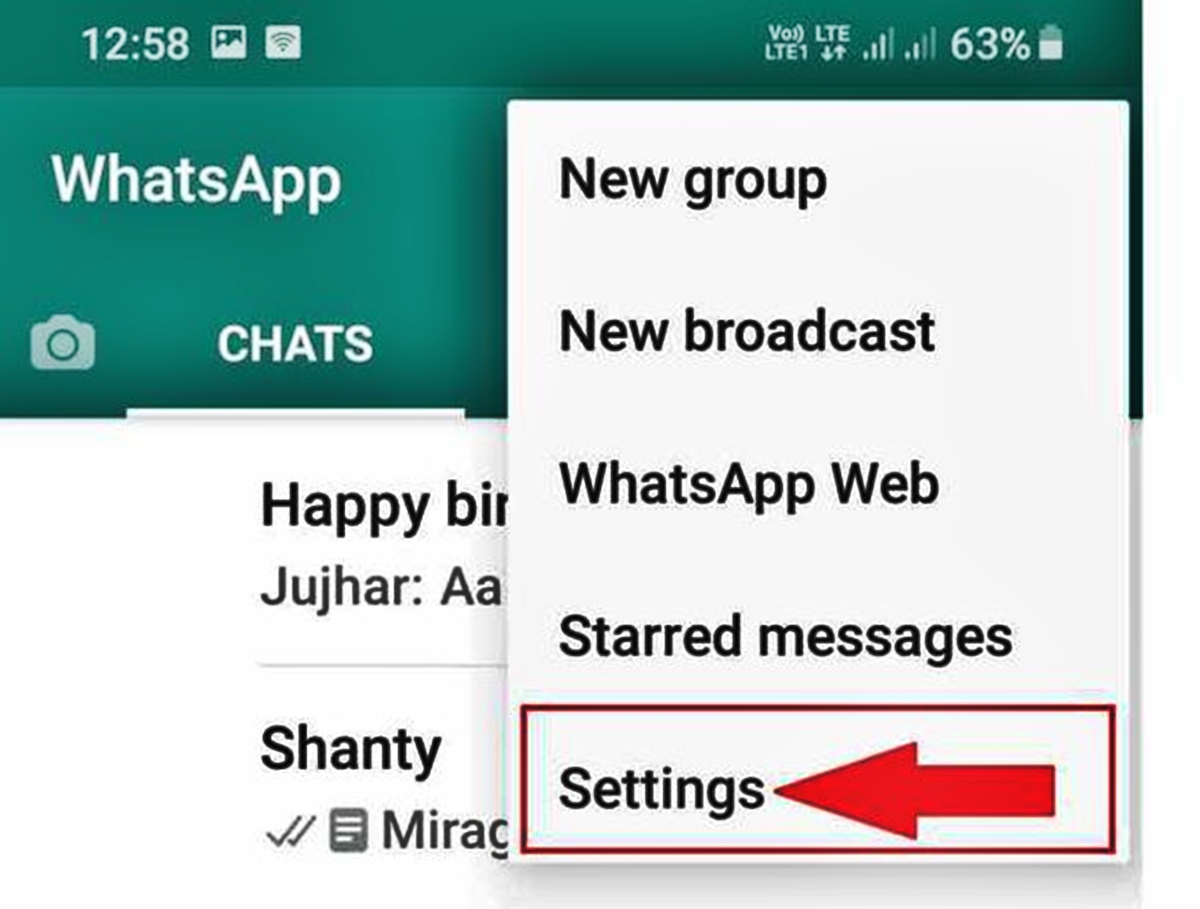
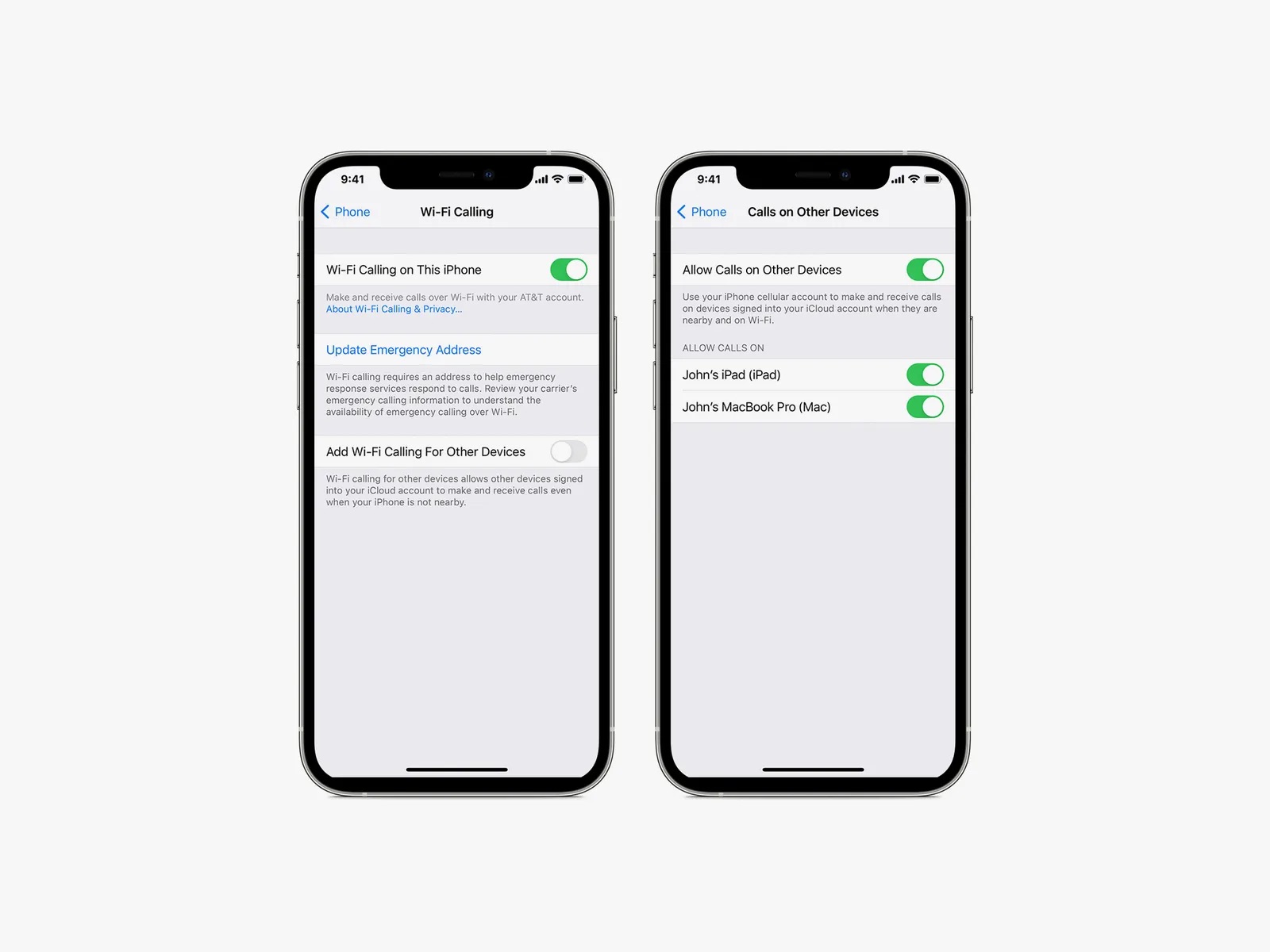
These articles help you do specific tasks: get a new number, forward calls, manage voicemail, make calls over Wi-Fi or data, and even hide your number on apps like WhatsApp. They also cover related issues like adding money to a Google Voice account, verifying a YouTube account without a phone number, and emptying your phone mailbox. Whether you are setting up Google Voice for the first time or fixing a forwarding issue, these guides walk you through the steps.