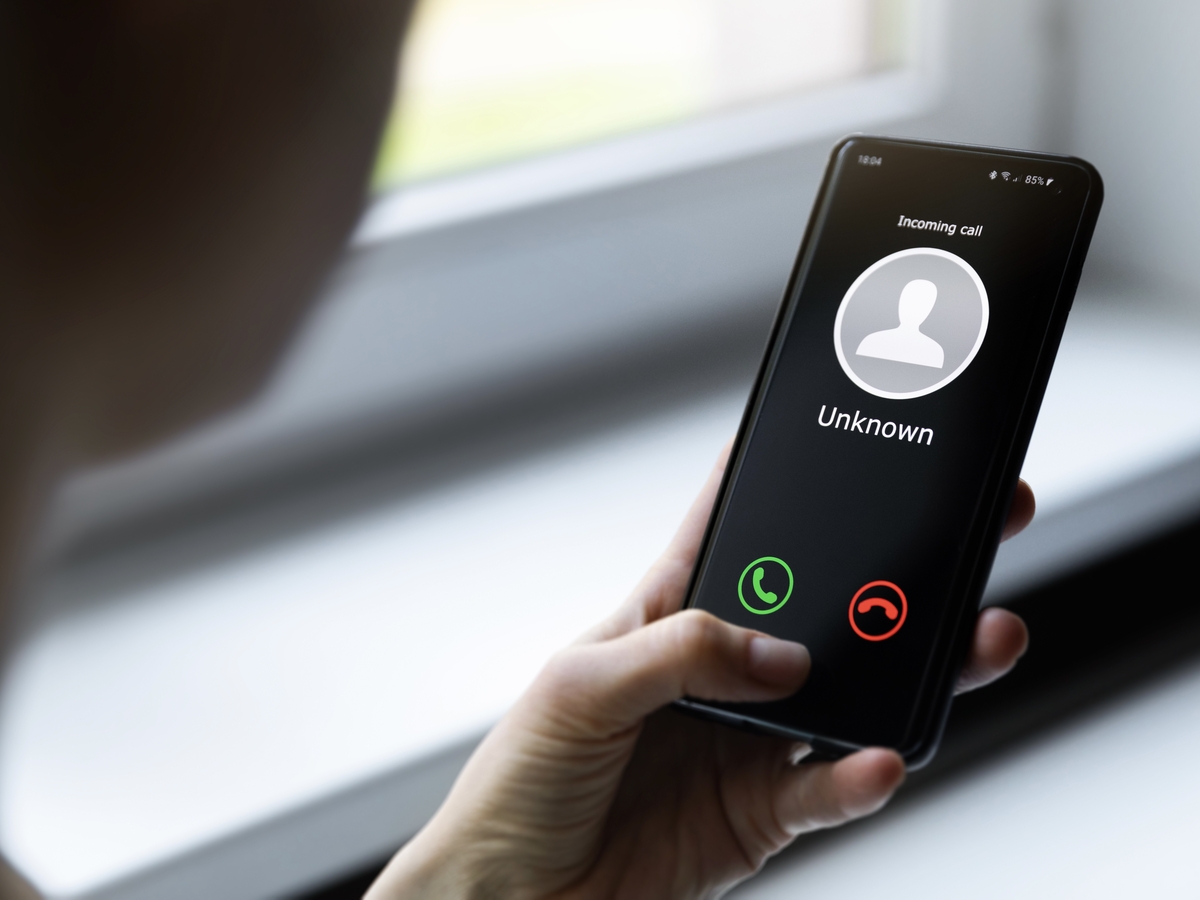
To make a 3 way call on Android, you can use the Google Voice app: during a call, tap Add, choose a contact or enter a number, then tap Merge to combine both calls. This is the only officially documented step-by-step path for Android, as the default Phone app's labels vary by manufacturer and carrier.
How to make a 3-way call on Android
Check network compatibility
Before attempting a 3-way call, confirm that your mobile carrier supports conference calling. Most major carriers offer this feature, but it is not universal. If you do not see the merge or add call option during a call, your carrier may not support it. You may also want to ensure that you have sufficient network coverage and a stable internet connection to avoid any issues during the call.
Make a 3-way call with the default Phone app
While no official source documents the exact labels for every Android phone, the general flow used by most carrier dialers is:
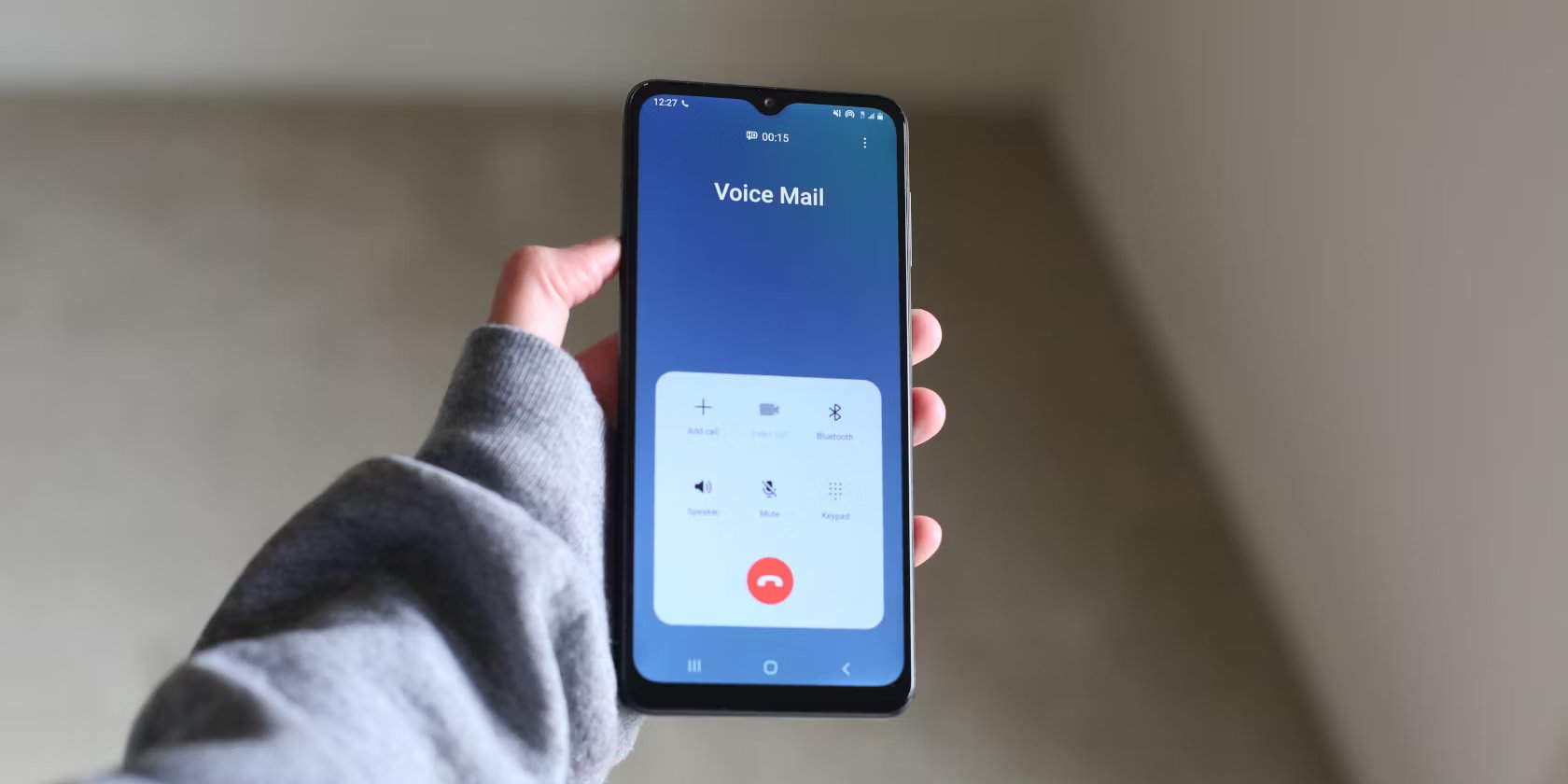
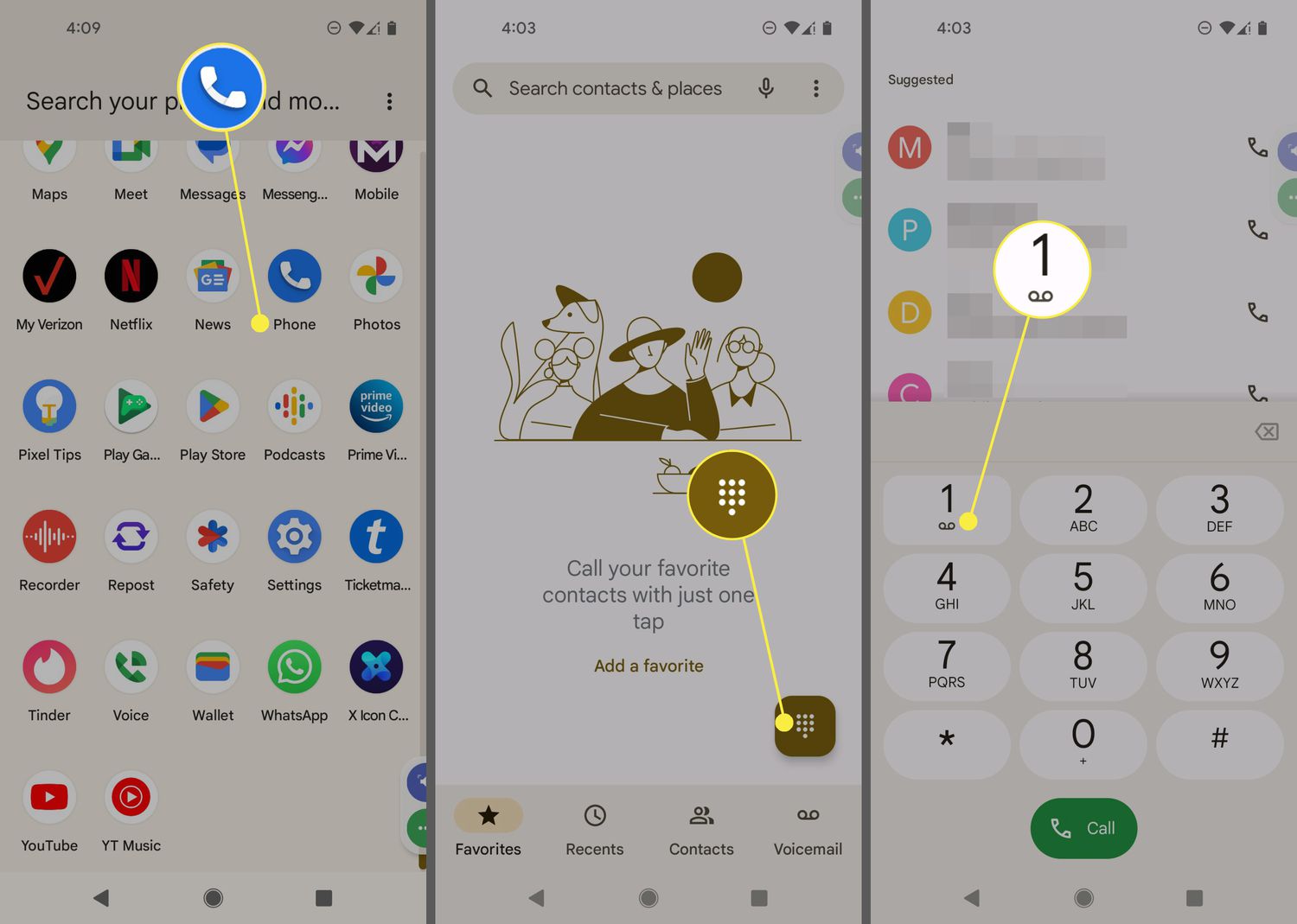
- Open the Phone or Dialer app and call the first person.
- Tap it to put the first caller on hold.
- Dial the second person's number or select them from your contacts.
- After the second person answers, tap the "Merge" or "Merge Calls" button to join both calls into a conference.
Button names and placement differ by phone model and Android version. The 'Add Call' or 'Merge' button may vary depending on the phone model and the version of Android you are using. If you cannot find the option, check your device's user guide or contact your carrier. Remember to end the call properly when you're finished. Simply tap on the 'End Call' button to disconnect all participants from the conference call.
Make a 3-way call with Google Voice on Android
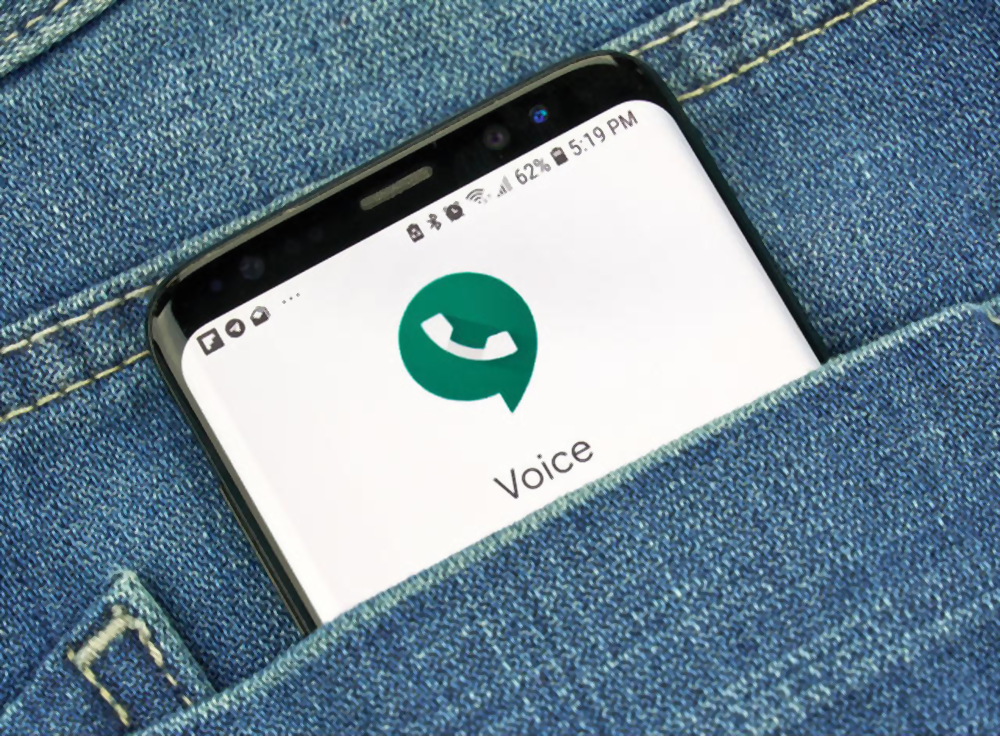
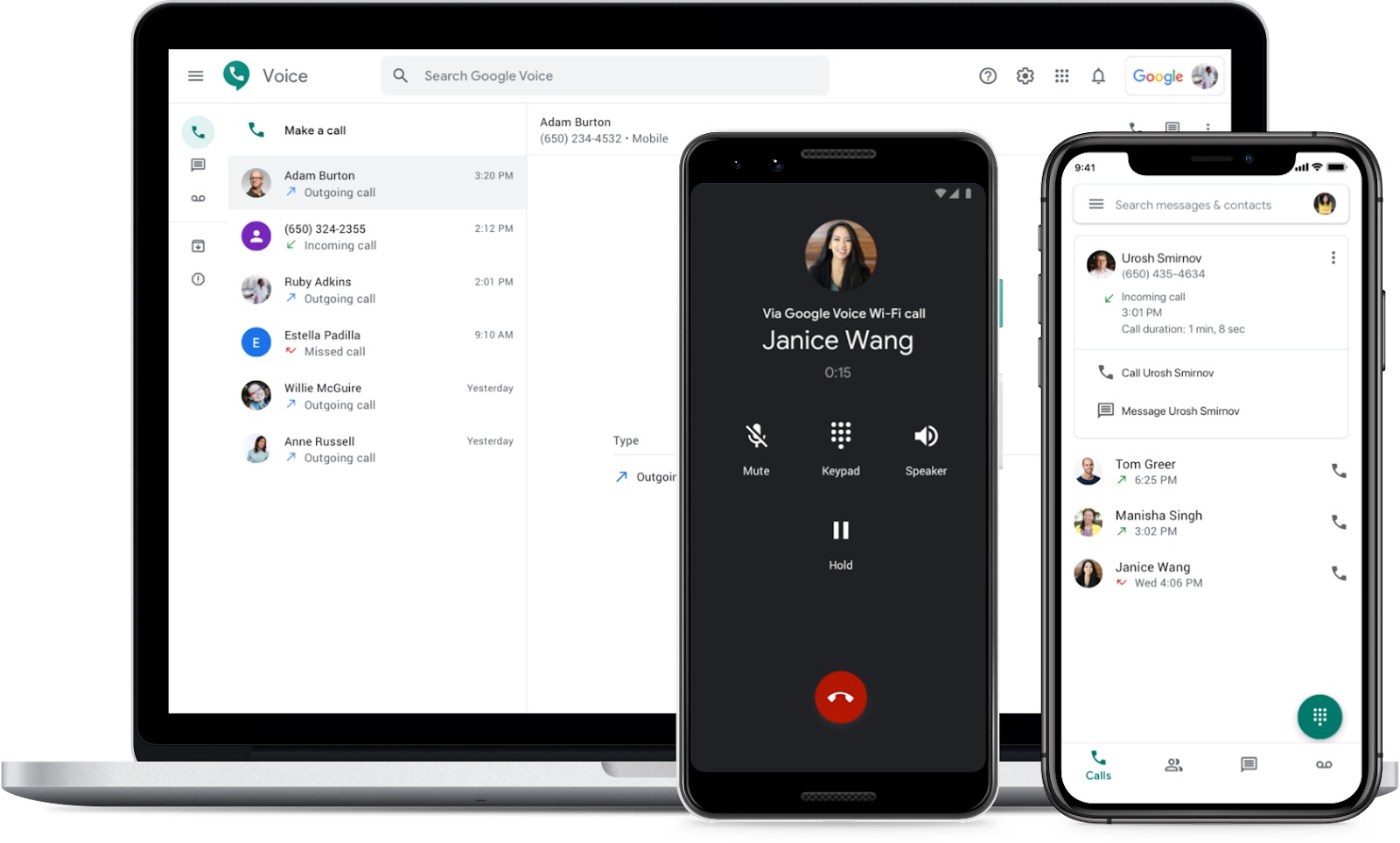
Google Voice provides a verified, consistent path for 3-way calling on Android phones and tablets:
- Start or answer a call in the Google Voice app.
- During the call, tap Add. The original call is put on hold.
- Choose a contact or enter a number for the second person, then tap the call button.
- Once the second person answers, tap Merge to combine both calls into a 3-way call.
In a Google Voice 3-way call, you can tap End Call to leave while the other two stay connected, or tap End for All to disconnect everyone. Google Voice currently supports 3-way calling by merging two calls; no higher participant limit is stated in the official documentation.
What to do if merge or add call is missing
If the "Add Call" or "Merge" button does not appear on your Android phone:
- Check carrier support: Some carriers block or charge extra for conference calling. Contact your mobile provider to confirm 3-way calling is enabled on your plan.
- It is often found on the in-call screen near the keypad or end-call button.
- Try Google Voice: If your carrier dialer lacks the feature, the Google Voice app offers a reliable alternative with clear Add and Merge buttons.
How 3-way calling works on iPhone
For users switching from Android or helping someone on iPhone, the path is: open the Phone app, make the first call, tap the More button, tap Add People, place the second call, then tap Merge Calls or Merge to join them. You can repeat the Add People step to add more participants, and your carrier sets the maximum number of people you can add. If you do not see the conference option, your carrier may not support it. For full details, see the sibling article on how to forward a cell phone and merge calls on iPhone.
Frequently Asked Questions
Can I switch between callers during a 3-way call?
Yes. While in a 3-way call, you can put one participant on hold to speak privately with the other. If you want to end the conversation with one person, you can do so by tapping on their name and selecting the 'End call' option.
Are there app-based alternatives for 3-way calling on Android?
Yes. Apps like Skype, WhatsApp, and Google Duo offer conference call features that allow you to connect multiple people at once. These apps typically use an internet connection rather than your carrier's voice network, so they may avoid carrier restrictions.
Is making a 3-way call free?
The cost depends on your phone plan. If your plan includes unlimited minutes or conference calling, a 3-way call should not incur extra charges. Plans with limited minutes or those that do not include conference calling may charge additional fees for the second call.
How many people can I add to a 3-way call on Android?
The participant limit is set by your carrier, not by Android itself. Some carriers allow up to five participants, while others may support more or fewer. Check with your mobile provider for the exact limit on your plan.
What if I still cannot make a 3-way call after trying these steps?
If the merge option is missing and Google Voice does not work, contact your mobile carrier directly. They can verify whether conference calling is enabled on your line and whether your plan supports it. Some carriers require you to activate the feature or use a specific dialing code.
Related reading: How To Empty Phone Mailbox.