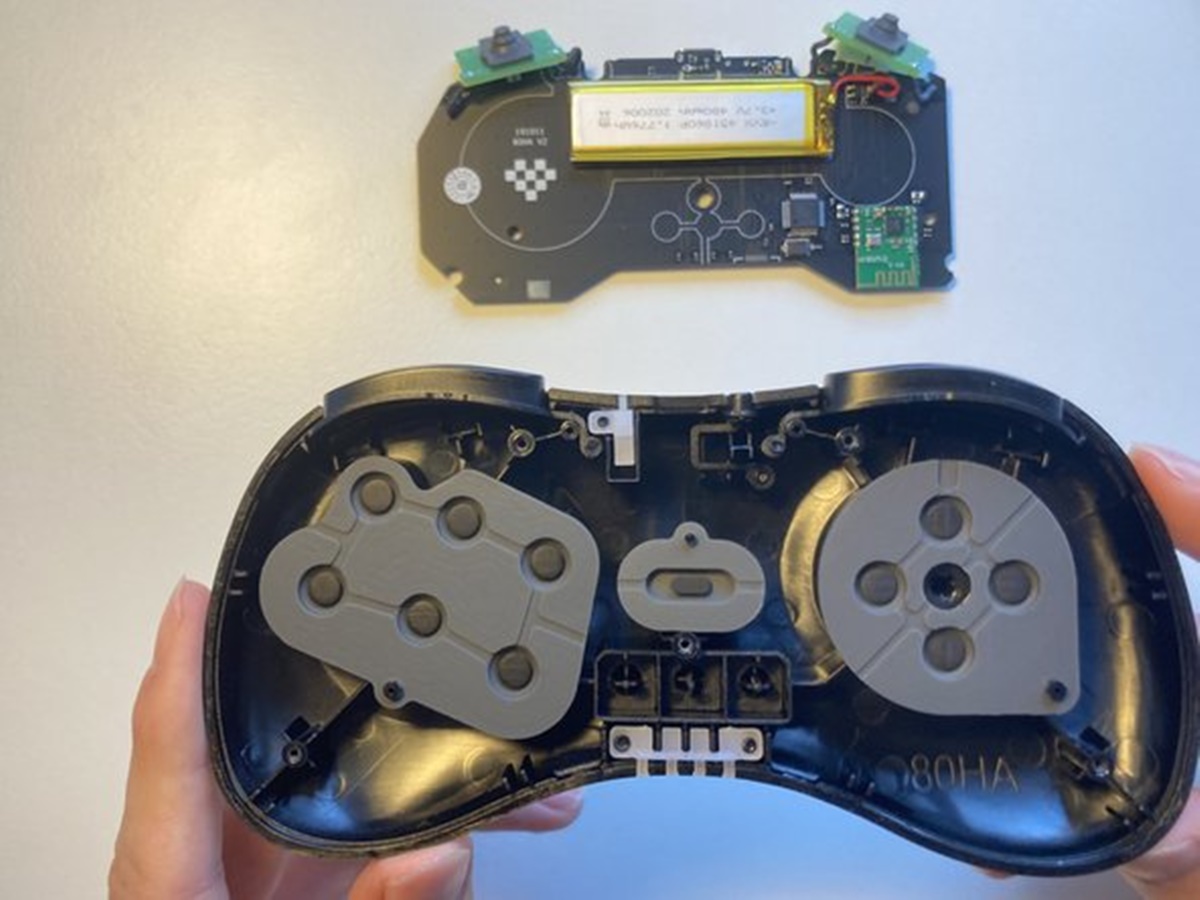
Welcome to the Hardware tag on CellularNews. This page collects our guides and explainers focused on the physical components of your devices, the buttons, batteries, bands, and ports you can touch. It is written for anyone who owns a smartphone, a gaming controller, a fitness tracker, or a laptop and wants to understand, maintain, or modify that gear without breaking it.
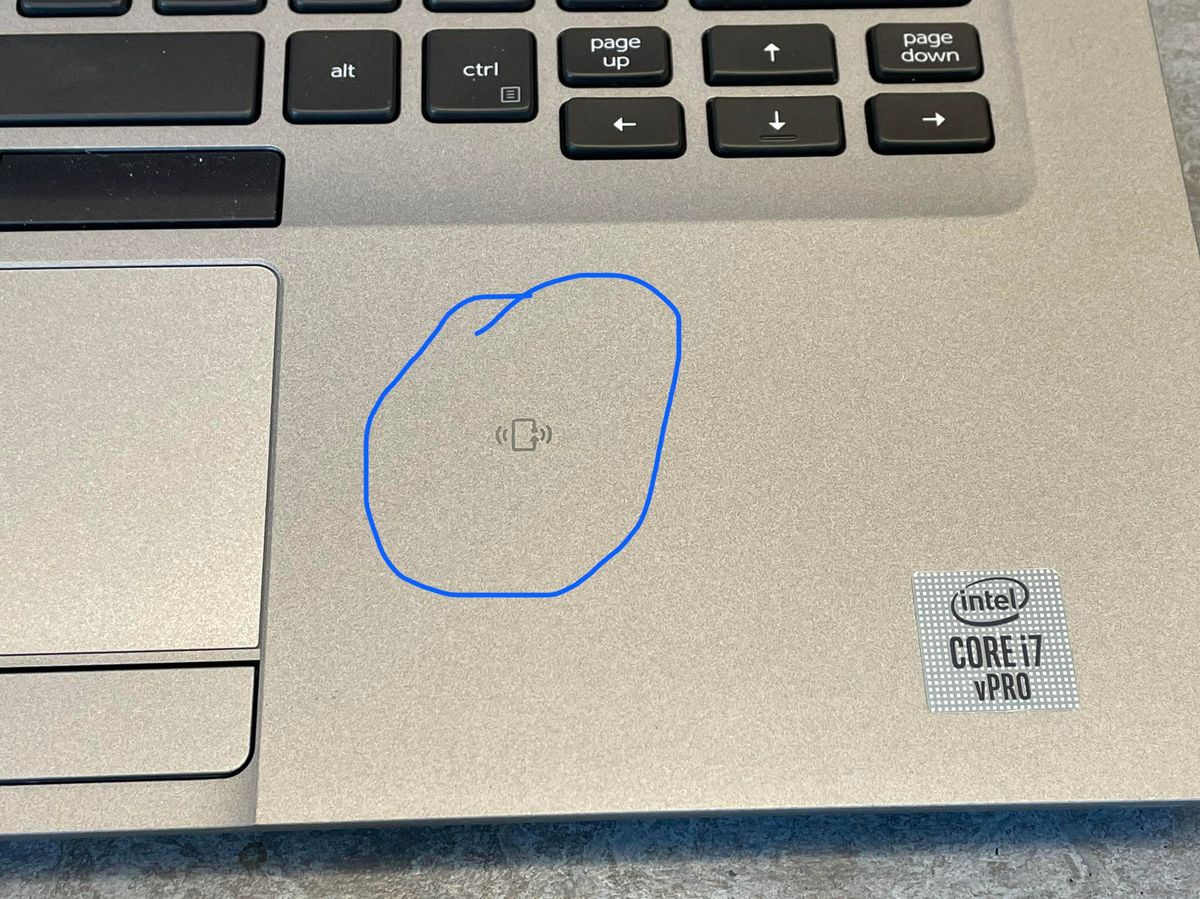
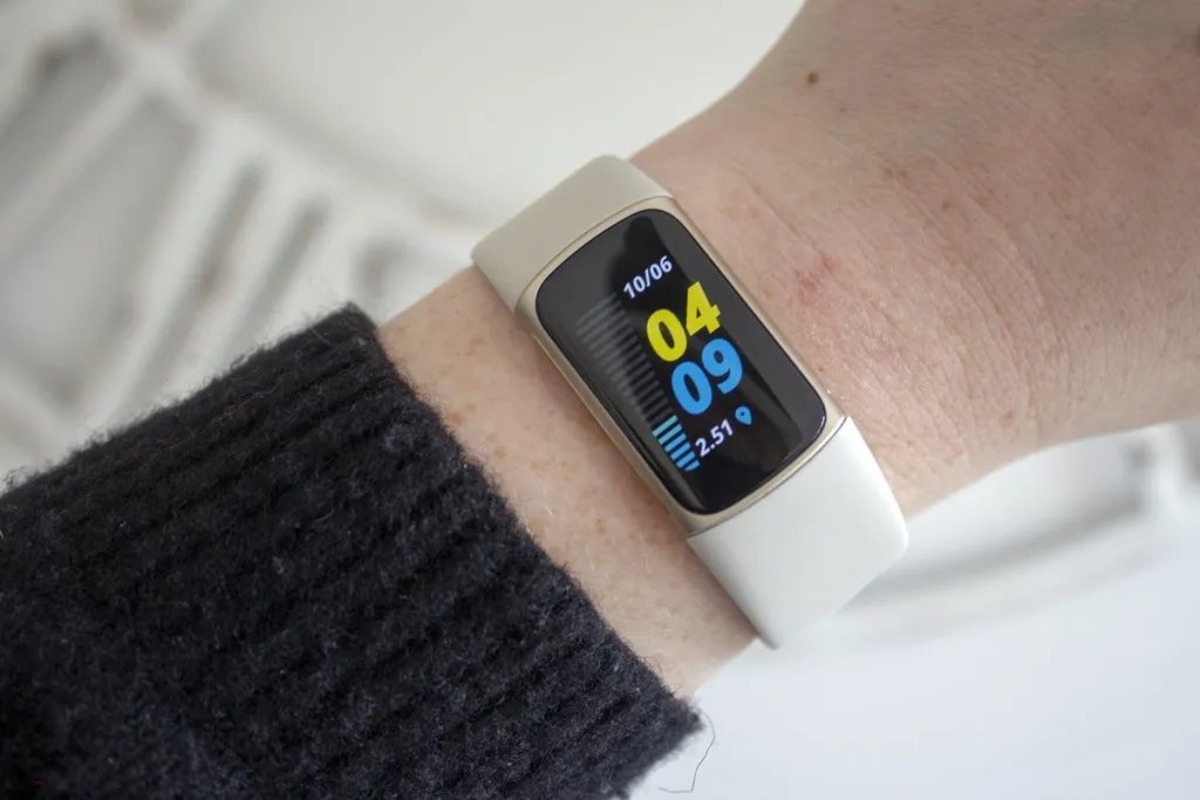
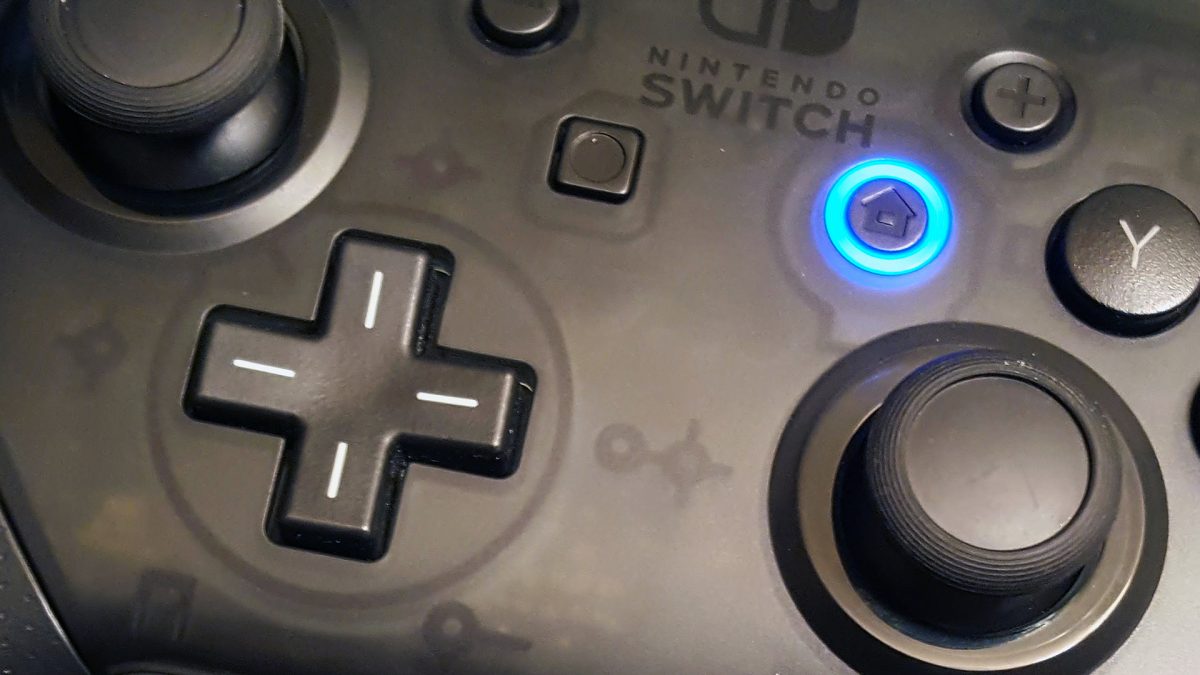
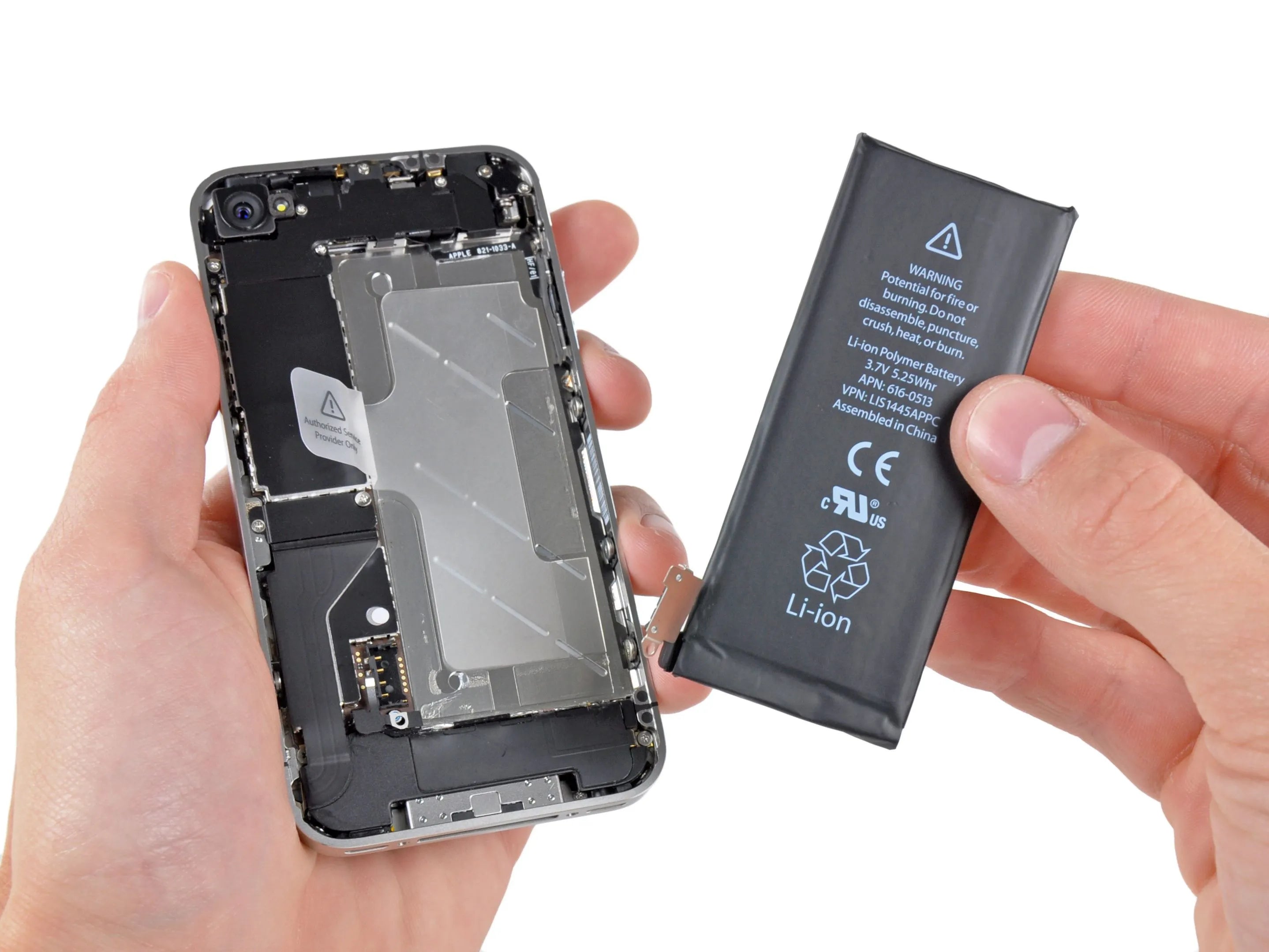
The articles here solve three kinds of real-world problems. First, they help with disassembly and removal: you can learn how to take the battery out of an Android phone, how to take apart a Microsoft wireless mouse, and how to remove the band from a Fitbit Charge 5. Second, they address specific hardware tweaks, like turning off the blue light on a Switch Pro controller or removing a gamepad’s D-pad. Third, they demystify the hardware features you see in specs but may not fully understand, such as what NFC does on your laptop, what an interface actually is, and what emulation means in a hardware context.
Whether you need to swap a worn-out part, disable an annoying light, or simply grasp what a component does, these articles give you clear, step-by-step instructions and plain-language explanations. No fluff, no guesswork, just practical know-how for the hardware you use every day.