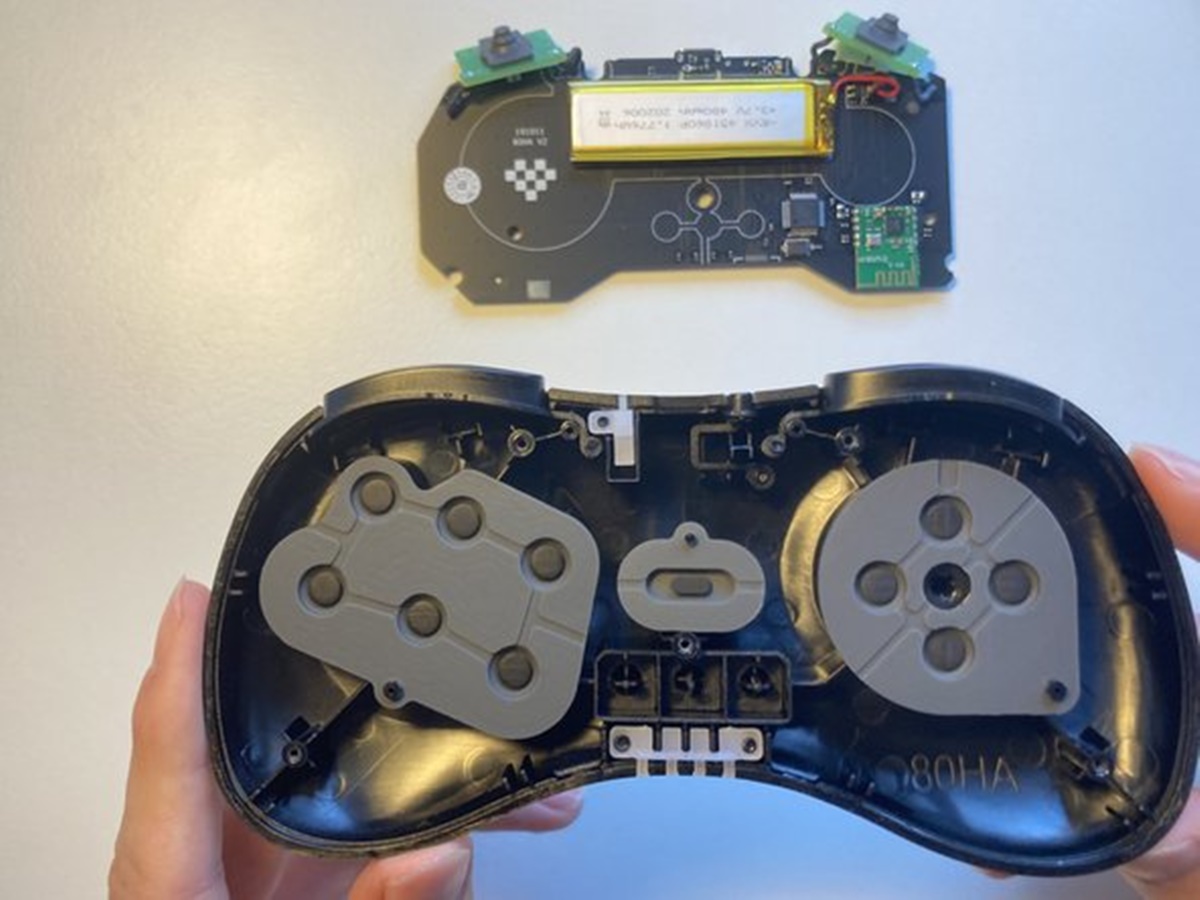
Emulation is software or hardware that imitates another device or environment, allowing apps and systems designed for the original to run in the emulated environment. For example, a vintage game console emulator on a modern PC lets you play classic cartridge games without needing the original hardware.
What is emulation? A simple definition
At its core, emulation means one system mimics another so that software behaves as if it were running on the original system. The most common use case is playing old video games: a software emulator recreates the hardware of a vintage console, so games designed for that console can run on a modern computer, phone, or tablet. This imitation covers everything from the processor and graphics chip to input handling, making the old software think it is running on its original hardware. Virtual machines (VMs) are a type of emulation that replicates an entire computer system within another system, allowing for efficient resource allocation and multiple operating systems to run simultaneously.
How emulation works in the real world
Searchers typically care about two main contexts. The first is gaming preservation: emulation lets you run old games on modern devices, keeping classic titles playable long after the original hardware stops being manufactured or becomes unreliable. The second is software development and testing: developers use emulators to create virtual devices that mimic different phones, tablets, or operating systems, allowing them to test apps without needing every physical device on the market. In both cases, the emulator translates the original system's instructions into something the host system can execute. Emulation is employed in fields such as education, where computer simulations emulate real-world scenarios for training purposes.
How to set up emulation on Android
Google documents the Android Emulator inside Android Studio as the official way to emulate Android devices. Follow these steps to create an Android Virtual Device (AVD) with a selected device definition and system image:
- Open Android Studio.
- Go to Tools > SDK Manager.
- Select the SDK Tools tab.
- Check Android Emulator and click OK. If it is not already installed, Google says it installs the latest version.
- Go to Tools > Device Manager.
- Click Add a new device, then Create Virtual Device.
- In the Phone category tab, select a supported Pixel device.
- Click Next, then download the matching system image. For Android 16 QPR2 the image is named Baklava; for Android 17 QPR 2 it is named CinnamonBun.
- Click Next, then Finish.
- In Device Manager, click Start on your new virtual device.
This setup lets you run and test apps on a virtual phone without a physical device, using a chosen Android version and device profile. The exact Android Studio version, emulator version, and system-image name vary by Android release; the pages explicitly name Android Studio Meerkat | 2024.3.1 for Android 16 QPR2 and Android 17 QPR 2, and Android Studio Koala Feature Drop | 2024.1.2 or higher for Android 15.
What about iPhone emulation?
Official documentation does not provide steps to emulate an iPhone on the phone, nor does it list supported iPhone models, iOS versions, or a carrier menu path. If you need to test an iOS app, you must use Apple’s own tools on a Mac, not Android’s emulator.
Benefits of emulation
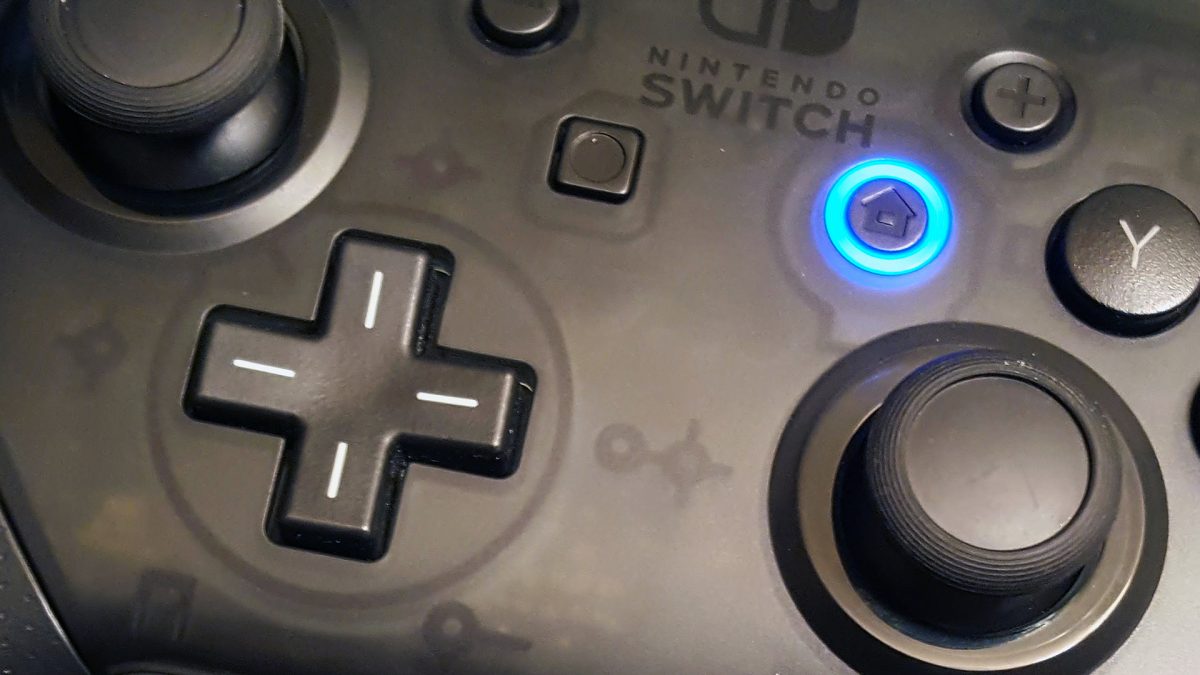
Emulation preserves older software by letting you access and experience it on modern systems. It is cost-effective for testing because you can try apps on a virtual phone without buying every physical device. Emulation also gives you flexibility to run apps across platforms, and it works with game controllers and accessories to recreate the original experience.
Limitations to keep in mind
Performance may not match native hardware, especially for resource-intensive applications. Support depends on the selected device definition and system image; Google only states “supported Pixel device” for the phone category on these pages, meaning not every configuration works.
Frequently Asked Questions
Can emulation run any old game or app?
No. Emulation works only when an emulator exists that accurately mimics the original system’s hardware and software. Some systems have no reliable emulator, and even when one exists, compatibility varies by game or app.
Is emulation legal?
Emulation software itself is generally legal, but using it to run copyrighted games or apps you do not own can raise legal concerns. Most emulator projects focus on homebrew software, public-domain titles, or games you have legally acquired.
Does emulation require a powerful computer or phone?
It depends on the system being emulated. Older consoles like the NES or Game Boy run well on nearly any modern device, while emulating newer systems like the PlayStation 3 or Nintendo Switch demands significant processing power and graphics capability.
Can I use emulation to play multiplayer games?
Many emulators support local multiplayer and some support online play through netplay features, but performance and stability depend on the emulator, the game, and your internet connection.
What is the difference between emulation and virtualization?
Emulation mimics an entire system’s hardware and software, often translating instructions from one architecture to another. Virtualization runs a guest operating system directly on the host’s hardware using a hypervisor, which is faster but requires the same processor architecture.
Related reading: What Is Interface?, What Is Antialiasing?, and What Is Grinding?.