This tag collects all of CellularNews’s articles about home internet services, specifically those offered by major wireless carriers. It is written for anyone who uses a cellular-based home internet plan, like T-Mobile or Verizon 5G Home Internet, and needs practical, how-to guidance on managing their service, troubleshooting problems, or understanding their speeds and coverage.

The articles here solve real, everyday issues grouped around two main themes. First, performance and setup: you can learn exactly how fast T-Mobile and Verizon 5G home internet actually is, what the T-Mobile 5G Gateway device does, and how to improve your home internet speed or find your WiFi password. Second, troubleshooting and account management: if your service stops working, you can find out why it is slow or why it isn’t working at all, and get clear steps on how to reset your T-Mobile 5G home internet or even how to return the equipment.

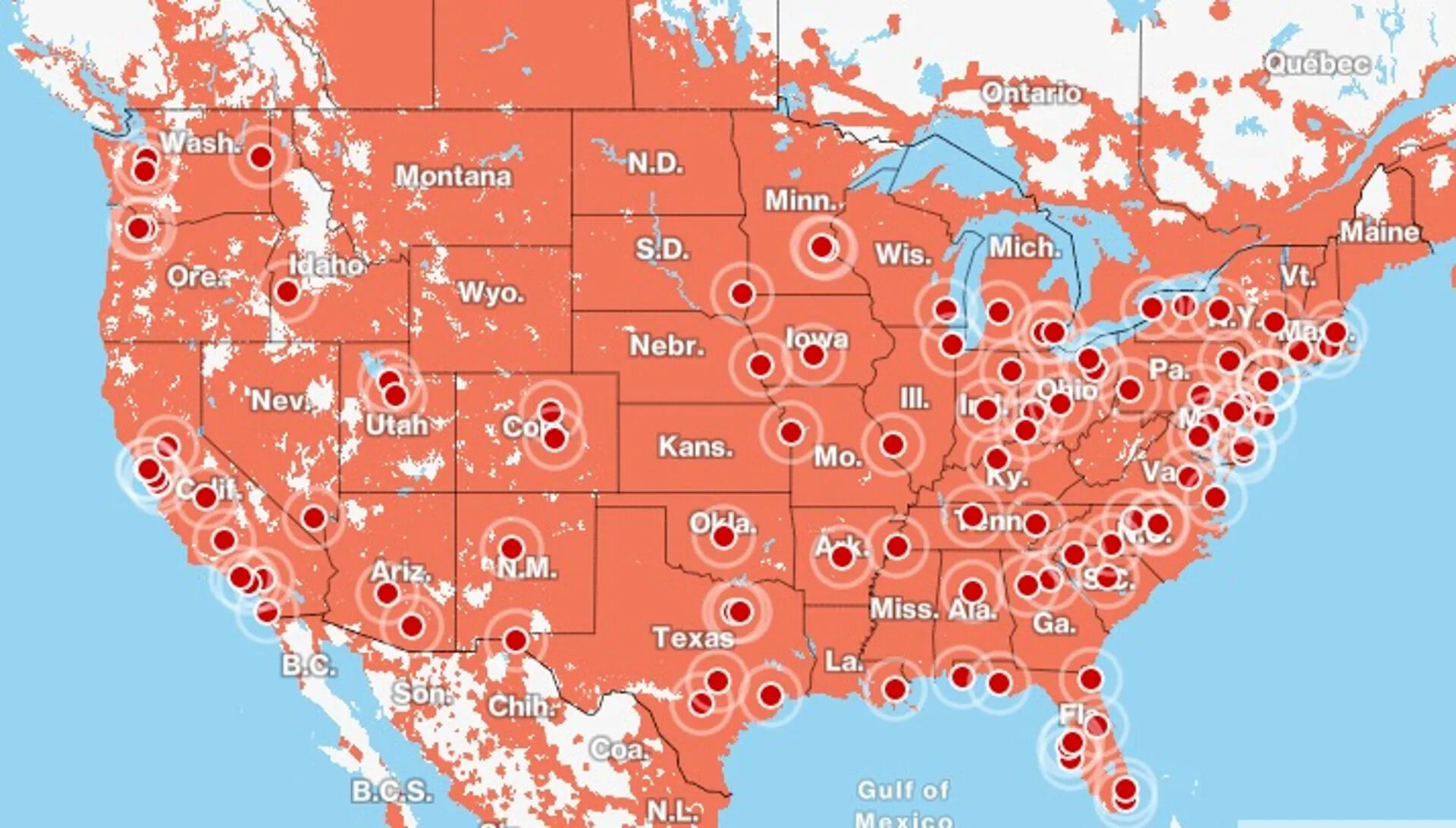
Specific topics covered include the T-Mobile Home Internet Lite plan, Verizon’s coverage and plan details, and direct answers to questions like “How good is T-Mobile home internet?” and “Why is T-Mobile internet slow?”. Each article helps you take a concrete action, whether that’s checking your speed, fixing a connection, or managing your account, without any fluff.
What Is T-Mobile Home Internet Lite

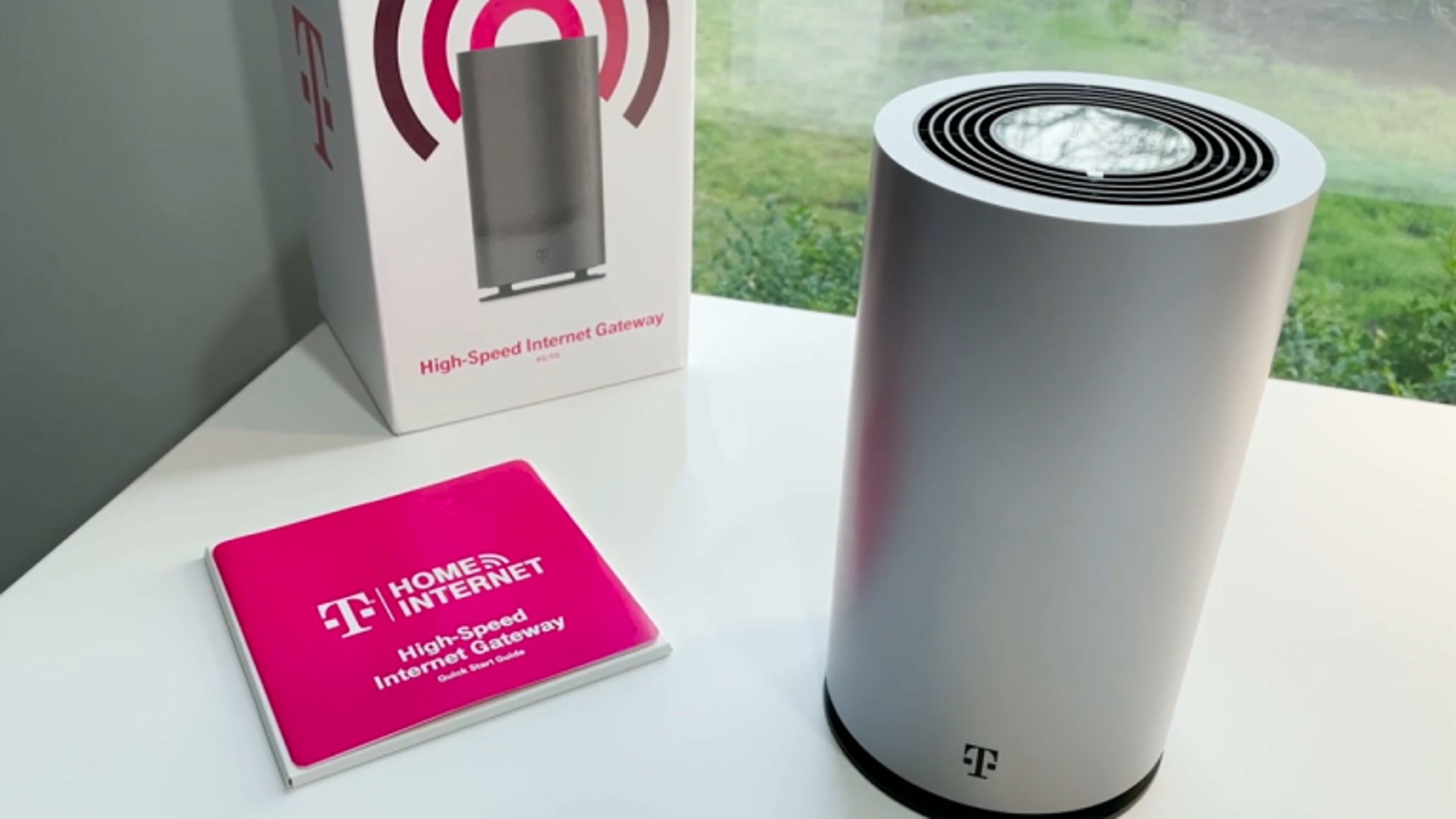
T-Mobile Home Internet Lite is a data-bucketed home internet plan for addresses that are not yet eligible for the unlimited version of T-Mobile Home Internet. It provides a fixed amount...

Why Isn't My T-Mobile Home Internet Working

If your T-Mobile Home Internet is not working, start by checking the gateway's physical setup and performing a power cycle. This is the most common fix for a connection that...

How To Improve T-Mobile Home Internet Speed

To improve T-Mobile Home Internet speed, start by checking your signal strength and using the Gateway placement assistant in the T-Life app to find the best location for your gateway....

How To Return T-Mobile Home Internet

To return T-Mobile Home Internet equipment, you have two options: mail it back using a prepaid shipping label or drop it off at a T-Mobile store. The critical deadline to...

How To Find T-Mobile WiFi Password

The quickest way to find your T-Mobile WiFi password is to look at the physical device itself. For a T-Mobile Home Internet gateway, the default network name (SSID) and password...

How Fast Is T-Mobile Home Internet

How fast is T-Mobile home internet: what to expect before you sign up How fast is T-Mobile home internet? Real-world experience starts with understanding that T-Mobile internet quality depends almost...

How Good Is T-Mobile Internet

T-Mobile Home Internet is a fixed wireless alternative to cable and fiber that can deliver strong value for the right household, but its performance depends heavily on your location and...

How Good Is T-Mobile Home Internet

T-Mobile Home Internet is a good choice for households that want a contract-free, fixed wireless alternative to cable or fiber, especially if they live in an area where T-Mobile's 5G...

What Is T-Mobile 5G Gateway

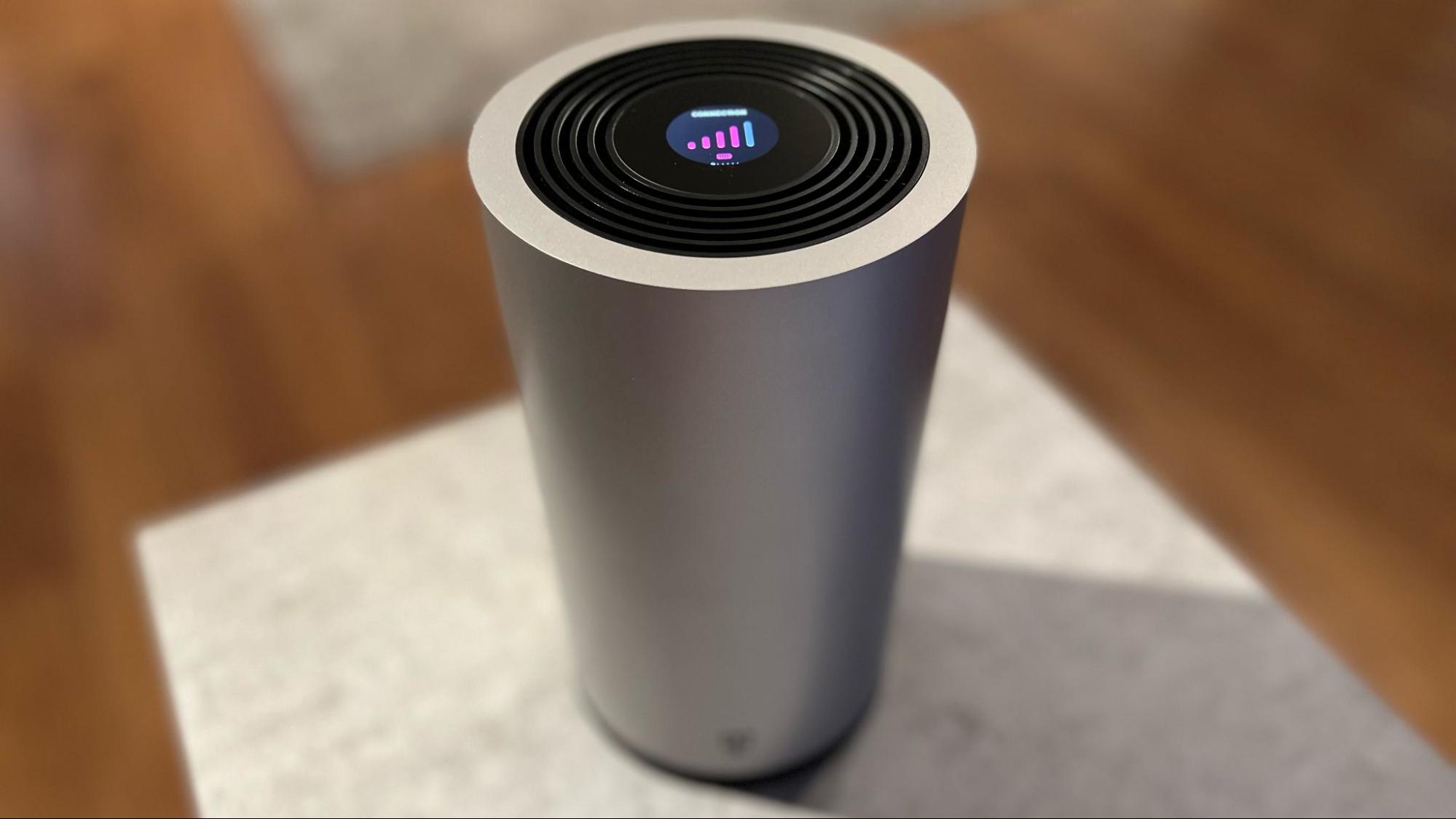
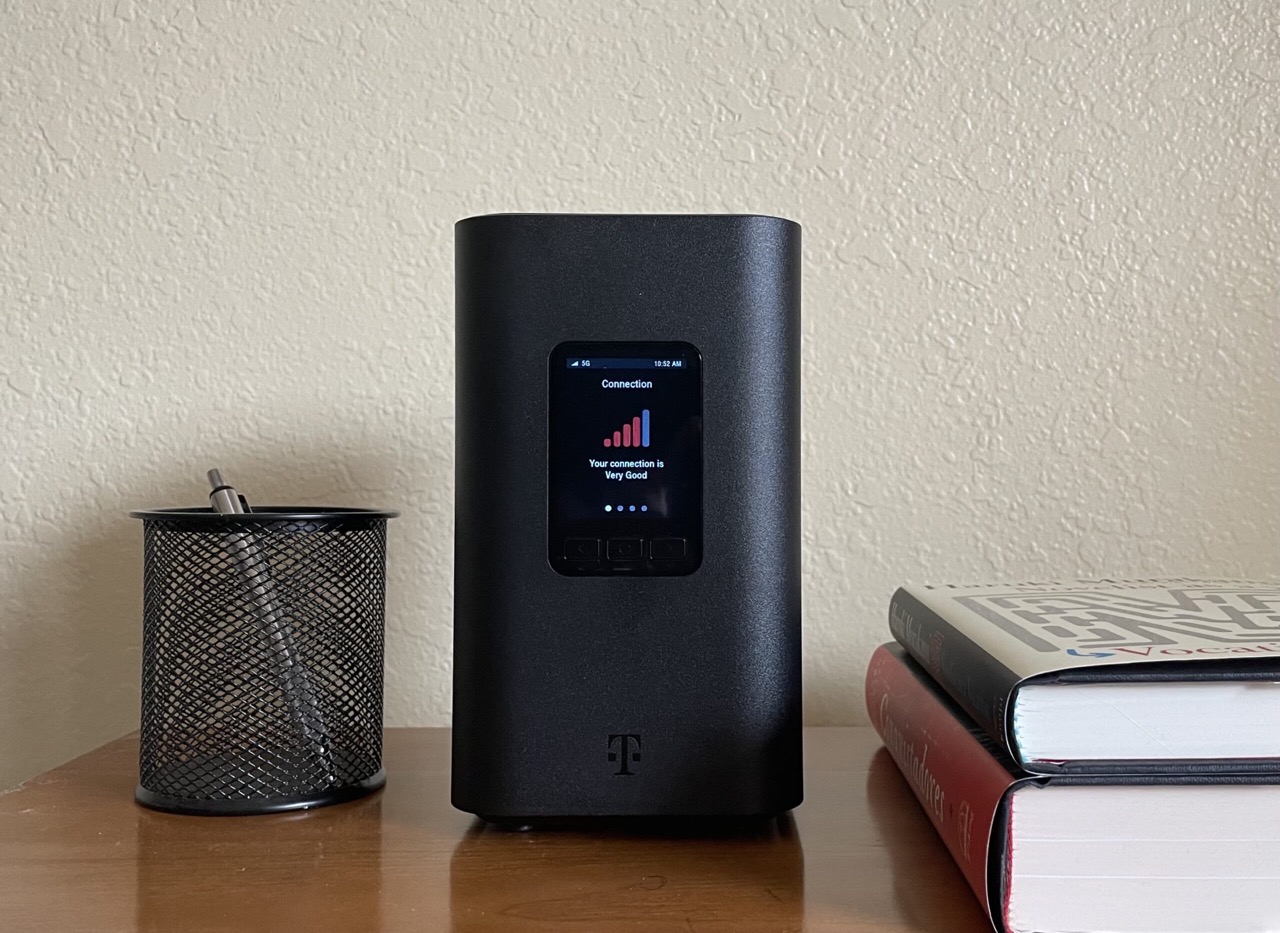
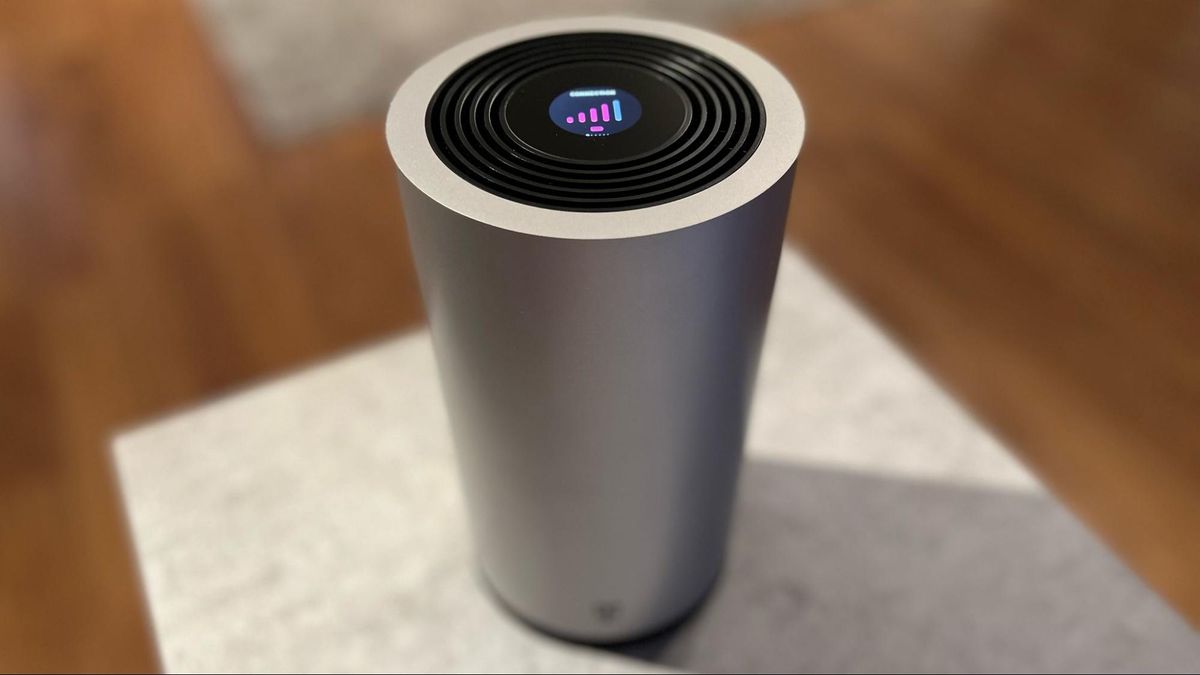
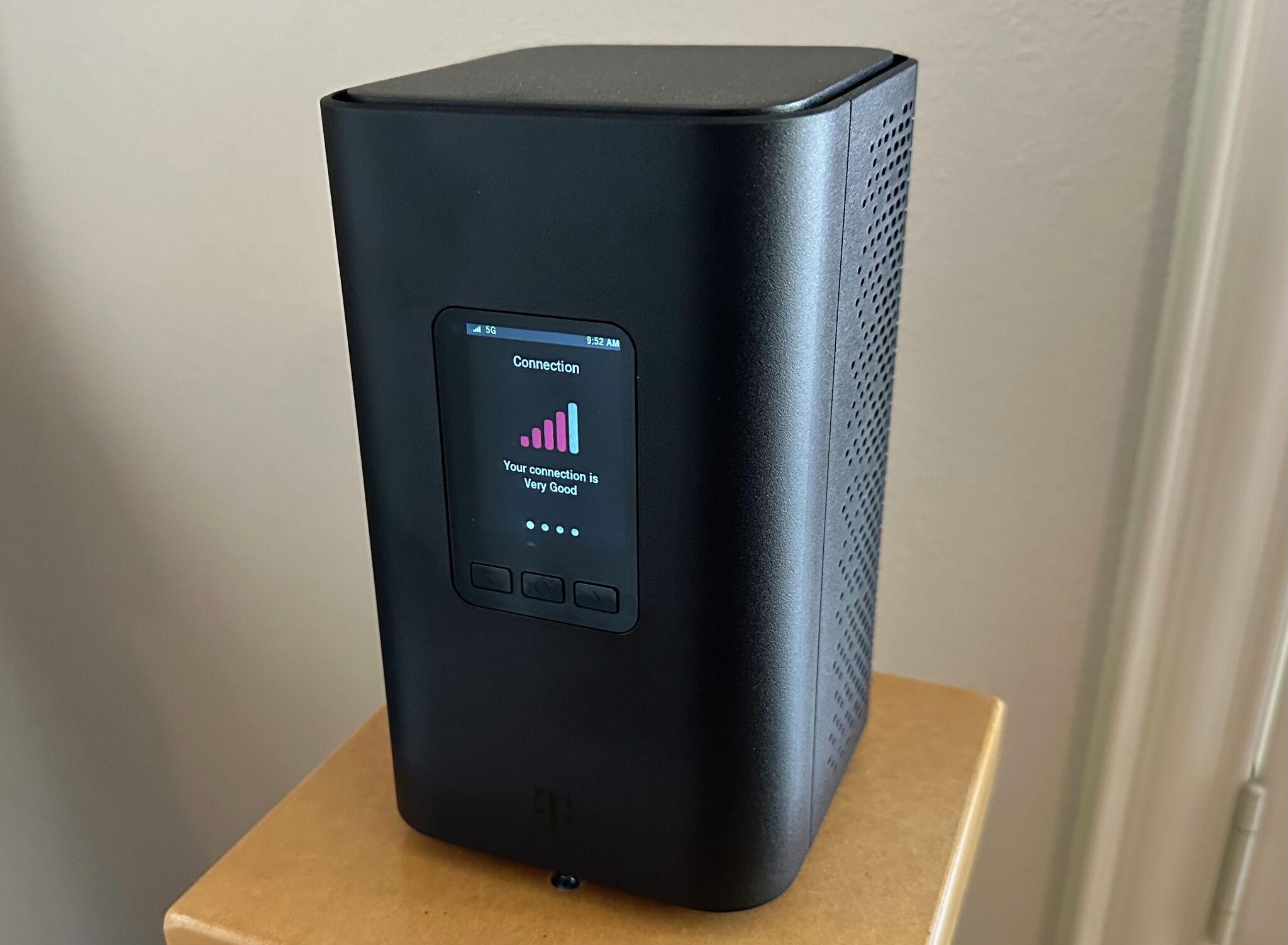
The T-Mobile 5G Gateway is the hardware device that powers T-Mobile Home Internet, acting as a bridge that converts T-Mobile's 5G cellular signal into a Wi-Fi network for your home....

Why Is T-Mobile Internet Slow

Your T-Mobile internet is slow primarily because of network deprioritization or poor signal strength to your gateway. Deprioritization means your traffic is temporarily slowed when the local cell tower is...

How To Reset T-Mobile 5G Home Internet

Reset T-Mobile 5G gateway: restart vs. factory reset Before you learn how to reset T-Mobile 5G gateway hardware, understand that a quick restart and a full wipe are not the...