T-Mobile Home Internet is a fixed wireless alternative to cable and fiber that can deliver strong value for the right household, but its performance depends heavily on your location and specific needs. This T-Mobile home internet review will help you decide if it's a suitable replacement for your current broadband by examining its speed, reliability, plans, and real-world limitations.
T-Mobile home internet review: What to expect
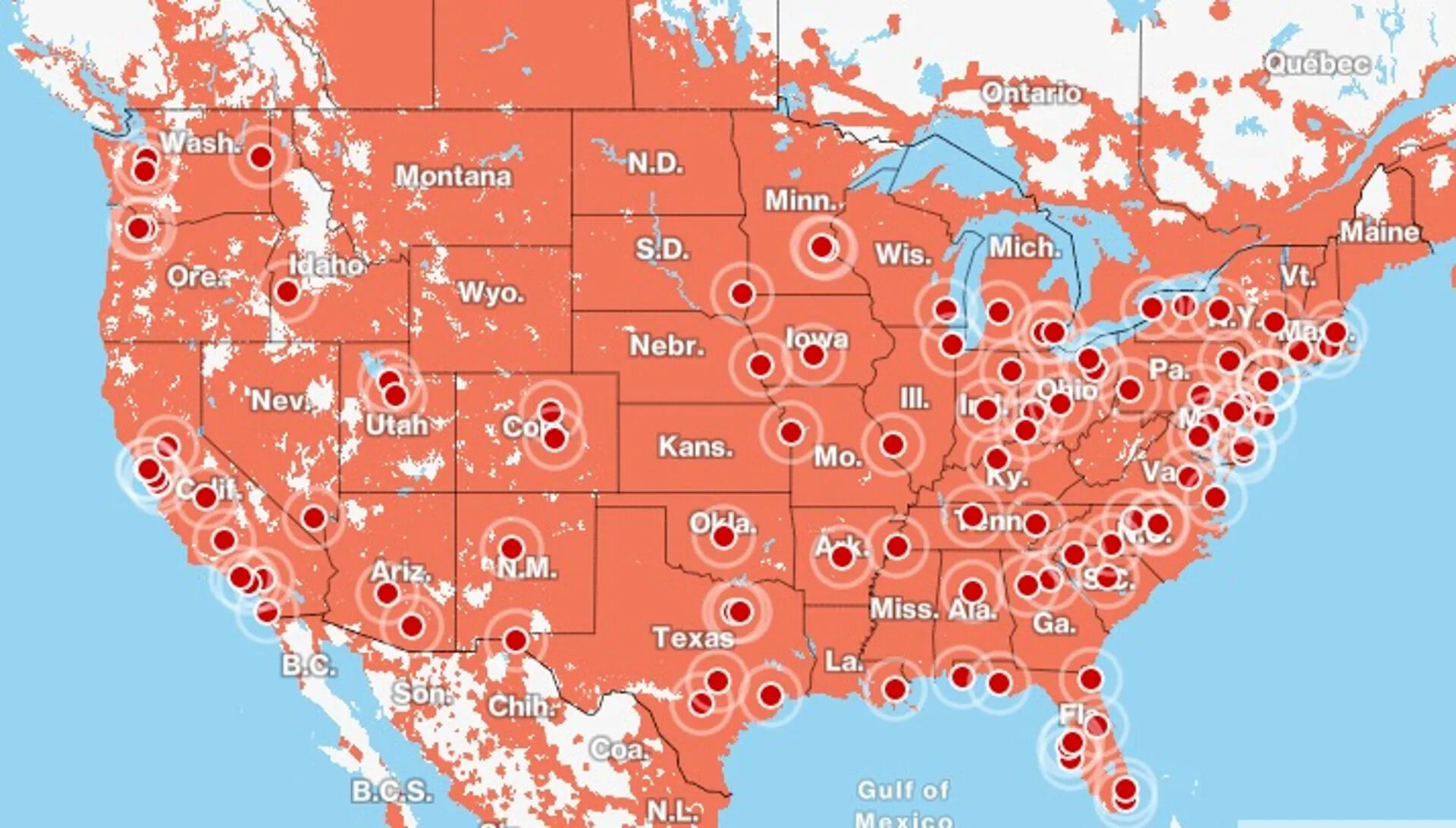
T-Mobile 5G Home Internet is a fixed wireless service that uses the company's cellular network to connect your home, rather than traditional cables. T-Mobile's network now reaches over 99% of Americans, making it one of the most extensive networks in the country. It is best suited for households looking for a low-cost, contract-free internet option with simple setup, but it comes with key trade-offs between value and performance. T-Mobile is committed to providing reliable connectivity in rural and underserved areas through initiatives like T-Mobile Home Internet. The service is not ideal for competitive online gaming or users who need ultra-low latency, but it works well for streaming, browsing, and remote work for most households.
T-Mobile home internet plans and pricing
T-Mobile offers three 5G Home Internet plans: Rely, Amplified, and All-In. All plans include unlimited data with no data caps, and there are no annual contracts or equipment rental fees for the gateway device. T-Mobile's family plans are tailored to accommodate multiple lines, incorporating features such as shared data allowances, unlimited talk and text, and the flexibility to add additional lines. T-Mobile provides a 5-year price guarantee on eligible fixed-wireless plans, ensuring the base data price will not change for that period (though taxes, fees, and voluntary upgrades are excluded). T-Mobile's internet plans often include promotional offers, discounts, and bundled services such as discounted monthly rates, bonus data allocations, complimentary access to streaming services, and incentives for switching from other carriers. This pricing stability makes it a predictable option compared to cable providers that often raise rates after a promotional period.
T-Mobile internet speed and real-world performance
Typical download speeds for T-Mobile 5G Home Internet range from 87 Mbps to 498 Mbps, with upload speeds between 12 Mbps and 55 Mbps, depending on your specific plan and location. T-Mobile's 5G network uses a combination of low-band, mid-band, and high-band spectrum. Latency typically falls between 16 and 28 ms. These speeds are more than sufficient for 4K streaming, video conferencing, web browsing, and most work-from-home tasks. T-Mobile's 4G LTE network continues to deliver impressive internet speeds, serving as a reliable foundation for users who have yet to transition to 5G-compatible devices. However, actual performance can vary based on network congestion, signal strength, and your distance from a T-Mobile tower, so results are location-dependent.
T-Mobile internet reliability and gaming limitations
T-Mobile's network is generally reliable for everyday use like streaming and browsing, but it has verified drawbacks for competitive online and cloud gaming. T-Mobile's network redundancy and resilience strategies, including redundant network elements and diverse connectivity pathways, mitigate the impact of potential network disruptions. The service can experience latency fluctuations, and mobile traffic is prioritized over home internet traffic during peak times, which can cause lag. T-Mobile employs advanced monitoring tools and predictive analytics to identify and address potential network issues before they escalate. Additionally, the T-Mobile gateway does not allow you to configure port forwarding or UPnP, which are often needed for console gaming and peer-to-peer connections. For these reasons, T-Mobile Home Internet may not be ideal for competitive online multiplayer or cloud gaming.
T-Mobile home internet setup and optimization
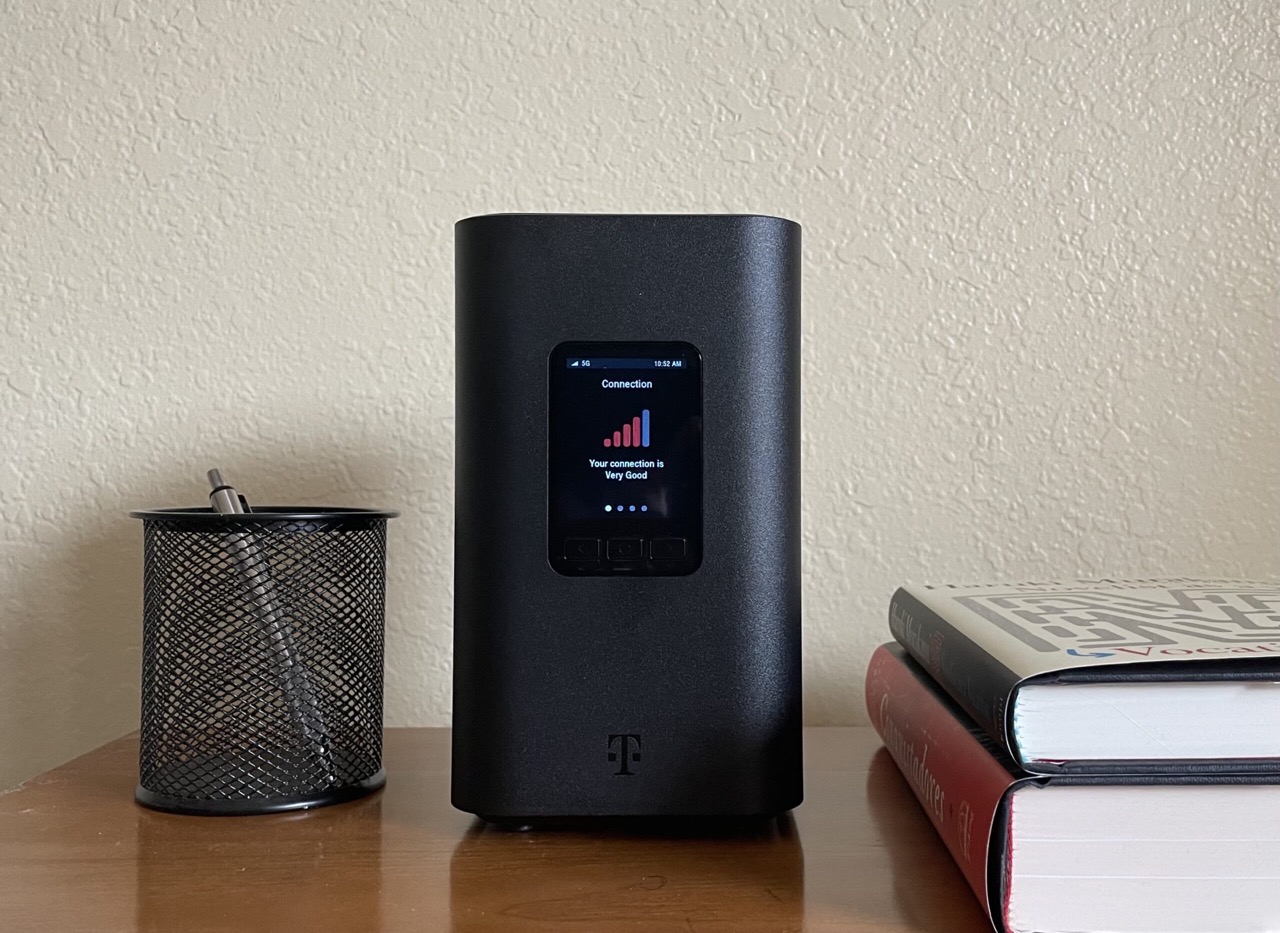
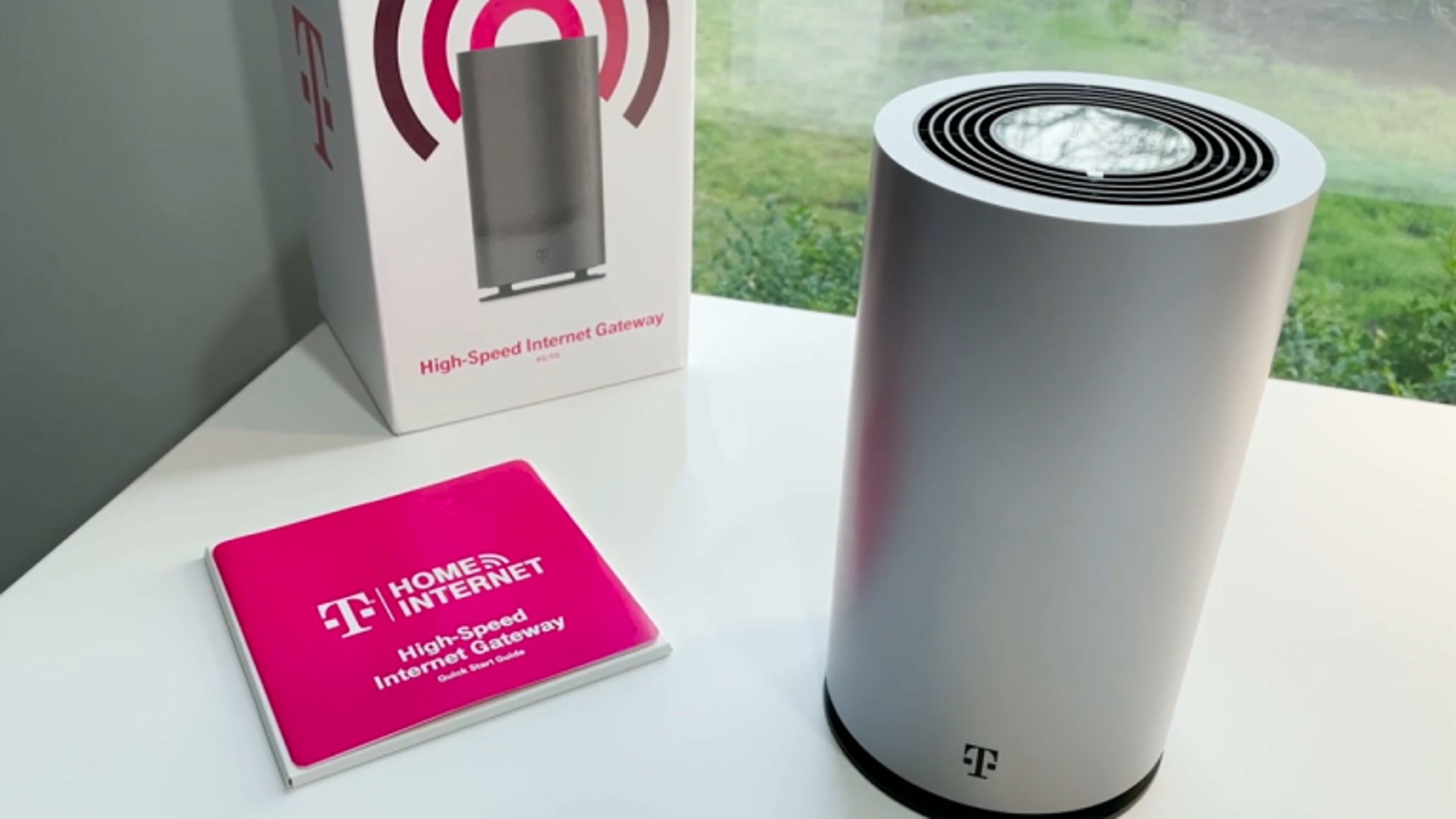
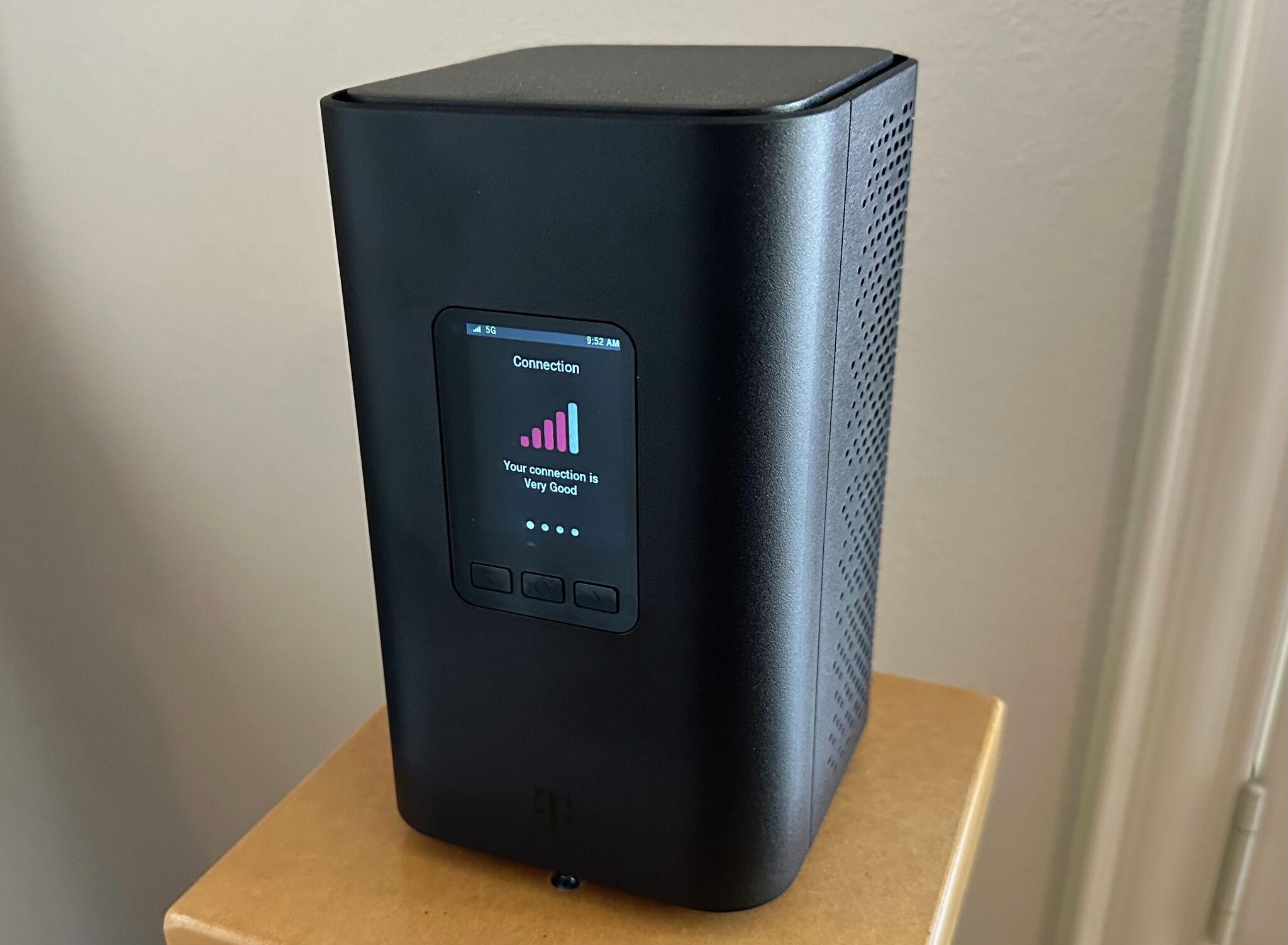
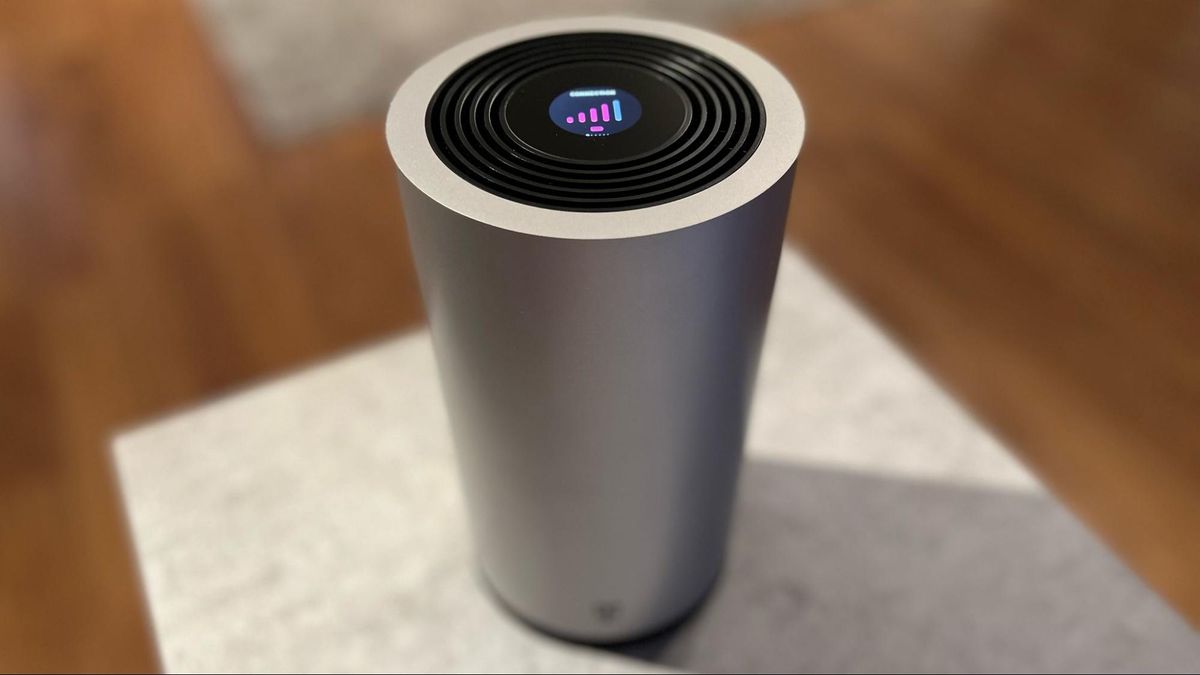
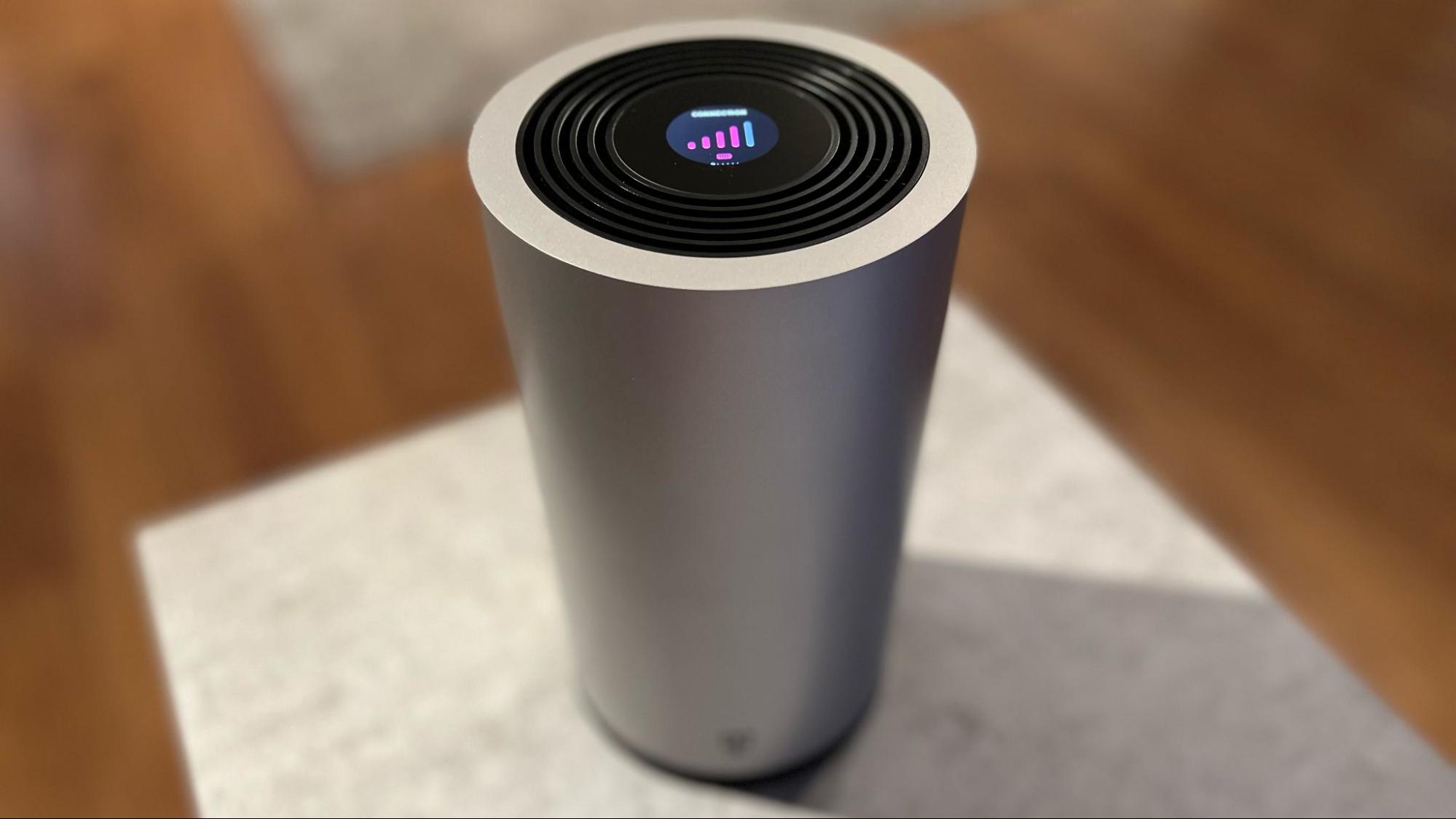
Setting up T-Mobile Home Internet is designed for self-installation and typically takes about 15 minutes using the provided T-Mobile Wi-Fi Gateway and the T-Life app. For optimal performance, place the gateway in a central location, ideally high up and near a window. Technologies like Wi-Fi calling and signal boosters ensure connectivity in areas with challenging signal conditions, such as large buildings. The T-Life app includes a placement assistant to help you find the best spot. You can personalize your Wi-Fi network name and password by going to the "My Wi-Fi" screen in the app, selecting "My Networks," choosing the network name on the gateway, entering the desired name and password, and selecting "Save." If you have trouble connecting smart home devices, a common fix is to separate the 2.4 GHz and 5 GHz Wi-Fi bands, a setting available within the T-Life app.
Advanced setup: Using your own router
You can connect a third-party router or a Wi-Fi 6 compatible mesh system to the T-Mobile gateway by plugging it into one of the gateway's Ethernet ports. To prevent network conflicts, disable the gateway's built-in Wi-Fi through the T-Life app. This gives you more control over your home network's features, such as advanced parental controls or mesh coverage, while still using T-Mobile as your internet source.
T-Mobile fiber internet: A faster alternative
T-Mobile also offers T-Mobile Fiber Internet in select locations. This is a distinct, higher-performance option that provides multi-gigabit symmetrical speeds and ultra-low latency, with no data caps. If fiber is available in your area and you need the fastest possible connection for demanding tasks like large file transfers or high-resolution video production, it is a superior alternative to the 5G Home Internet service.
Frequently Asked Questions
Does T-Mobile Home Internet have data caps?
No. All T-Mobile 5G Home Internet plans include unlimited data with no data caps or overage fees.
Do I need a 5G phone to use T-Mobile Home Internet?
No. The service uses a dedicated T-Mobile Wi-Fi Gateway that connects to the 5G network, so you do not need a 5G phone. The gateway creates a standard Wi-Fi network for all your devices.
Is T-Mobile Home Internet good for working from home?
Yes, for most remote work tasks like video conferencing, email, and cloud applications, the typical speeds and latency are sufficient. However, if your work requires ultra-low latency or consistent upload speeds (e.g., real-time data streaming), you should test the service first.
Can I use T-Mobile Home Internet while traveling internationally?
No. T-Mobile Home Internet is a fixed wireless service designed for a single residential address. The gateway is not portable and will not work if moved to a different location, and it does not include international roaming.
What customer support options does T-Mobile offer?
T-Mobile's customer service includes support channels like traditional phone support, online chat assistance, self-service options through the T-Mobile app, and in-person interactions at T-Mobile stores.
For the wider topic, see T-Mobile Home Internet speed limits.
Related reading: How Good Is T-Mobile Home Internet and What Is T-Mobile Home Internet Lite.