T-Mobile Home Internet Lite is a data-bucketed home internet plan for addresses that are not yet eligible for the unlimited version of T-Mobile Home Internet. It provides a fixed amount of high-speed data each month through the same 5G Gateway used by the unlimited plan, making it a practical option for households in areas where the standard unlimited service is not yet available.
What is T-Mobile Home Internet Lite?
T-Mobile Home Internet Lite is a fixed wireless home internet plan that uses a monthly data bucket instead of offering unlimited data. T-Mobile describes Lite as a data-bucketed plan, with the starting bucket set at 100GB per month. It is designed specifically for service addresses that are eligible for Lite plans but are not yet eligible for unlimited T-Mobile Home Internet. Once the monthly allotment is used, speeds are reduced for the remainder of the billing cycle.
Coverage and address eligibility
Home Internet Lite is available where T-Mobile's wireless coverage exists, but it is restricted by service address. The plan is for addresses that are approved for Lite but not yet approved for the unlimited Home Internet service. For plans activated starting May 9, 2024, the service may only be used at the approved address and may be restricted away from it. If your address later qualifies for unlimited Home Internet, T-Mobile says Lite can be upgraded to the unlimited plan.
Speed and data limits
The Lite plan starts with a 100GB monthly data bucket. Once you use that full allotment, speeds are reduced to 128 kbps for the rest of the billing cycle. This is a hard throttle, meaning your connection remains active but is significantly slowed until your data resets. Understanding T-Mobile Home Internet speed limits is key: the plan offers full network speeds until the 100GB cap, then a consistent 128 kbps throttle.
Equipment and setup
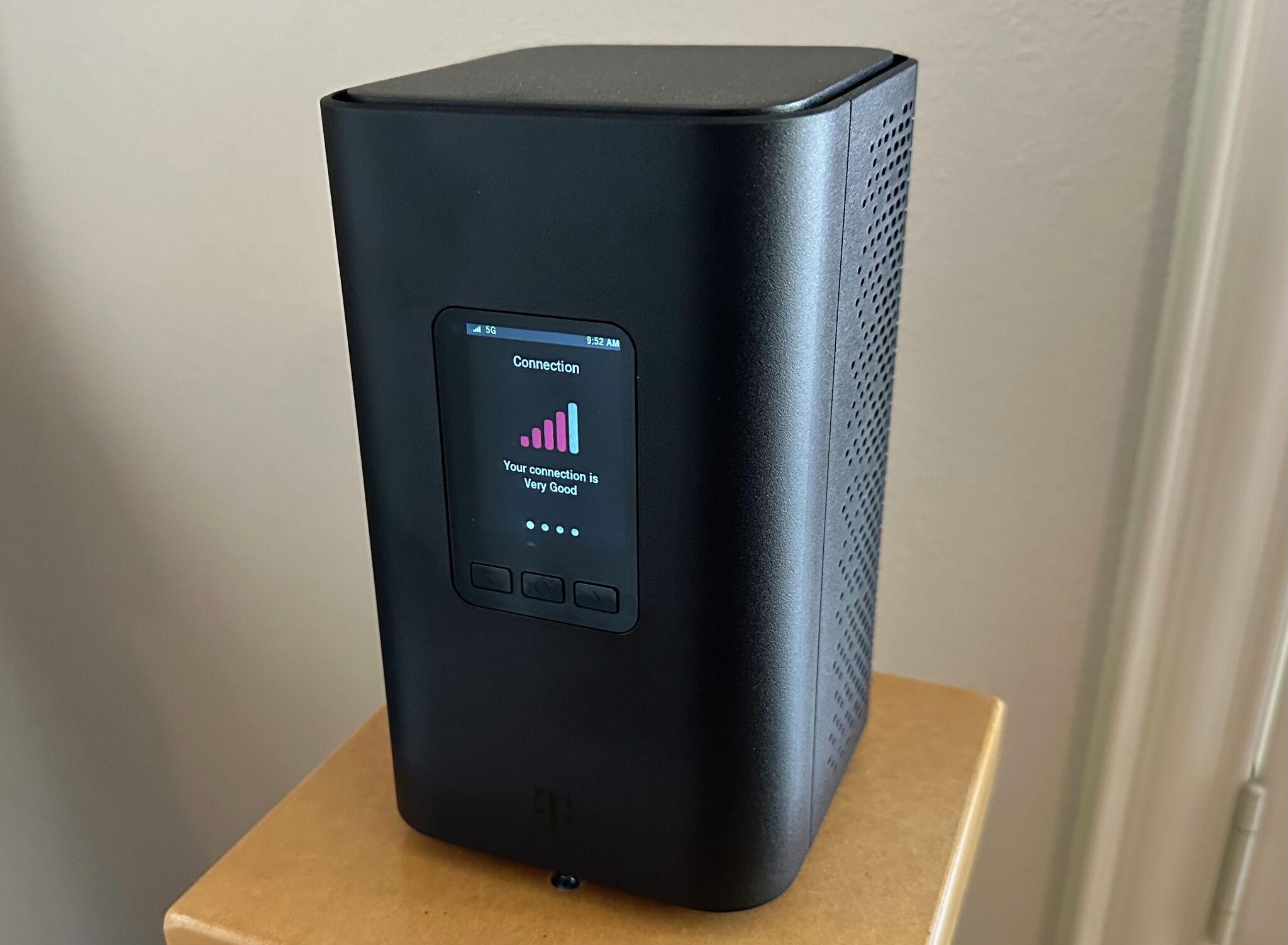
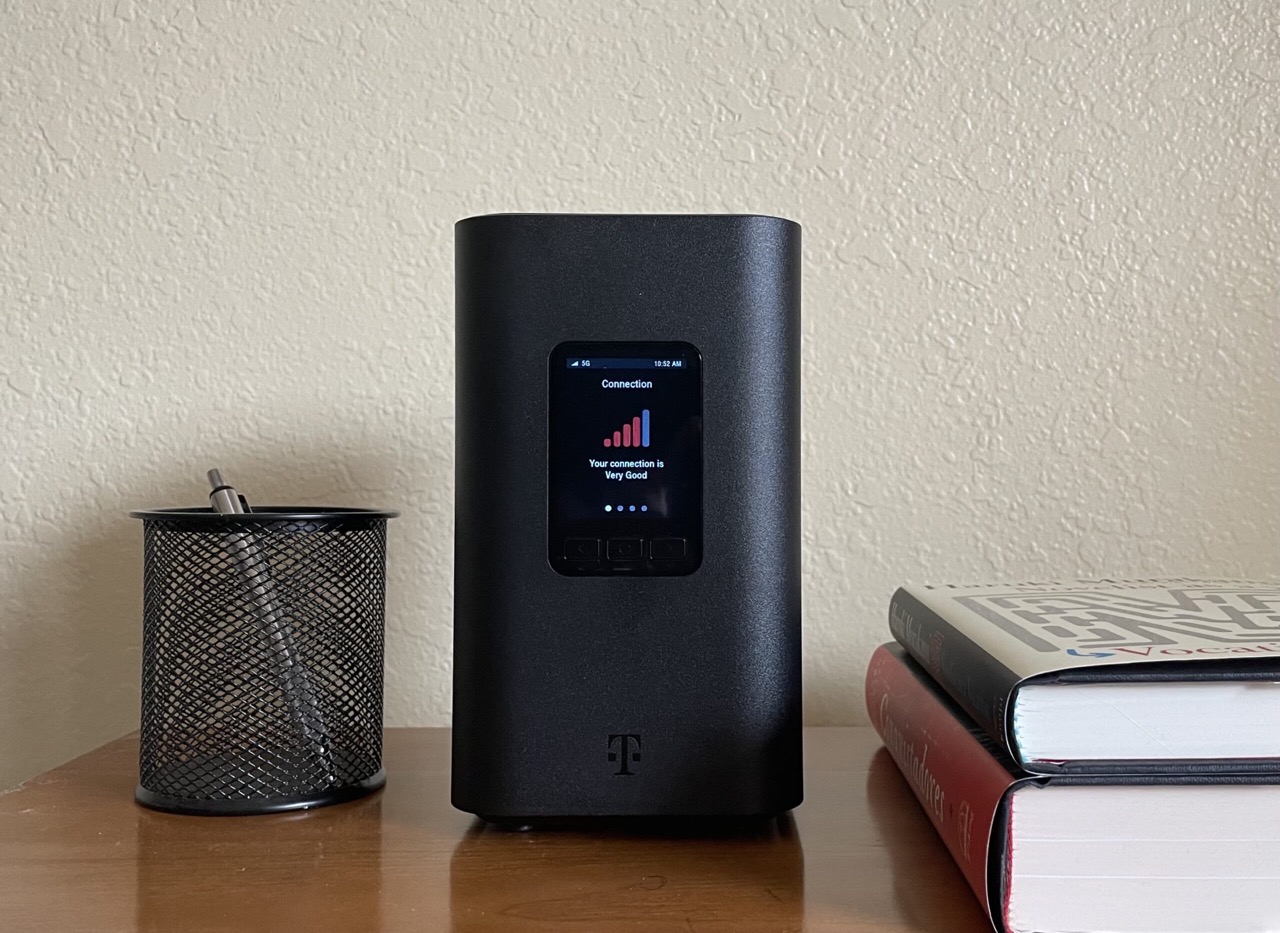
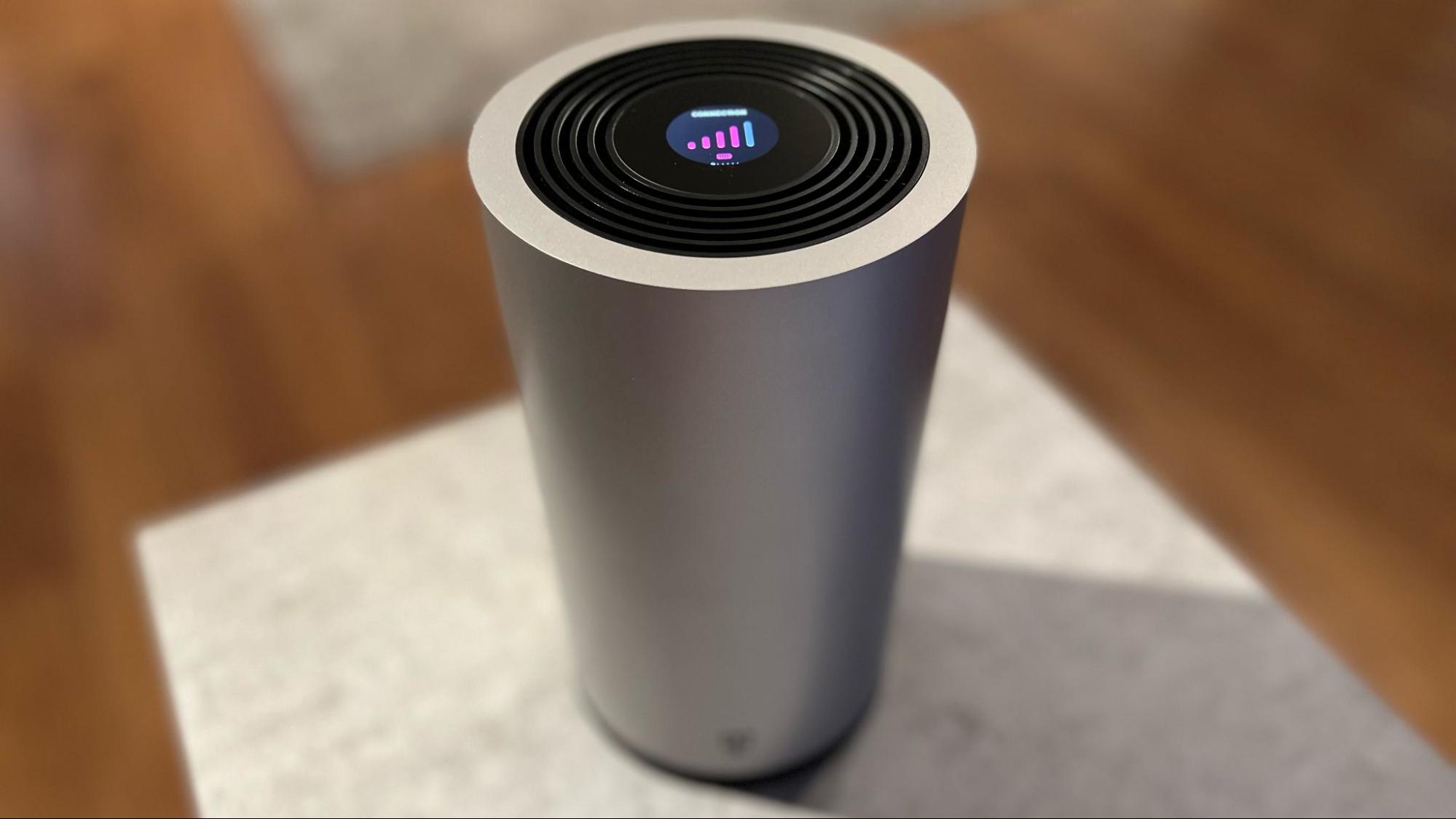
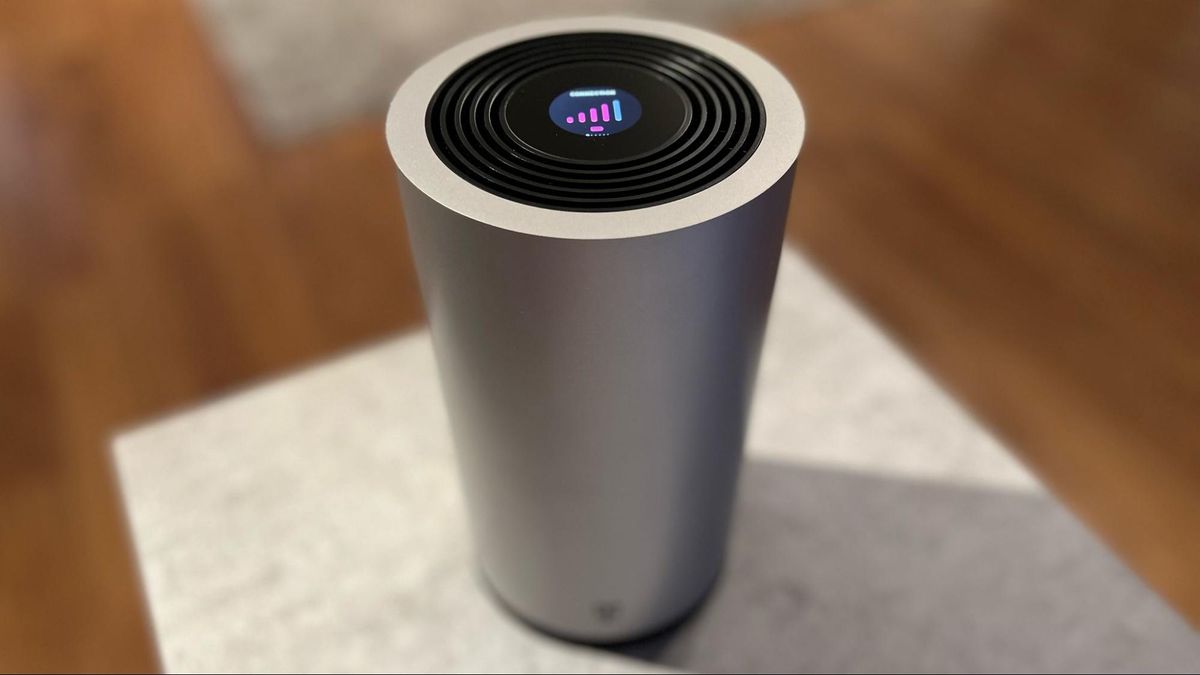
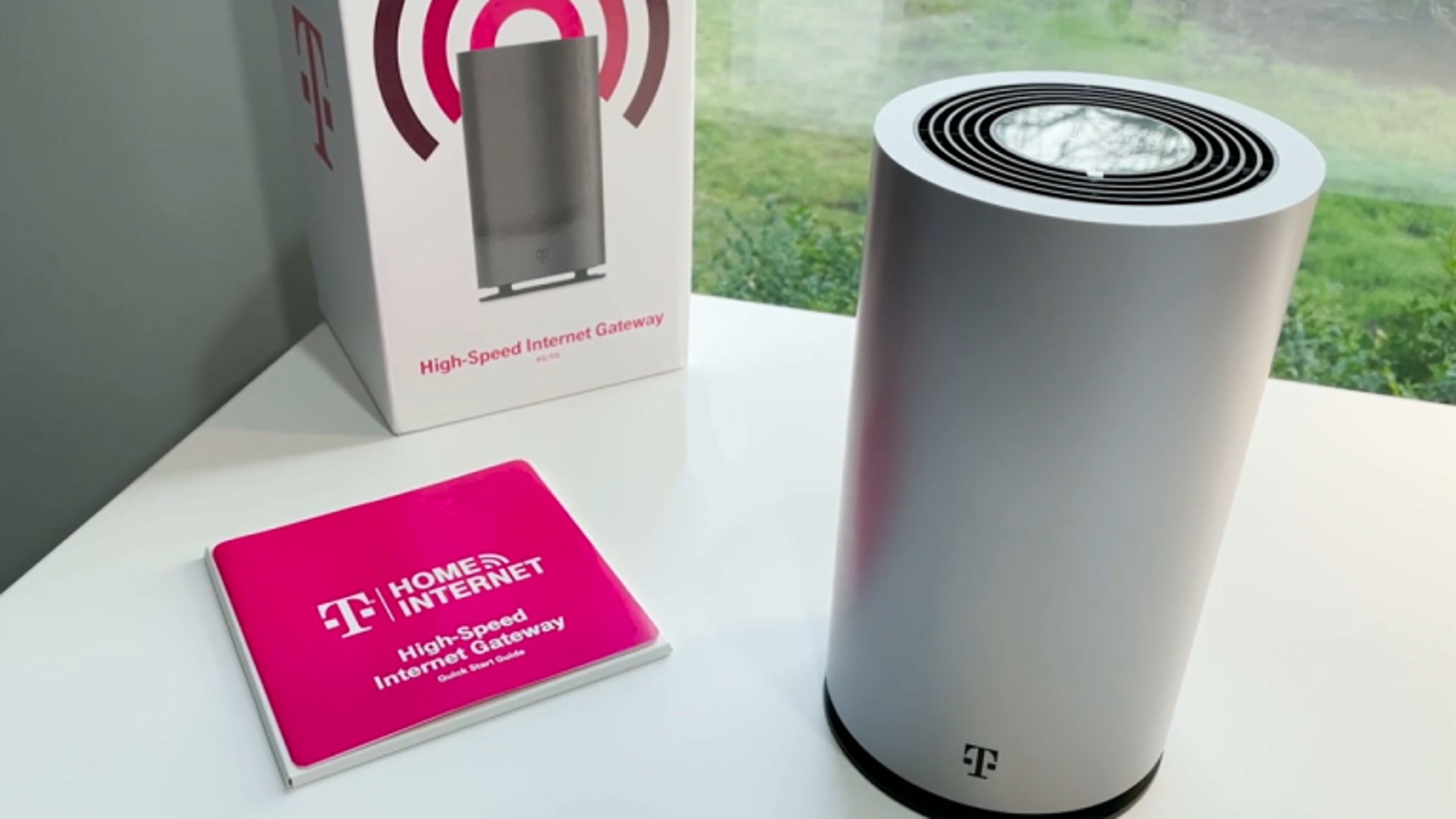
Home Internet Lite uses the same 5G Gateway as T-Mobile's unlimited Home Internet plan. T-Mobile documents a simple setup that can be completed in under 15 minutes. The gateway connects to T-Mobile's 4G and 5G networks wirelessly, eliminating the need for a cable or fiber installation. No model-specific gateway list for Lite is documented separately.
Managing your plan and adding data
You can manage your Home Internet settings and add extra data through the T-Life app, online at myTMO.com, or by calling Customer Care at 1-800-937-8997. T-Mobile says extra data can be added by calling Customer Care at 1-800-937-8997. To change your Wi-Fi name or password using the T-Life app:
- Open the T-Life app and sign in with your T-Mobile ID.
- From the T-Life Home screen, select Home Internet.
- Go to My Wi‑Fi, then select the network name under My networks.
- Edit the Wi‑Fi network name (SSID) or Wi‑Fi network password (key).
- Select Save.
The same T-Life flow applies for both iPhone and Android; no separate steps are documented for either platform.
Frequently Asked Questions
Can I use T-Mobile Home Internet Lite at a different address?
For plans activated starting May 9, 2024, the service is restricted to the approved address and may not be used elsewhere. Older activations may have different rules, so check your plan details.
Is there a contract for T-Mobile Home Internet Lite?
T-Mobile Home Internet Lite does not require an annual service contract. You can cancel at any time without early termination fees.
How do I know if my address qualifies for Lite or unlimited Home Internet?
You can check your address on T-Mobile's website. If the unlimited plan is not yet available at your location, you may be offered the Lite plan instead, with the option to upgrade later when unlimited becomes available.
Does T-Mobile Home Internet Lite support streaming and gaming?
Yes, the plan supports streaming, gaming, and other online activities at full network speeds until you reach the 100GB data cap. After the cap, speeds are throttled to 128 kbps, which may limit high-bandwidth activities.
Can I add extra data before hitting the 100GB cap?
This allows you to extend your high-speed data if you anticipate exceeding the monthly bucket.
For the wider topic, see T-Mobile Home Internet speed limits.
Related reading: How To Reset T-Mobile 5G Home Internet and How Good Is T-Mobile Home Internet.