T-Mobile Home Internet is a good choice for households that want a contract-free, fixed wireless alternative to cable or fiber, especially if they live in an area where T-Mobile's 5G or 4G LTE signal is strong. The service is best for light to moderate internet users, as typical download speeds range from 134-415 Mbps for the All-In or Amplified plans, though actual performance depends heavily on your specific location, network congestion, and home setup.
How good is T-Mobile home internet for your household?
T-Mobile Home Internet works well for households that prioritize no annual contracts, simple pricing, and the ability to self-install. It is less ideal for heavy gamers or users who need ultra-consistent low latency, as wired connections are generally more consistent than Wi‑Fi. The service reaches about 70 million households across the U.S., but availability is limited to select cities and regions, so you must check eligibility at your address before committing.
T-Mobile home internet coverage and availability
T-Mobile says its Home Internet service is available to approximately 70 million households across the country, but only in select U.S. cities and regions. Coverage is based on your address and the strength of T-Mobile’s 4G LTE and 5G networks at that location. Even if your address is eligible, speeds can vary based on plan, device, network activity, signal strength, and home setup, so checking the eligibility page is essential before ordering.
Real-world T-Mobile home internet speeds
T-Mobile documents typical download speeds of 134-415 Mbps and upload speeds of 12-55 Mbps for All-In or Amplified Home Internet customers. For the AWAY plan, typical 5G download speeds are 52-241 Mbps, while 4G download speeds range from 17-78 Mbps, with upload and latency ranges also listed for that plan. Placement matters significantly: turn off equipment from previous providers before setup, try multiple gateway locations, place the gateway away from other devices, and use Ethernet when possible. If the gateway must stay in one location for the strongest signal, a mesh Wi‑Fi extender may help. Understanding T-Mobile Home Internet speed limits helps set realistic expectations, these are typical ranges, not guarantees, and actual speeds depend on your specific environment.
T-Mobile home internet pricing and plans
T-Mobile offers several plan options: All-In, Amplified, and AWAY. The All-In and Amplified plans are designed for home use, while the AWAY plan is intended for portable or travel use. T-Mobile does not require annual contracts, and the pricing is transparent without hidden fees. No specific monthly prices or data cap details are documented in the verified facts, so you should check the current T-Mobile website for exact pricing in your area.
Equipment you get with T-Mobile home internet
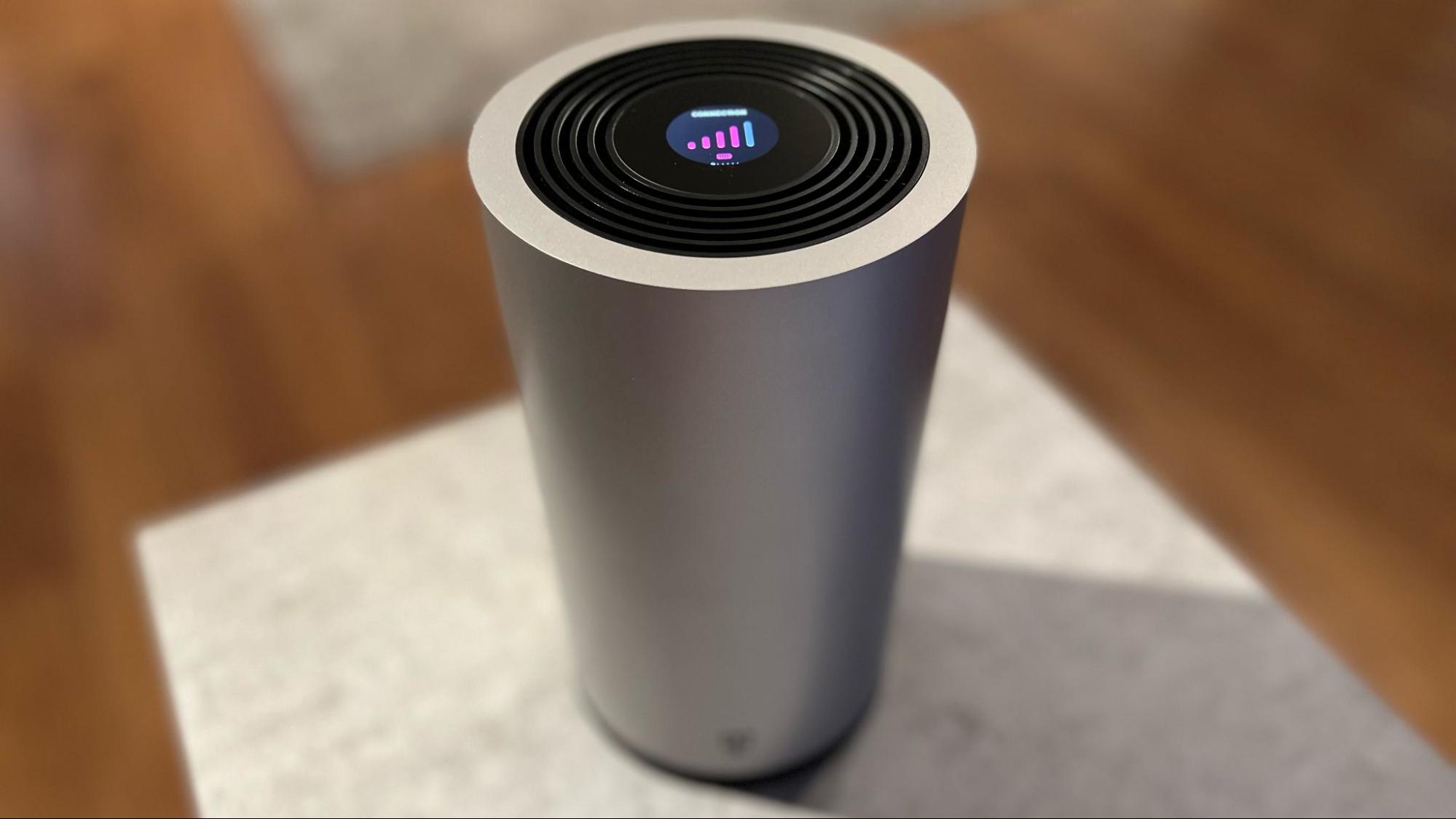
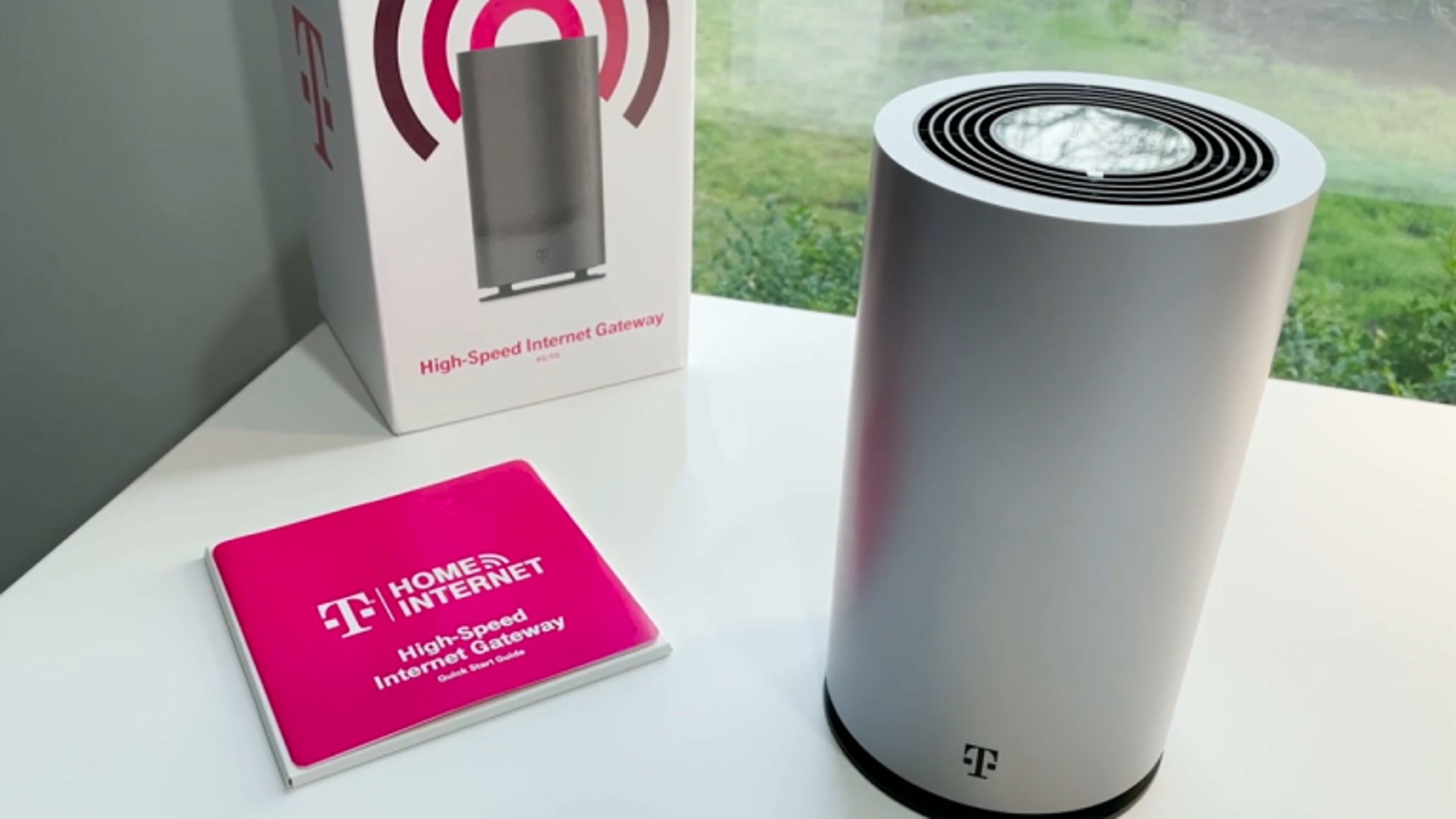
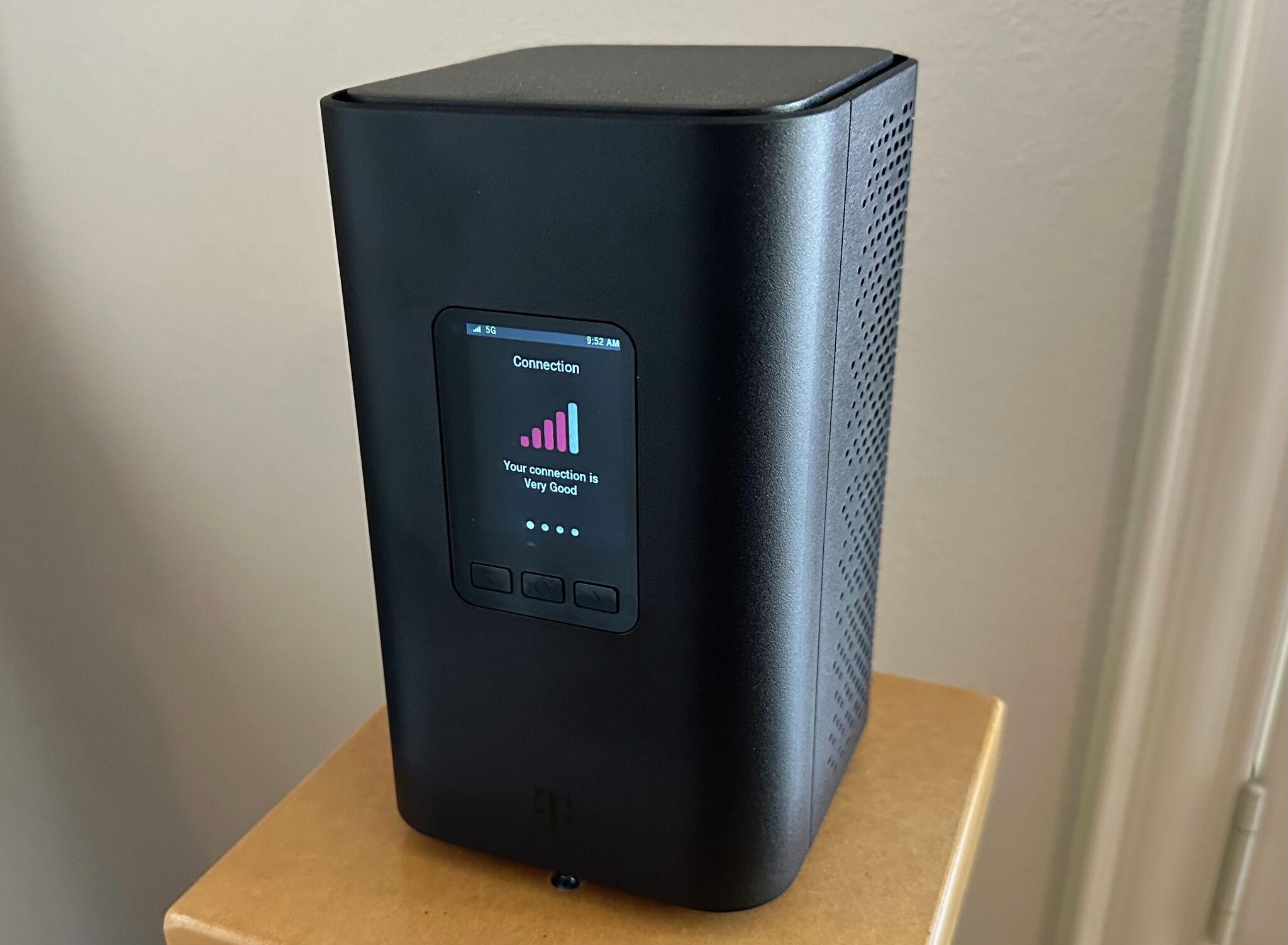
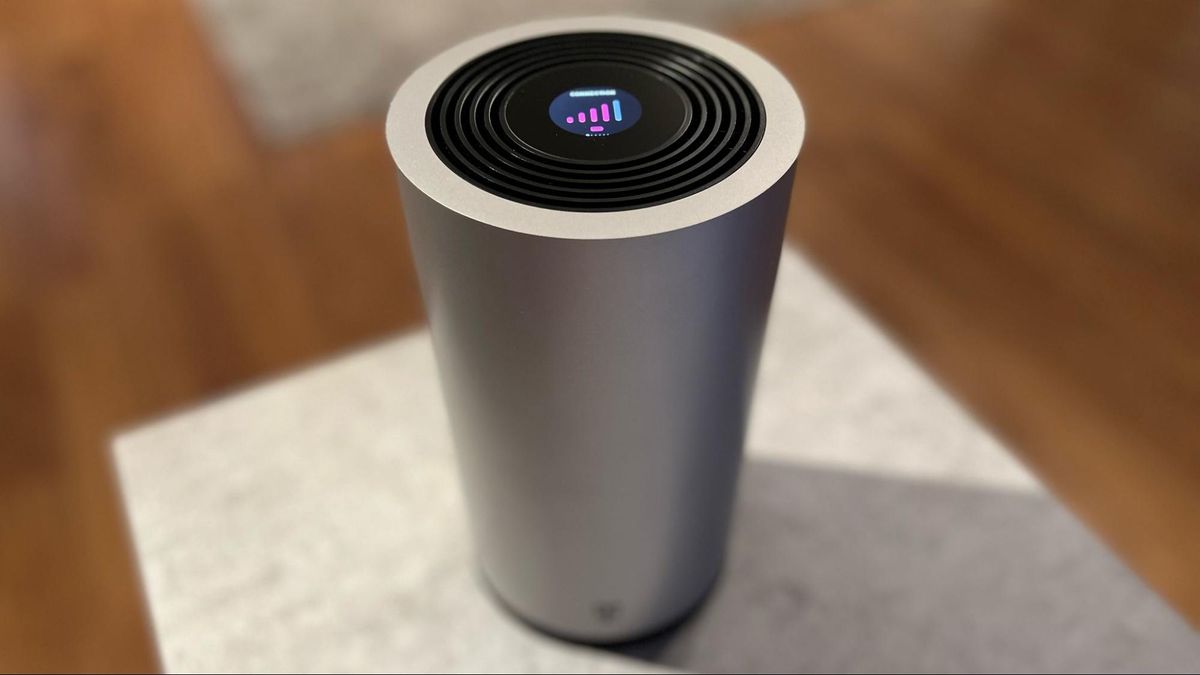
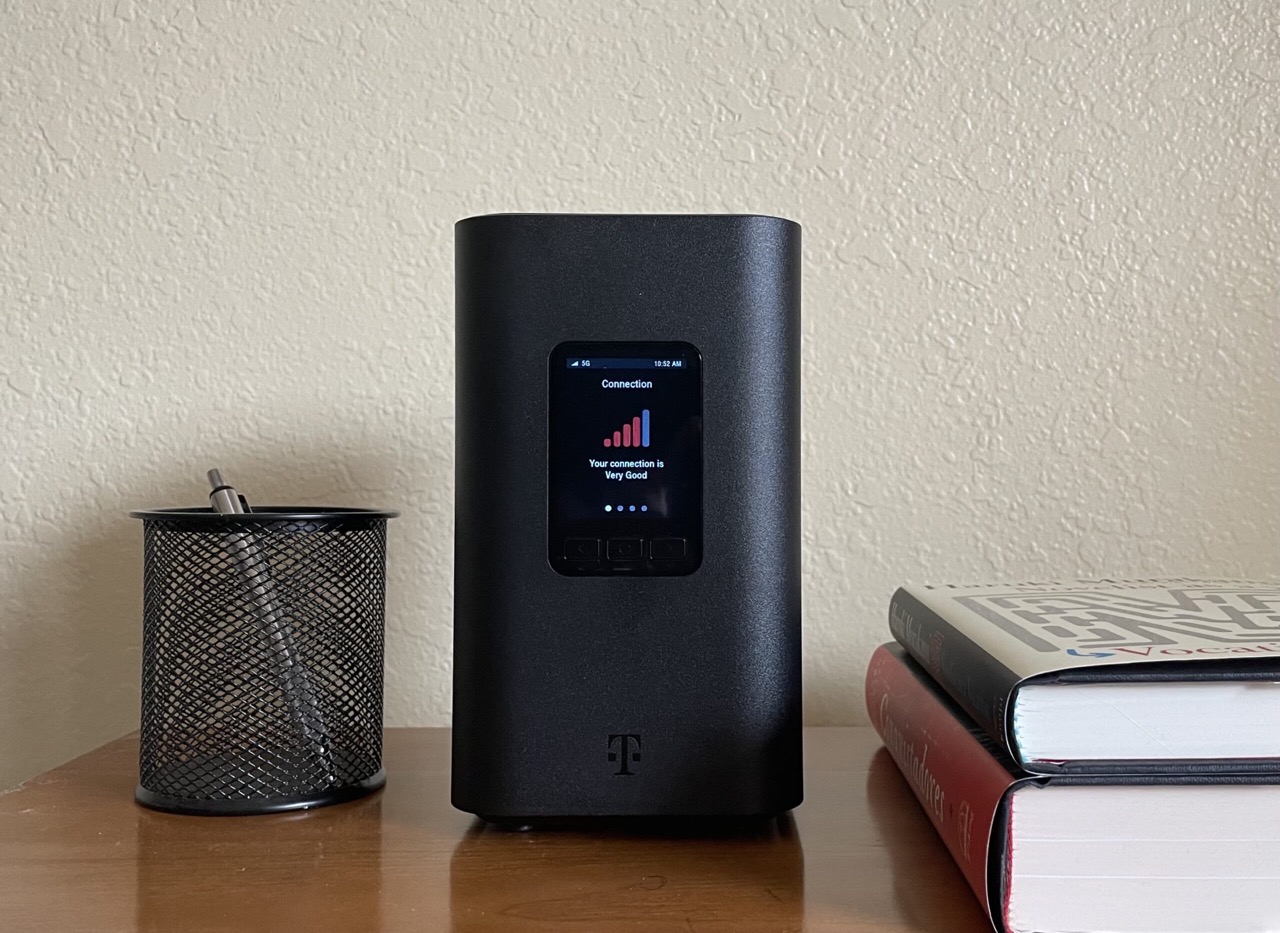
T-Mobile provides a Wi‑Fi gateway as the main equipment. Two documented models are the Arcadyan KVD21 Gateway and the Sagemcom Home Internet Gateway. The Arcadyan KVD21 Gateway management page is at http://192.168.12.1. The Sagemcom gateway has two Ethernet LAN ports. Watch the setup video before first-time setup of the Sagemcom gateway.
Managing your internet through the T-Life app
To manage Home Internet, open the T-Life app, sign in with T-Mobile ID, from T-Life Home screen select Home Internet. To change Wi‑Fi: go to My Wi‑Fi, select network name under My networks, enter new name in Wi‑Fi network name (SSID), tap Save.
T-Mobile home internet customer service and support
T-Mobile provides dedicated support numbers for Home Internet. Home Internet Sales Support phone number: 1-844-839-5057. Home Internet Tech Support phone number: 1-844-275-9310. 5G Home Internet Sales phone number: 1-833-983-3596. Support is available 24/7 on the Home Internet app page. You can expect help with setup, troubleshooting, and billing inquiries from knowledgeable representatives.
Frequently Asked Questions
Does T-Mobile home internet work for streaming and gaming?
Yes, for most streaming and casual gaming, the typical speeds are sufficient. However, competitive online gaming may be less reliable than a wired fiber or cable connection because latency can vary with network congestion and signal strength.
What equipment is needed for T-Mobile home internet?
You only need the T-Mobile gateway provided in the self-installation kit. No modem or router purchase is required, and the gateway includes built-in Wi‑Fi and Ethernet ports for connecting your devices.
How does T-Mobile home internet reliability compare to wired connections?
Wired connections like cable or fiber are generally more consistent than T-Mobile’s fixed wireless service, especially during peak usage times. T-Mobile Home Internet can be a strong alternative where wired options are slow or unavailable, but it is more susceptible to signal fluctuations and network activity.
Can I take my T-Mobile home internet gateway with me when I travel?
Only the AWAY plan is designed for portable use. The standard All-In and Amplified plans are intended for a fixed home address and may not work reliably or at all in other locations.
Is there a data cap on T-Mobile home internet?
The service is marketed as unlimited, but speeds may be deprioritized during network congestion.
Related reading: How Good Is T-Mobile Internet and What Is T-Mobile Home Internet Lite.