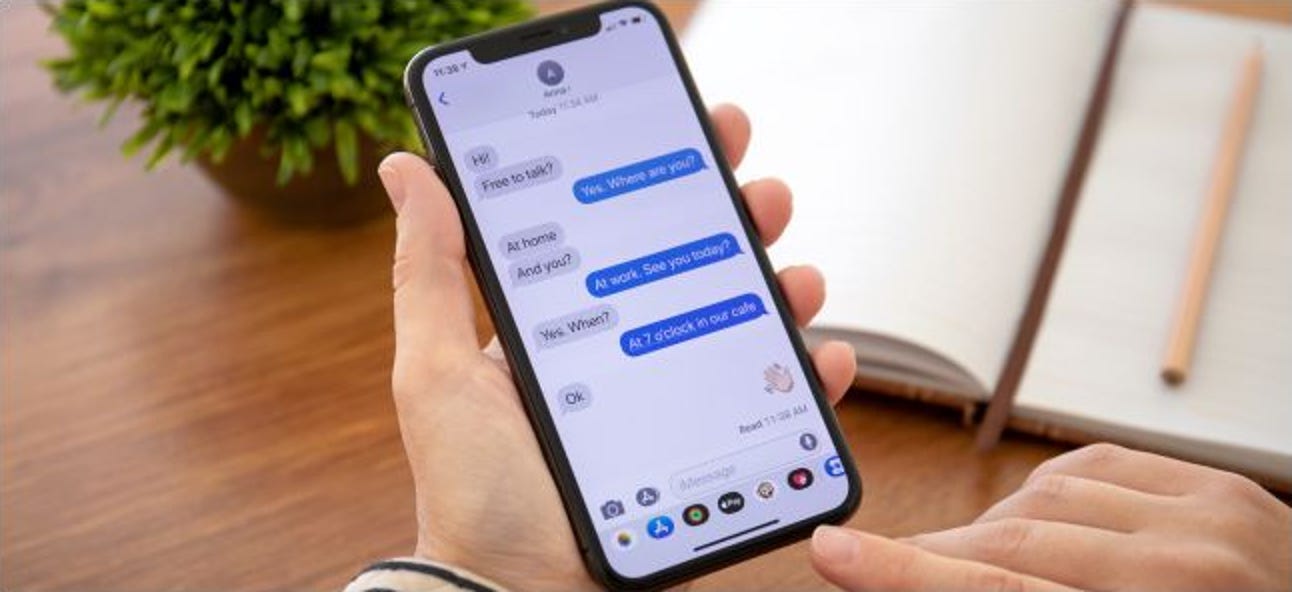
Apple’s messaging platform and related texting features across different devices. This page is for anyone who uses an iPhone, iPad, or Android phone and wants to customize their messaging experience or solve common texting problems.
The articles here help you do two main things: personalize your iPhone’s message appearance and manage cross-platform texting. For customization, you can learn how to change your text bubble color, alter the text message background on an iPhone 13, and even send timed messages or birthday balloons. Other guides show you how to access stickers and change your iMessage avatar. For broader messaging issues, the collection covers how to use iMessage on an Android phone, how to receive SMS on an iPad cellular model without an iPhone nearby, and how to unlink your phone number from another device.
Several articles also solve practical texting problems, such as how to delete text messages on Android for both sides of a conversation, how to play GamePigeon on an Android device, and how to text someone without a phone number. You will also find a guide on enabling auto reply to text on iPhone and a news piece about Delta rolling out free in-flight mobile messaging. A general article on what texting is rounds out the tag, providing a clear foundation for all these features and fixes.