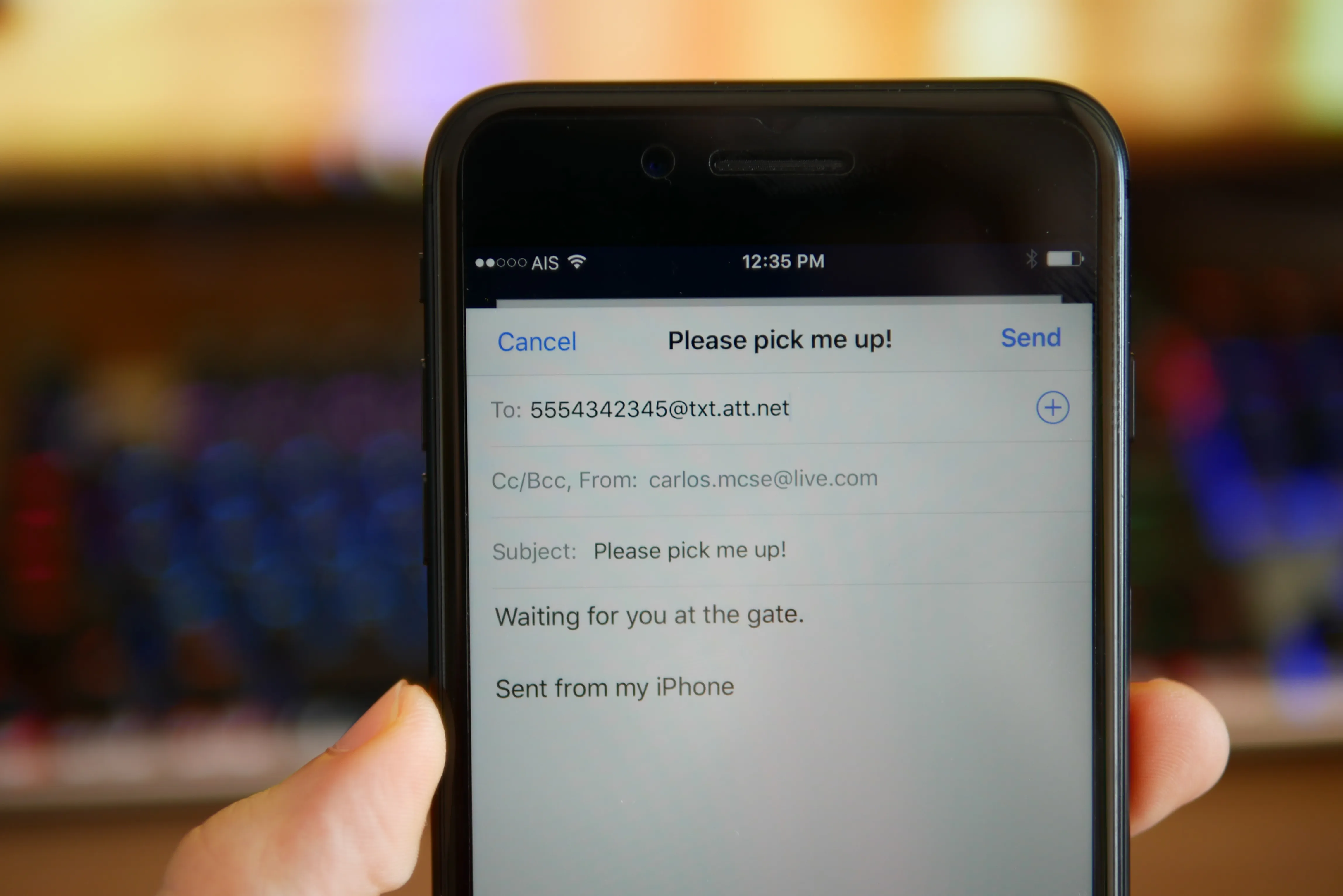
You can text someone without a phone number by using your email address with Apple iMessage on an iPhone, iPad, or Mac. This is the only verified method for sending a standard instant message to another person without needing their phone number, as standard SMS and most messaging apps require a number to send.
How to text someone without a phone number using Apple iMessage
Apple iMessage can send and receive messages using your Apple Account email address instead of your phone number. To set this up on an iPhone, go to Settings > Apps > Messages > iMessage and turn iMessage on. Then tap Send & Receive and choose the email address you want to use under “You can receive iMessages to and reply from”. Make sure the email address is verified in your Apple Account; if needed, tap Resend next to the email address to verify it.
On a Mac, sign in to Messages with your Apple Account email address or phone number. Then go to Messages > Settings > iMessage and choose your email under “You can be reached for messages at” and “Start new conversations from”.
If you already started a conversation with your email address and want to switch to your phone number, you must start a new conversation. This also works the other way: if you begin a thread with your number, you cannot change it to your email mid-conversation.
Can you do this on Android with Google Messages?
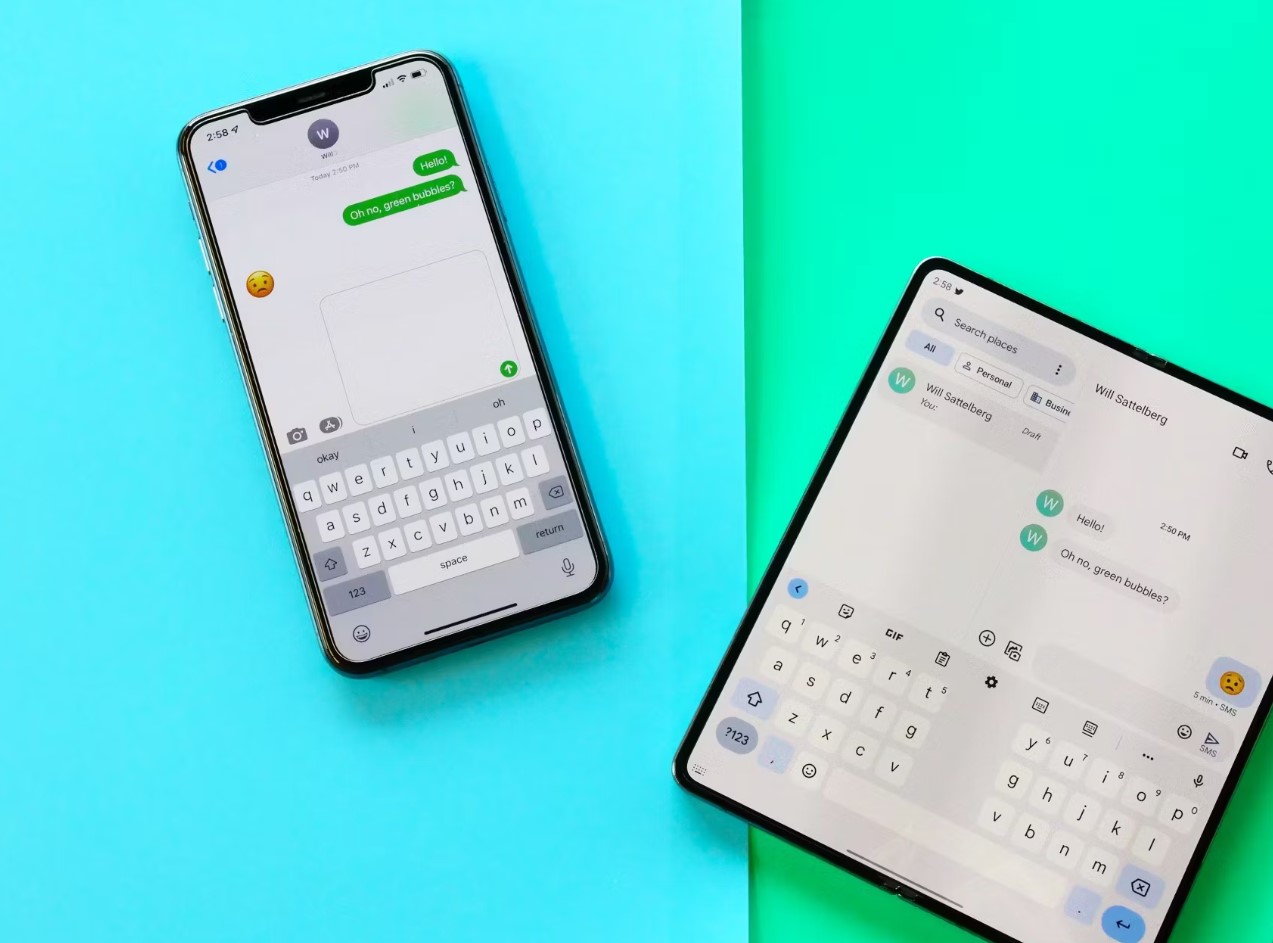
No. Google Messages supports RCS chats, but Google’s setup and troubleshooting pages document that RCS and SMS require a phone number. There is no email-only option in Google Messages. To turn on RCS, tap your Profile picture or Initial > Messages settings > RCS chats and turn RCS chats on, but this still uses your phone number for sending and receiving.
For anyone needing to create accounts without a phone number, Apple’s iMessage email method is the direct solution. If you want to use WhatsApp without a phone number, that is not supported by the app’s official documentation, which requires a phone number for account creation.
Frequently Asked Questions
Can you text someone with just an email address?
Yes, through iMessage on iPhone, iPad, and Mac, if both the sender and recipient are using iMessage and the email address is selected in Send & Receive or the Mac iMessage settings. The recipient will see your email address, not a phone number.
Can Android do the same with Google Messages?
No. Google Messages always requires a phone number for sending and receiving.
Does this work with SMS or only iMessage?
This method works only with iMessage, which is Apple’s internet-based messaging service. Standard SMS (green bubbles) always requires a phone number and cannot be sent from an email address.
What if the other person doesn’t use an Apple device?
If the recipient does not have an Apple device or does not use iMessage, they will not receive messages sent to your email address. Both sender and recipient must be using iMessage for email-based texting to work.
For the wider topic, see creating accounts without a phone number.
Related reading: How To Make An Email Without A Phone Number.