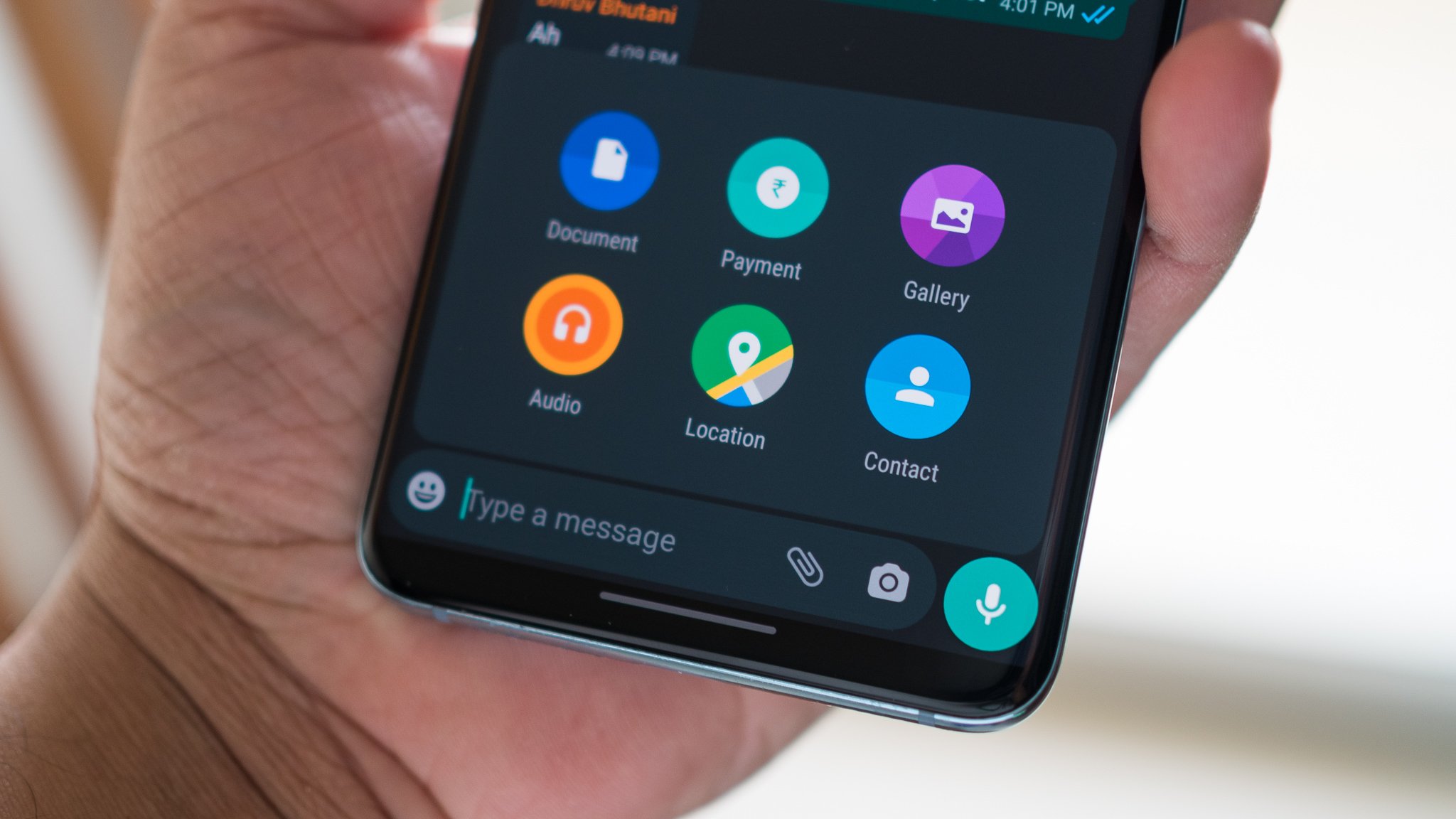
Texting is the act of sending short messages from a phone or other device over a cellular network or a data connection, using an app like Apple Messages or Google Messages. Depending on your device and carrier, a text can be sent as SMS, MMS, iMessage, or RCS.
What is texting?
Texting is sending short messages over a phone network or data connection through an app like Apple Messages or Google Messages, using SMS, MMS, iMessage, or RCS depending on the device and carrier support. It works over both cellular networks (for SMS and MMS) and Wi‑Fi or cellular data (for iMessage and RCS), and on supported iPhone models with certain carriers in the U.S., Canada, and Mexico, it can even work over satellite when no cellular or Wi‑Fi signal is available.
The main types of text messages: SMS, MMS, iMessage, and RCS
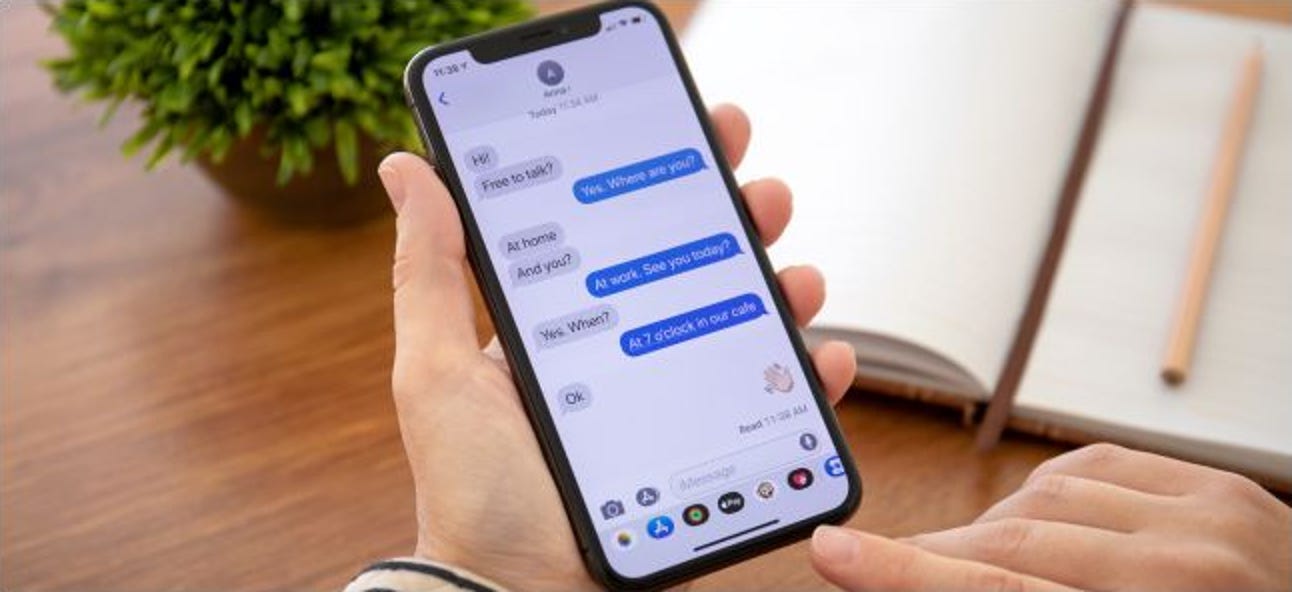
Not all text messages are the same. The protocol used determines whether a message is encrypted, supports photos or video, and whether it appears in a blue or green bubble on an iPhone.
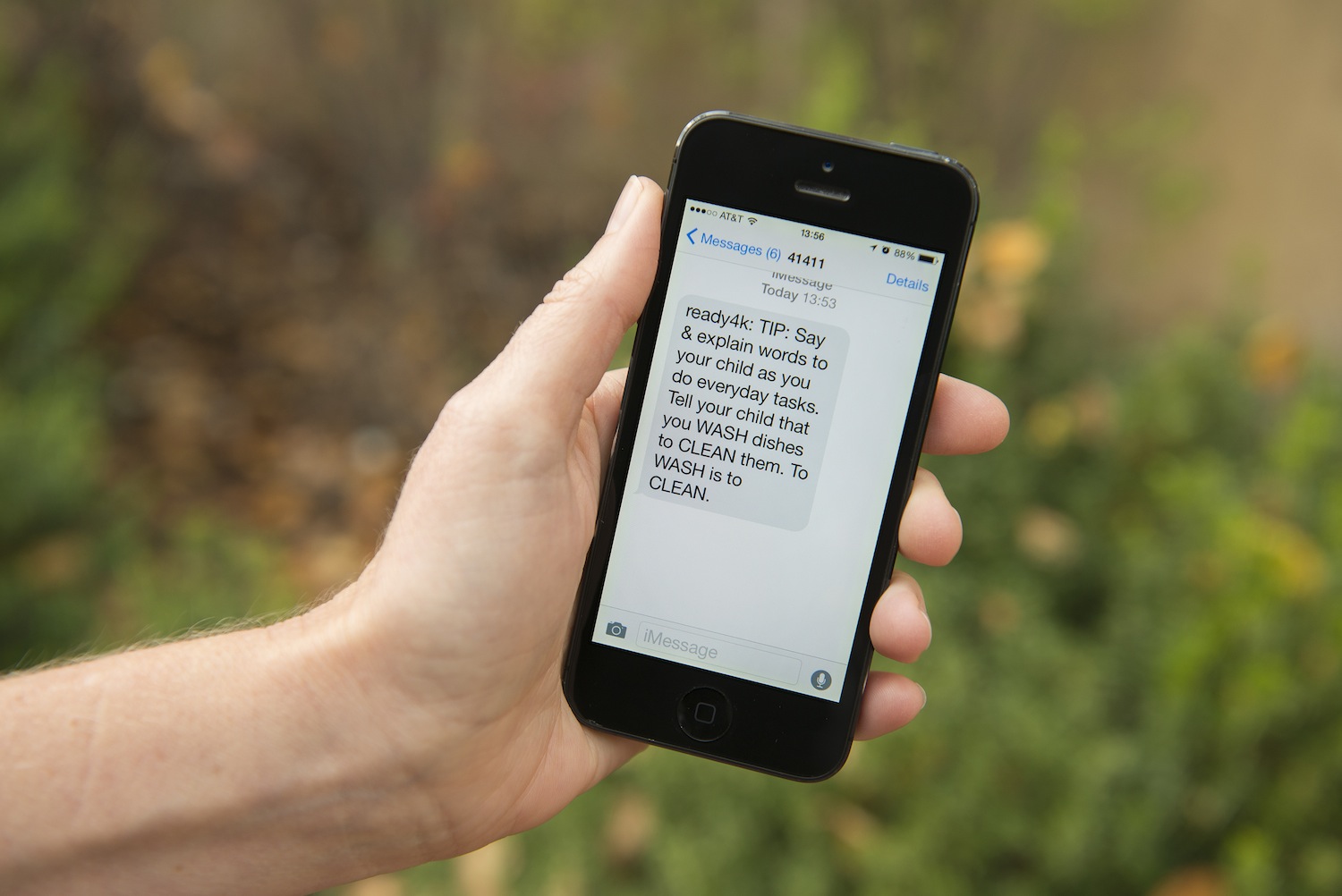
MMS (Multimedia Messaging Service) extends SMS by allowing you to send photos, videos, and audio over the cellular network. Both SMS and MMS appear in green bubbles on an iPhone.
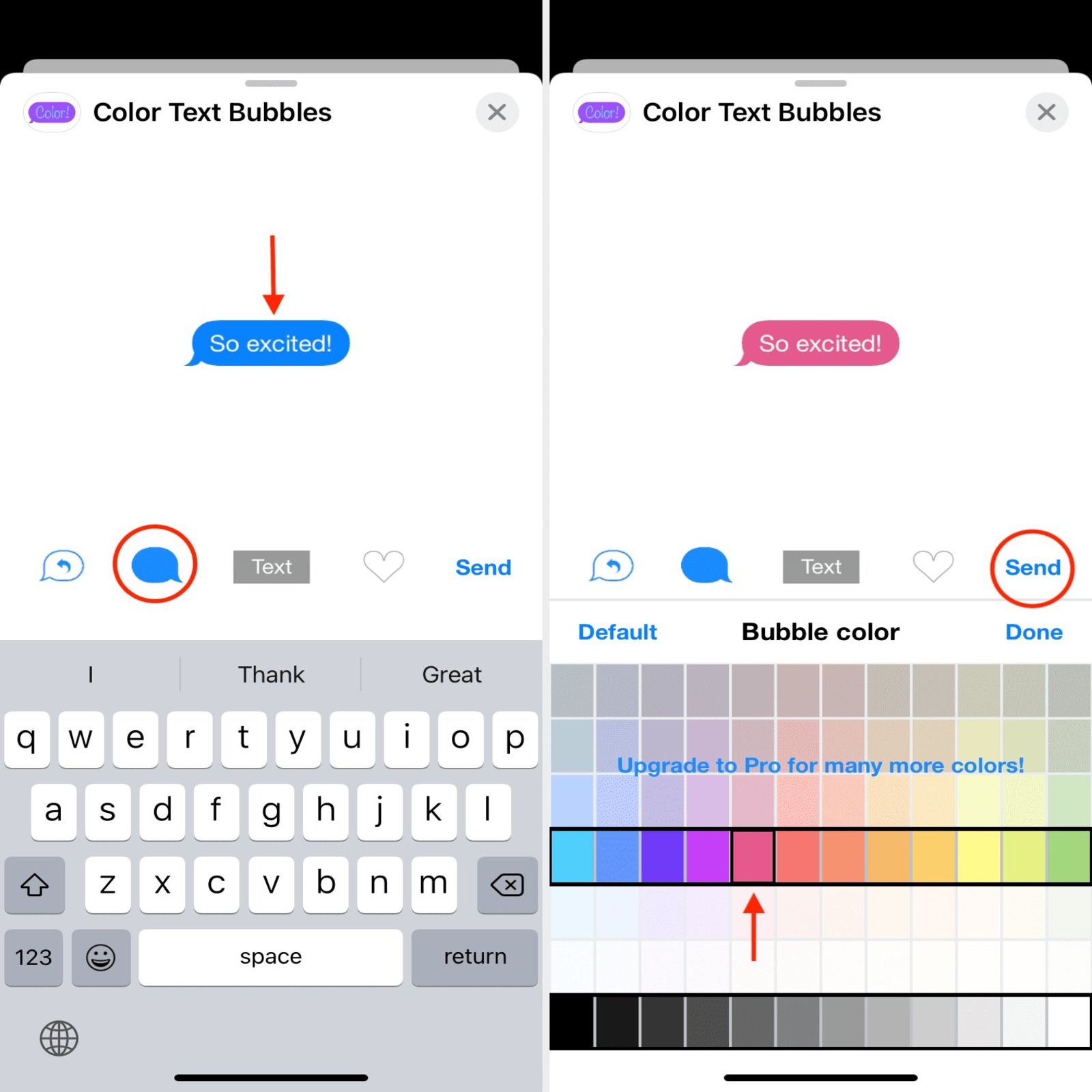
iMessage is Apple’s own messaging service. It sends texts, photos, videos, and more over Wi‑Fi or cellular data, and it appears in blue bubbles on an iPhone. iMessage is encrypted and works between Apple devices using an Apple Account. RCS (Rich Communication Services) is a newer standard supported on both iPhone and Android. It offers features like read receipts, typing indicators, and high-quality media sharing over a data connection. On an iPhone, RCS messages also appear in green bubbles, and Apple notes that RCS is not supported by all carriers or in all countries or regions.
How to send a text on iPhone
You send texts from the Messages app. The steps are the same whether the message goes as iMessage, SMS, MMS, or RCS.
- Open Messages.
- Tap the Compose button.
- Enter the recipient’s phone number, contact name, or Apple Account.
- Type the message.
- Tap Send.
If a message cannot be sent, an alert appears. Tap the alert to try again. On models with Dual SIM, you can choose which line to send an SMS or MMS from by tapping the line shown before sending.
To enable iMessage, go to Settings > Apps > Messages, then turn on iMessage. To choose which phone numbers and email addresses can be used with iMessage, go to Settings > Apps > Messages > Send & Receive and select from the options under “You can receive iMessages to and reply from.” To mirror texts on other Apple devices, go to Settings > Apps > Messages > Text Message Forwarding and turn on the devices you want. On iPhone, Messages supports “Set Up Name & Photo” or “Share Your Name & Photo” from the top of the conversation list, then “Name and Photo Sharing” and “Share Automatically.”
How to send a text on Android with Google Messages
Sending a text is straightforward.
- Open Google Messages.
- Tap the message box.
- Enter the message.
- Tap Send.
If you are switching from an iPhone, make sure iMessage has been deactivated for your number to avoid problems sending or receiving texts.
The evolution of texting: from SMS to satellite
Texting began with basic SMS, which allowed only short text messages sent over the cellular network. MMS added support for photos and videos, but both remained limited to cellular connections. Apple introduced iMessage, which sent messages over data and Wi‑Fi with encryption and richer features. RCS brought similar enhancements to Android and, more recently, to iPhone, offering read receipts, typing indicators, and better media sharing.
To manage your texting experience, you can adjust text messaging and T-Mobile texts settings directly in your phone’s messaging app or carrier settings.
Frequently Asked Questions
What is the difference between iMessage and SMS?
iMessage sends messages over Wi‑Fi or cellular data, is encrypted, and appears in blue bubbles on iPhone. SMS sends messages over the cellular network only, is not encrypted, and appears in green bubbles on iPhone.
Do I need an internet connection to send a text?
For SMS and MMS, you only need a cellular connection. For iMessage and RCS, you need a Wi‑Fi or cellular data connection.
Why are some of my messages green and some blue on iPhone?
Blue bubbles mean the message was sent via iMessage. Green bubbles mean it was sent via SMS, MMS, or RCS. This happens when the recipient does not use iMessage or when iMessage is unavailable.
Can I send texts over Wi‑Fi?
Yes, iMessage and RCS can send messages over Wi‑Fi. SMS and MMS require a cellular connection unless your carrier supports Wi‑Fi Calling, which can route SMS over Wi‑Fi.
What is RCS and do I need it?
It is available on both iPhone and Android, but not all carriers or regions support it. You do not need to do anything to enable it if your carrier supports it.
Related reading: KakaoTalk App Review: Talk and Chat With Your Friends Today! and How To Change Text Bubble Color On IPhone.