The Java Edition tag on CellularNews gathers practical guides for players of Minecraft: Java Edition who want to manage their game, customize their experience, or fix common in-game issues. Whether you are setting up a new world or troubleshooting a stubborn problem, these articles are written for players who need clear, step-by-step instructions that work on PC.
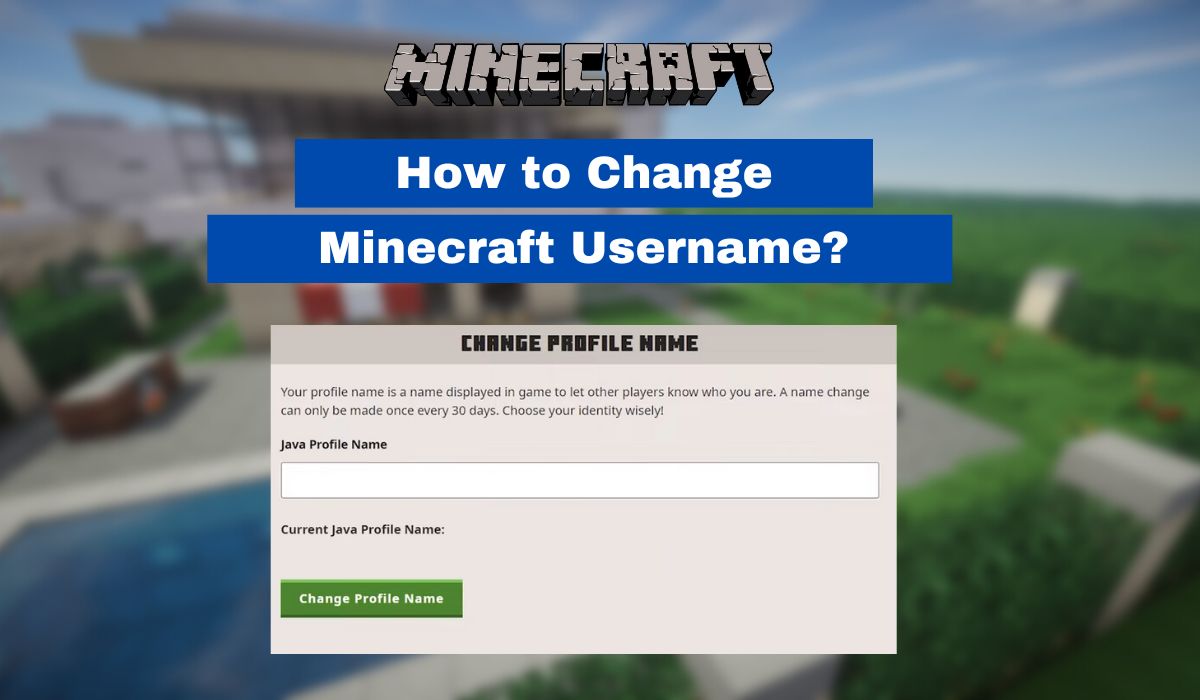
The articles here solve two main kinds of problems. First, several guides help you control the game’s data and settings. For example, you can learn how to change your Minecraft username if you want a fresh identity, or how to delete player data to reset a character’s progress. Second, other articles focus on expanding and modifying the game. You will find instructions on how to add data packs to Minecraft and how to install a data pack, which lets you tweak gameplay rules or add new features without mods.
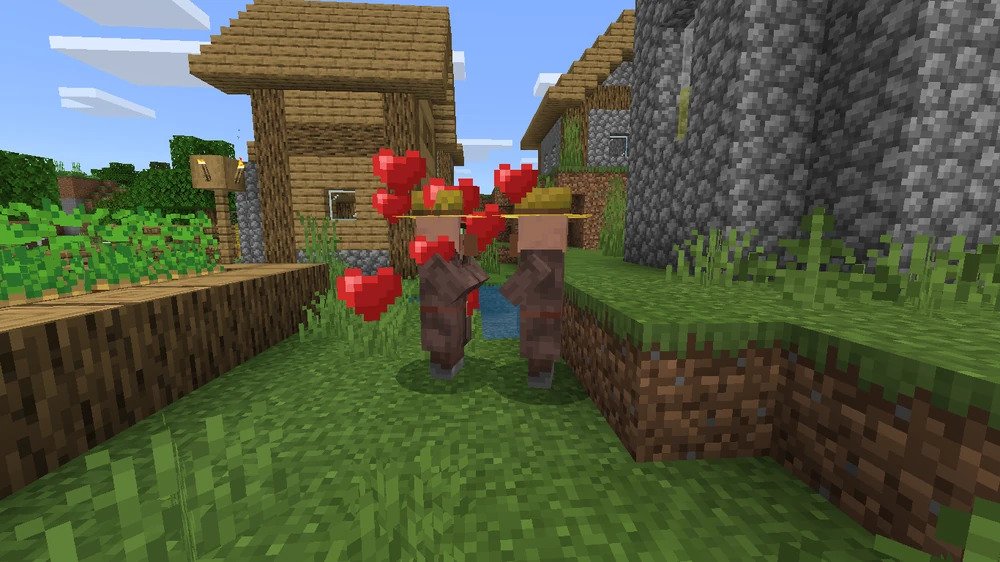
A few topics go beyond simple tweaks. The guide on how to breed villagers in Minecraft shows you how to build a working villager farm for trading and resources. And if you want a completely different way to play, the article on how to play Minecraft on VR explains how to experience your worlds in virtual reality. Each article is built around a single, specific task, so you can jump in and get it done.