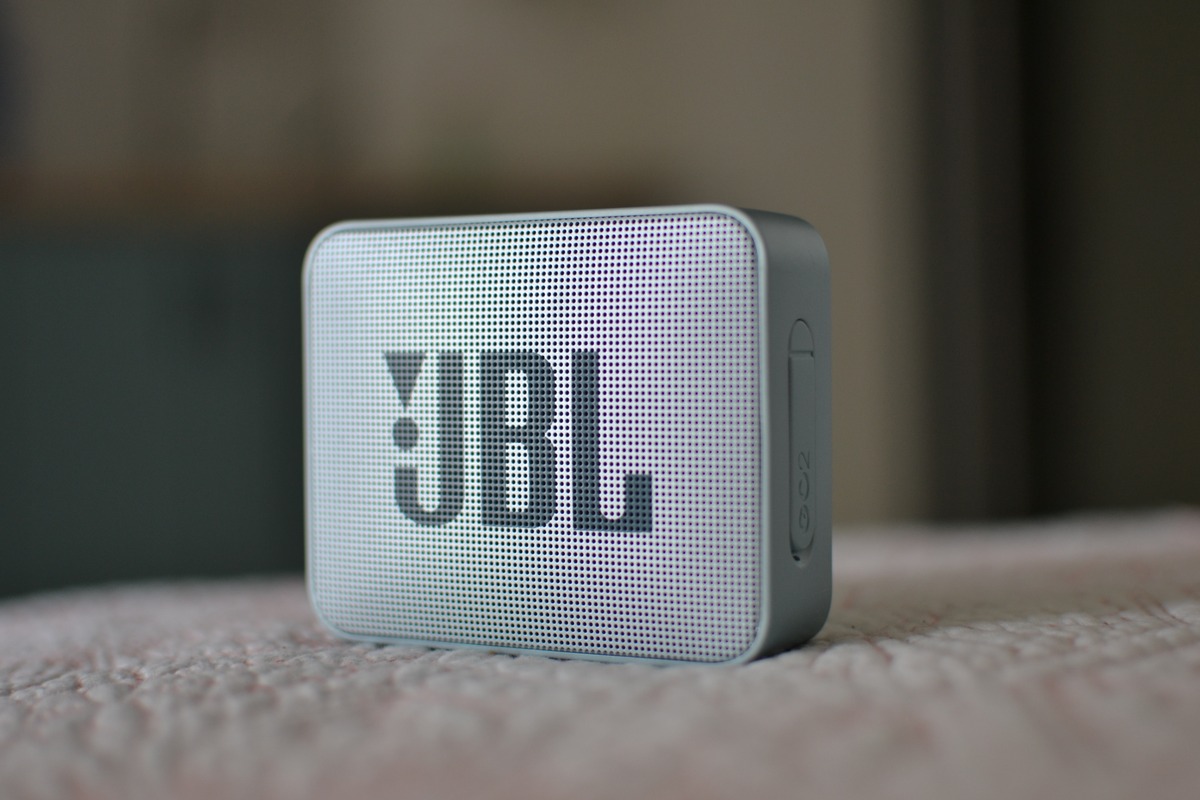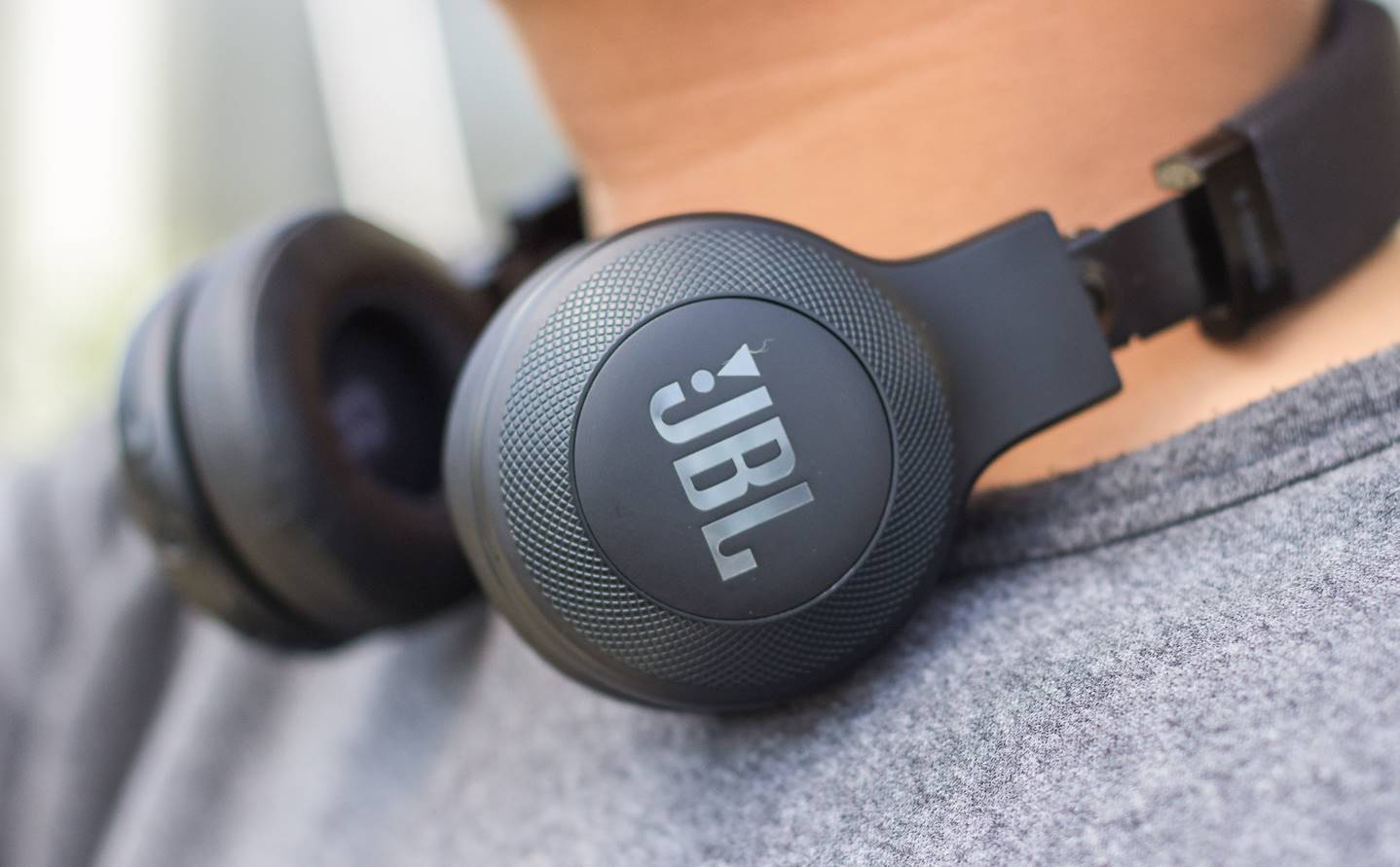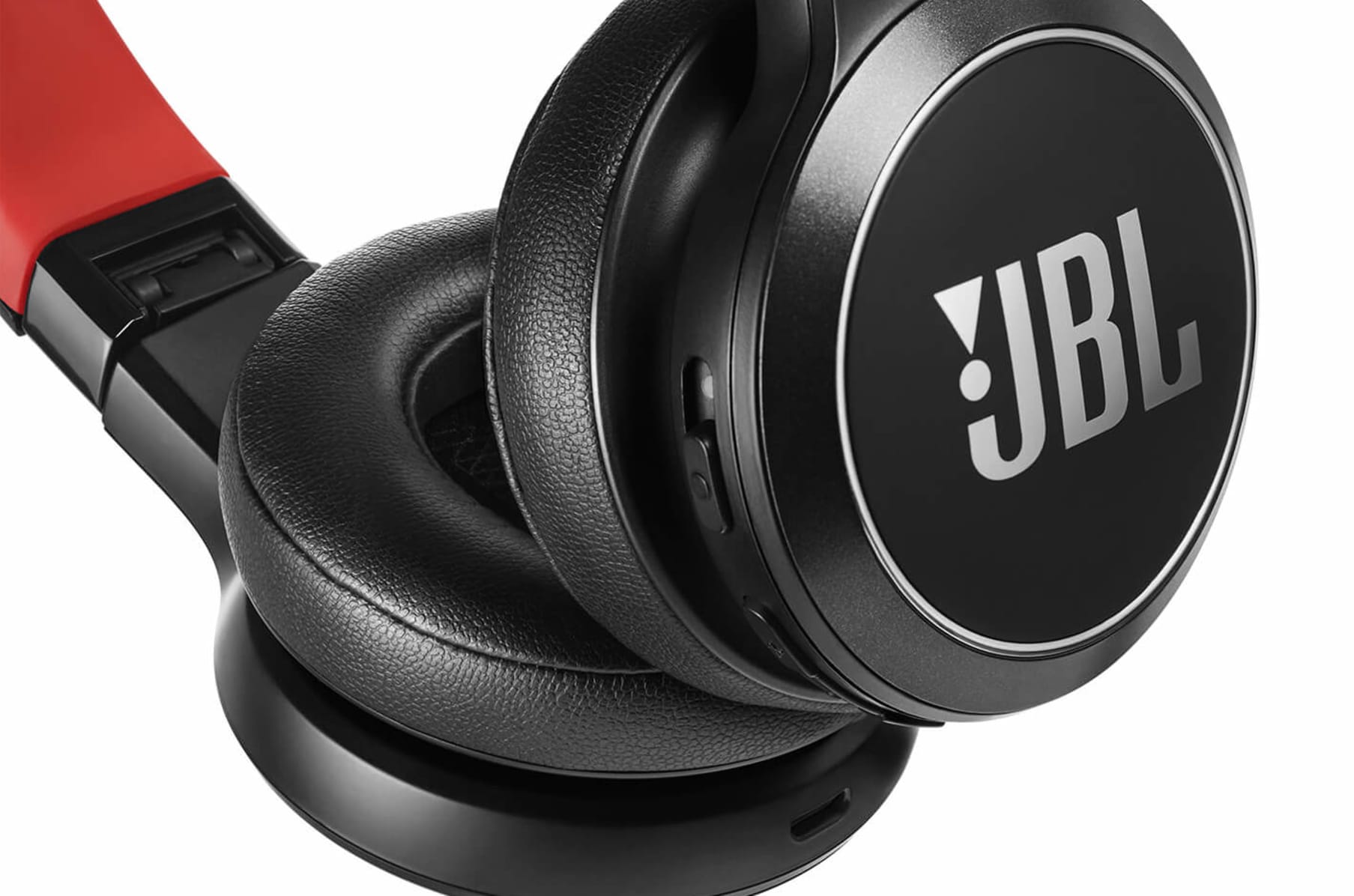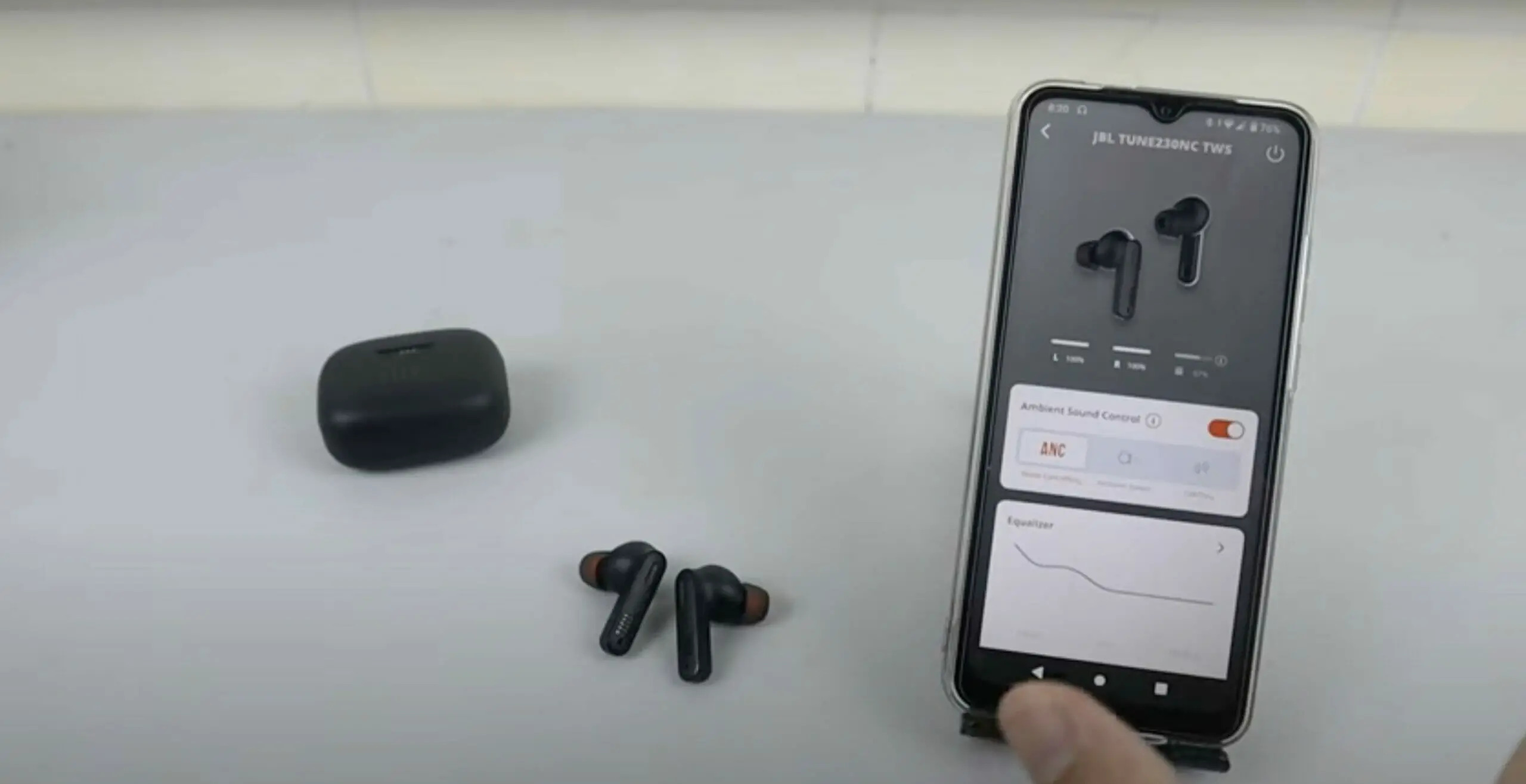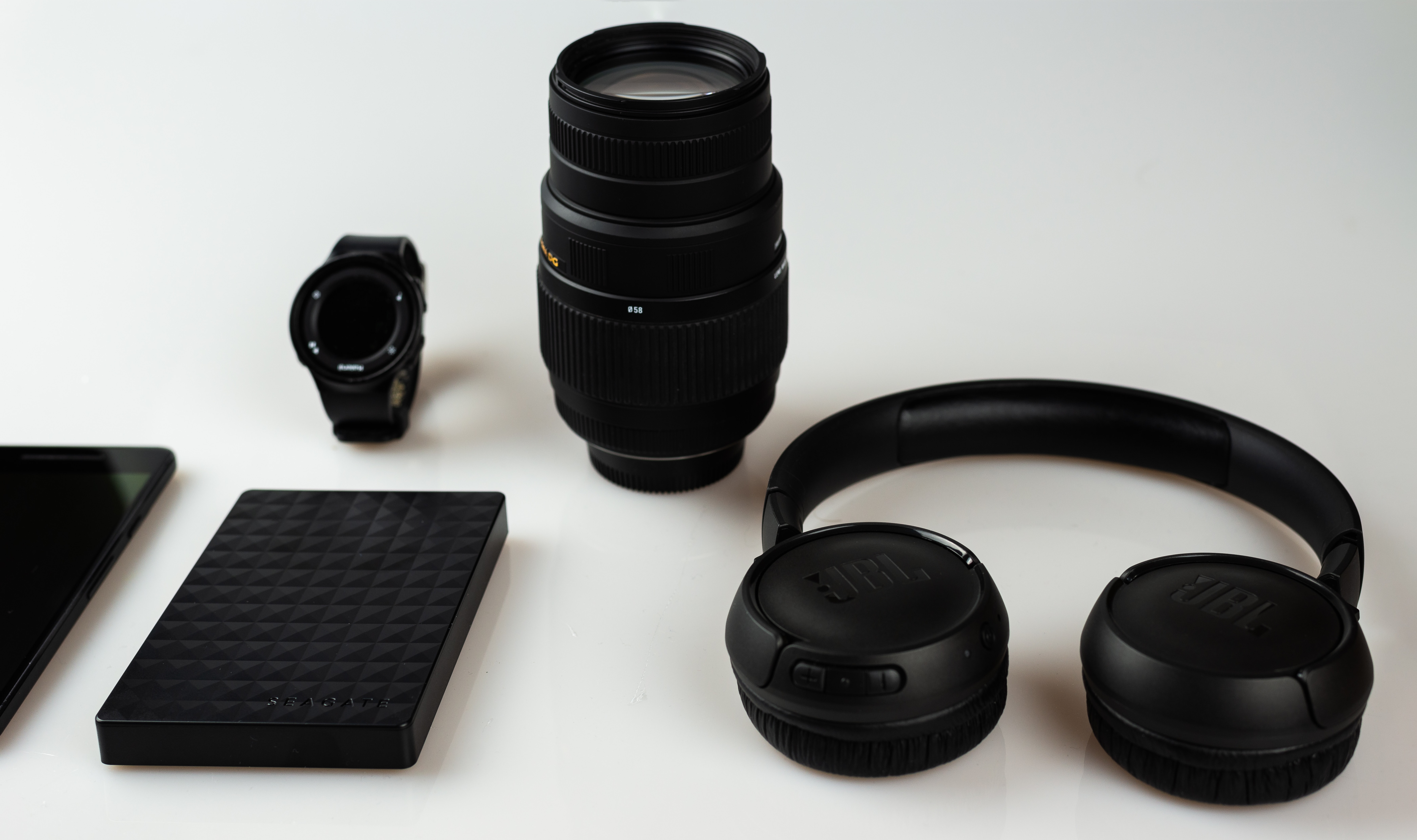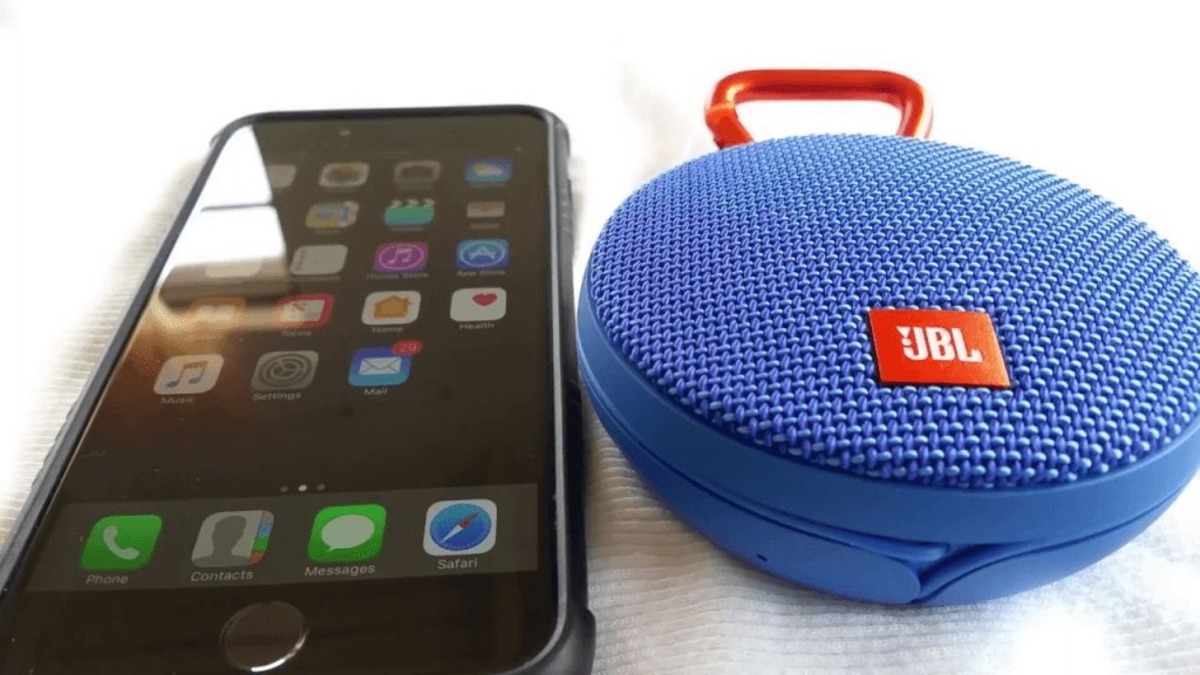
This tag collects all of CellularNews’s articles about JBL audio gear, from portable speakers to wireless earbuds and over-ear headphones. It is written for anyone who owns a JBL device and needs clear, practical steps to make it work with their phone, TV, or other accessories.
The articles here solve three main kinds of everyday problems. First, they cover connection and pairing issues: how to get a JBL speaker to talk to an iPhone or a Samsung TV, what to do when a speaker simply won’t connect to a phone, and how to link two Bluetooth speakers together. Second, they address setup and basic operation, like turning on wireless earbuds, checking the battery level on headphones, or finding out how long a charge takes. Third, they help with troubleshooting and maintenance, including how to reset JBL headphones when they misbehave and how to pair a headset after a factory reset.
Specific topics on the page include “How To Connect 2 JBL Bluetooth Speakers,” “How To Connect JBL Wireless Earphones,” and “How To Reset JBL Headphones Wireless.” Whether you are trying to link speakers for stereo sound, pair earbuds for the first time, or fix a stubborn connection, these articles give you the direct steps to get your audio working again.