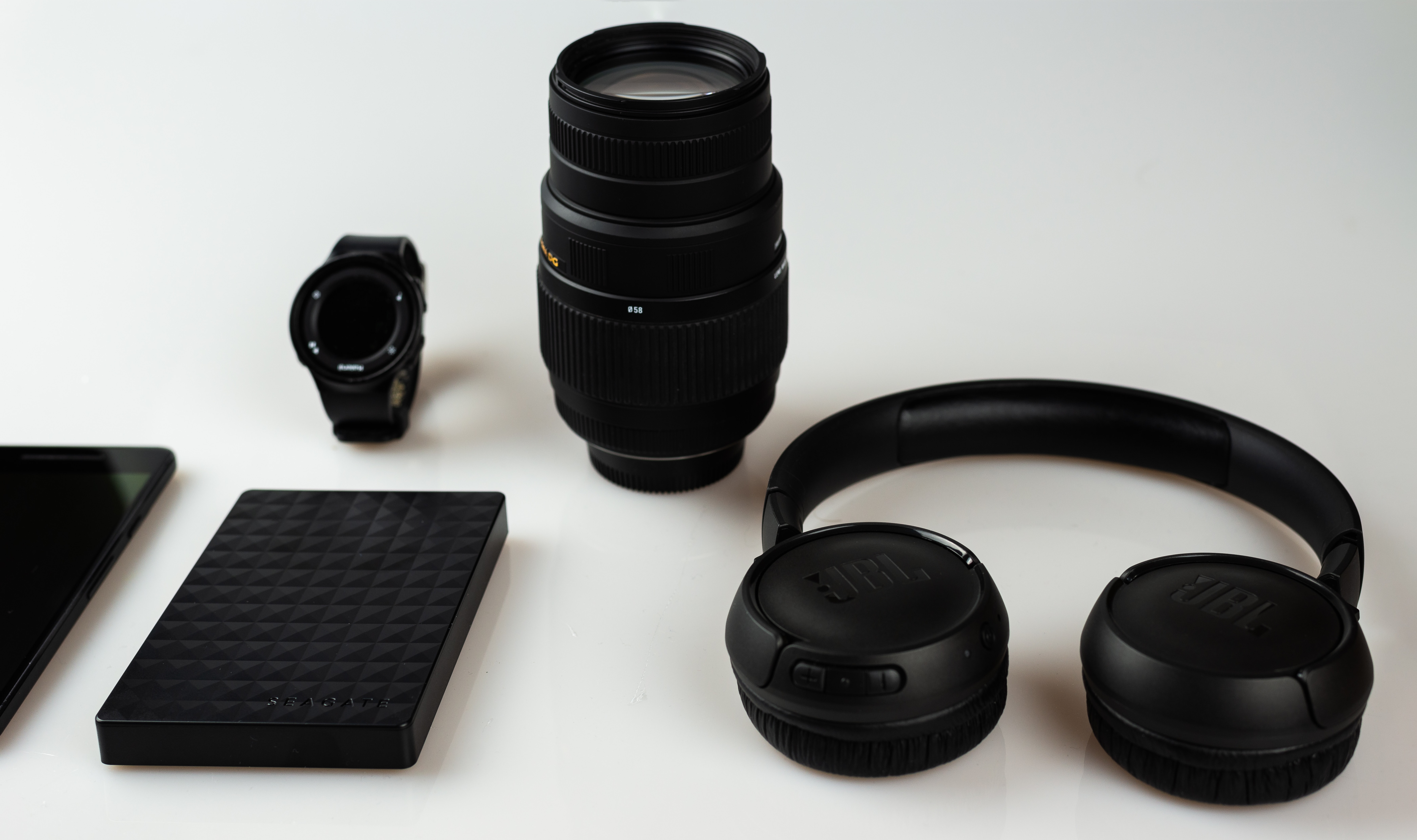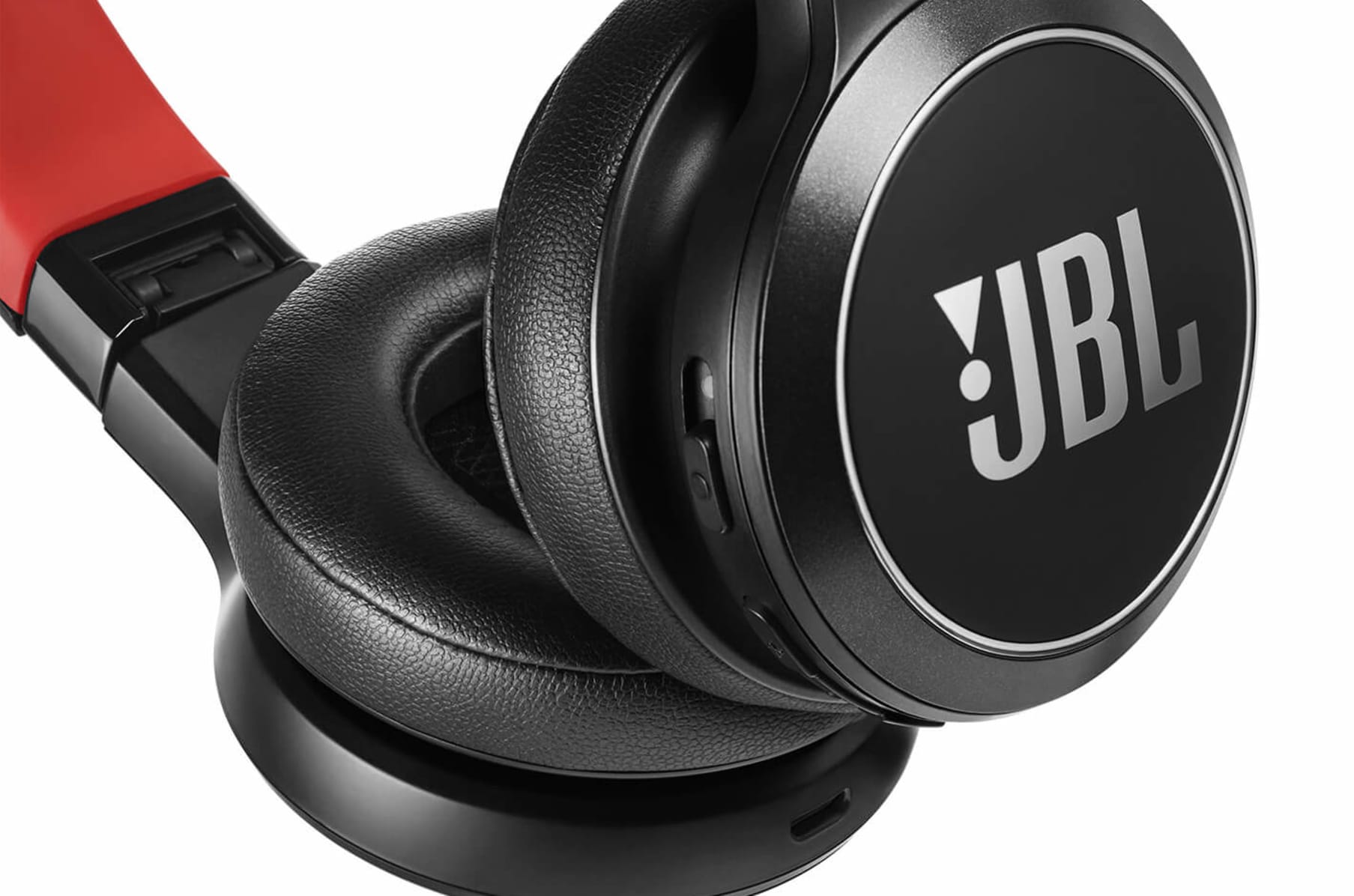
The quickest way to check battery JBL wireless headphones is to look at your phone's Bluetooth settings or use the free JBL Headphones App, which gives you an exact percentage for each earbud and the charging case. This prevents your music from cutting out unexpectedly by showing you the remaining power at a glance.
Check your JBL wireless headphones battery from your phone's home screen
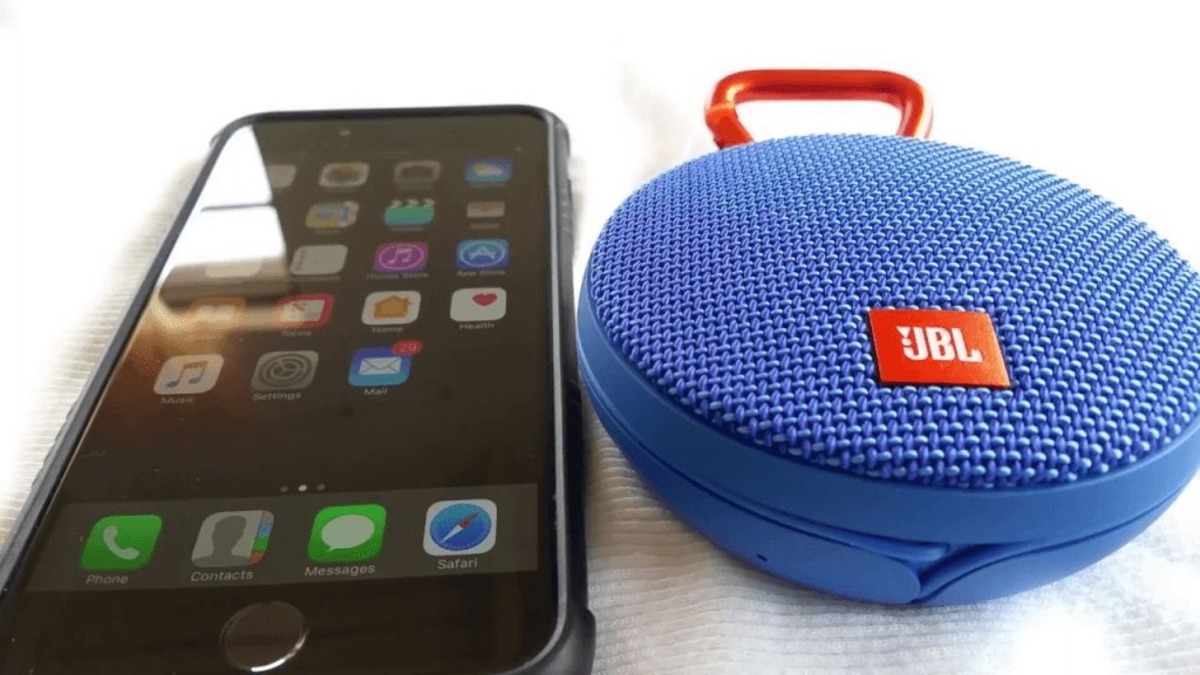
You can see the battery level of your connected JBL earbuds or headphones directly from your phone without opening any app. On Android, pull down the notification shade to see the battery indicator next to your JBL headphones in the Bluetooth connection list. This method gives you a rough estimate, not an exact percentage, but it is the fastest way to confirm you have enough power for a listening session.
Get an exact battery percentage with the JBL Headphones app
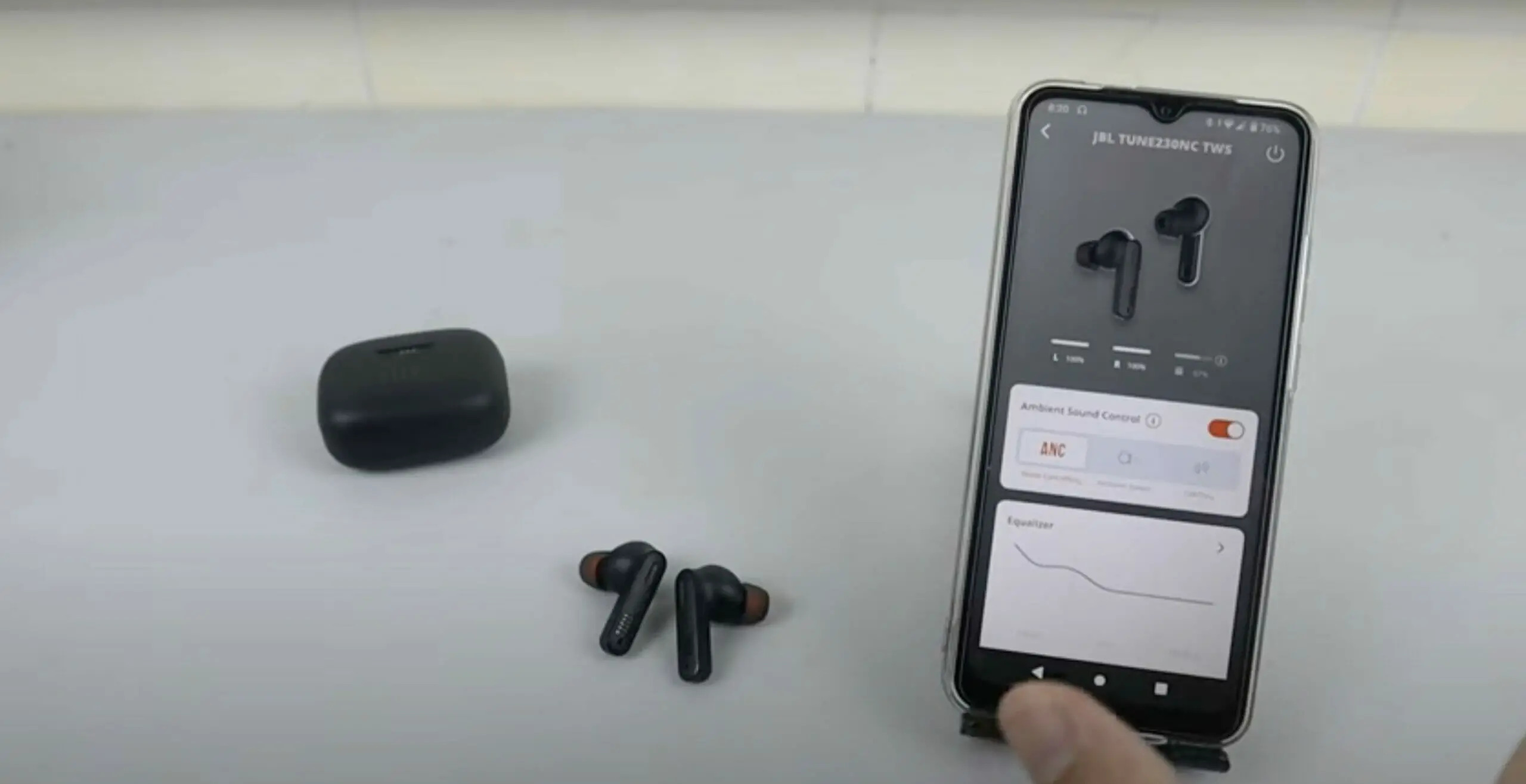
The JBL Headphones App is the primary way to check battery JBL wireless headphones with precision. It is free to download and compatible with devices running iOS 14.0 and above or Android 7.0 and above. The app is designed for most smartphones and iPods, but it is not available for tablets or iPads.
- Download and install the JBL Headphones App from your device's app store.
- Ensure your JBL headphones are connected to your device via Bluetooth.
- Open the app. The home screen displays the remaining battery level for both the left and right earbuds, as well as for headband-style models.
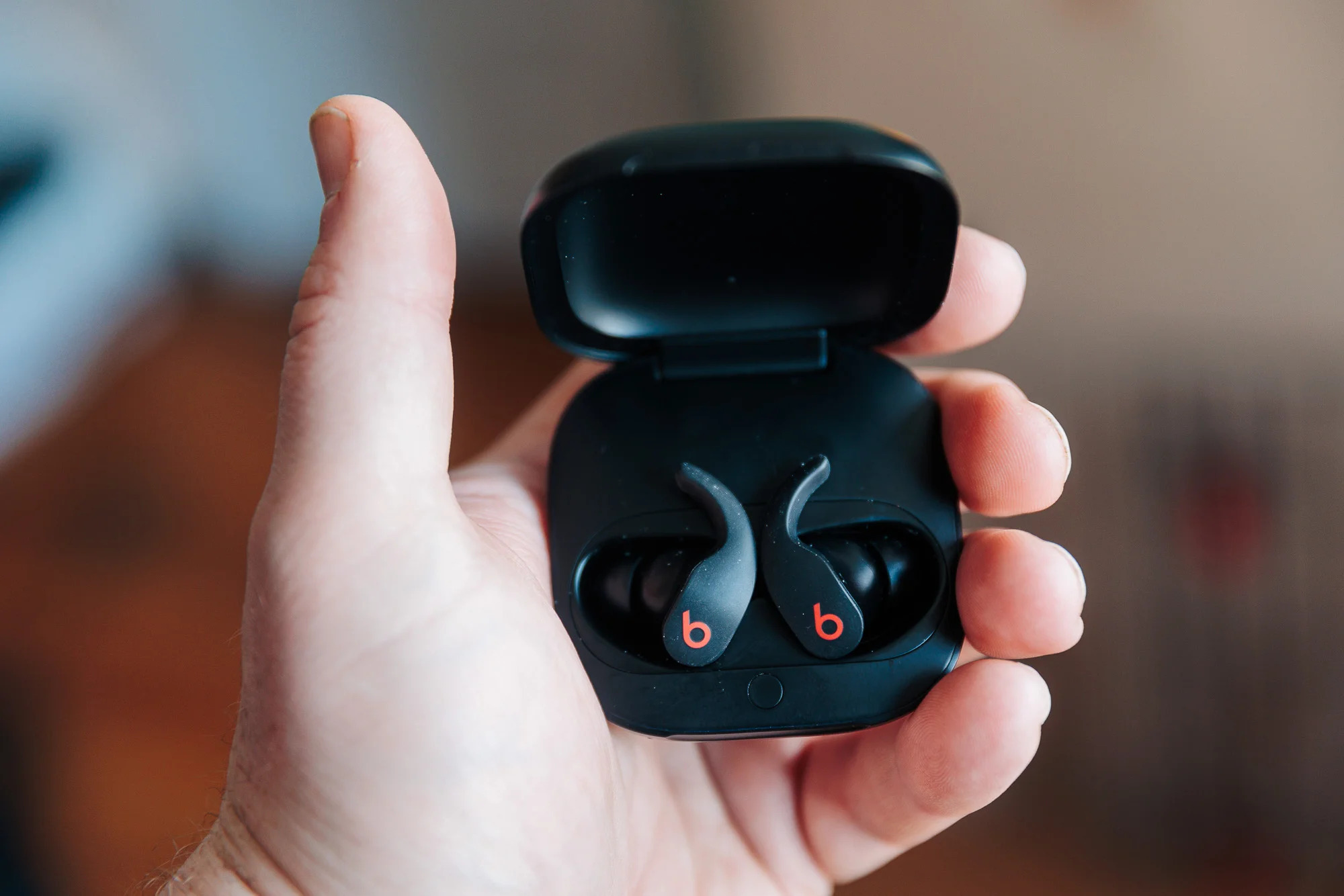
- For true wireless models, the app also shows the battery level of the charging case. If the case battery is not immediately visible, place the earbuds inside the case with the lid open, the level will update on the screen.
This method is especially useful for JBL ELITE models, where the app's fuel gauge provides a more accurate indication of remaining battery time compared to the general LED lights. For JBL ELITE models, specific examples include the JBL Everest Elite 100, JBL Everest Elite 300, JBL Everest Elite 700, JBL Everest™ 100, JBL Everest 300, and JBL Everest 700.
Understand the LED indicator lights on your JBL headphones
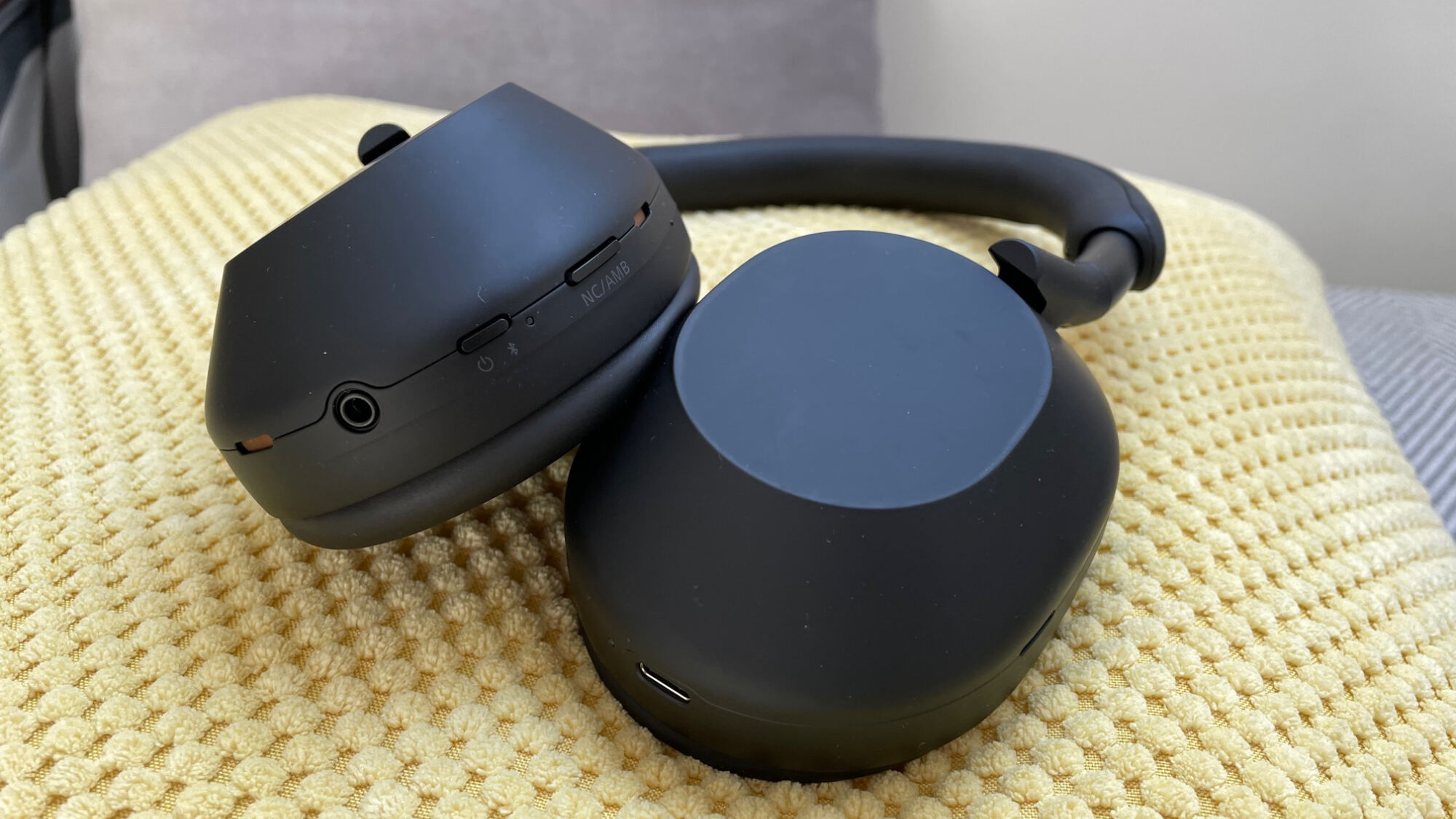
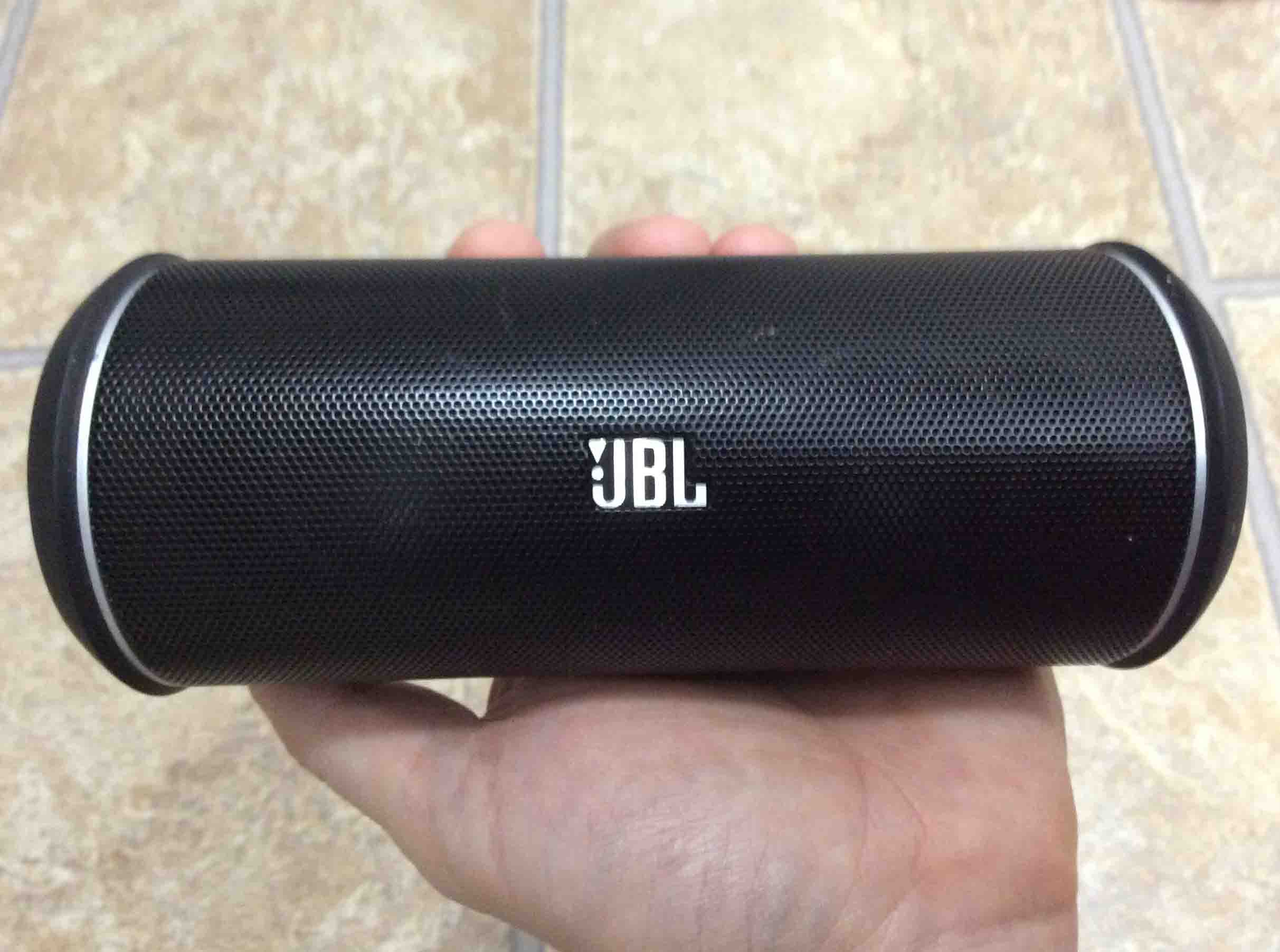
Your JBL headphones use LED lights to communicate battery status. When you are charging wireless earbuds and headphones, a solid red LED light indicates that the charging process is active. The red LED will turn off once the headphones are fully charged. A flashing red LED light on the headset signals a low battery level, meaning you should charge them soon. Some JBL headphones, like the JBL Flip 4 and Flip 3, feature five battery indicator LEDs. Each LED represents 20% of the charge. When charging, a blinking LED shows the charging progress, and all LEDs turn off when fully charged. The JBL Charge 3 also uses five LEDs, with each indicating 20% of the charge level. While these lights give a quick warning, the JBL Headphones App is better for an exact reading, especially for ELITE models where the app shows remaining battery time more accurately.
Frequently Asked Questions about your JBL headphone battery
How long does the battery last on JBL wireless headphones?
Battery life varies by model and usage, but most JBL wireless headphones provide anywhere from 5 to 40 hours of continuous playback depending on volume, connectivity, and features like noise cancellation.
Can I use my JBL wireless headphones while charging?
Yes, you can usually use your JBL headphones while they are charging. However, check your specific model's user manual to confirm, as using them during charging may affect charging time or sound quality.
How long does it take to fully charge JBL wireless headphones?
Charging time depends on the model and the charging method used. Most JBL wireless headphones can be fully charged within 1 to 2 hours when using the recommended cable and adapter.
Why does my JBL headphone battery indicator say "non-user-serviceable"?
JBL rechargeable batteries are not designed to be replaced by the user. Attempting to open the product or replace the battery yourself will void the warranty. If the battery fails, contact JBL support for service.
Do JBL wireless headphones have a low battery indicator?
Yes, most JBL wireless headphones include a low battery indicator. This can be an audible alert, a blinking red LED, or a notification in the JBL Headphones App when the battery is running low.
Related reading: How To Reset JBL Headphones Wireless.