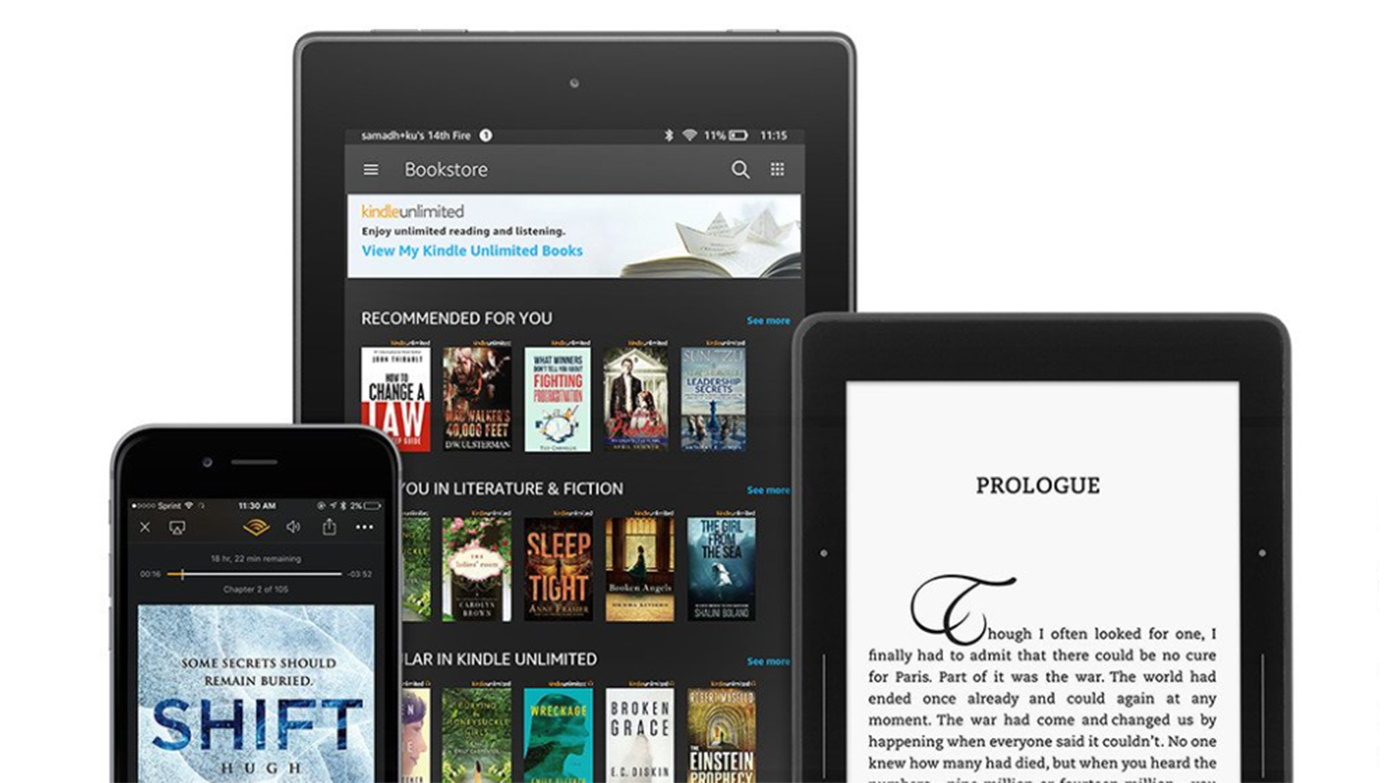
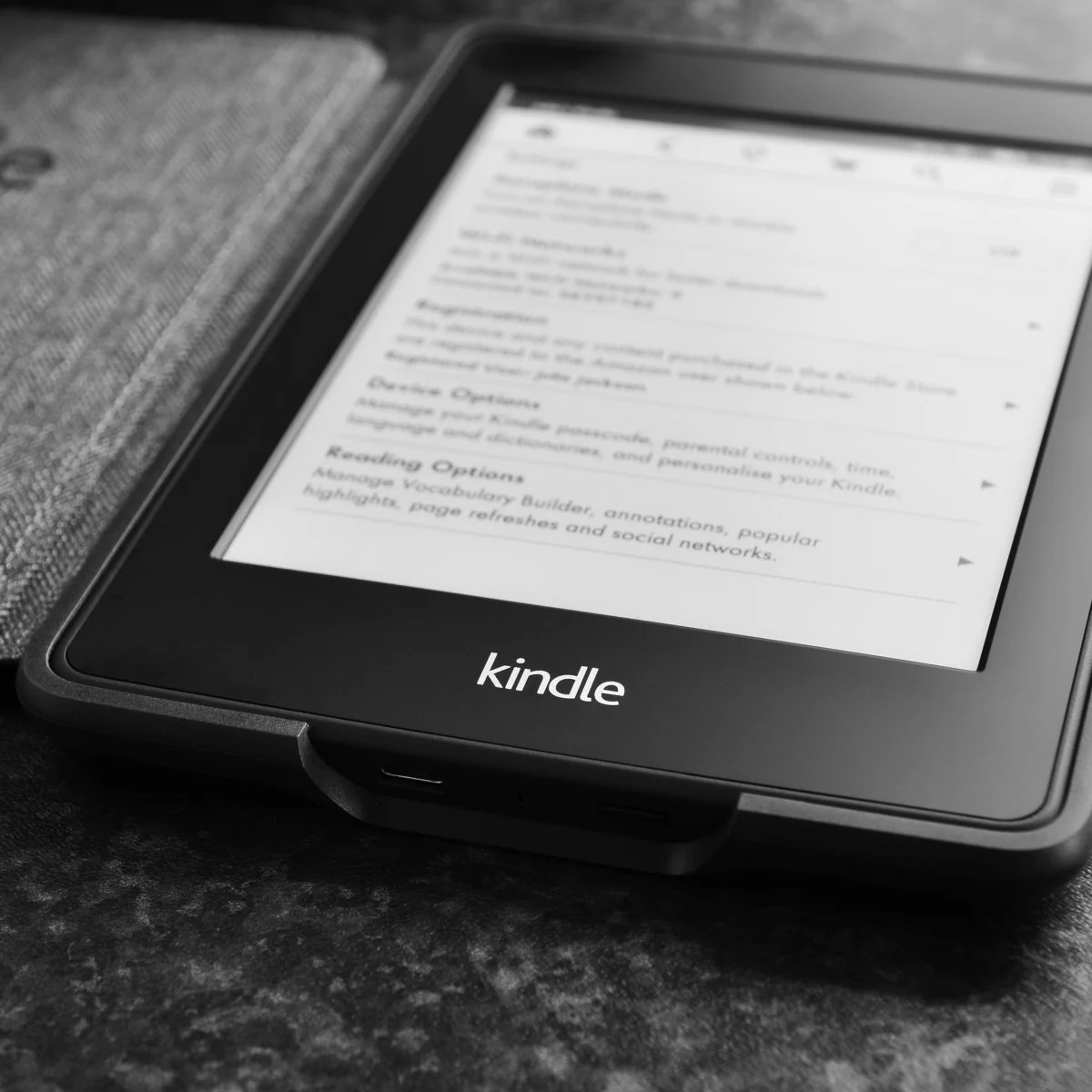
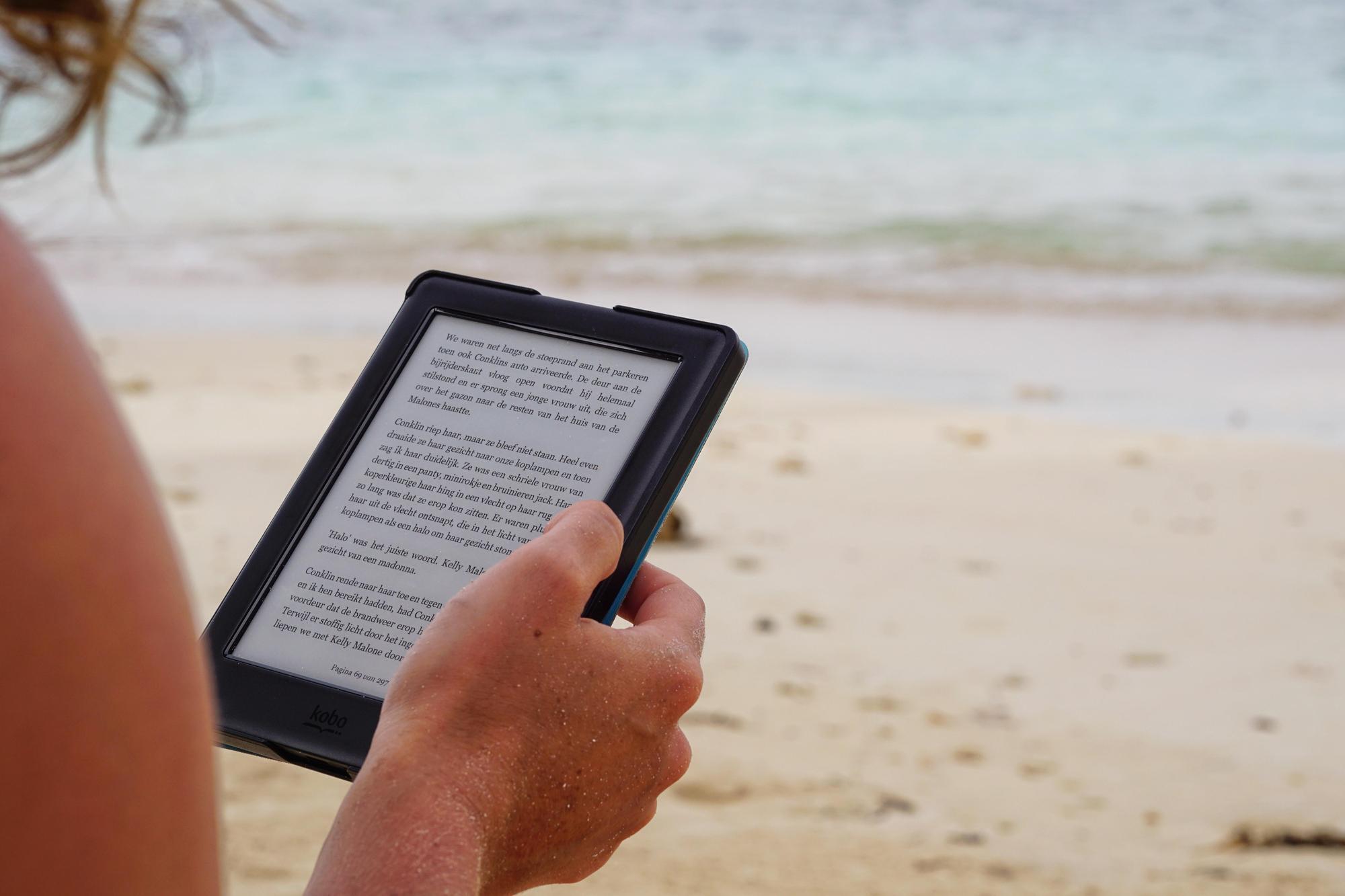
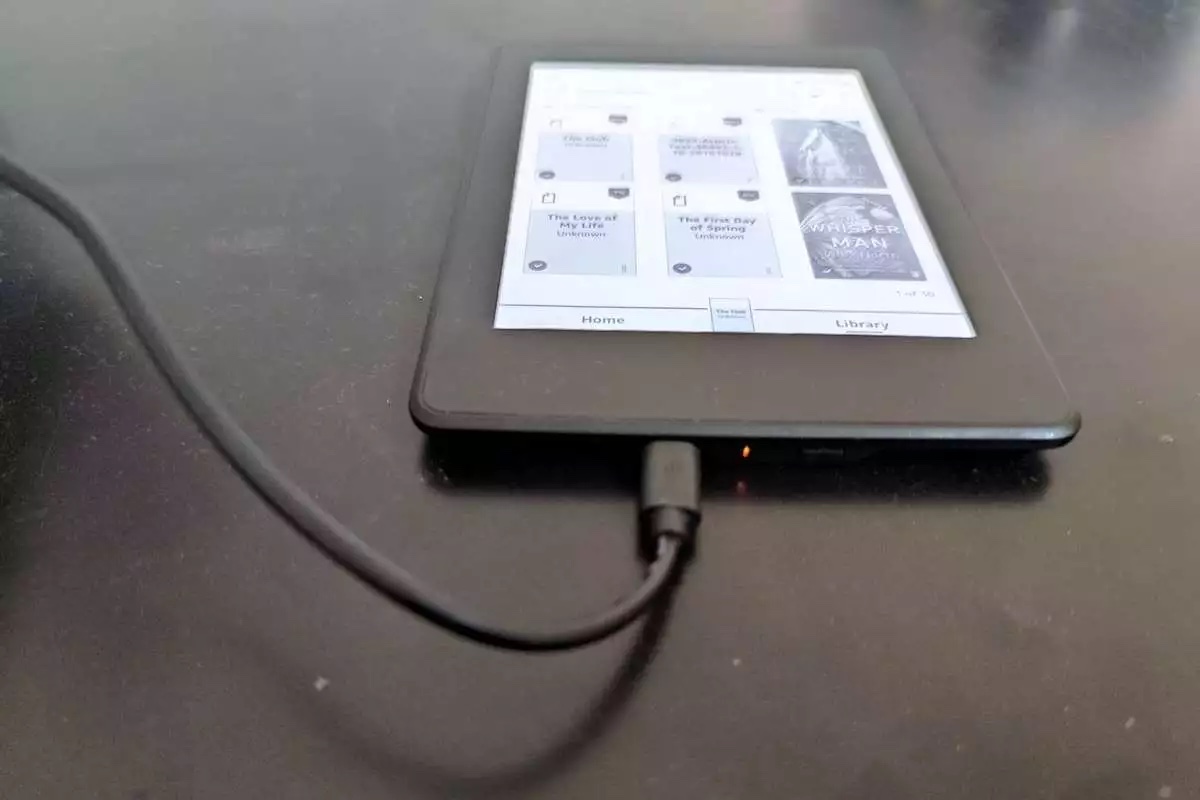
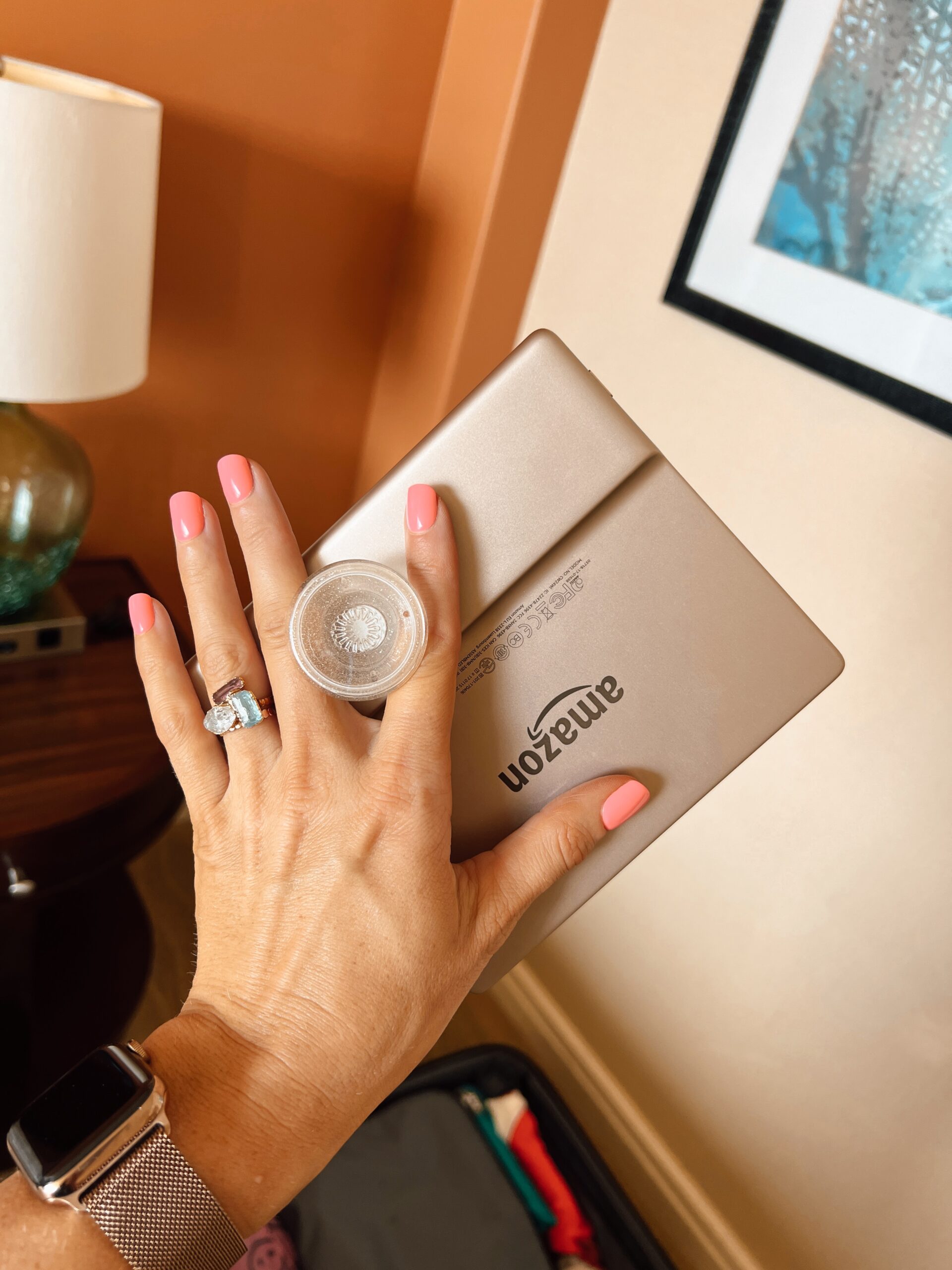
This tag collects our coverage of Amazon’s Kindle and Kindle Fire HD devices, specifically for readers who use these e-readers alongside their phones and tablets. Whether you are deciding between models, managing your digital library, or troubleshooting basic functions, these articles offer straightforward guidance for everyday Kindle owners.
The articles here solve two main kinds of problems. First, they help you make practical decisions about your Kindle hardware and accessories. For instance, you can learn the real difference between an ad-supported Kindle and a no-ads model, figure out where to place a Popsocket for the best grip, and get a clear answer on how long a Kindle battery actually lasts. Second, they focus on managing your book collection and sharing it with others. You will find steps for deleting books from the Kindle app or device, instructions for setting up an Amazon Household and Kindle Family Library to share books with family members, and an explanation of what Amazon Kindle Unlimited offers. The tag also covers ways to update your Kindle and Kindle Fire HD devices, along with tips for using features like Page Flip to browse books more easily.
Overall, these articles help you do specific things: choose the right Kindle setup, maintain your device, organize your library, and share your reading with family and friends. They are written for anyone who wants clear, no-nonsense answers about their Kindle’s settings, apps, and everyday use.