The LG tag on CellularNews collects all of our guides and how-tos specifically for LG phone owners and users of LG accessories like sound bars and subwoofers. Whether you just bought your first LG Android device or you are troubleshooting an older model, this is the place for practical, step-by-step help. The articles here are designed to solve common setup problems, teach you essential device management tasks, and explain the unique features that come with LG hardware.

The articles fall into a few clear themes. One group focuses on getting your phone ready to use or restoring it to a clean state. For example, you can learn how to turn on your LG phone for the first time, or if you are selling or giving it away, you can follow the guide on how to factory reset your LG phone and how to wipe an LG phone completely. Another set of articles deals with connecting LG audio equipment, such as how to connect an LG wireless subwoofer and how to set up an LG wireless sound bar. Finally, several topics demystify LG-specific software and hardware, including what WebOS is, what a Magic Remote with NFC does, and how to cast from an LG phone to a TV. Even if you are using an AT&T Wireless Home Phone, you will find a guide on how to set up voicemail on that device right here.
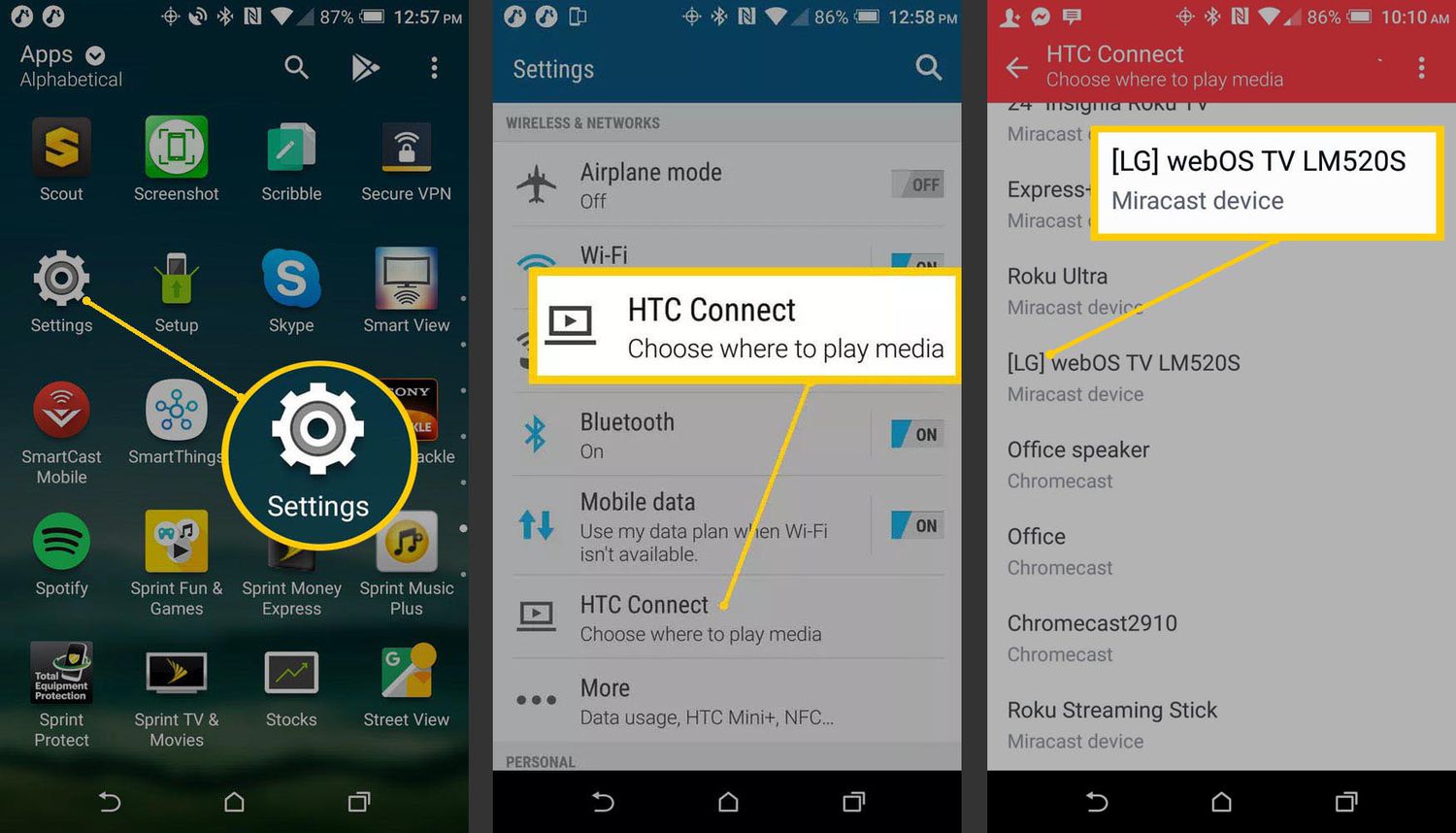
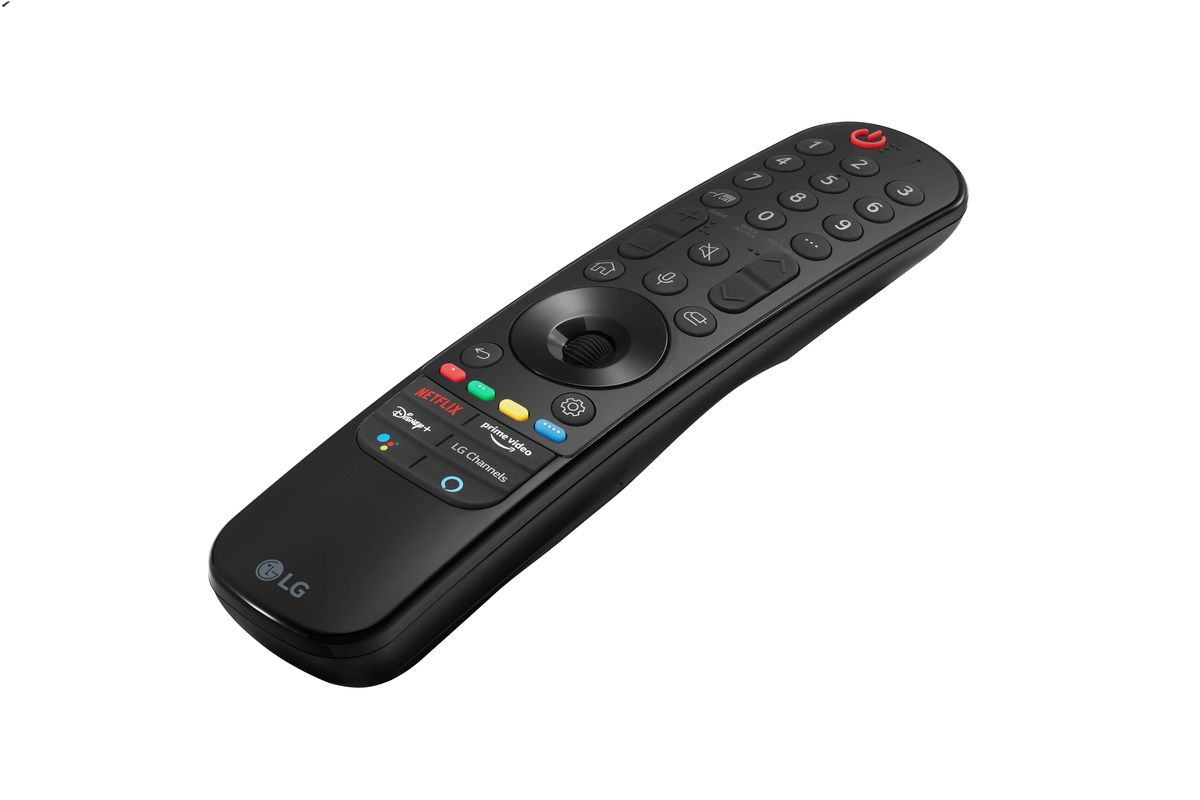
How To Cast From An LG Phone To TV

To cast from an LG phone to a TV, both devices must be connected to the same Wi-Fi network, then use the built-in Screen Share feature. Swipe down from the...

What Is A Magic Remote With NFC?

A Magic Remote with NFC is an LG TV remote that contains an embedded NFC tag, allowing you to tap your NFC-enabled phone against the remote to instantly install or...

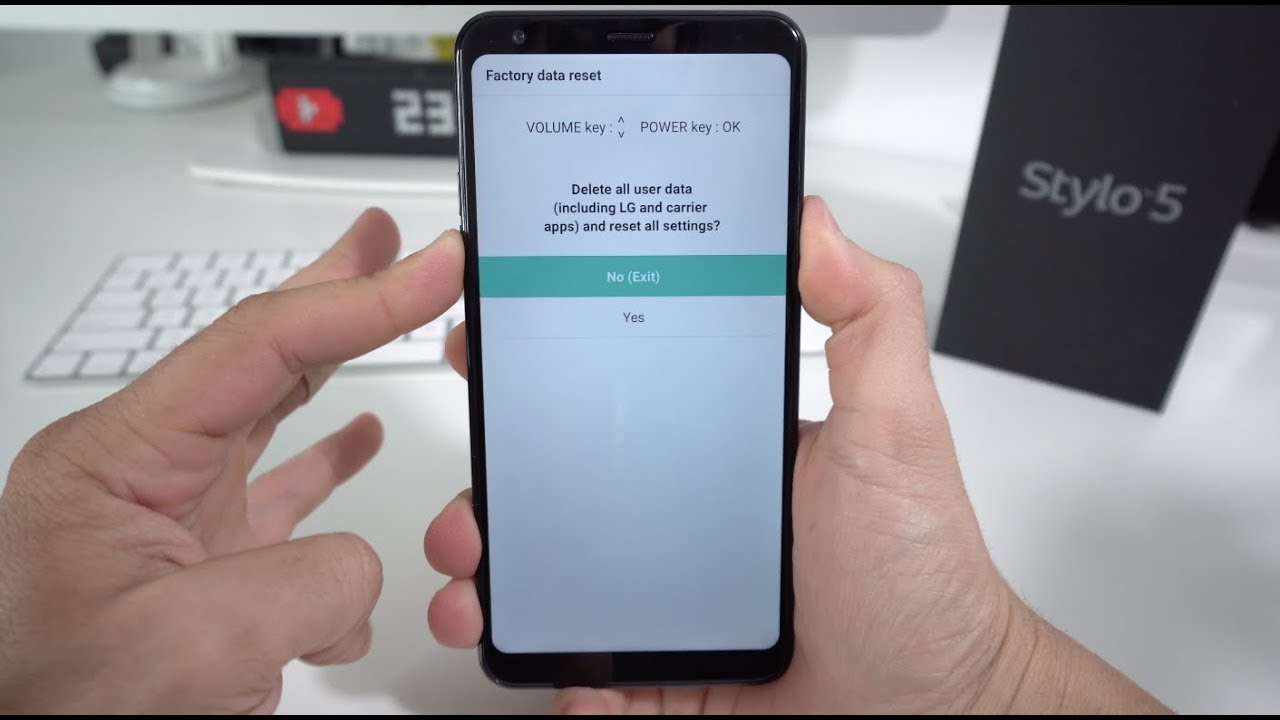
How To Factory Reset My LG Phone

To factory reset your LG phone, use the verified menu path Apps > Settings > General tab > Backup & reset > Factory data reset > RESET PHONE > Delete...

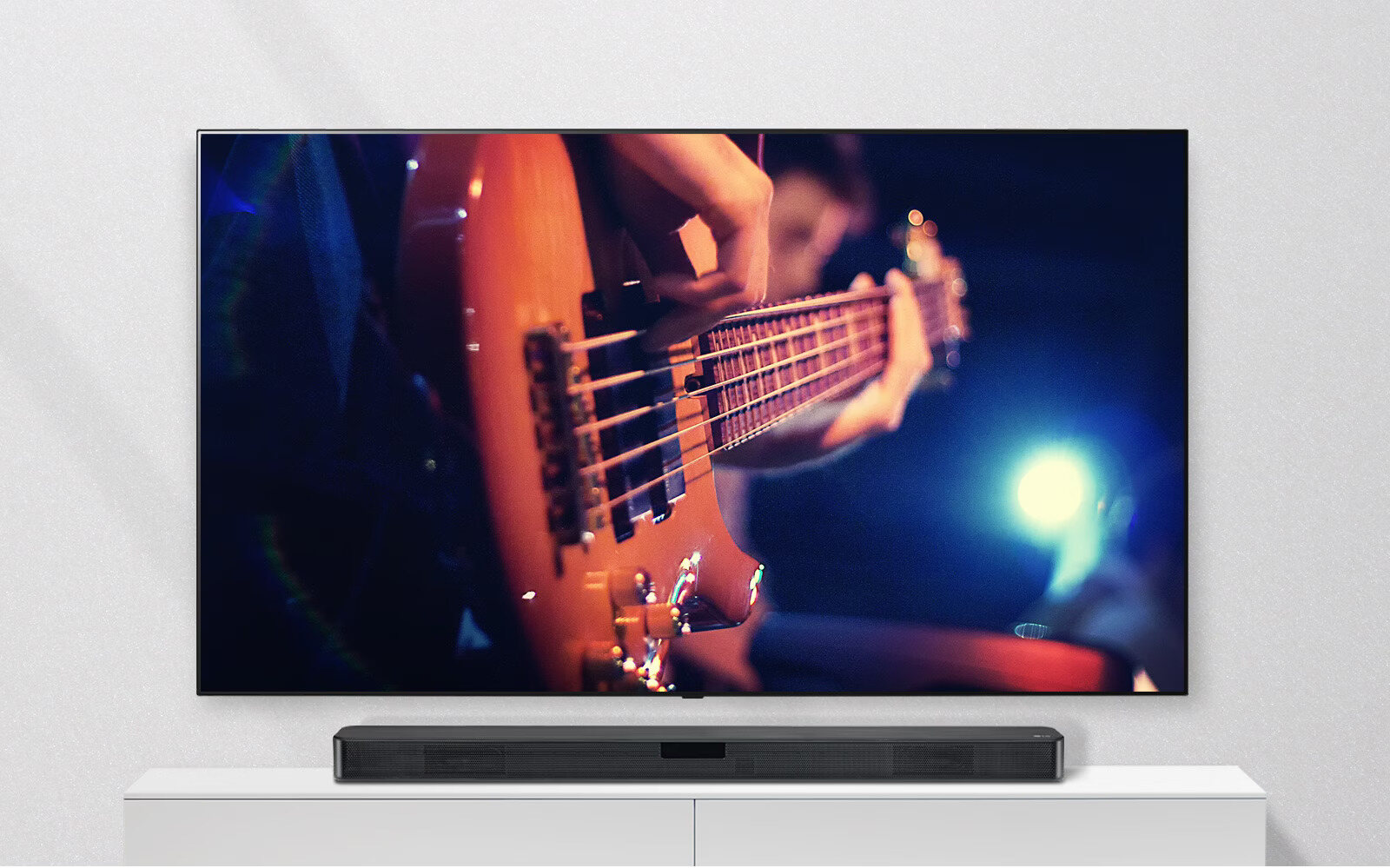
How To Set Up LG Wireless Sound Bar

To set up your LG wireless sound bar, connect it to your TV using an HDMI cable plugged into the HDMI ARC ports on both devices, then press the Function...

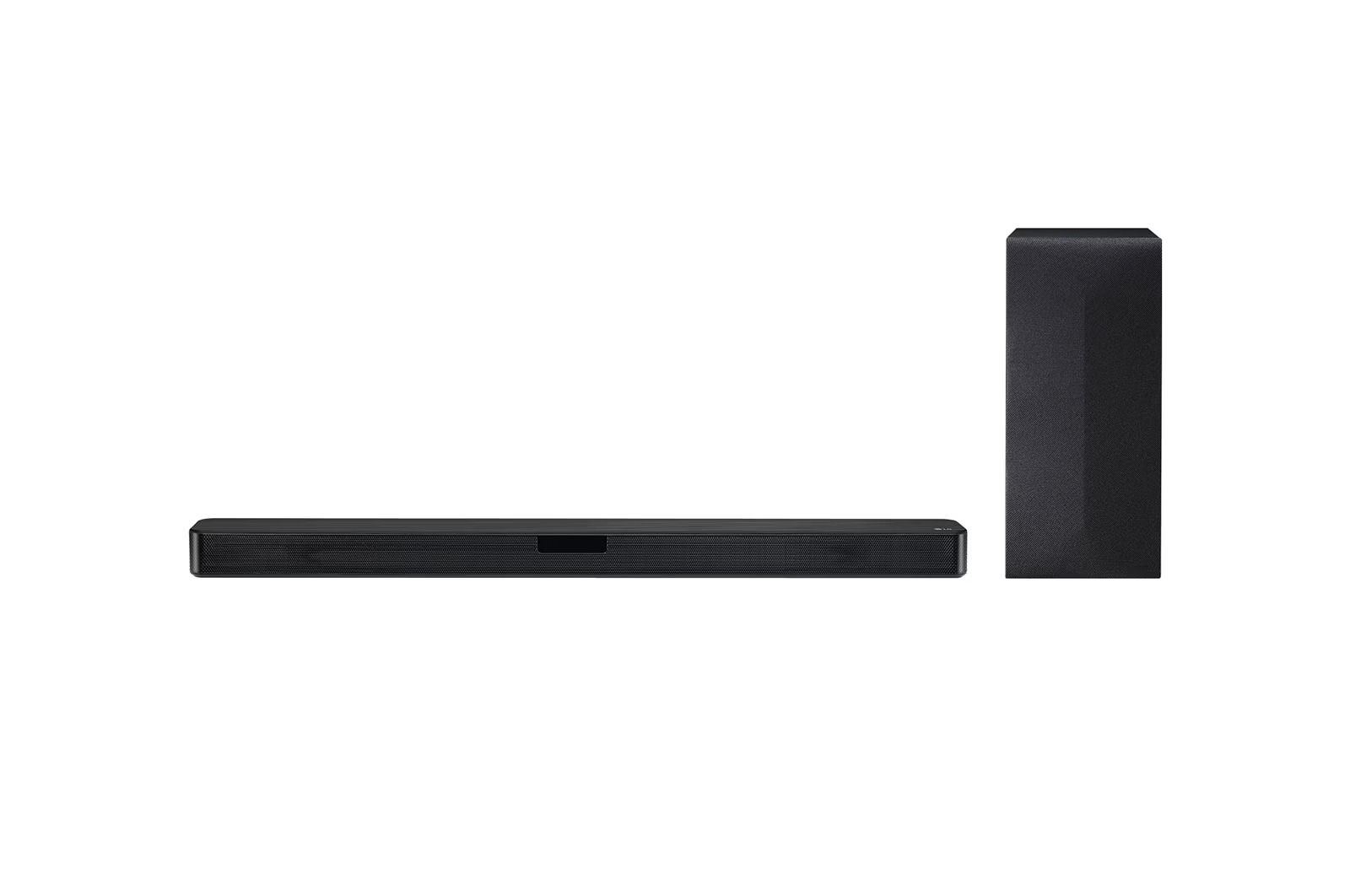
How To Connect LG Wireless Subwoofer

To connect your LG wireless subwoofer, start with the automatic pairing process: plug the subwoofer power cable into an outlet, then plug the soundbar into an outlet and turn it...

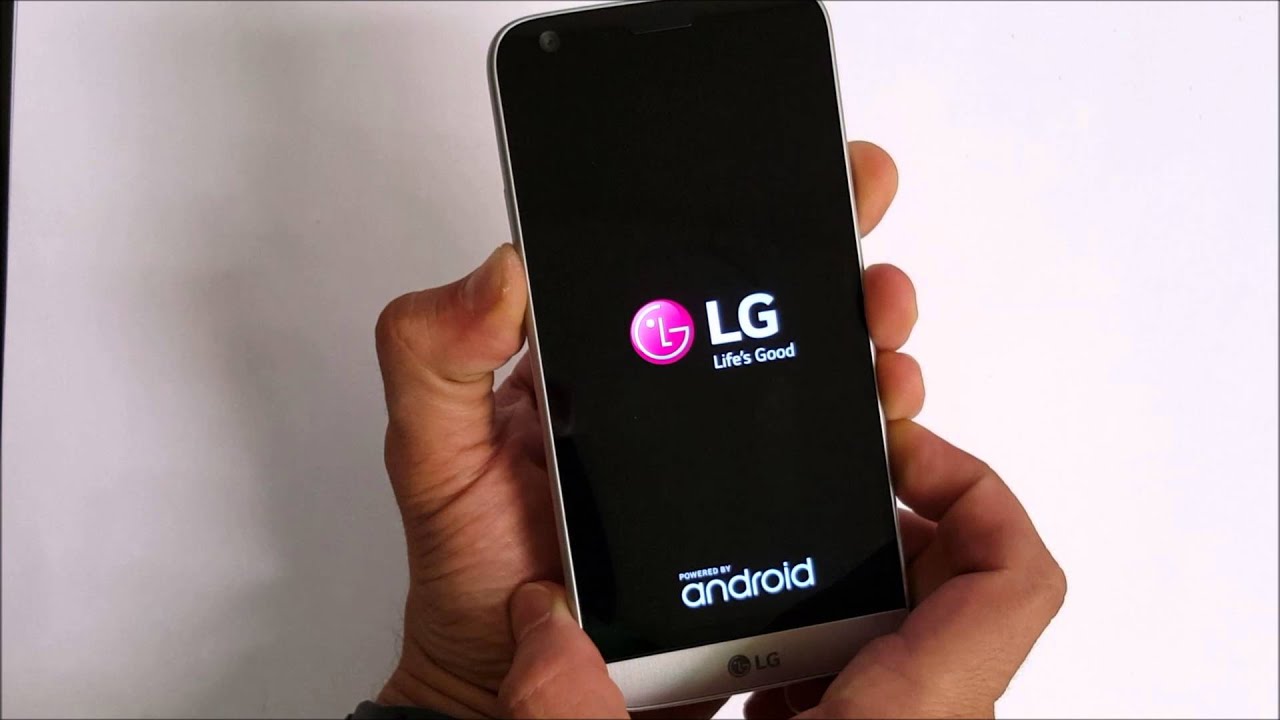
How To Turn On LG Phone

To turn on an LG phone, press and hold the Power/Lock key for a couple of seconds until the screen lights up. This is the primary method documented by LG...

How To Use LG Android Phone

To use an LG Android phone, start by inserting your SIM card, charging the battery, and powering on the device to follow the on-screen setup wizard. This wizard guides you...

What Is WebOS?

WebOS is LG's operating system for smart TVs, designed to provide content access and built-in features such as Apple AirPlay and Chromecast built-in on supported models. It serves as the...

How To Wipe LG Phone

To wipe an LG phone, you can use either the on-device Settings menu or a hardware-key recovery sequence, both of which erase all personal data and restore default settings on...