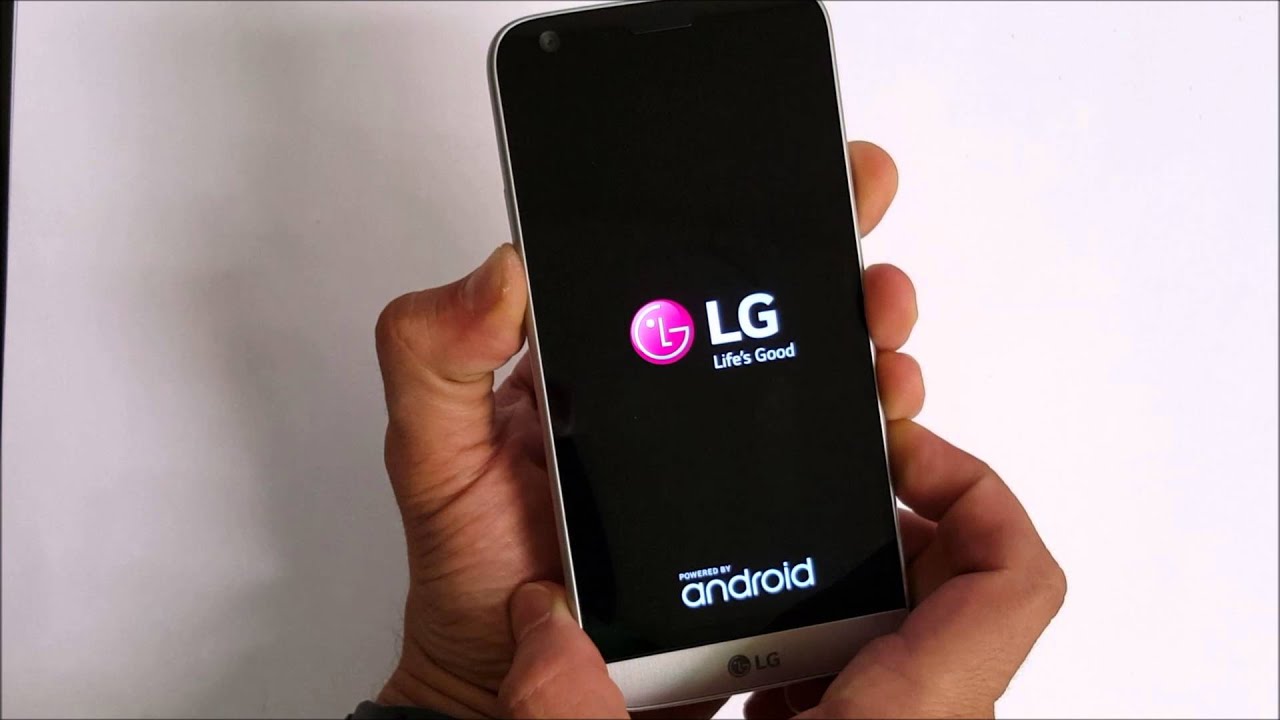
To factory reset your LG phone, use the verified menu path Apps > Settings > General tab > Backup & reset > Factory data reset > RESET PHONE > Delete all when the device is responsive, or use the hardware-key method if the phone is unresponsive. This is the definitive way to perform a how to factory reset my LG phone.
How to factory reset my LG phone from Settings
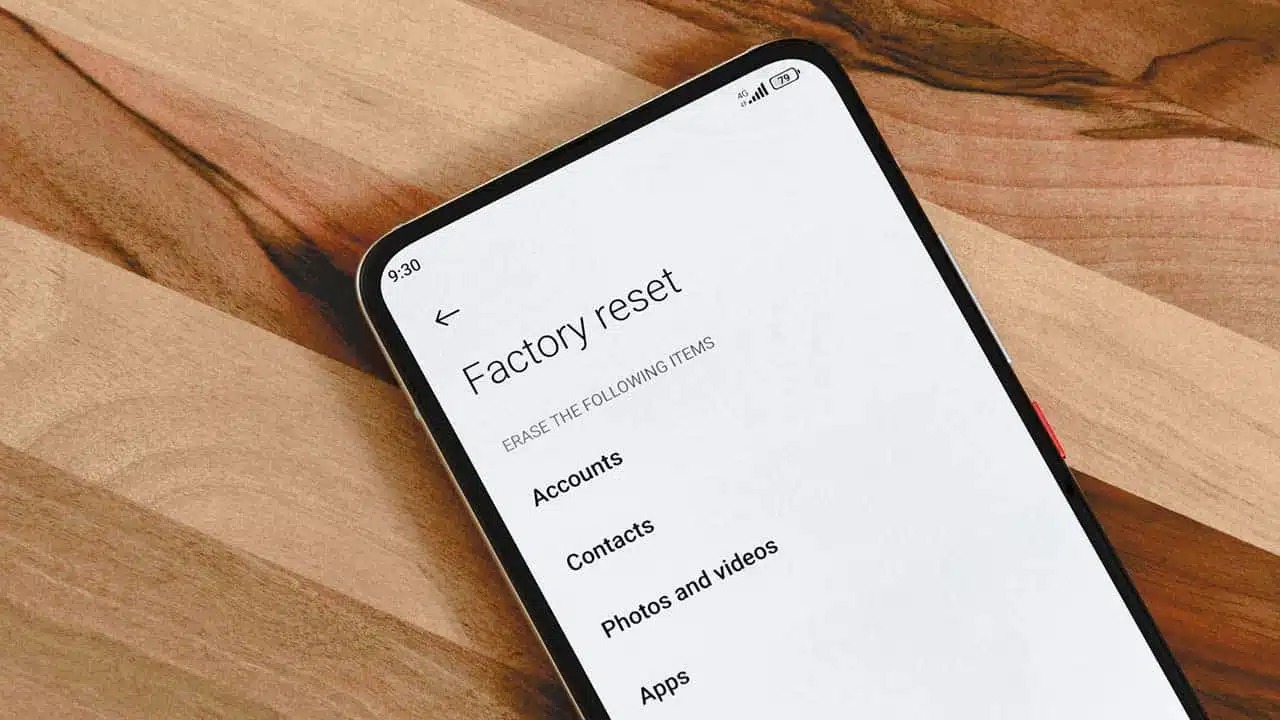
Use this method when your LG phone is responsive and you can navigate the screen. Open Apps > Settings > General tab > Backup & reset. Tap Factory data reset, then tap RESET PHONE. Finally, tap Delete all. The phone will restart after the reset completes.
Before you factory reset
If you have enabled factory reset protection (FRP) on your LG phone, make sure to disable it before performing the reset.
Take note of your settings: If there are specific settings on your LG phone that you'd like to remember or restore after the factory reset, make a note of them beforehand. This can include Wi-Fi passwords, app preferences, or customization options.
How to factory reset my LG phone with hardware keys
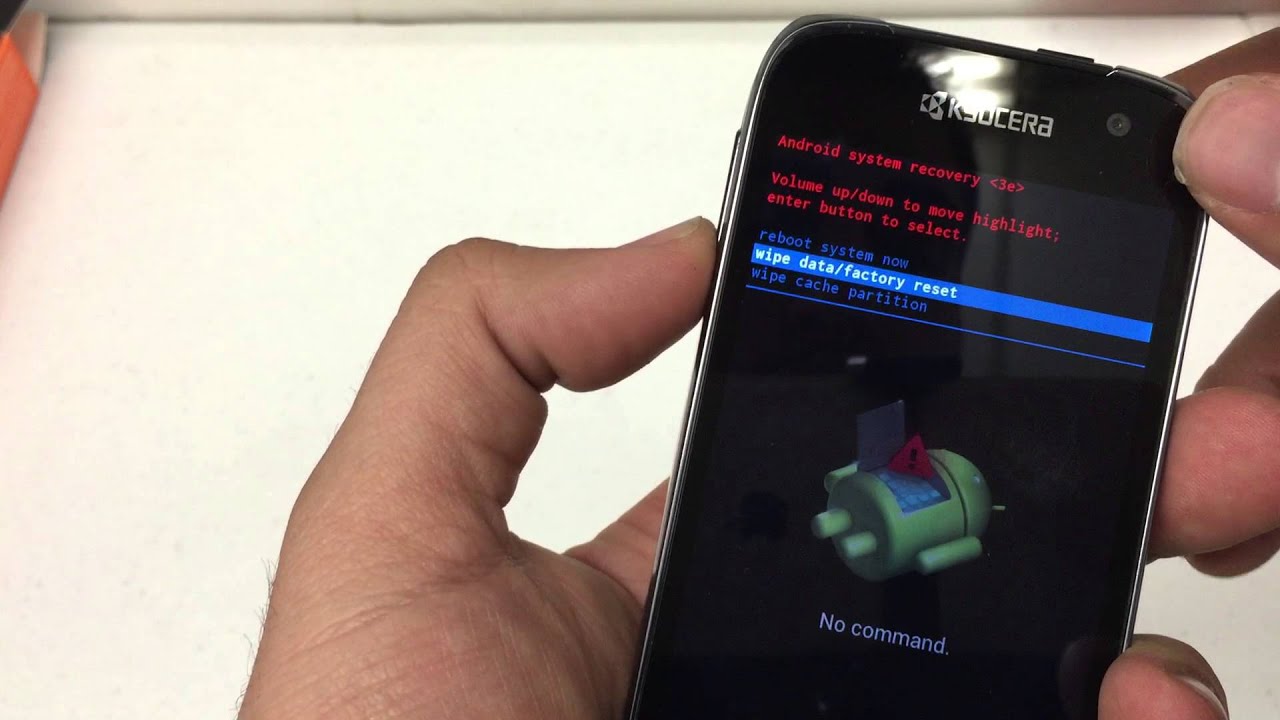
Use this method if the phone is unresponsive, frozen, or you cannot access the Settings menu. The exact key combination varies by LG model, but the documented flow is consistent across all supported devices.
- Turn the phone off.
- Press and hold the key combination for your specific model. The common patterns are Volume Down + Power/Lock or, on some devices, Volume Up/Down + Power on the back of the phone.
- When the LG logo appears, release the keys as instructed. On some models, continue holding the required power key.
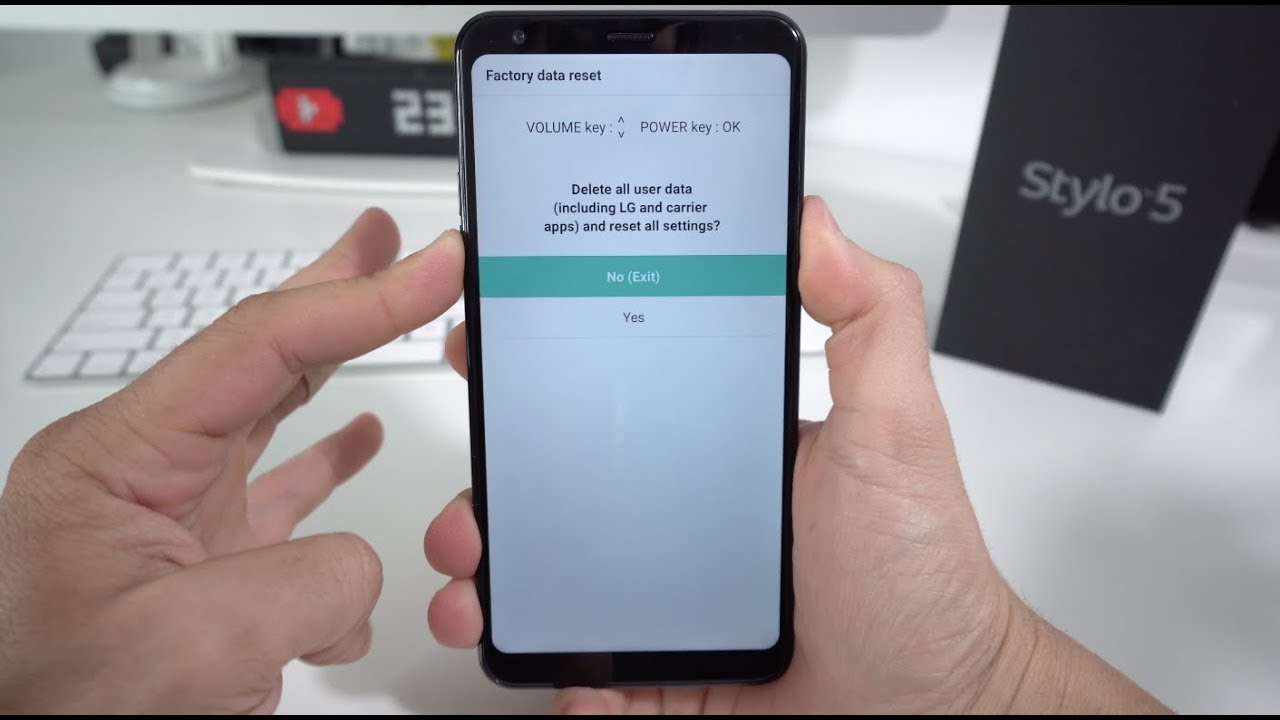
- On the Factory data reset or Factory hard reset screen, use the volume keys to highlight Yes or Factory data reset, then press the Power/Lock key to confirm.
- Some models require a second confirmation on a Yes screen before the wipe starts.
- The phone restarts automatically after the reset completes.
LG’s support pages confirm that depending on software, the reset key can be Volume Up or Volume Down, so check your model’s documentation if the first combination does not work.
What a factory reset does to your LG phone
A factory reset erases all user data and restores the phone to its original default settings, as documented by LG. This includes removing all apps, accounts, contacts, photos, and personal files. The process does not affect the SIM card or carrier network settings, but any eSIM data may require reactivation through your provider.
Frequently asked questions about resetting an LG phone
Will a factory reset delete everything?
Yes. LG states that the reset erases all data and restores default settings. Back up any important files before starting, as recovery after the reset is generally not possible.
Do LG phones all use the same button combination?
No. The retrieved LG pages show different combinations by model, including Volume Down + Power/Lock and Volume Up or Volume Down + Power on the back of the phone. Always verify the combination for your specific model before attempting a hardware-key reset.
Can I cancel a factory reset once it starts?
No. Once you confirm the reset on either the Settings menu or the hardware-key screen, the process cannot be interrupted. The phone will wipe all data and restart automatically.
Do I need to remove my SD card before a factory reset?
It is not required, but it is recommended. Removing the SD card prevents accidental formatting or data loss, as some reset processes may prompt you to erase external storage.
Will a factory reset remove system updates?
Yes. The phone reverts to the original software version that was installed when you first purchased it. You will need to download and install any system updates again after the reset completes.
How long does a factory reset take?
The duration varies by model and the amount of data stored. It typically takes a few minutes. Keep the phone connected to a power source and do not turn it off during the process.
What if I forget my passcode?
If you forget your passcode, you may need to contact LG customer support for assistance.
How can I maintain performance after a reset?
For long-term performance improvements, it is also important to regularly update your software and manage your phone's storage.
For the wider topic, see factory resetting phones.
Related reading: How To Factory Reset My Blu Phone and How To Wipe LG Phone.