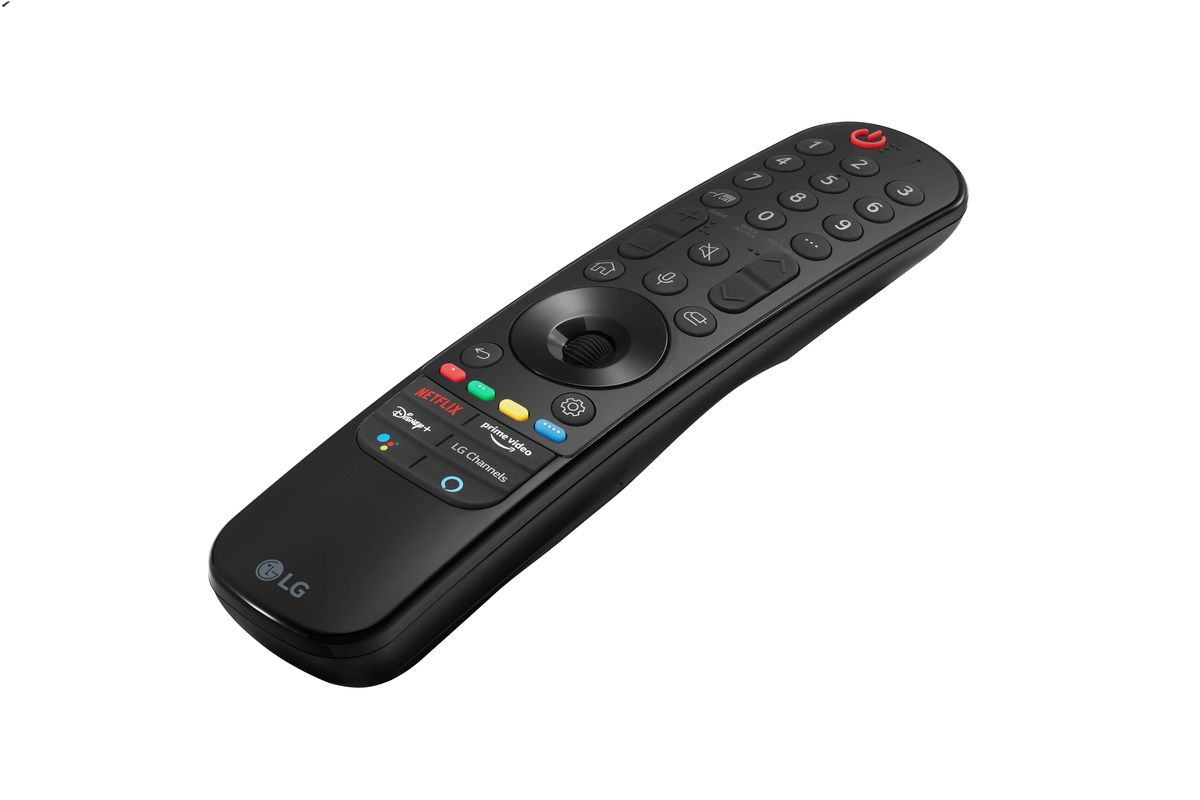
A Magic Remote with NFC is an LG TV remote that contains an embedded NFC tag, allowing you to tap your NFC-enabled phone against the remote to instantly install or open the LG ThinQ app and connect your phone to the TV. This feature turns a simple tap into a direct link between your mobile device and your LG television, bypassing manual setup menus and app searches.
What is a magic remote with NFC?
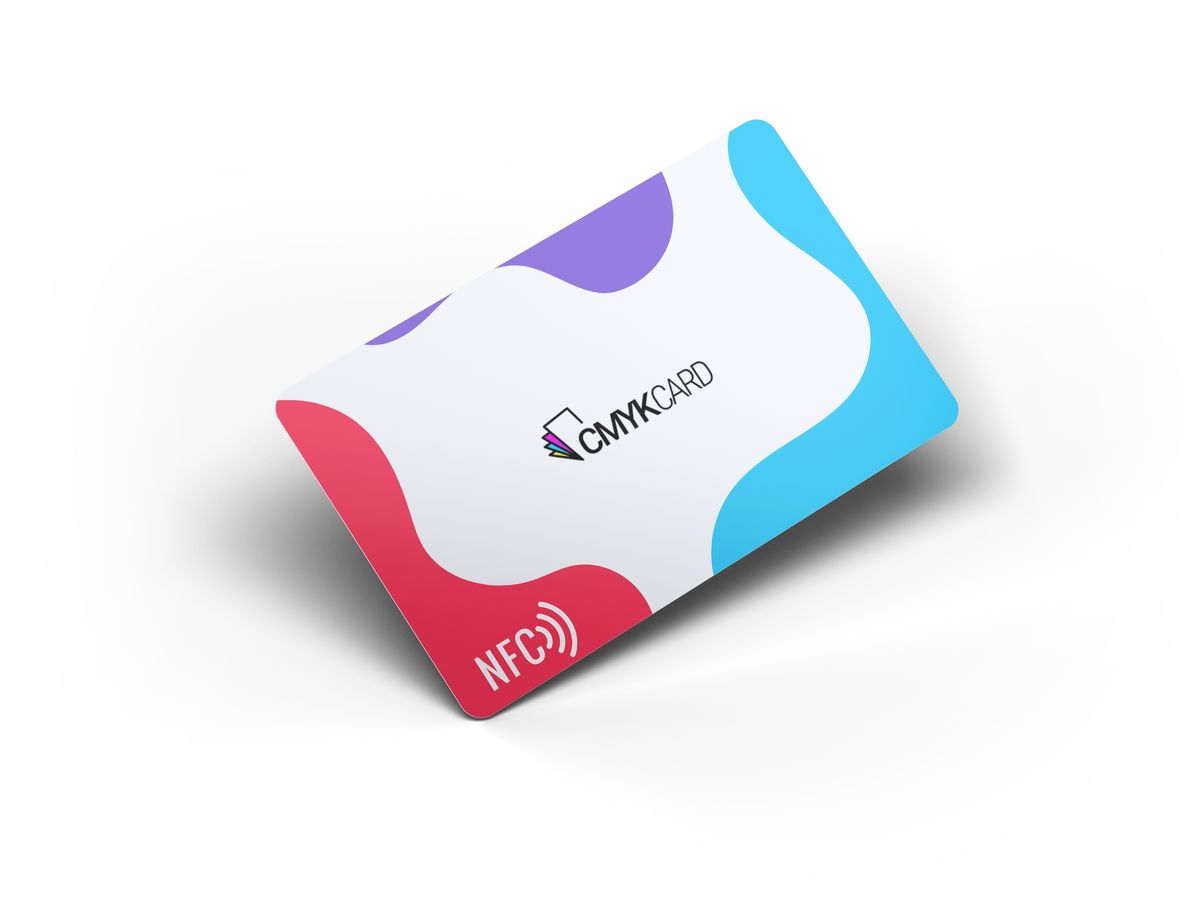
A Magic Remote with NFC is an LG TV remote that includes an NFC tag or logo on the remote body. The remote must have an NFC logo for the feature to work. NFC stands for Near Field Communication. When you bring an NFC-enabled phone close to the remote’s NFC mark, the phone reads the tag and either installs the LG ThinQ app or opens it if already installed. Once the app is open, the phone and TV connect automatically. This is not a general-purpose feature, it is specifically designed for LG TV setup and LG ThinQ app connection.
How NFC works in an LG Magic Remote
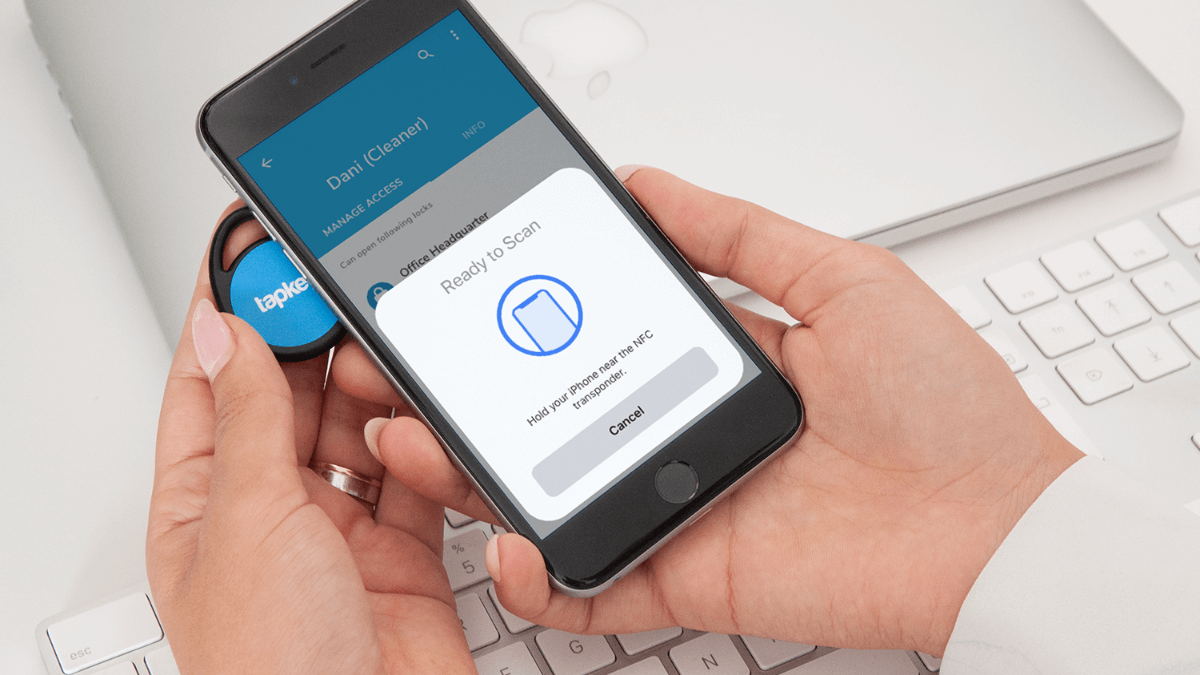
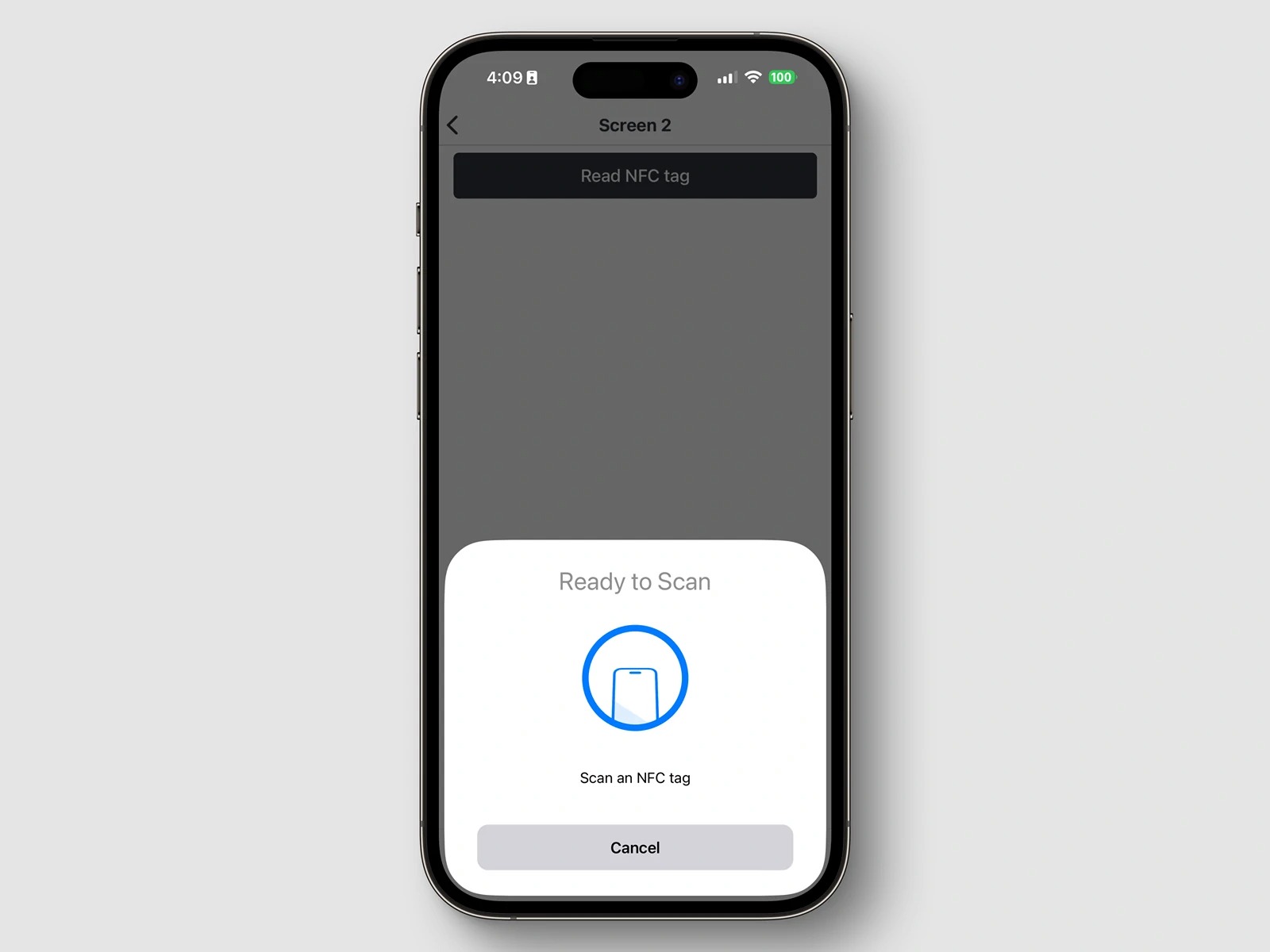
The process uses standard NFC communication to pair your phone with the TV. NFC tags and readers explained: the remote contains a passive NFC tag that stores a command, and your phone acts as the reader that activates that command when brought close enough. Follow these steps to use the feature:
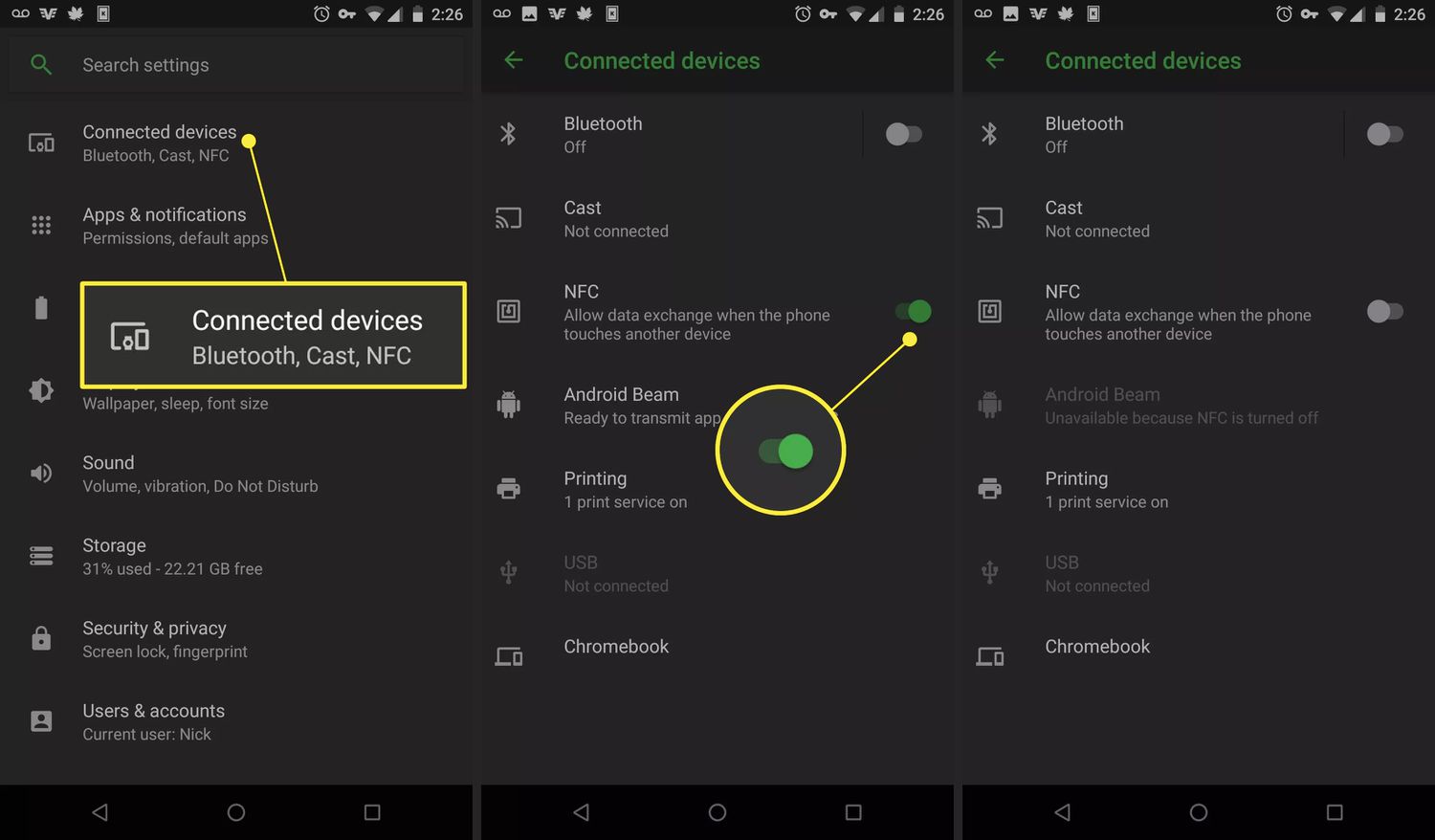
- Turn on NFC on your phone.
- On Android, set NFC to enable “read/write tags” in the phone’s settings.
- Turn on the phone screen.
- Hold the device about 1 cm (0.39 inches) from the NFC mark on the remote.
- Follow the prompts to install the LG ThinQ app.
- Tap the phone to the remote again to use the connected TV features through LG ThinQ.
The required distance is about 1 cm, or 0.39 inches. LG notes that NFC settings may vary depending on the device.
Supported devices and requirements
The feature is available only on NFC-enabled smart devices. The feature is only available if the remote control has an NFC logo. LG documents a tagging distance of about 1 cm. LG says NFC settings may vary depending on the device. No carrier-specific requirements are listed in LG’s documentation.
What the Magic Remote with NFC does not do
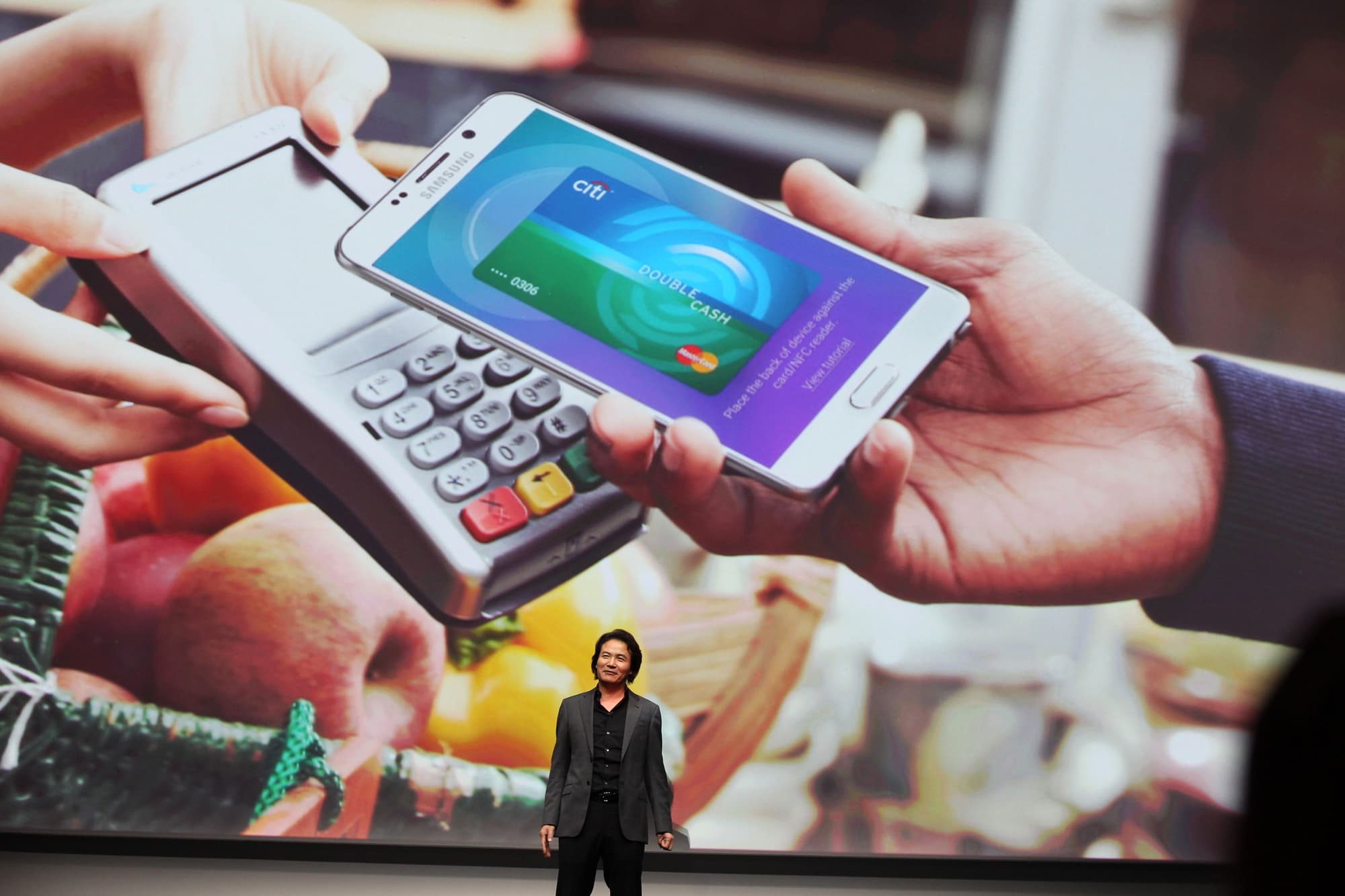
A Magic Remote with NFC is not a general-purpose phone remote, payment device, or smart home controller. It does not let you make contactless payments, unlock doors, or control non-LG devices. Its sole purpose is to connect your phone to an LG TV through the LG ThinQ app by tapping the phone to the remote. It is not a universal remote for other brands or functions.
Frequently Asked Questions
Does the LG Magic Remote with NFC work with iPhone?
LG’s documentation does not provide any iPhone-specific setup steps or iOS version requirements. If your iPhone supports NFC and can read tags, it may work, but LG has not officially confirmed support or outlined a process for iOS devices.
What if my remote doesn't have an NFC logo?
If the remote lacks an NFC logo, it does not have the NFC tag embedded. The feature is only available on remotes that display the NFC mark. Without it, you cannot use the tap-to-connect function.
How close does my phone need to be?
LG documents a tagging distance of about 1 cm, or 0.39 inches. The phone must be held very close to the NFC mark on the remote for the tag to be read successfully.
Do I need to install an app?
Yes. The NFC tag prompts your phone to install or open the LG ThinQ app. If the app is not already installed, the tap will direct you to download it. After installation, tapping again will open the app and connect to the TV.
Related reading: What Is WebOS? and How To Cast From An LG Phone To TV.