Start here: LTE

All topics →

The LTE tag on CellularNews collects articles focused on understanding and managing the Long-Term Evolution network standard, commonly known as 4G LTE. This content is for anyone who wants to make sense of the LTE icon on their phone or smartwatch, troubleshoot connectivity hiccups, or adjust their device’s network settings to get a more stable signal.

The articles here solve two main types of problems. First, they clarify what LTE actually means on different devices, like phones and smartwatches, and help you decide which smartwatch works without a phone. Second, they provide practical fixes for network issues, such as how to fix T-Mobile Edge, why T-Mobile service has been bad, and how to check T-Mobile network coverage and service quality. Several guides also walk you through switching your phone from 5G to 4G, turning off 5G on Android, or enabling VoLTE on an iPhone 11.

These articles help you take direct action: you can change your phone’s preferred network type, troubleshoot a slow connection, or understand the LTE capabilities of a smartwatch before you buy. Whether you need to improve your daily signal or simply want to know what that LTE label means, the content here gives clear, step-by-step instructions for real-world fixes and settings changes.
Why Has T-Mobile Service Been Bad

If you're wondering why has T-Mobile service been bad, the most common and quickest fixes are in your own device settings. Start by checking your APN configuration on Android or...

How To Enable VoLTE In IPhone 11

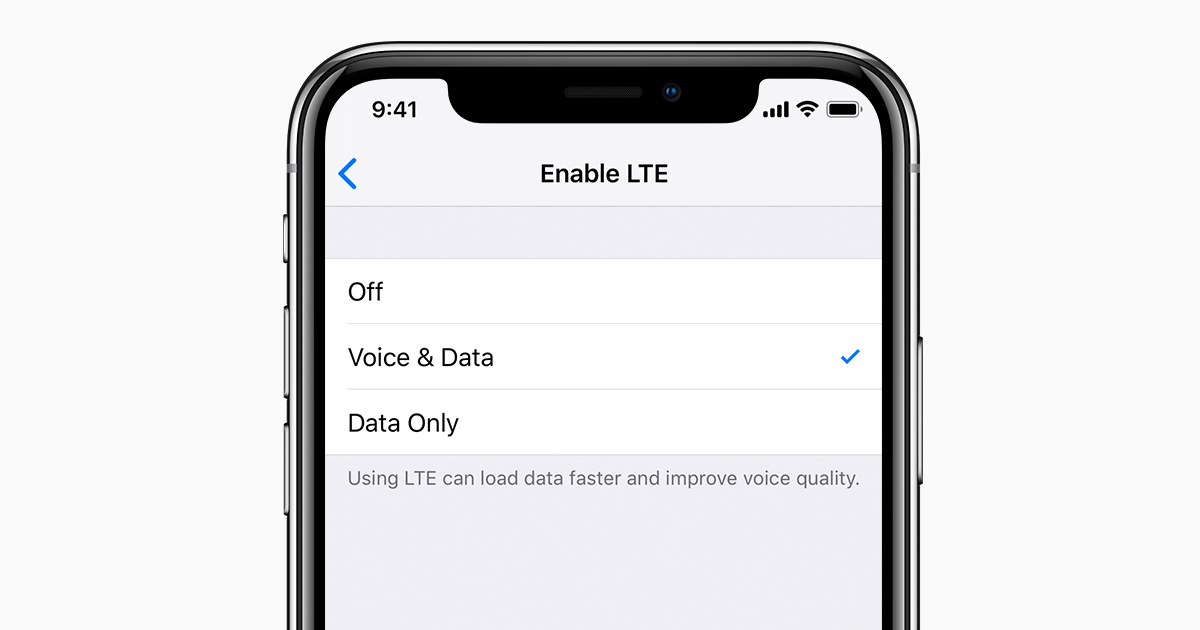
To enable VoLTE on your iPhone 11, open Settings > Cellular > Cellular Data Options > Enable LTE, then choose Voice & Data. This turns on Voice over LTE, which...

How To Turn Off 5G On Android

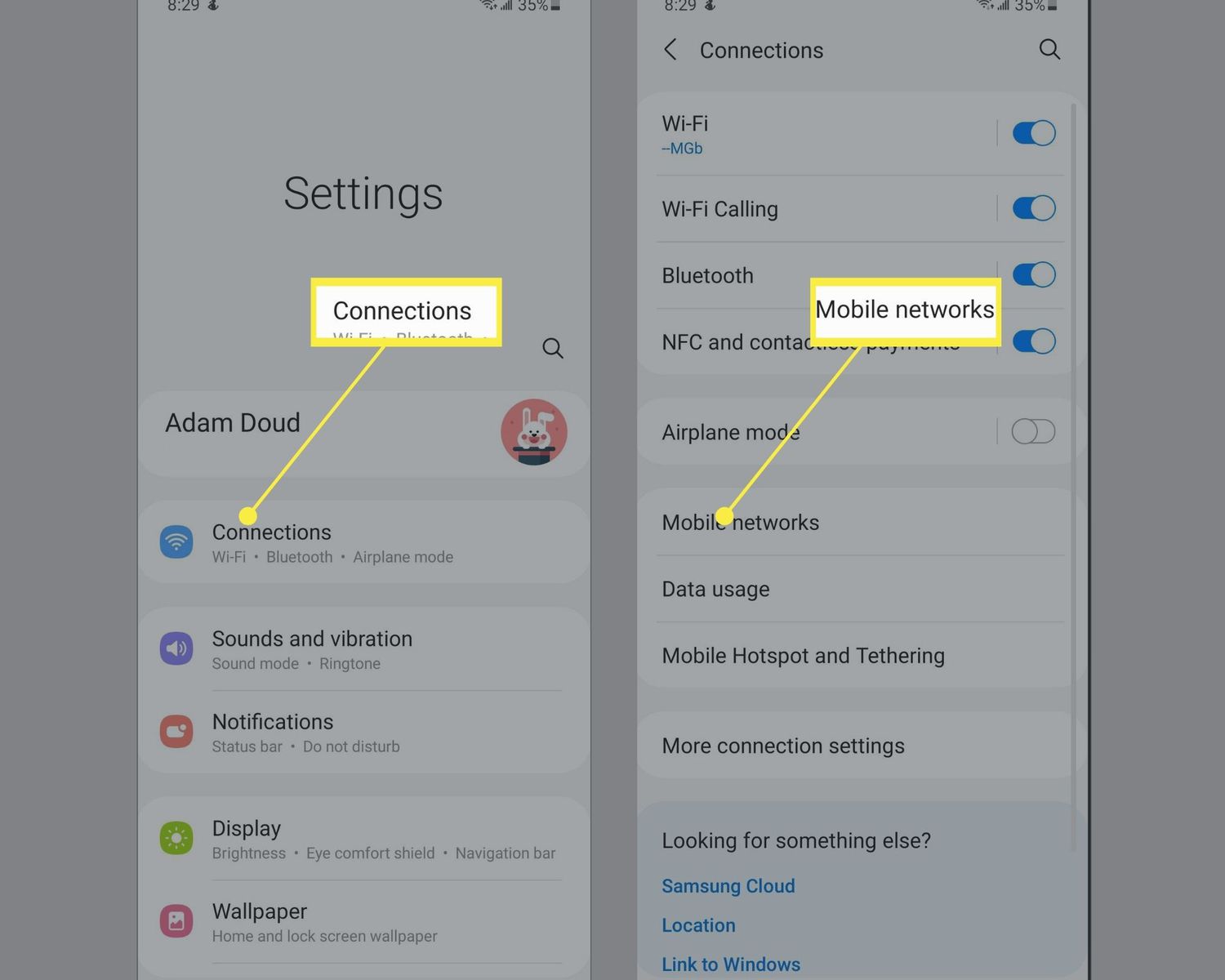
To turn off 5G on Android, open Settings > Network & internet > SIMs, select your SIM, tap Preferred network type, and choose LTE. On Samsung phones, the path is...

How To Switch Phone From 5G To 4G

To switch your phone from 5G to 4G, open the settings menu and change the preferred network type to LTE or 4G. This forces your device to use the 4G...

How To Fix T-Mobile Edge

When your phone is stuck on T-Mobile EDGE, you are seeing a 2G fallback network that activates when your device cannot connect to LTE or 5G data. To fix T-Mobile...

Where Can I Buy A Smartwatch

To buy a new smartwatch with clear purchase and activation terms, the only documented official channels are Apple's own store for Apple Watch and, for an eligible Google Pixel Watch...

What Is Lte In Smartwatch

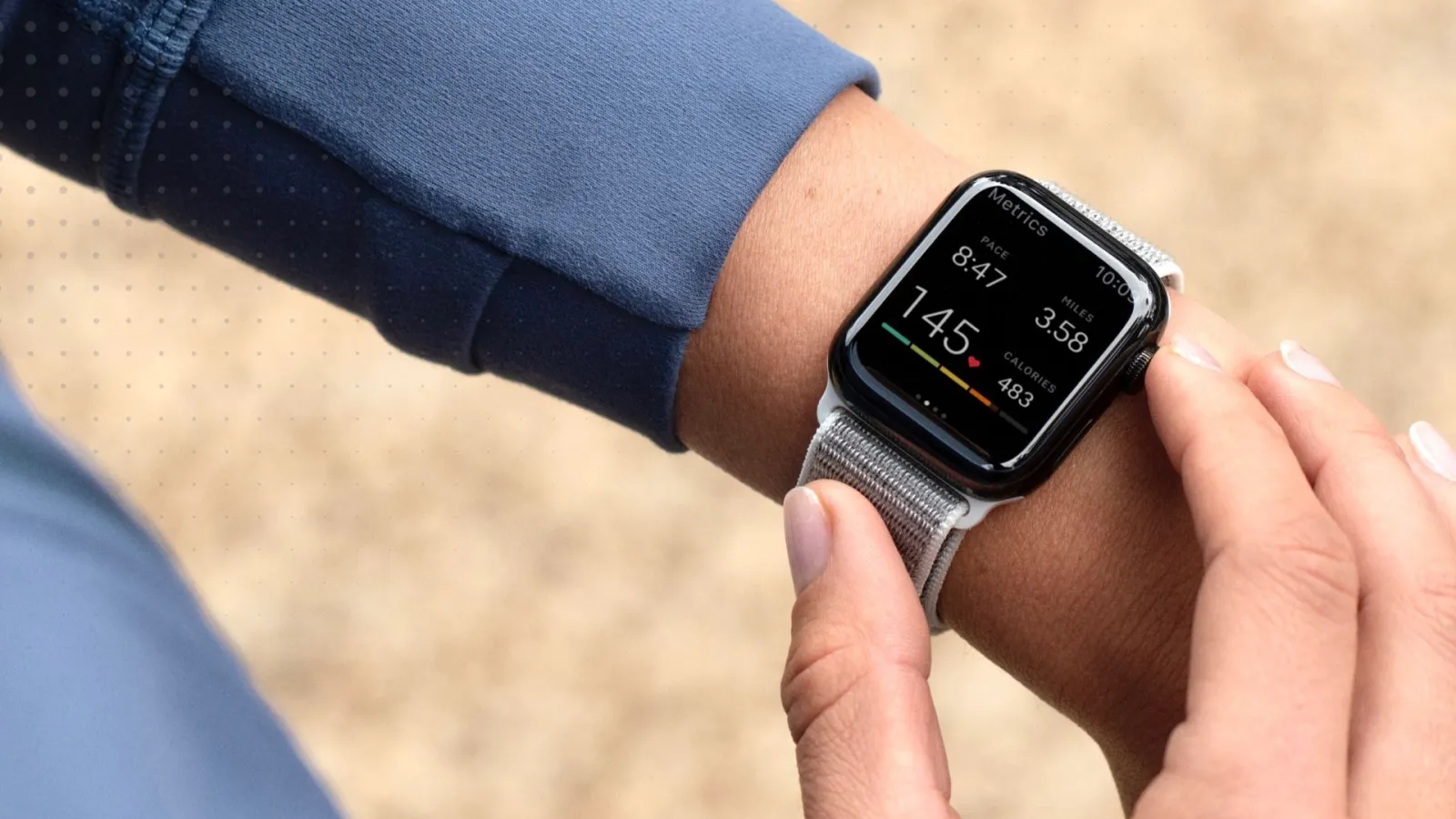
LTE in a smartwatch means the watch has its own cellular connection, so it can make calls, send messages, and use data without staying near the paired phone. This gives...

What Does Lte Mean On My Phone

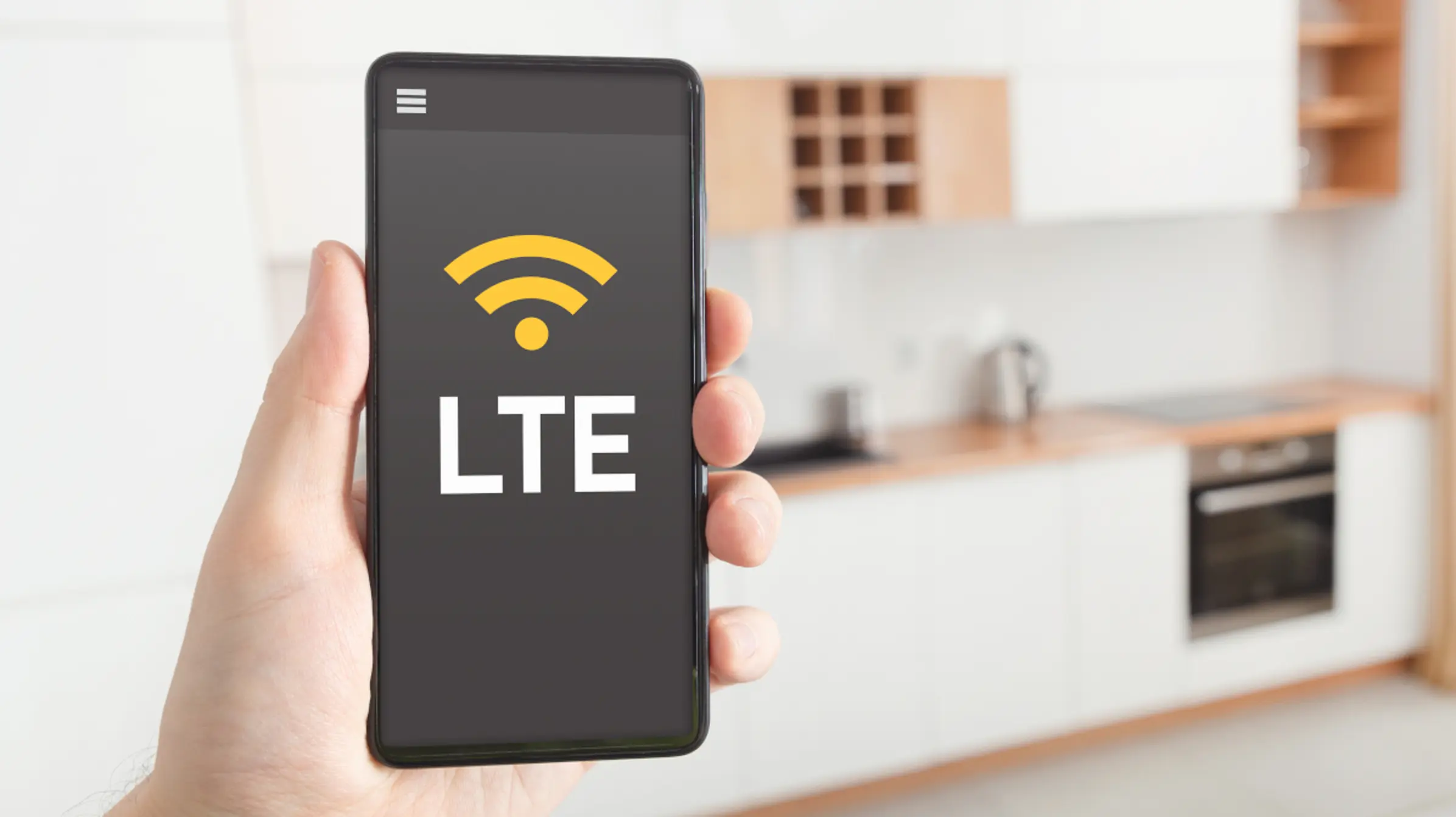
LTE on your phone stands for Long-Term Evolution, the mobile data standard that provides high-speed internet connectivity on your device. When you see the LTE icon, it simply means your...