Guides and fixes for readers who use Apple computers alongside their phones, printers, and other wireless devices. Whether you’re a longtime Mac user or just starting to connect your iPhone to your laptop, these articles focus on practical, everyday tasks that keep your devices working together smoothly.
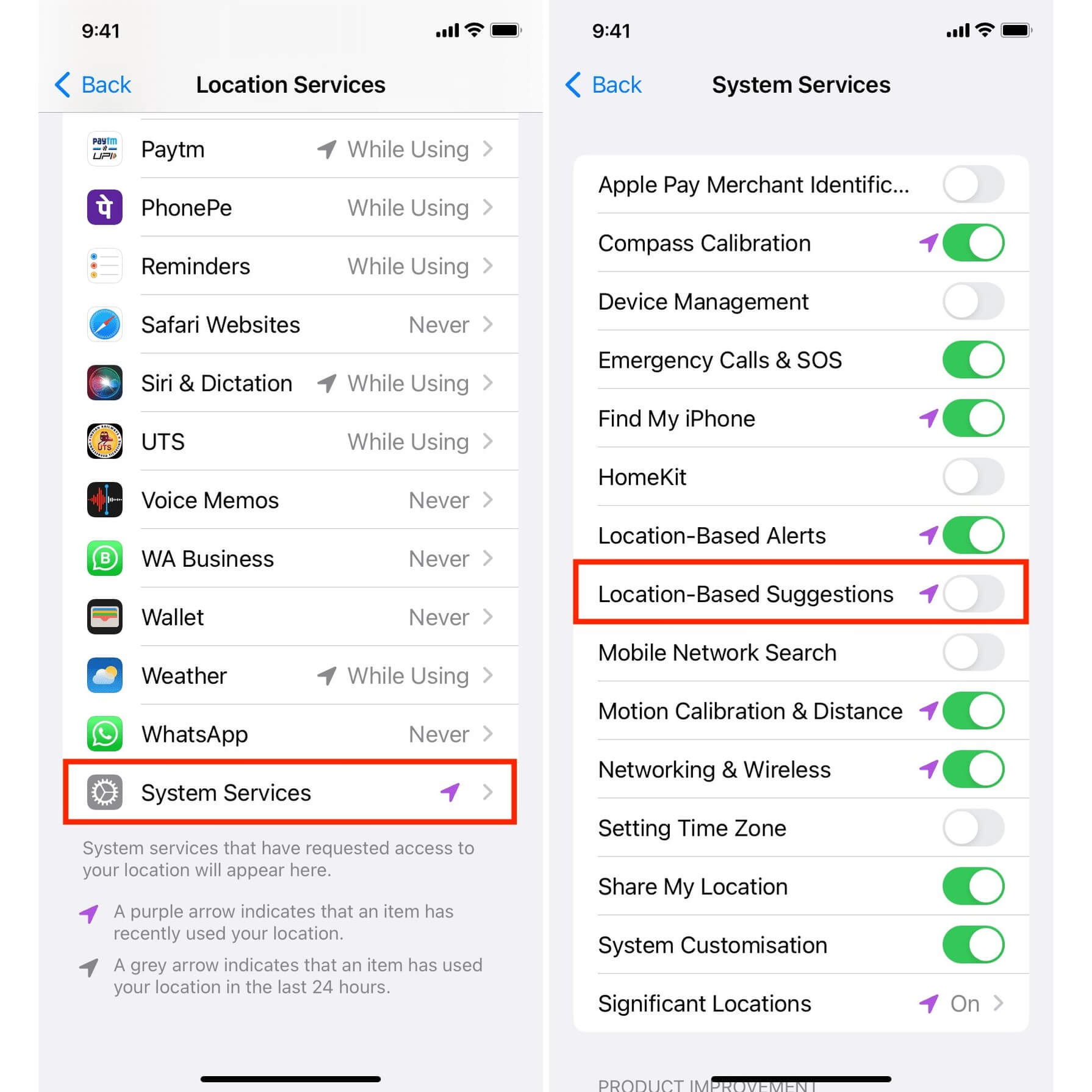
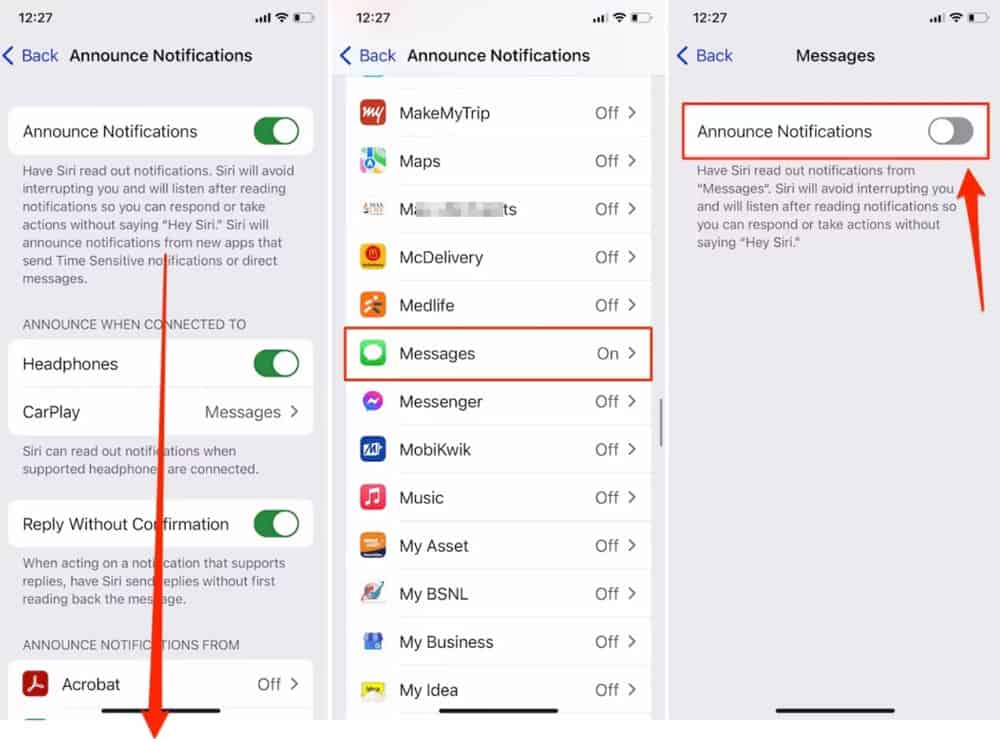
The articles here solve two main kinds of problems: transferring data and managing wireless connections. For example, you can learn how to transfer photos from phone to computer, how to edit a voice memo, and how to use your iPad as a second monitor for your Mac or Windows PC. On the connectivity side, there are clear steps for setting up a Canon Pixma MP495 wireless printer, adding JBL wireless headphones to a laptop, and connecting a wireless PS5 controller. Several guides also help you tweak settings, like turning off AirPod announcements, disabling Apple Maps suggestions, and stopping your phone from ringing on your Mac.
Other articles in this tag handle specific annoyances and quick tasks: correcting pictures with black borders in TV output, opening Wireless Diagnostics on a Mac, and finding the quickest way to open a new tab in Safari. Whether you need to scan from a printer to a computer wirelessly, make a wireless camera, or just check your hotspot name, these straightforward instructions are designed to get the job done without extra fluff.