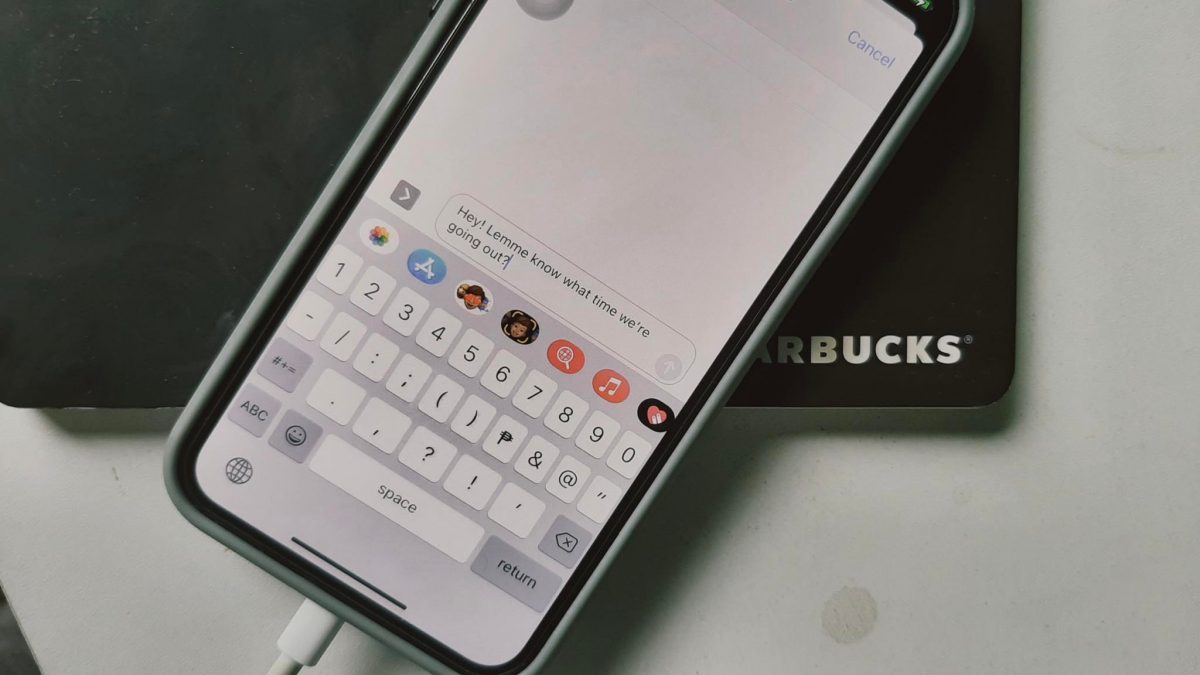
The Messages tag page collects our guides for anyone who uses their phone to text, chat, and share media. Whether you are on an iPhone, an Android device, or managing messages through a carrier like Xfinity Mobile, these articles are built to help you solve real, everyday problems with your messaging apps.
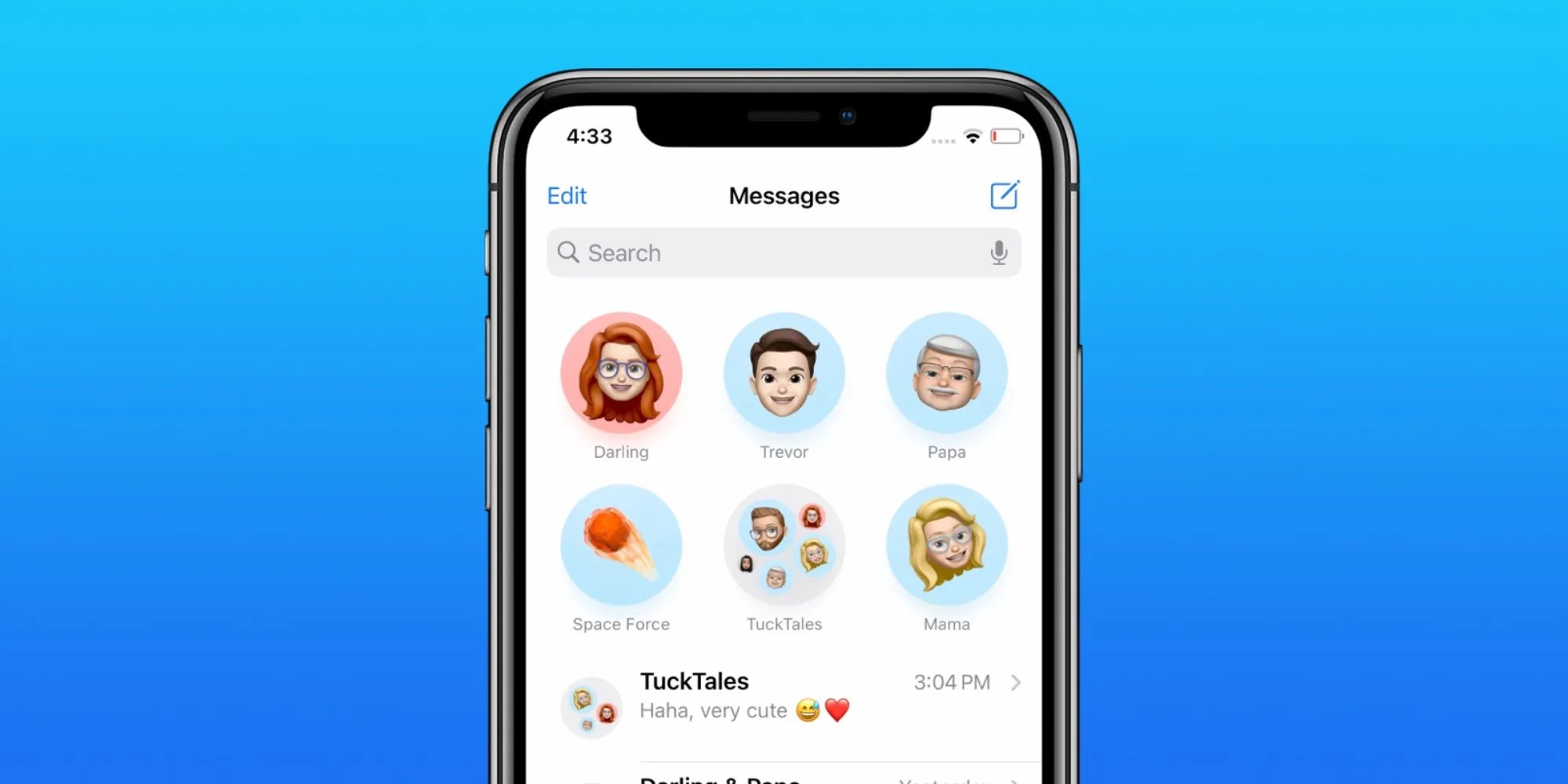
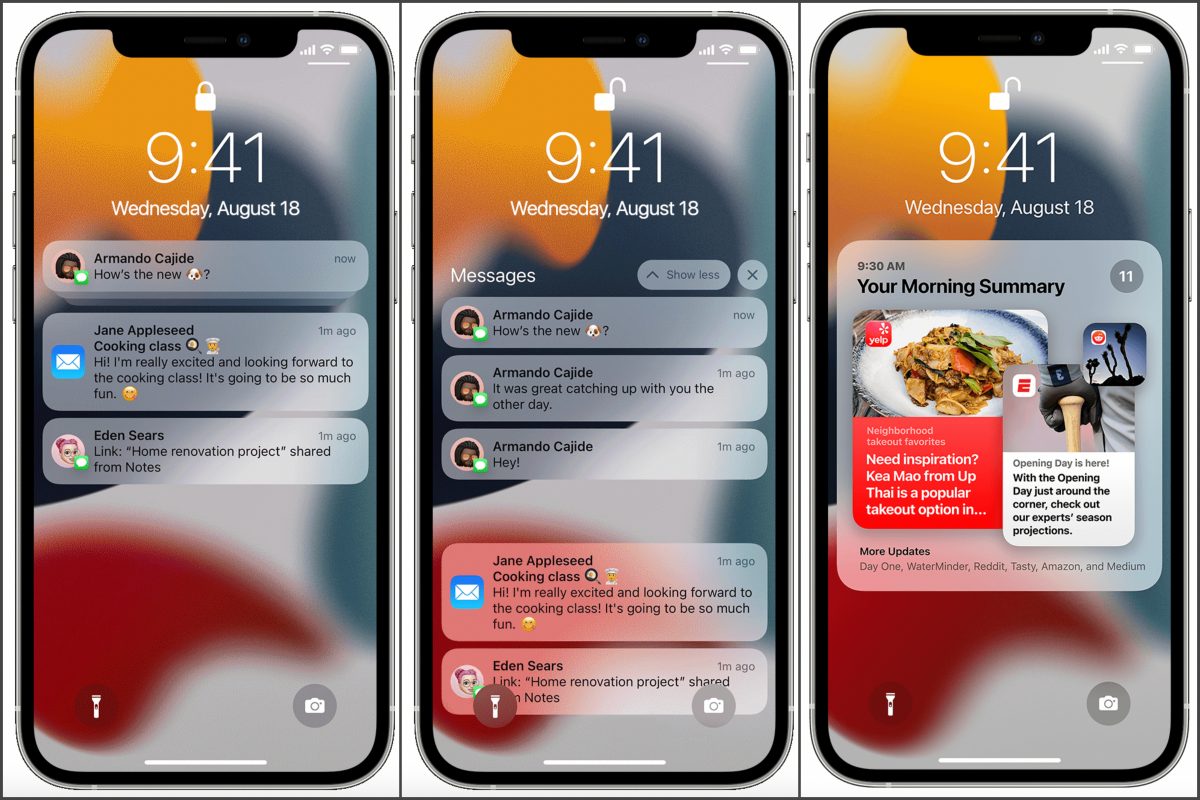
The articles here fall into a few clear categories. One group focuses on fixing notifications and alerts: you can learn how to stop the ding when getting a text on an iPhone 10, turn off the 2-minute text reminder on an iPhone 12, or fix the issue of not getting text notifications on iPhone at all. Another set of guides is all about managing your conversations and content. You can pin contacts or conversations in the Messages app, find and send GIFs, create stickers from a picture, or even lock messages on an iPhone 13. A third theme covers practical settings and privacy: you can customize who sees your Focus status, unlink your phone number from another phone, remove message blocking on Android, or bar a telephone number from texting you.
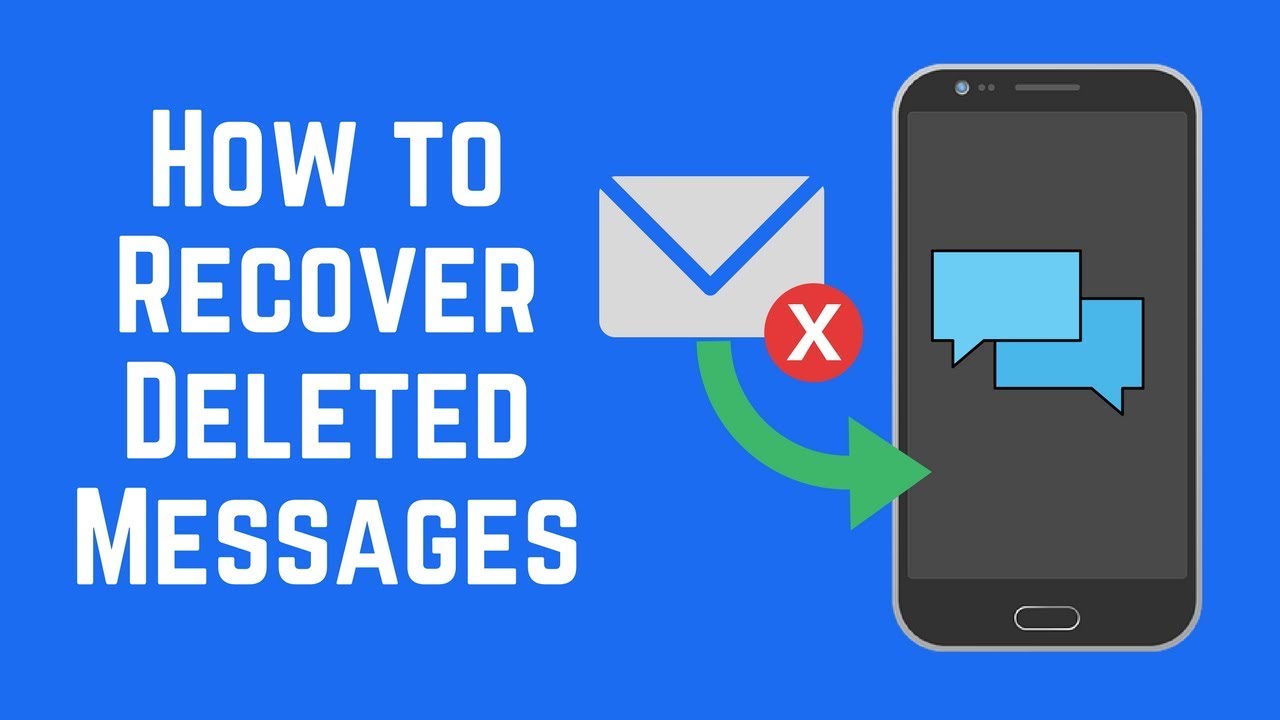
Specific topics you will find here include how to retrieve deleted messages in phone memory, how to send timed messages on iPhone, how to enable MMS messaging on iPhone 14, and how to see the first message on Discord Mobile. Each article is a straightforward, step-by-step fix for a common messaging headache.