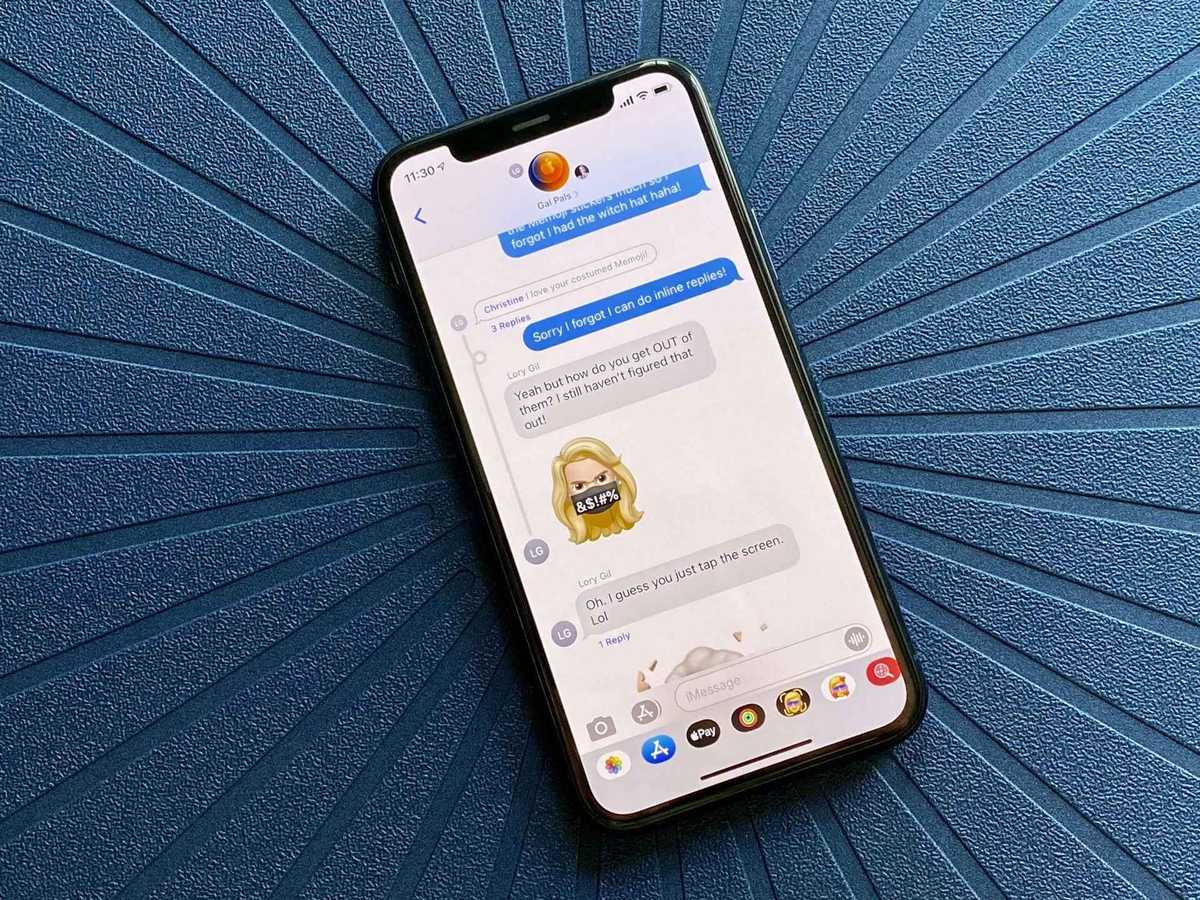
The Messaging tag on CellularNews collects articles focused on the practical use, setup, and quirks of modern communication tools on mobile devices. This page is for anyone who wants to get the most out of their phone’s messaging capabilities, whether you are navigating social apps like Snapchat, Discord, and Instagram, or trying to understand carrier-based services like iMessage and RCS.

The articles here solve two main kinds of problems. One group helps you manage your daily conversations: you can learn how to pin someone on Snapchat, how to add people on Discord mobile, and how to create a group text on a Samsung phone. Another group clarifies the costs and hidden details behind these services, such as whether Snapchat is free, why your phone number might be hidden on Facebook Marketplace, or what the real differences are between WhatsApp Business and the standard WhatsApp app. A few articles also tackle cross-platform tricks, like how to use iMessage on an Android phone or how to send a message on YouTube mobile.

Whether you need to close Discord mobile DMs, make a GIF on Discord, or understand Google’s complicated RCS plan, these guides give you clear, direct steps and explanations. No hype, just the facts and fixes for the messaging features you actually use.

How To Make A GIF On Discord Mobile

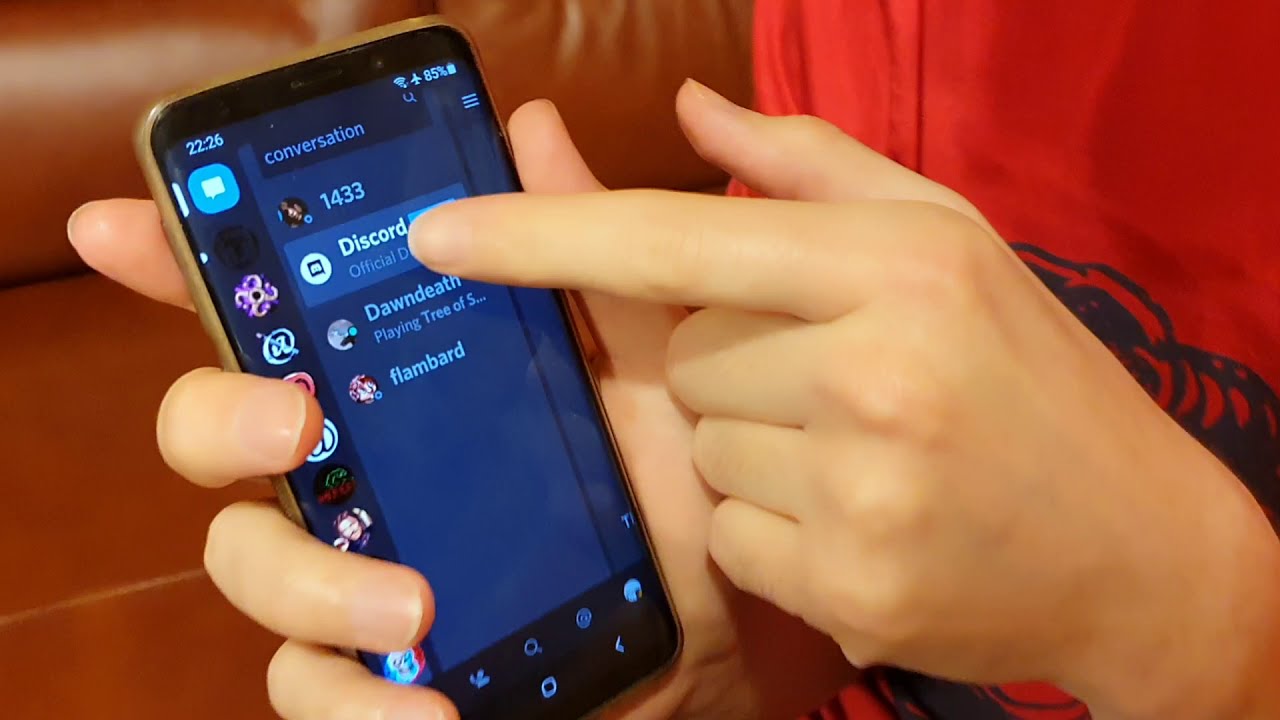
To send GIFs on Discord mobile, use the built-in Tenor GIF picker to find and send animated GIFs in any chat without a separate app. This eliminates the need to...

How To Close Discord Mobile DMs

To close Discord mobile DMs, open the app and navigate to the conversation you want to remove, then tap the three dots in the top right corner and select "Close...

Delta Rolls Out Free In-Flight Mobile Messaging

Delta free in-flight messaging lets you send and receive text-only messages on Delta Wi‑Fi-enabled flights using iMessage, WhatsApp, and Facebook Messenger on your smartphone, with no support for photos, videos,...

How To Use Gifs On Discord Mobile

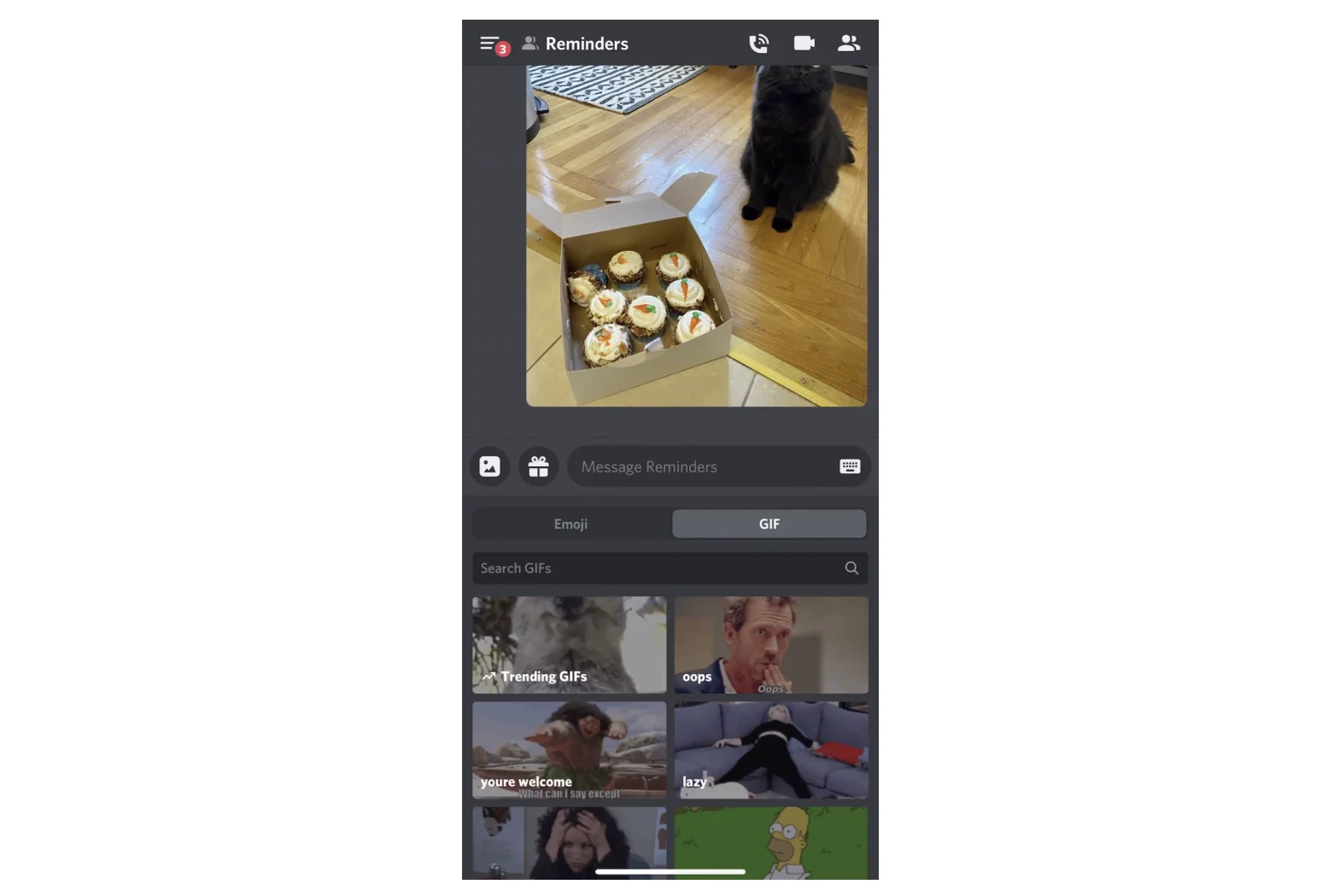
To use GIFs on Discord mobile, tap the chat or text box, then tap the emoji icon, open the Emoji and Gif tab, and select the Gif tab. This built-in...

How To Send A Message On Youtube Mobile

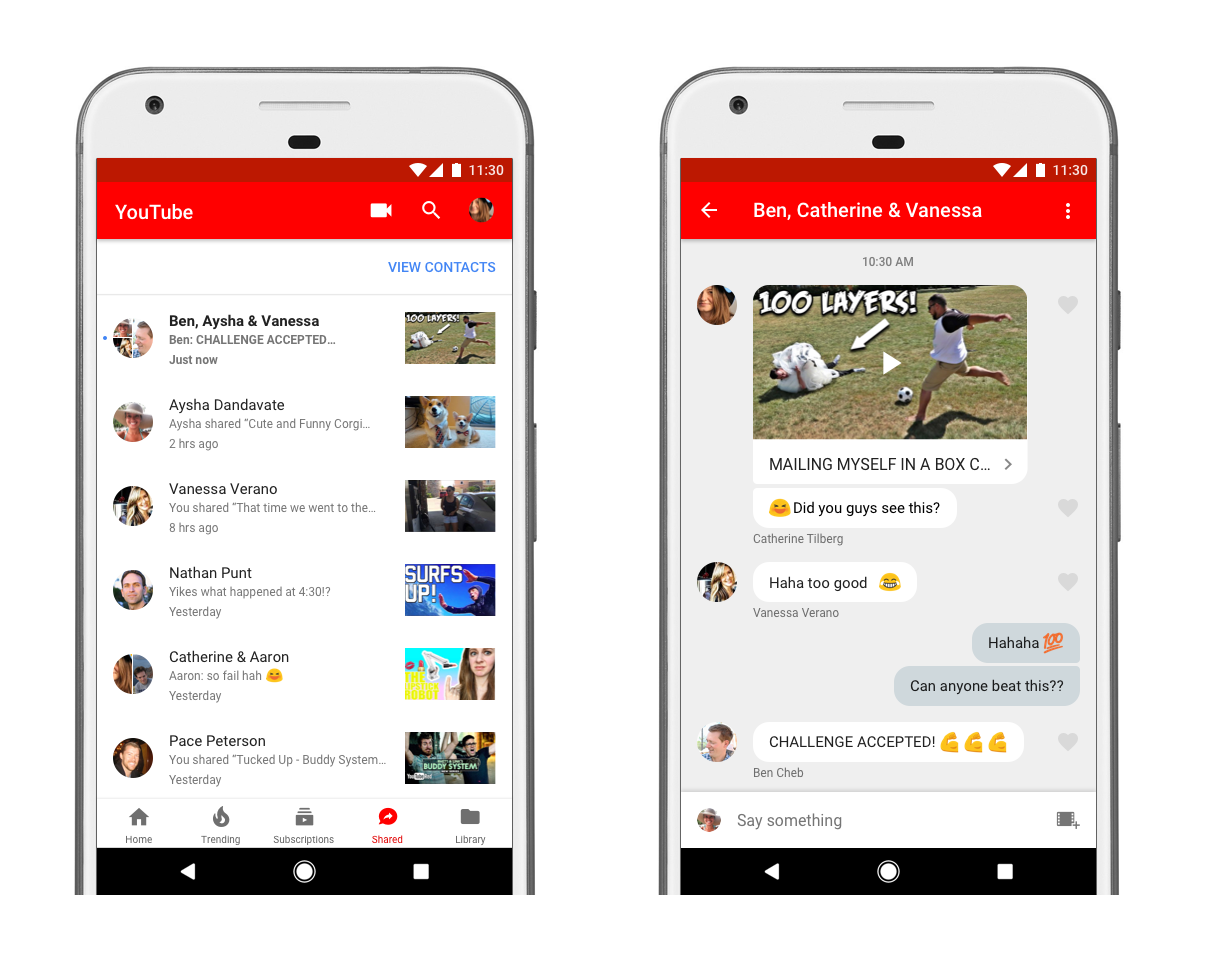
To send a message on YouTube mobile, use the newly reintroduced in-app messaging feature to share videos, Shorts, and livestreams directly with friends. You must be signed into a personal...

How To Search On Discord Mobile

To search on Discord mobile, open the app and use the search bar in the upper-right corner of the screen, or tap the search icon to search across all of...