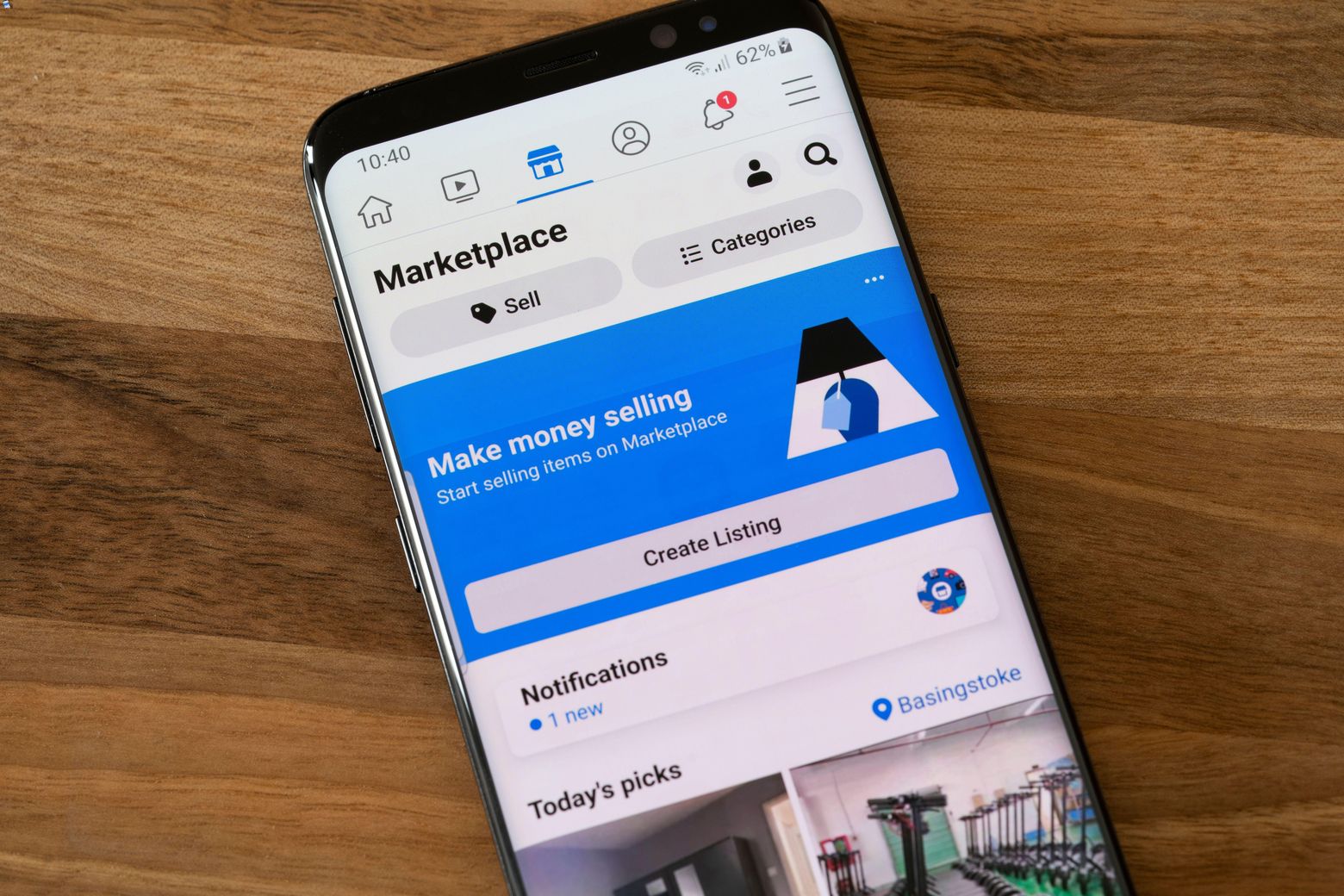
You cannot see a hidden phone number on Facebook Marketplace through any official feature or setting. The platform does not provide a way to reveal a seller's contact number if they have chosen to keep it private, and no menu path, button, or carrier-specific method exists to expose it.
Can you see a hidden phone number on Facebook Marketplace?
No. Facebook Marketplace does not include a documented feature that lets buyers view a seller's hidden phone number. The verified help pages from Meta confirm that numbers are not exposed through the app interface, and no official guide describes a method for "looking up phone numbers" or accessing them from a listing. Any suggestion that you can find a hidden number by checking message requests, using the "See All" option, or looking at the seller's profile is not supported by the platform's official documentation.
Why phone numbers are hidden on listings
The platform encourages all communication to stay within Messenger, where messages can be filtered and reported. Sellers also have the option to keep their number private for personal safety, especially when selling to strangers. This design keeps transactions inside a controlled environment where Facebook can monitor for fraudulent behavior.
The only reliable way to get a seller's phone number
The only method that works is to ask the seller directly through Messenger. Here is the step-by-step process:
- Open the listing on Facebook Marketplace and tap the Message button to start a chat.
- Send a polite message expressing your interest in the item. Introduce yourself and mention that you are a serious buyer.
- After the seller responds and you have built some rapport, ask if they would be comfortable sharing their phone number so you can coordinate pickup or ask quick questions by call or text.
- Wait for the seller to voluntarily provide their number. Do not pressure them.
Building trust is key. Sellers are more likely to share their number if you have asked thoughtful questions about the item, shown that you are not a bot, and demonstrated that you are ready to complete the transaction. Avoid demanding the number in your first message; that often makes sellers suspicious.
What to do if the seller won't share their number
If a seller refuses to give you their phone number, respect their decision. Continue the conversation through Messenger, which is fully capable of handling price negotiation, scheduling, and payment coordination. Insisting on a phone number can be a red flag for scams, both for you and the seller. Legitimate sellers may have valid privacy concerns, and pushing them could make you appear untrustworthy. Remember that many successful transactions on Marketplace happen entirely through chat without ever exchanging a phone number.
Staying safe when contacting sellers off-platform
If a seller does share their number and you move communication outside of Facebook, take precautions. Never share your bank account details, credit card numbers, or any financial information through text or a phone call. Meet in a public place during daylight hours for in-person exchanges, and consider bringing a friend. If the seller pressures you to pay upfront or share sensitive data, end the conversation and report the listing to Facebook. Moving off-platform can be convenient, but it removes the safety layer that Messenger provides, so stay alert.
Frequently Asked Questions
Why are phone numbers sometimes hidden on Facebook Marketplace?
Phone numbers are hidden to protect user privacy and safety. Facebook designed Marketplace to keep communication within Messenger, where interactions can be monitored for scams and harassment, and sellers can avoid sharing personal contact details with strangers.
Is there any way to bypass the hidden number setting on Facebook Marketplace?
No. There is no official bypass, hack, or workaround that forces a seller's phone number to appear. Any third-party tool or website claiming to reveal hidden numbers is not endorsed by Meta and may violate Facebook's terms of service.
Can I see the seller's phone number if I already have them in my phone contacts?
No. Facebook does not sync your device contacts with Marketplace listings. Even if you have the seller saved in your phone, their number will not appear in the listing or Messenger chat unless they choose to share it.
What should I do if a listing looks suspicious but the seller won't give a phone number?
Trust your instincts. If the price seems too good to be true or the seller avoids answering basic questions, report the listing to Facebook through the "Report" option on the listing page. Do not send money or share personal details.
Is it safe to give my phone number to a seller on Marketplace?
It depends on the seller's reputation. If the seller has a profile with history, positive reviews from other buyers, and clear listing photos, sharing your number is generally low-risk. For new or unverified sellers, consider keeping all communication inside Messenger until you feel confident.
Related reading: Why Is Phone Number Hidden On Facebook Marketplace and How To Hide Phone Number In Signal.