The practical use, setup, and quirks of modern communication tools on mobile devices. This page is for anyone who wants to get the most out of their phone’s messaging capabilities, whether you are navigating social apps like Snapchat, Discord, and Instagram, or trying to understand carrier-based services like iMessage and RCS.
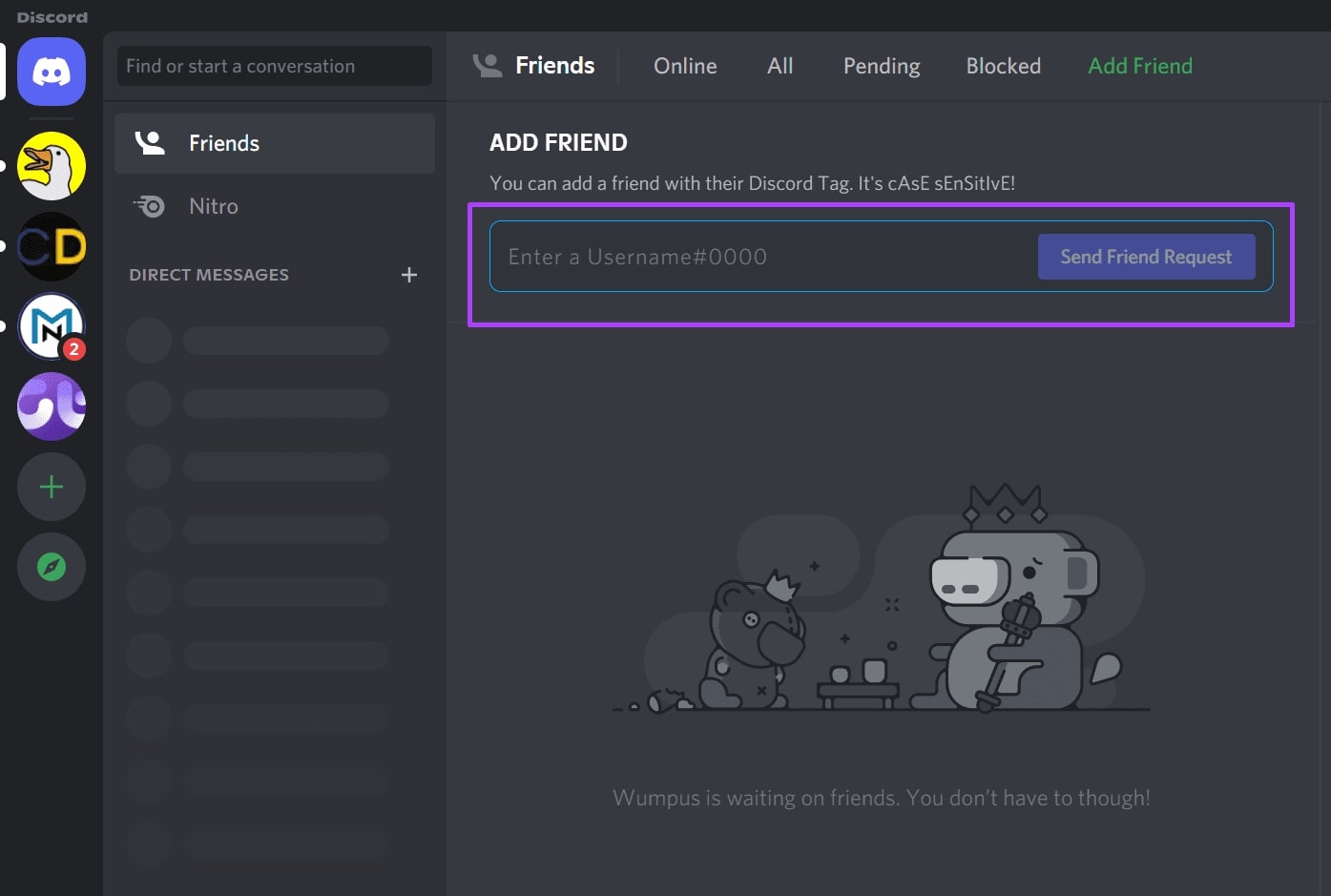
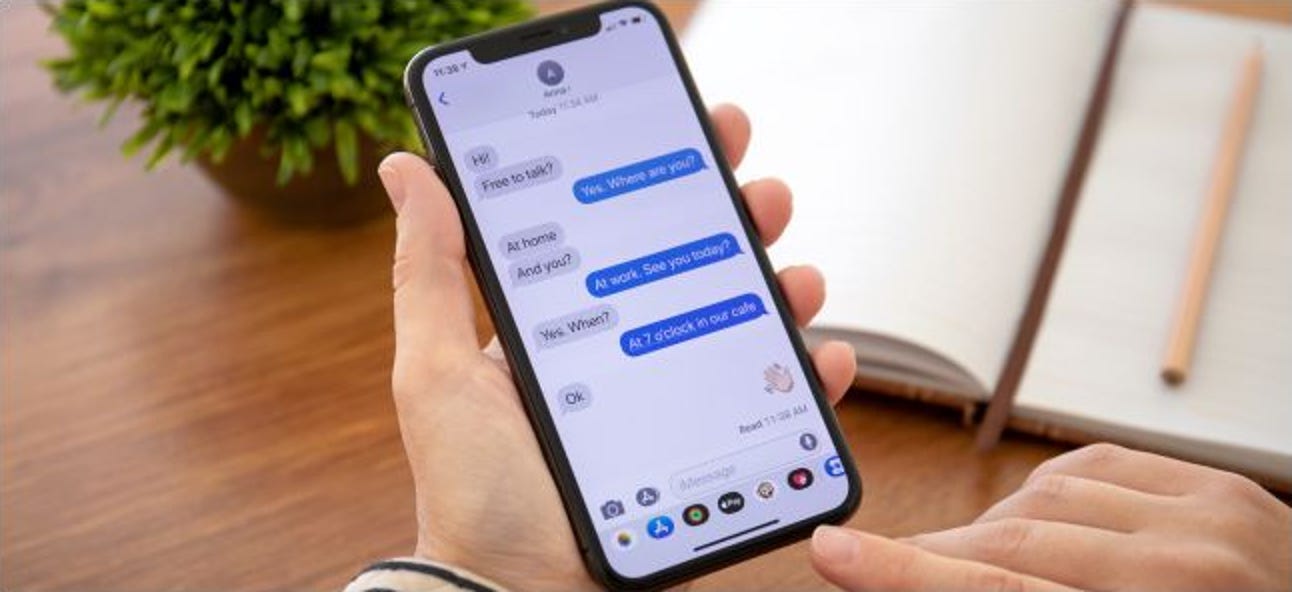
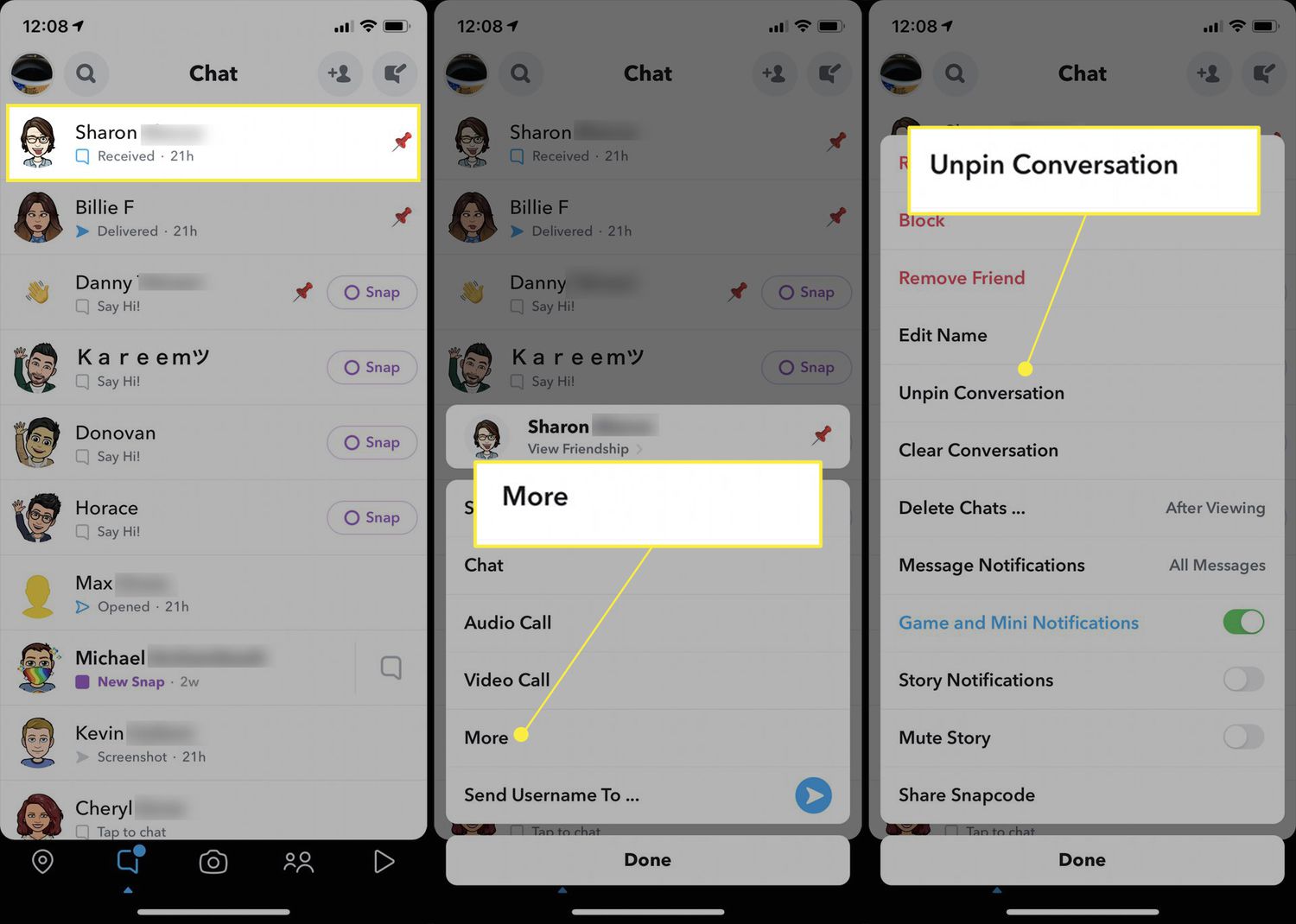
The articles here solve two main kinds of problems. One group helps you manage your daily conversations: you can learn how to pin someone on Snapchat, how to add people on Discord mobile, and how to create a group text on a Samsung phone. Another group clarifies the costs and hidden details behind these services, such as whether Snapchat is free, why your phone number might be hidden on Facebook Marketplace, or what the real differences are between WhatsApp Business and the standard WhatsApp app. A few articles also tackle cross-platform tricks, like how to use iMessage on an Android phone or how to send a message on YouTube mobile.
Whether you need to close Discord mobile DMs, make a GIF on Discord, or understand Google’s complicated RCS plan, these guides give you clear, direct steps and explanations. No hype, just the facts and fixes for the messaging features you actually use.