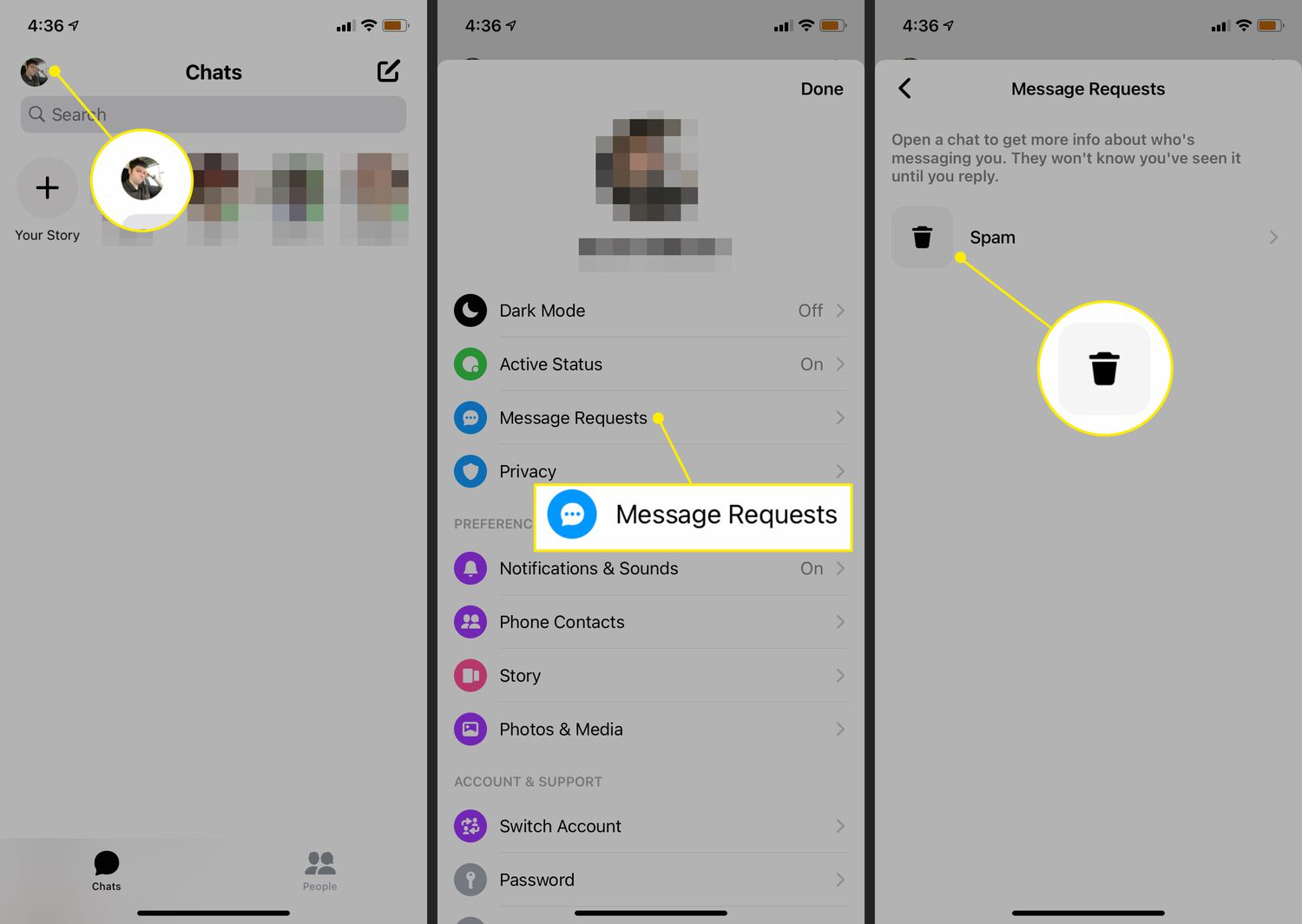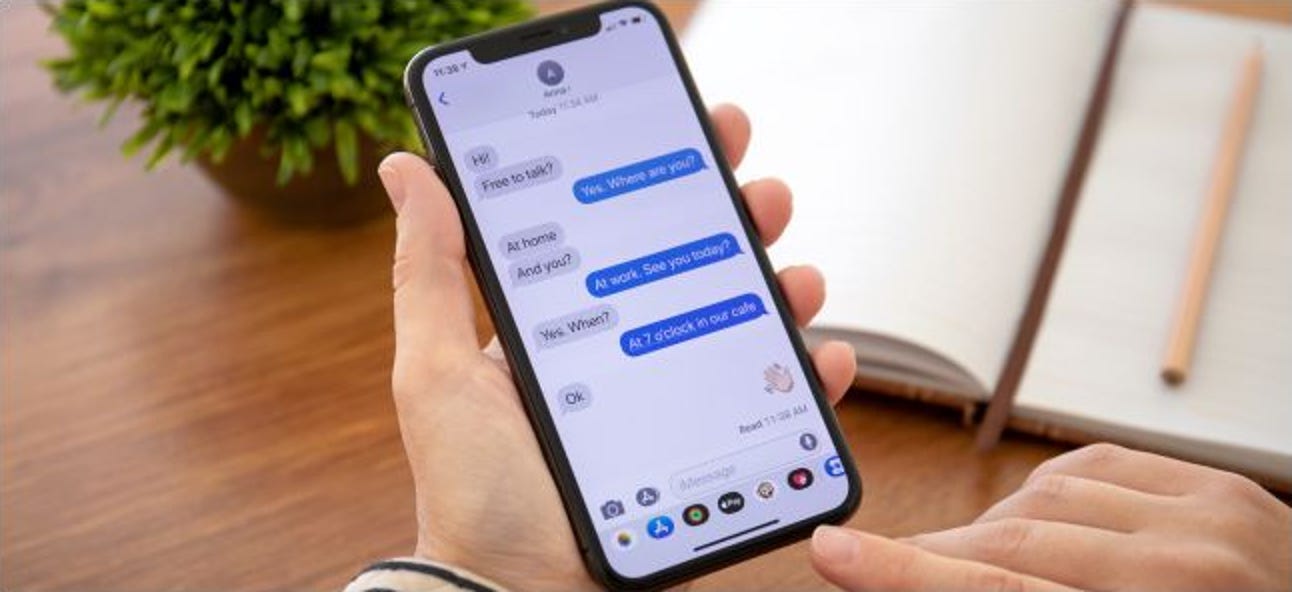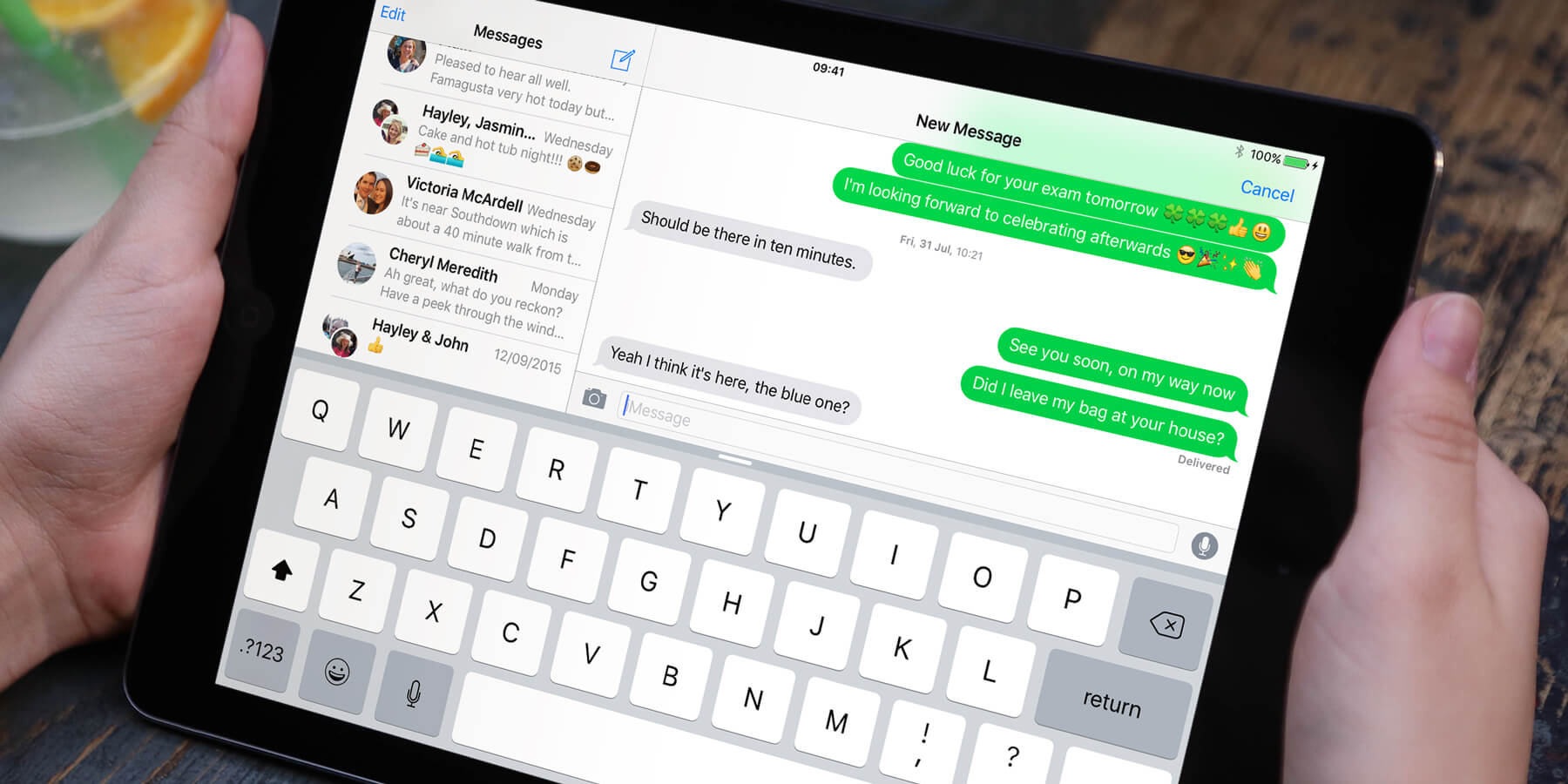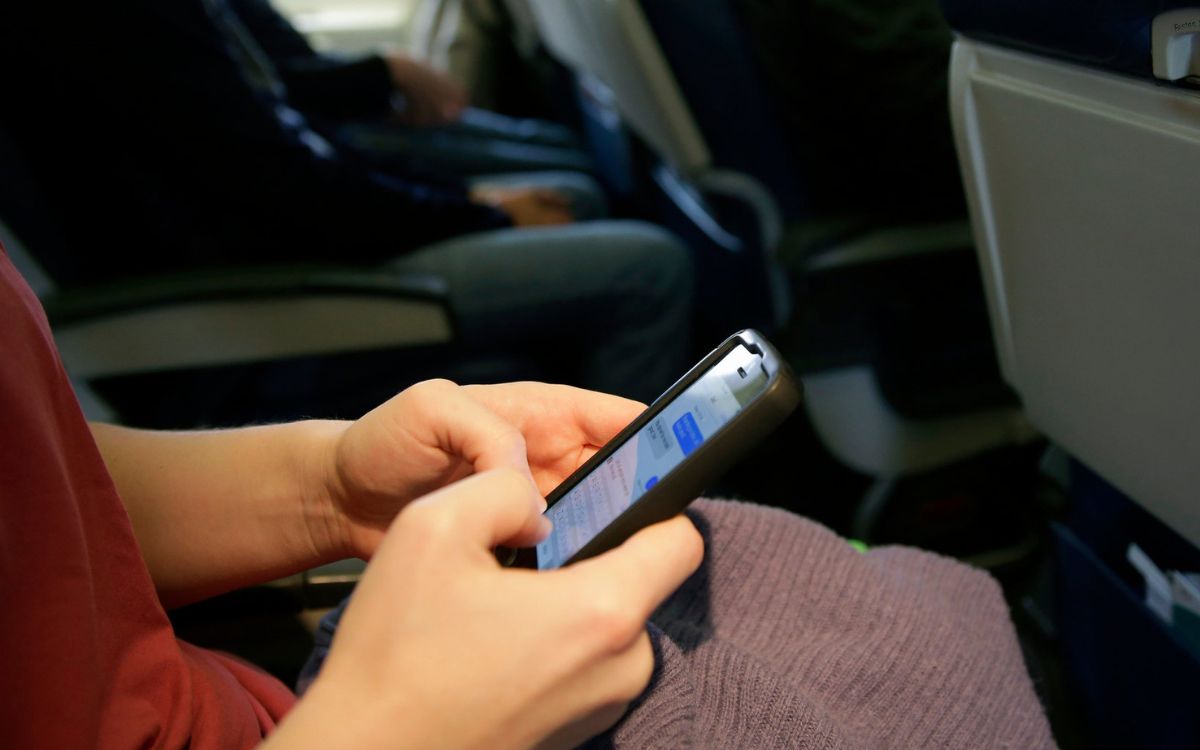
Delta free in-flight messaging lets you send and receive text-only messages on Delta Wi‑Fi-enabled flights using iMessage, WhatsApp, and Facebook Messenger on your smartphone, with no support for photos, videos, or SMS. The service is available at no additional cost once you connect to the aircraft’s Wi‑Fi and open the portal page.
What is Delta free in-flight messaging?
Delta free in-flight messaging is a complimentary text-only service available on Delta Wi‑Fi-enabled flights. It works with iMessage, WhatsApp, and Facebook Messenger on compatible smartphones. The service does not support sending or receiving photos, videos, or standard SMS messages. You access it through Delta’s onboard Wi‑Fi portal.
Which apps work with Delta's free messaging?
Three messaging apps are supported: iMessage, WhatsApp, and Facebook Messenger. You must have these apps installed on your phone before takeoff.
How to connect to free in-flight messaging on Delta
- Connect to the aircraft’s Wi‑Fi network once onboard.
- Open the Wi‑Fi portal page. Delta’s agency help page names the portal as
airborne.gogoinflight.com. - Follow the Delta connection flow on the portal.
- Open one of the supported messaging apps (iMessage, WhatsApp, or Facebook Messenger) that was already installed on your phone before takeoff.
You can then send and receive text messages as you normally would on the ground.
What devices and flights support free messaging?
Delta states that free messaging works on “compatible devices” but does not list exact iPhone or Android models or operating-system versions. Free messaging is available on all Gogo-enabled Delta flights, including all aircraft with two or more cabins. Delta also says free messaging is available on all Delta Wi‑Fi enabled flights for smartphone apps such as iMessage, Facebook Messenger, and WhatsApp. Any smartphone that can run iMessage, WhatsApp, or Facebook Messenger and connect to the onboard Wi‑Fi should work.
Limitations you should know before you fly
The service is text only. You cannot send or receive photos, videos, or SMS messages. Delta documents that the service does not support SMS messages. The text messaging and T-Mobile texts features available through standard cellular networks do not apply here; the free in-flight messaging relies entirely on the onboard Wi‑Fi and the three supported apps, not your carrier’s SMS or data plan.
Frequently Asked Questions
Do I need to download the messaging apps before my flight?
Yes. Delta recommends installing iMessage, WhatsApp, or Facebook Messenger before takeoff because you may not have internet access during boarding or while in the air to download them.
Can I make voice calls with Delta free in-flight messaging?
No. The service is text only and does not support voice calls, video calls, or any audio transmission.
What happens if Wi-Fi is unavailable on my flight?
Free in-flight messaging requires an active Wi‑Fi connection. If the aircraft does not have Wi‑Fi or the system is not working, the service will not be available. Check Delta’s website or your flight details before departure to confirm Wi‑Fi availability.
Does Delta free in-flight messaging work with Android Messages or Google Chat?
Delta only lists iMessage, WhatsApp, and Facebook Messenger as supported apps.
Will I be charged for using free in-flight messaging?
No. Delta does not charge for the messaging service itself. However, if your messaging app uses cellular data or requires a separate subscription, your carrier may apply standard data charges once you are back on the ground or if you switch out of airplane mode.
For the wider topic, see text messaging and T-Mobile texts.
Related reading: How To See Messages From Non Friends On Facebook Mobile.