Practical, step-by-step guides that solve common hardware and software problems.
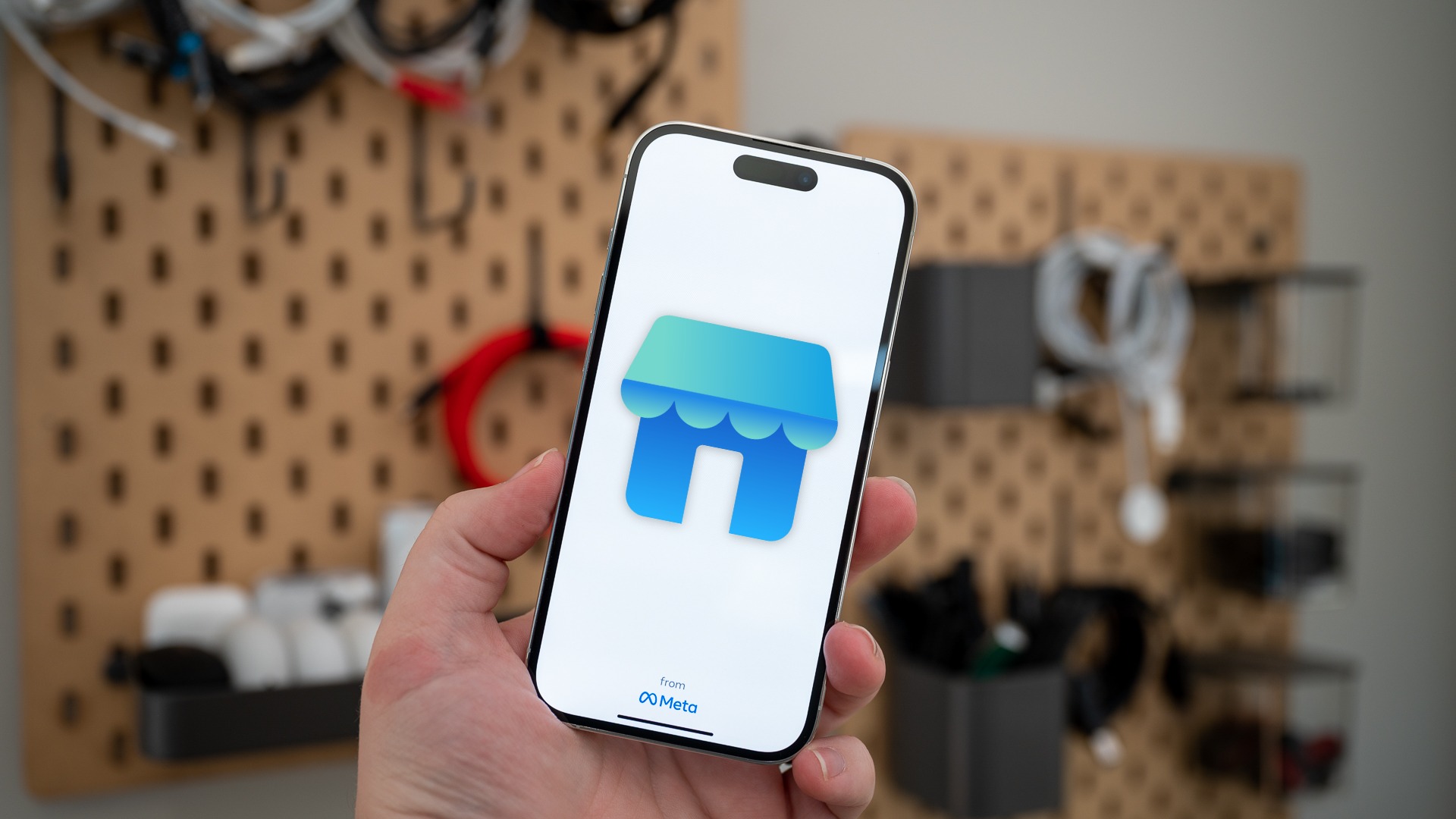
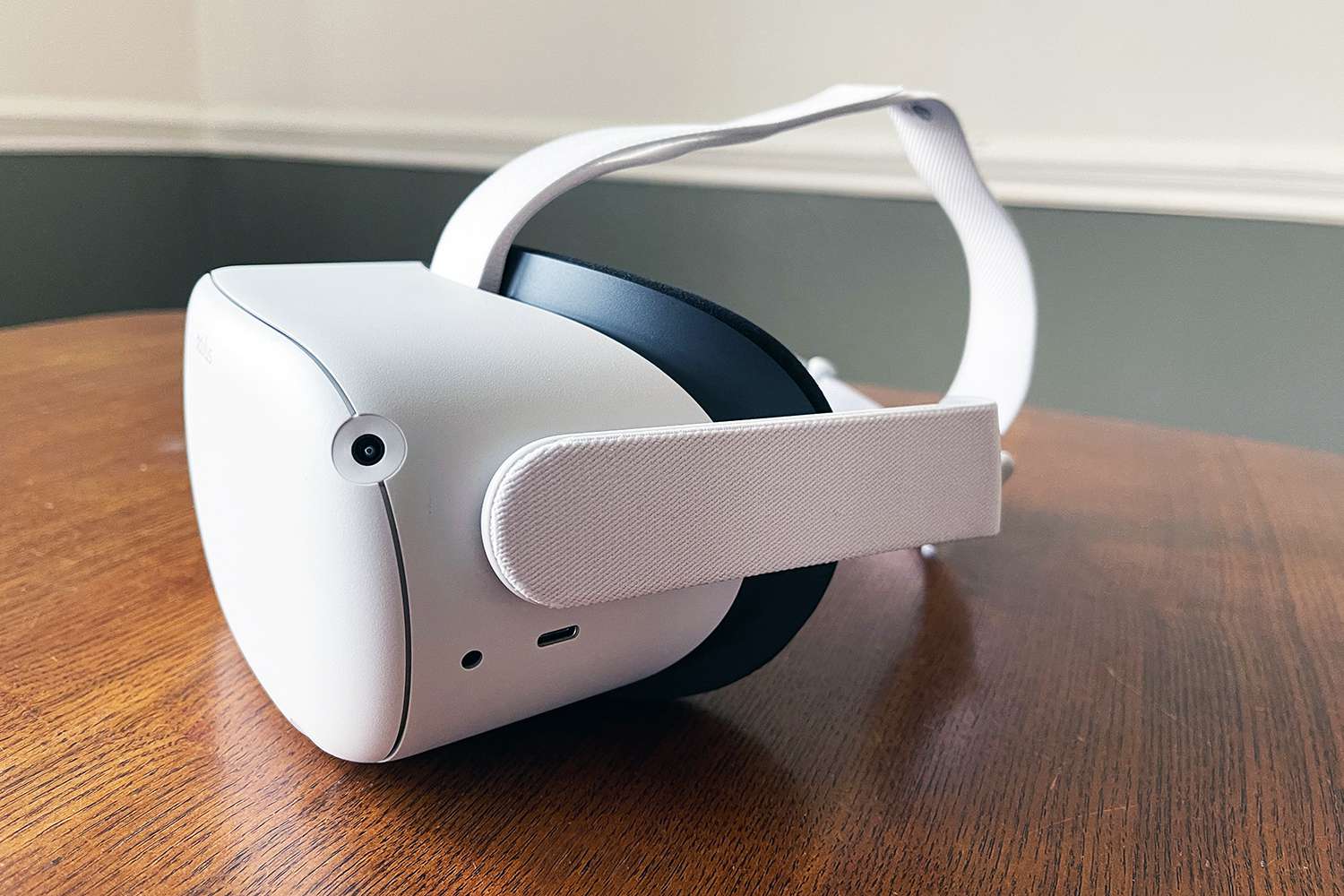
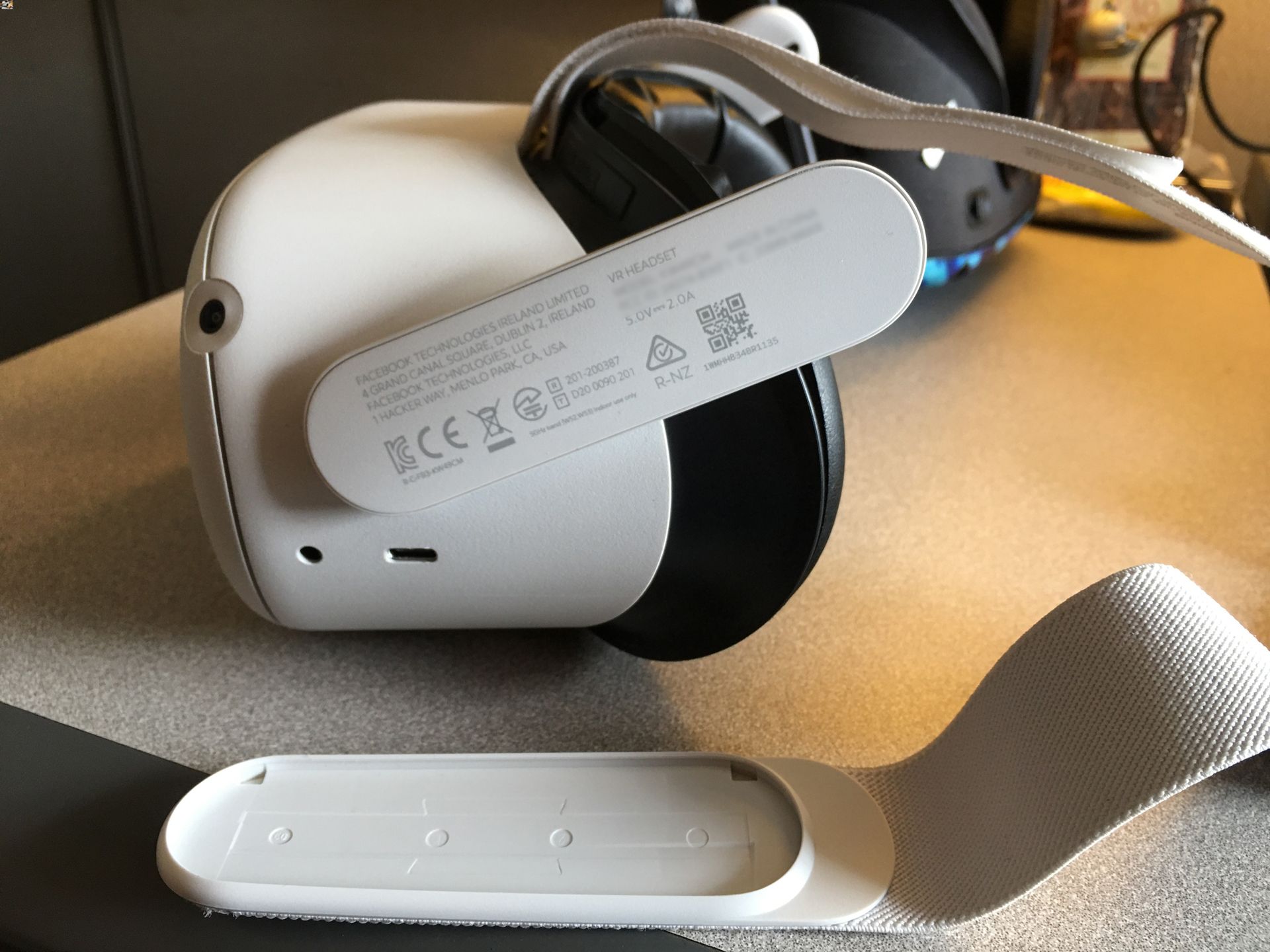
The content here focuses on two main areas: device management for the Oculus Quest 2 and communication features within Meta’s apps. For Quest 2 owners, you will find instructions for turning off the headset, deleting your Oculus account directly on the device, taking apart the headset for repairs or cleaning, and locating its serial number. These articles help you physically and digitally maintain your VR hardware. On the app side, the guides address how to contact Facebook by phone, use the new Instagram voice message feature, and see a hidden phone number on Facebook Marketplace. These solve everyday issues around privacy, account access, and new functionality.
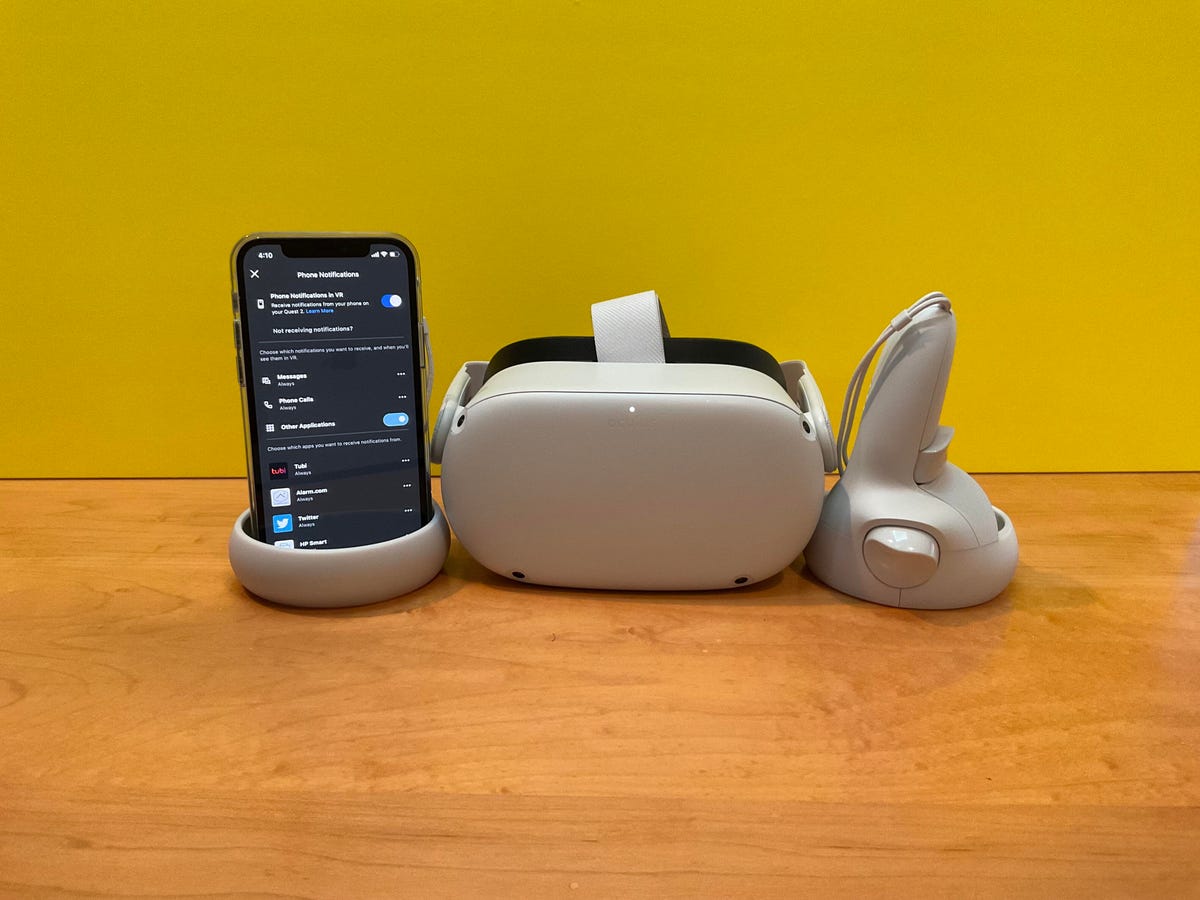
Additionally, the tag includes a Wild Rift tier list to help you choose the best champions for your matches, as well as a guide on how to see phone notifications on your Quest 2. Together, these resources help you customize your gaming strategy and integrate your phone with your headset, making the Meta ecosystem more useful and less frustrating.