A single practical question: how to power devices that use the most common charging port of the last decade. This page is for anyone who owns a phone, a wireless headset, a portable battery, or a small gadget and needs a straightforward answer about charging it. The articles here solve everyday problems that fall into two clear themes: figuring out which charger and cable actually work for your device, and learning the specific steps to charge accessories that don't come with obvious instructions.
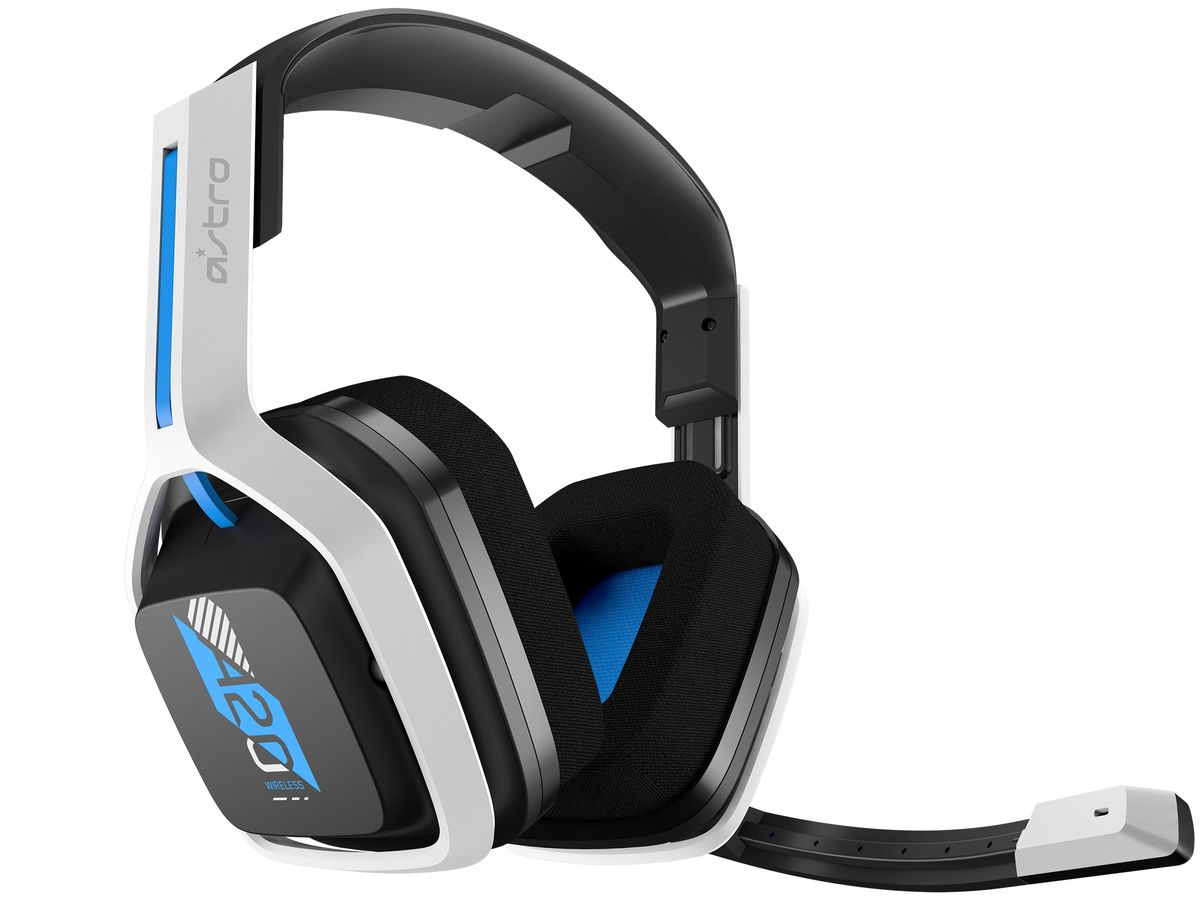
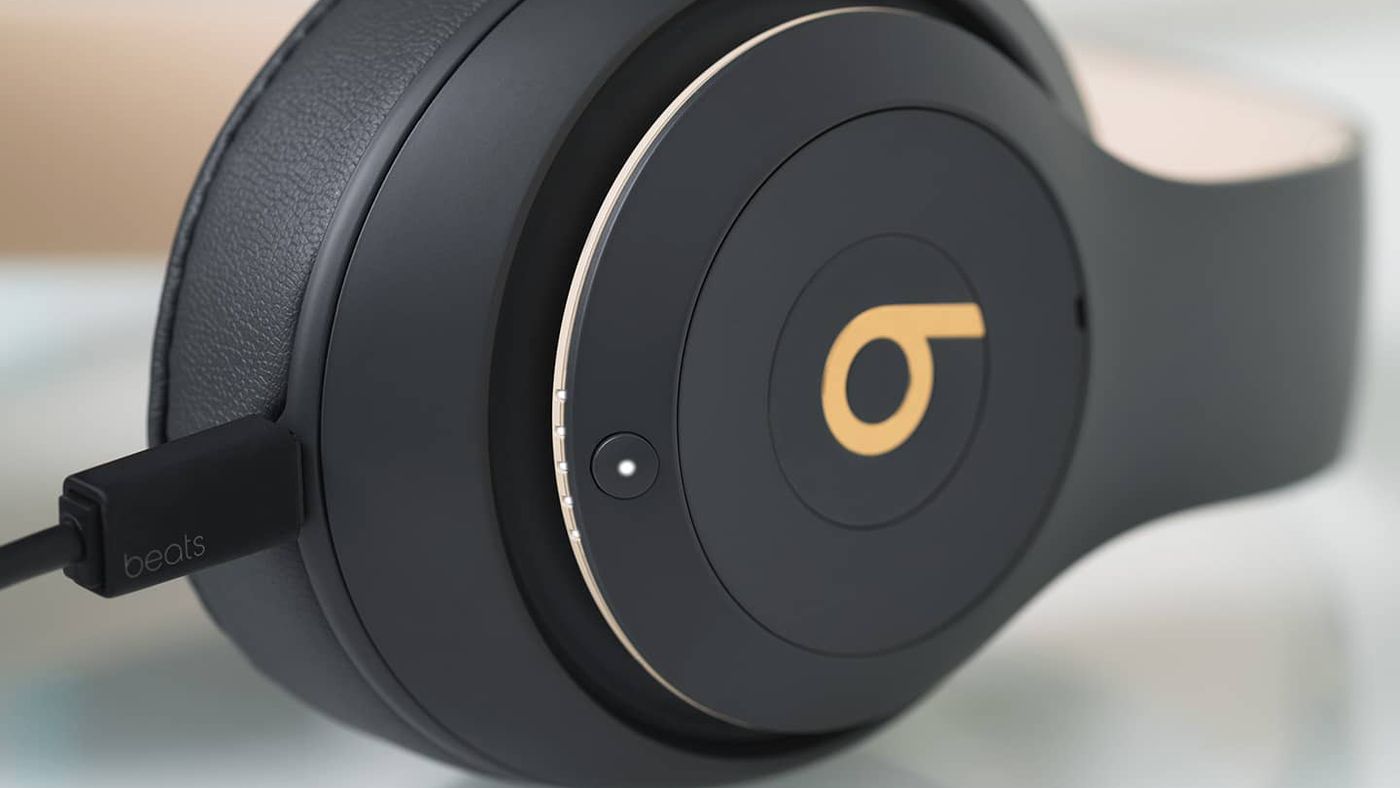
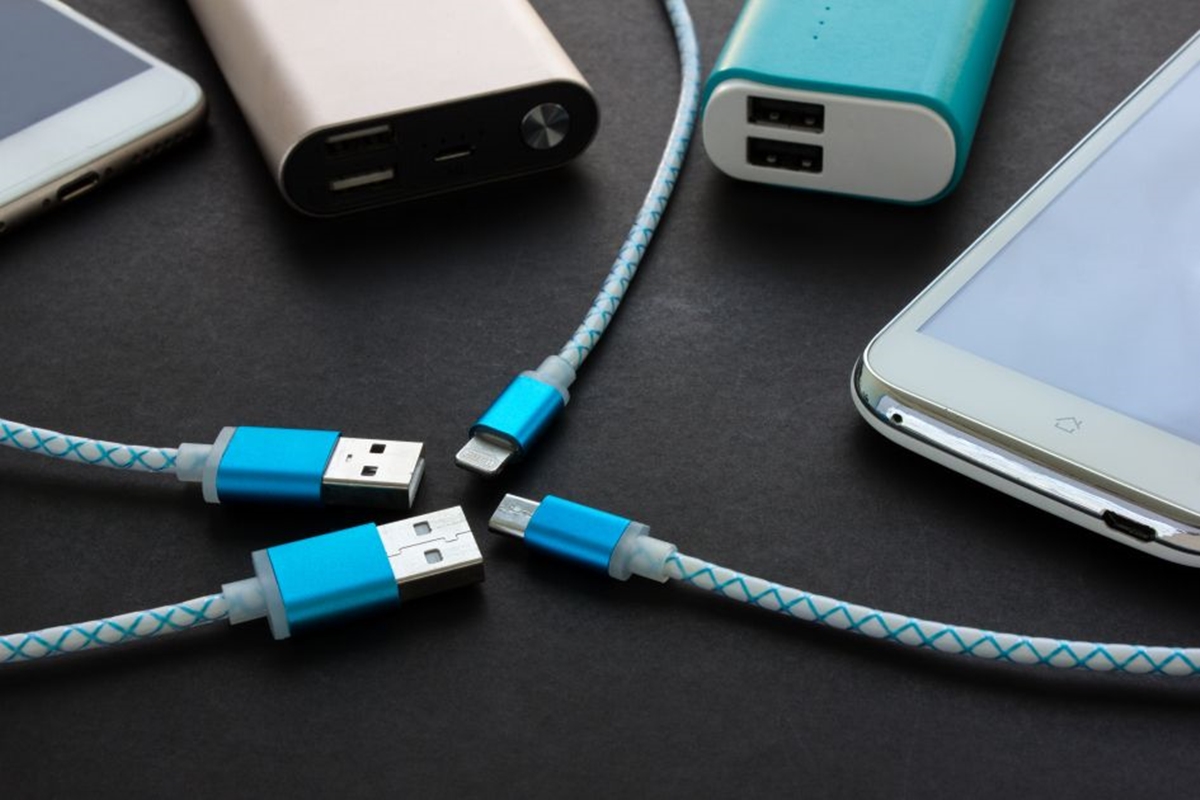
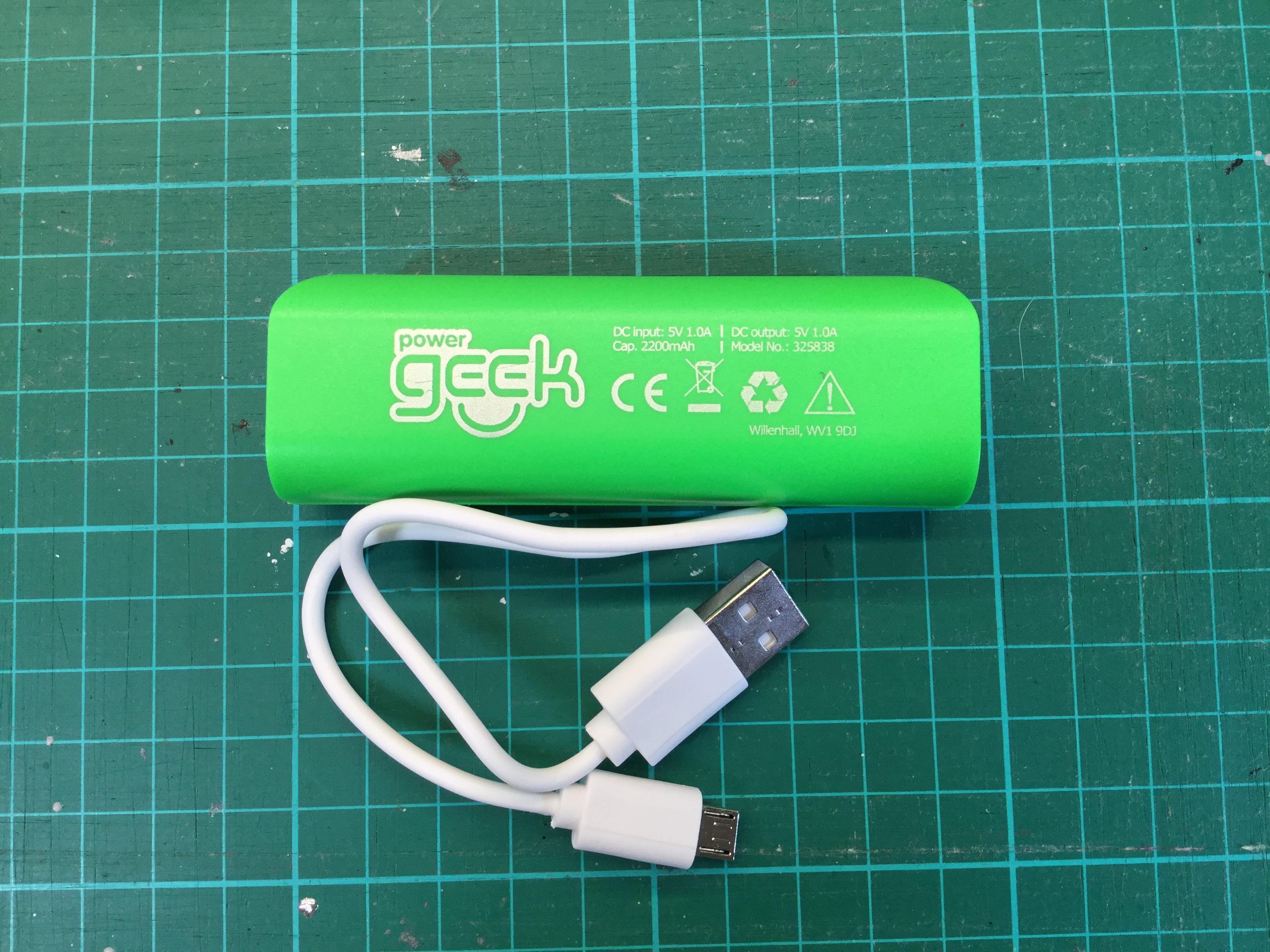
Several articles help you identify the right hardware. For instance, What Type Of Phone Charger Do I Need cuts through the confusion of different plug standards and cable types, while How To Use Power Bank Charger 2200mAh explains how to get the most out of a small portable battery. Other pieces tackle the specific quirks of charging audio gear, such as How To Charge Beats Wireless Headphones and How To Charge A20 Wireless Headset, which often use micro-USB ports hidden under flaps or in cradles.
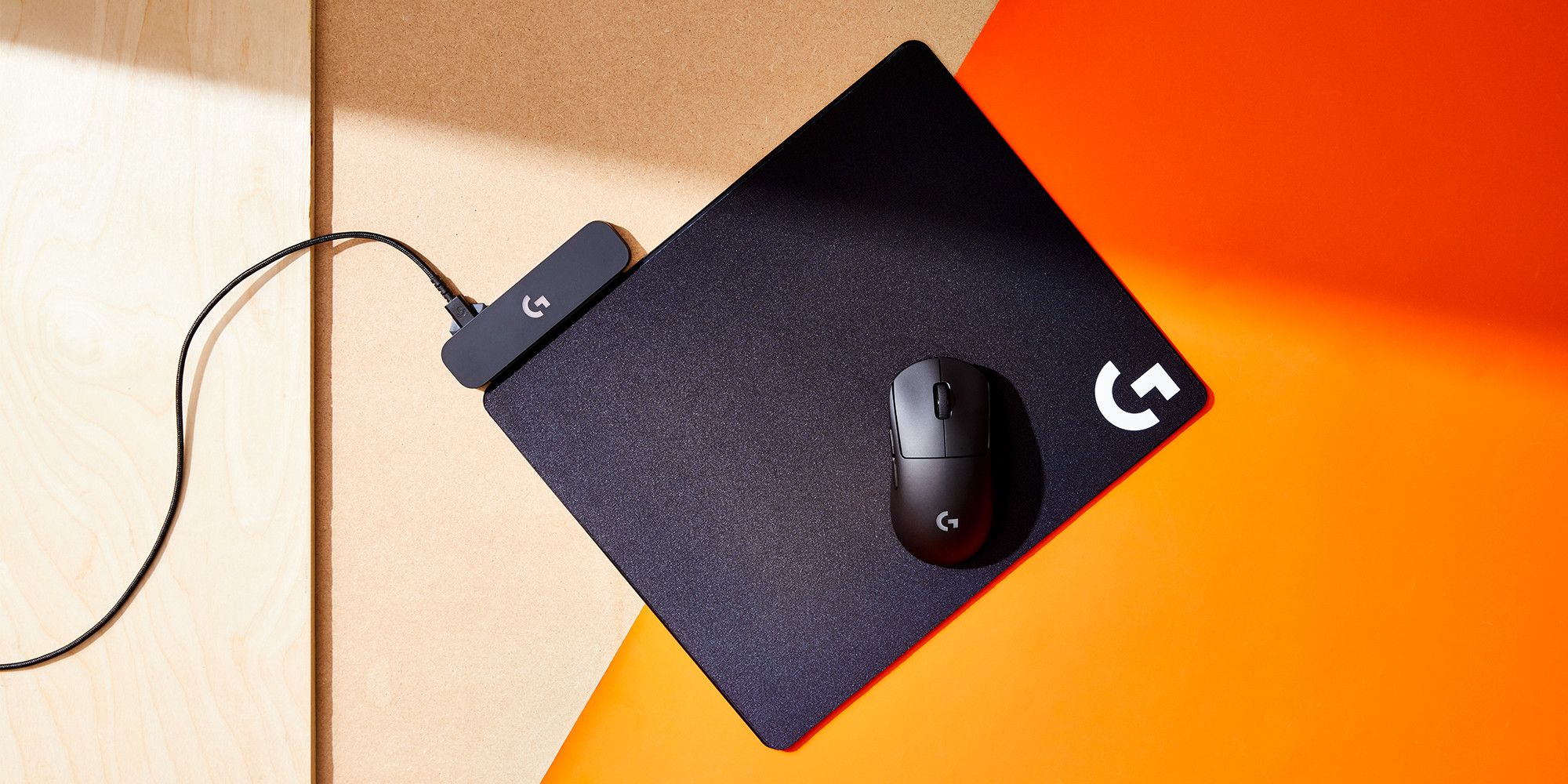
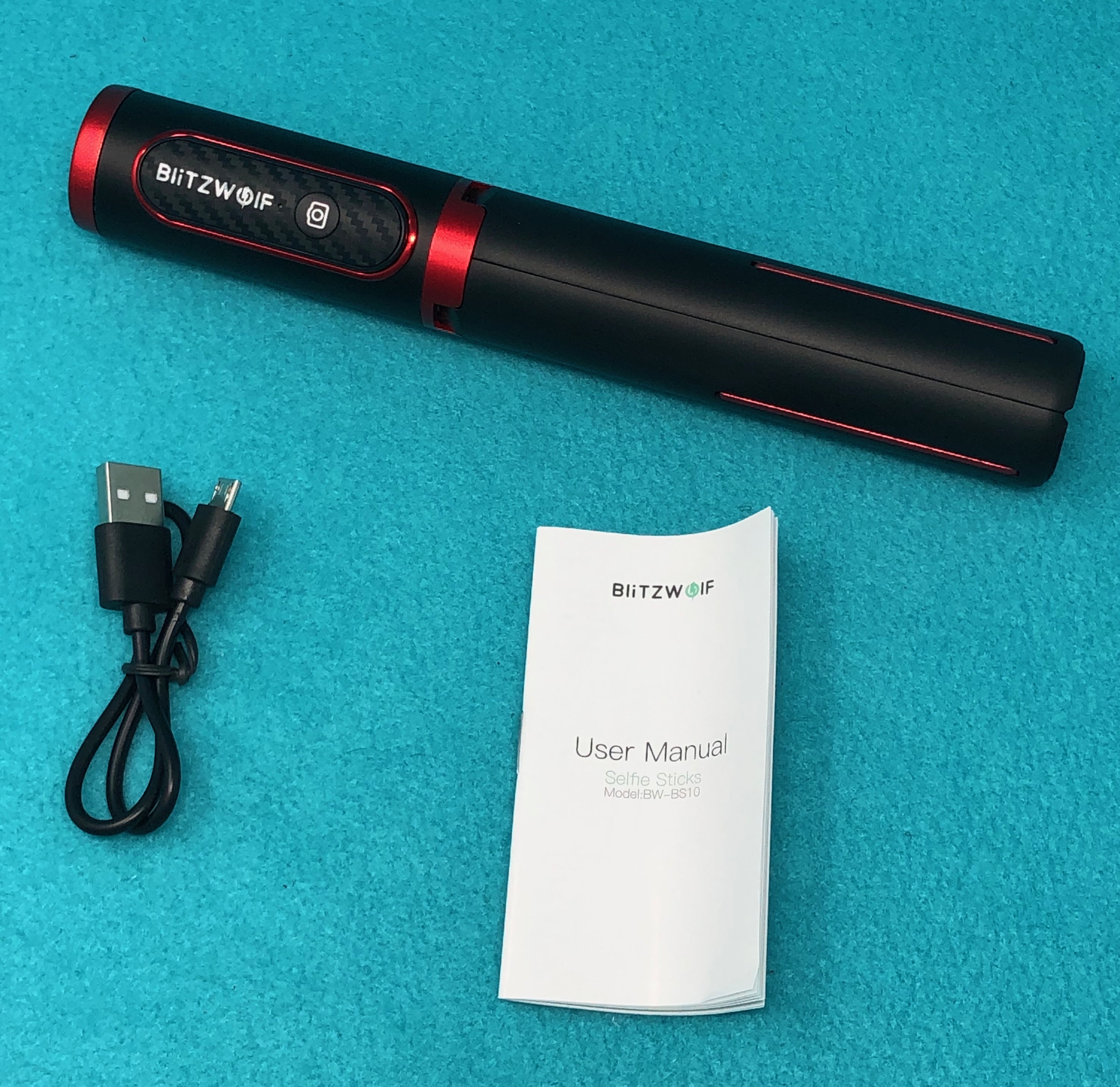
A third group addresses charging small, non-phone accessories that people often overlook. How To Charge Selfie Stick and How To Charge My Logitech Wireless Mouse show that even simple devices have their own charging routines, from finding the right cable to knowing when the battery is full. Together, these articles help you avoid dead batteries and broken equipment by giving clear, device-specific steps for the micro-USB chargers you already have.