Practical, step-by-step guides for anyone who manages their digital life primarily from a phone. This page is for gamers, streamers, and social media users who need to perform specific account and app tasks without switching to a desktop computer.
The articles here solve two main kinds of problems. The first group focuses on managing gaming and streaming accounts on the go. You can learn how to redeem Robux or Roblox codes on your phone, trade items in Roblox Mobile, or upload custom clothes for your avatar. For Twitch users, there are guides on how to check your analytics, see who follows you, check your payout, and even delete videos directly from mobile. The second group tackles everyday app and browser customization. These posts show you how to change your YouTube layout, get to mobile bookmarks in Chrome, use extensions on Chrome mobile, or change your Xbox username and PIN without a console.
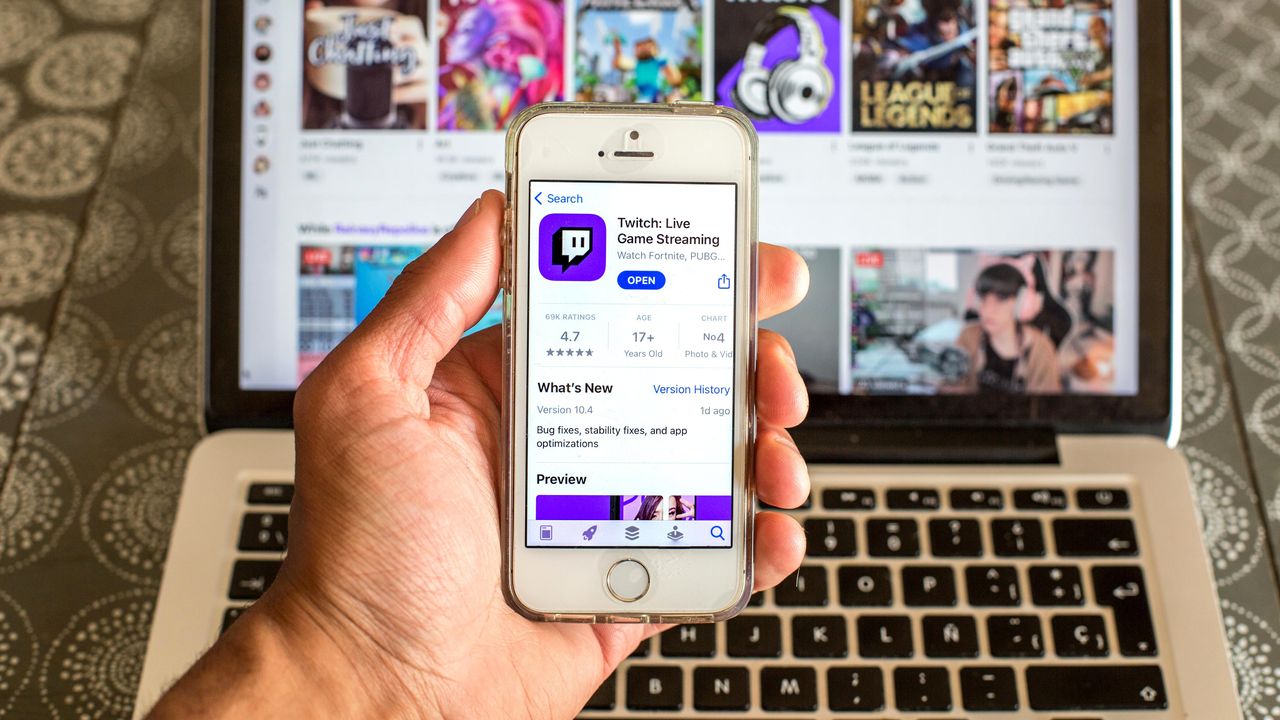
To check Twitch payout on mobile, open a mobile browser and sign in to the Twitch website, then navigate to the Revenue page inside Analytics to see your earnings, revenue-source...
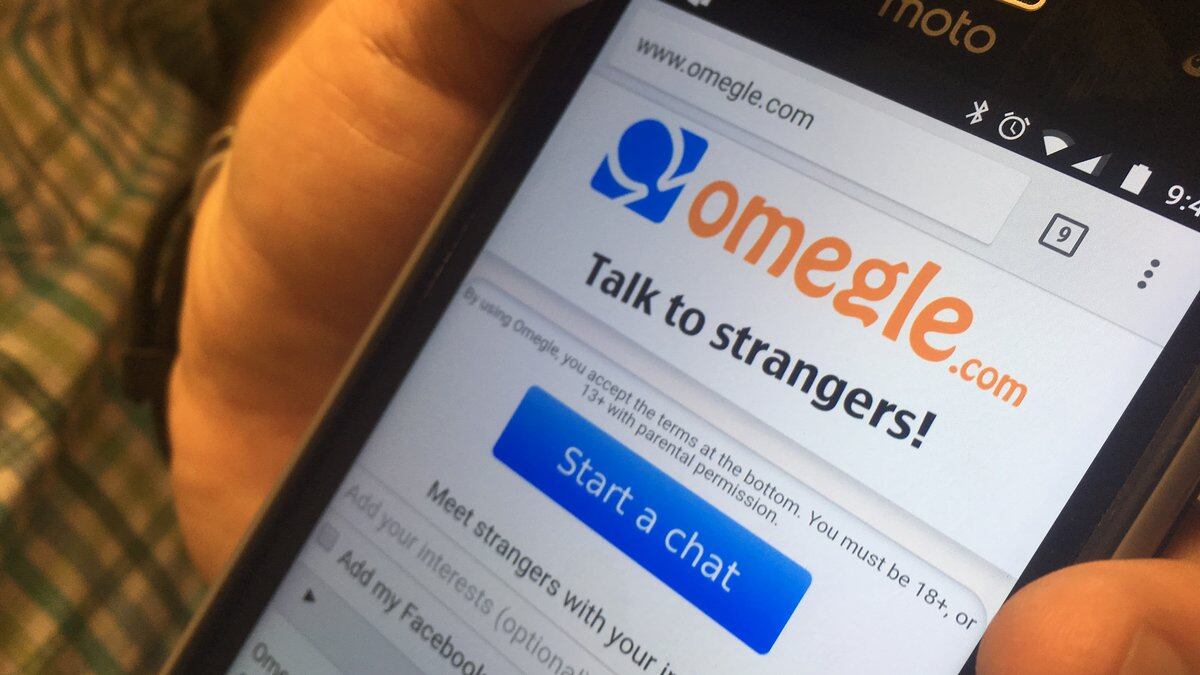
To turn on camera on Omegle mobile, open omegle.com in your mobile browser and allow the camera permission when prompted. On Android (Chrome) or iPhone (Safari), you must grant camera...
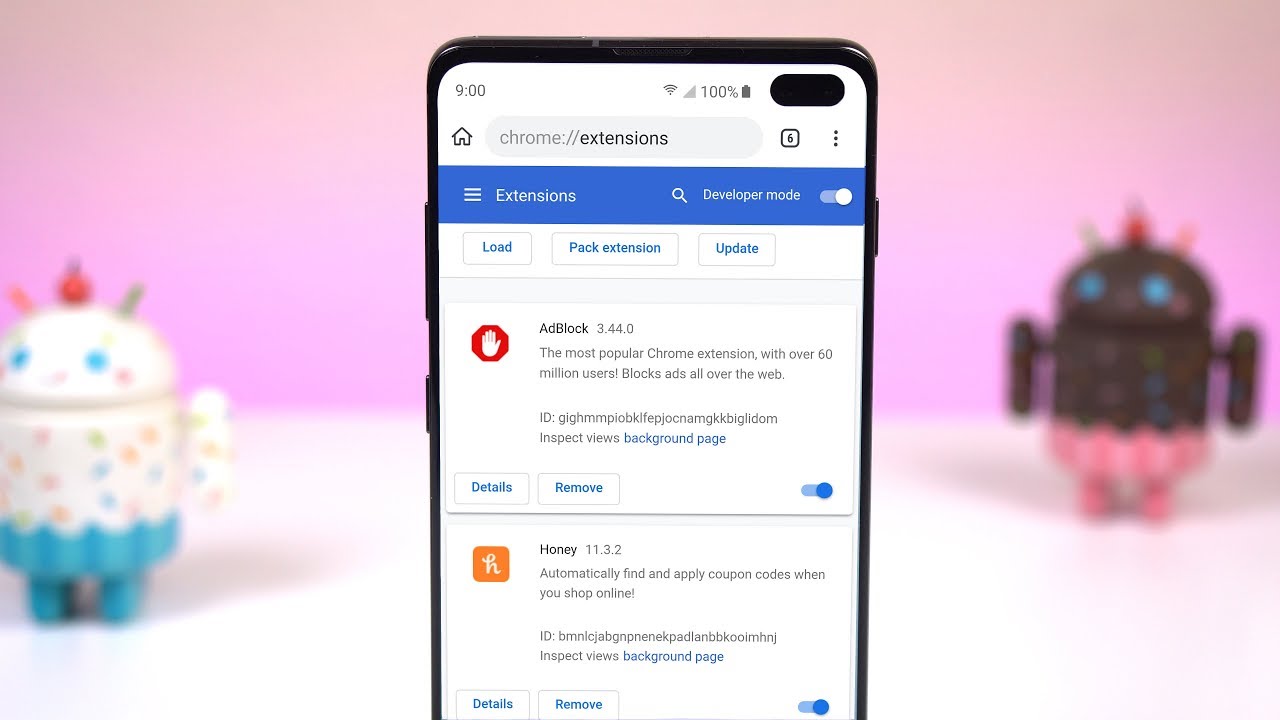
You cannot install chrome mobile extensions on the standard Chrome app for iPhone or Android. Google’s official documentation states that extensions are only available on the desktop version of Chrome,...
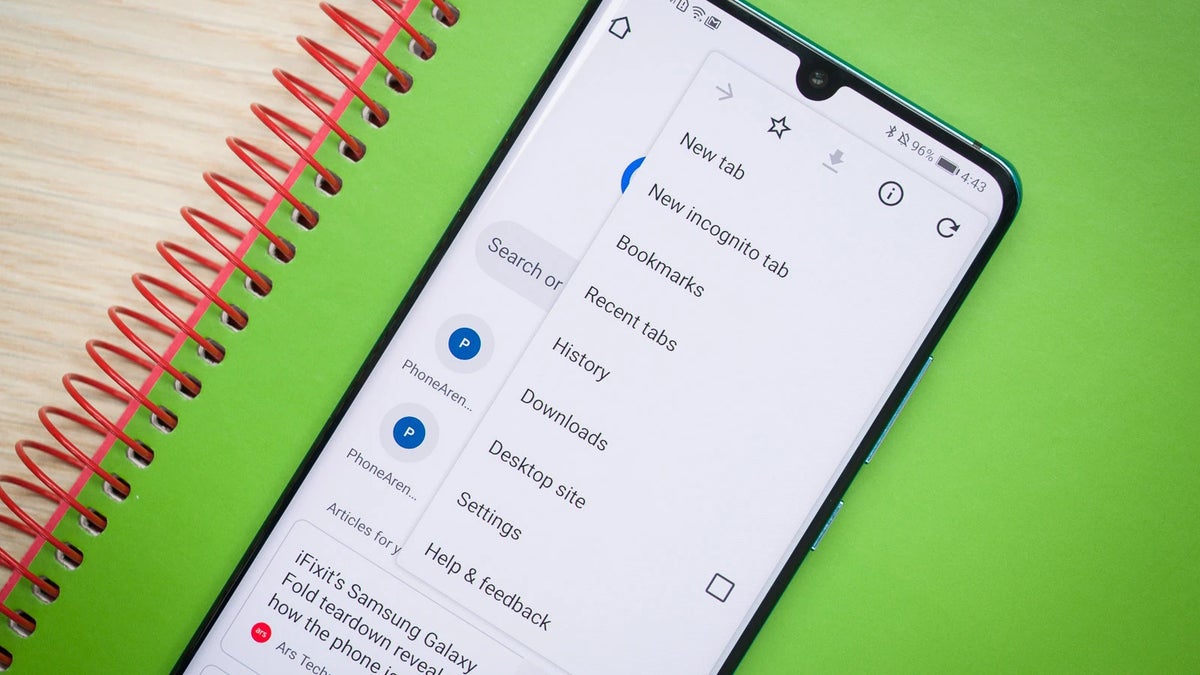
To get to mobile bookmarks in Chrome, open the app and tap the three-dot menu, then tap Bookmarks. This direct path works on both Android and iPhone, giving you instant...
You cannot delete videos directly within the Twitch mobile app. To delete videos on Twitch mobile, you must use a mobile web browser to access the Creator Dashboard, which is...
If you want to see who follows you on Twitch mobile, the official Twitch app only shows your follower count, not a list of names. To view the full list...
On mobile, you can not crop your Facebook profile picture if you open the site in a browser like Chrome or Safari, go to your profile, tap "Update Profile Picture,"...
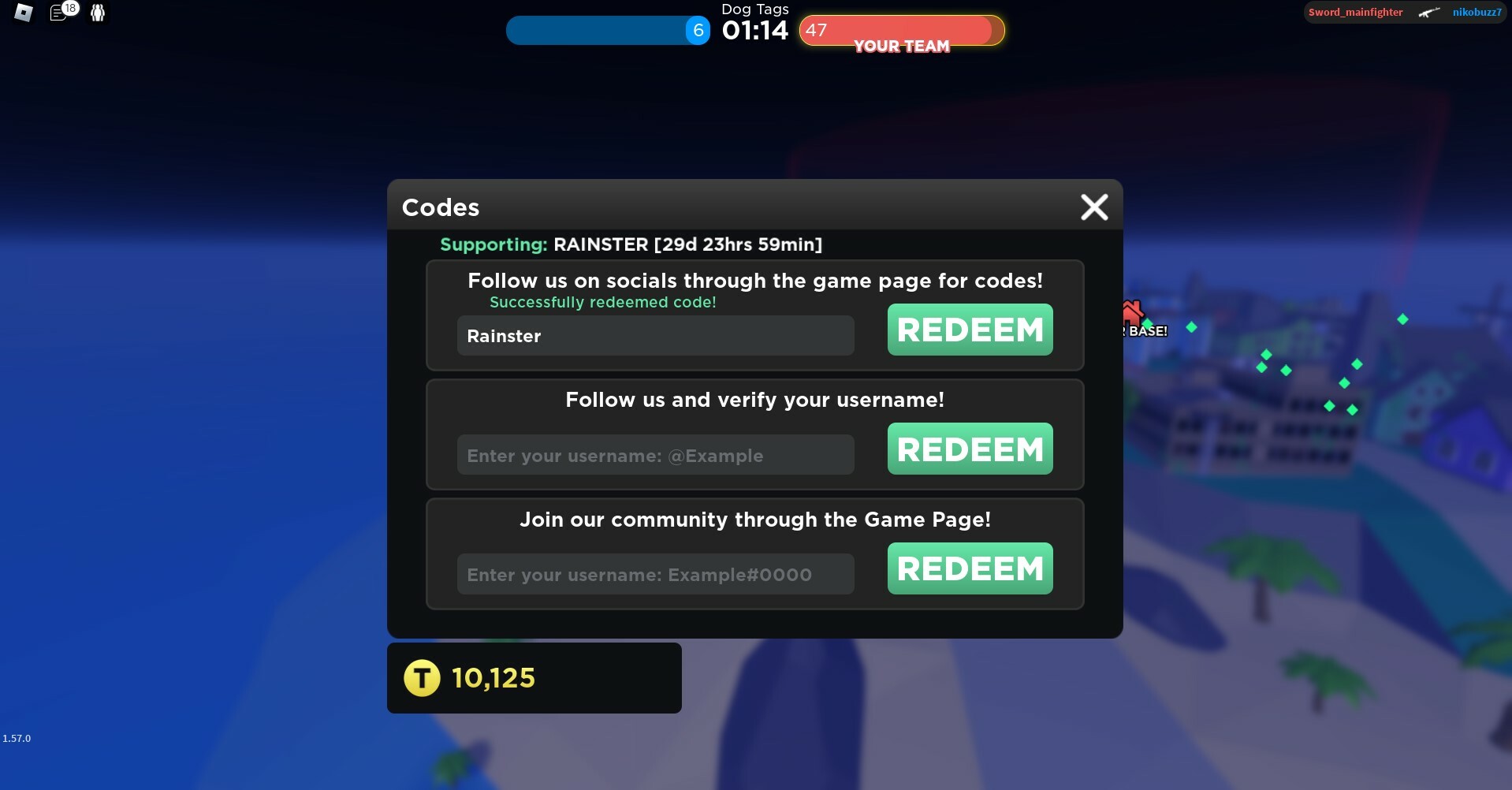
To redeem Roblox codes on mobile, open a browser on your iPhone or Android and go to Roblox.com/redeem, then sign in, enter the code, and tap Redeem. This is the...
The only supported path to change Xbox pin on phone is through the web-based account security page, not through any mobile app or carrier-specific help center. Can you change your...
There is no button inside the YouTube app to change your layout on a phone. The only documented way to change YouTube layout on phone is to open YouTube in...
To redeem Robux on phone, you must use a mobile web browser rather than the Roblox app, because most gift cards cannot be redeemed directly within the standard mobile app....
You can wear two face accessories on Roblox Mobile, but only by using a workaround through the Roblox website on your mobile browser, not the standard app. This method lets...