The mobile browser tag on CellularNews collects practical, step-by-step guides for anyone who manages their digital life primarily from a phone. This page is for gamers, streamers, and social media users who need to perform specific account and app tasks without switching to a desktop computer.

The articles here solve two main kinds of problems. The first group focuses on managing gaming and streaming accounts on the go. You can learn how to redeem Robux or Roblox codes on your phone, trade items in Roblox Mobile, or upload custom clothes for your avatar. For Twitch users, there are guides on how to check your analytics, see who follows you, check your payout, and even delete videos directly from mobile. The second group tackles everyday app and browser customization. These posts show you how to change your YouTube layout, get to mobile bookmarks in Chrome, use extensions on Chrome mobile, or change your Xbox username and PIN without a console.

Whether you need to add bots in Discord Mobile, put links in your Tumblr bio, or figure out how to wear multiple face accessories on Roblox Mobile, these articles provide the direct, no-nonsense instructions to get it done on your phone.
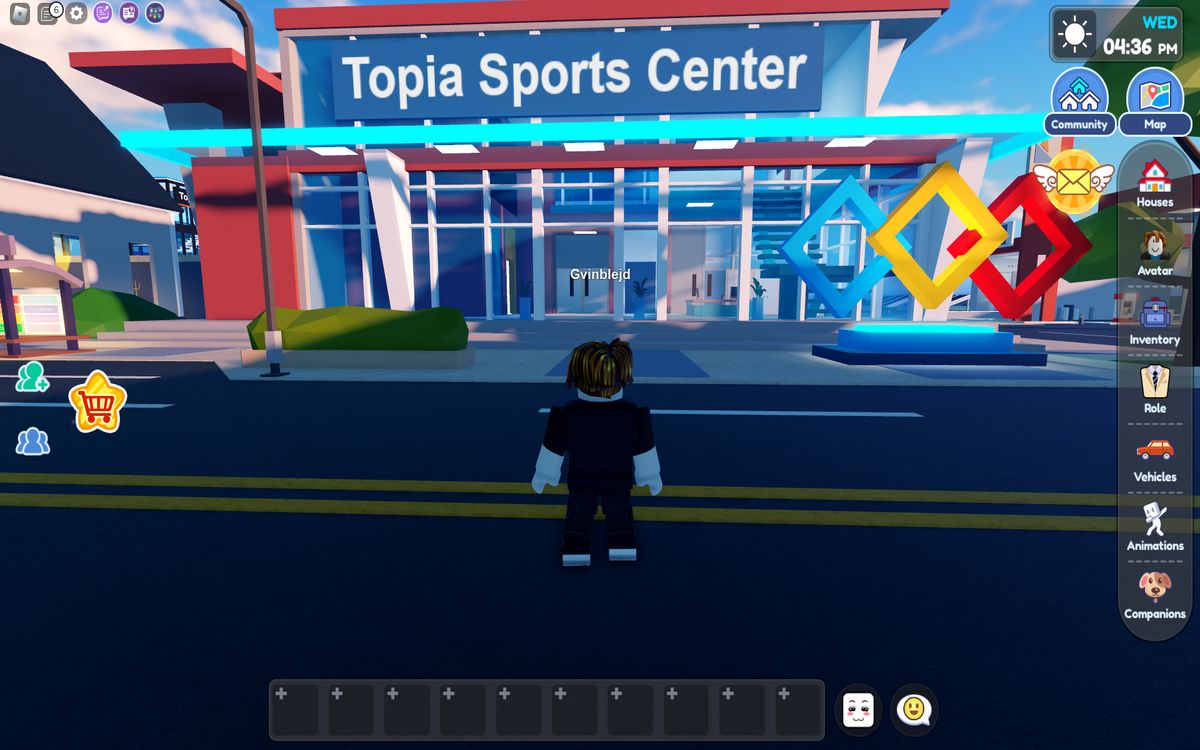
How To Upload Clothes On Roblox Mobile

You cannot upload clothes directly inside the Roblox mobile app, but you can upload clothes on Roblox mobile by using your phone’s browser to access the Creator Dashboard. This is...

How To Check Twitch Analytics On Mobile

This is the official way to view per-stream stats and insights on your phone, since the Twitch mobile app does not include a dedicated analytics section. How to check twitch...

How To Put Links In Tumblr Bio Mobile

To put links in your Tumblr bio on mobile, you must use your phone's browser instead of the Tumblr app. The Tumblr mobile app does not support adding clickable links...

How To Trade Items In Roblox Mobile

To trade items in Roblox mobile, you must use a mobile browser to access the Roblox website, because the mobile app itself does not support trading. What you need before...

How To Add Bots In Discord Mobile

To add bots in Discord mobile, you must use a mobile browser to open the bot's install link, the Discord app itself does not have a built-in "Add Bot" feature....

How To Twitch Prime Sub On Mobile

To use your Twitch Prime sub on mobile, the official app does not support it on iOS, so the universal workaround is to use a mobile web browser in desktop...