The Mobile Data tag on CellularNews is a straightforward collection for anyone who uses a smartphone, tablet, or hotspot device and wants to understand, control, or fix their wireless connection. Whether you are an Android user, a Samsung owner, or someone just trying to get a game console online, these articles are written for you.

The articles here tackle three main kinds of problems. First, there are direct troubleshooting guides for when things stop working, such as the steps in "10 Easy Fixes for Mobile Data Not Working on Android" and the solutions for "YouTube Videos Not Playing" or "Why Is My Mms Not Working On Android." Second, the tag explains core concepts and settings, helping you understand what terms like LTE, APN, and SIM card actually mean, and how to change settings like your mobile data IP address or turn on cellular data for a Samsung S20. Third, there is a strong focus on practical how-tos for using your data connection, including how to connect a hotspot to an Xbox, a PS5, or a TV, and how to manage data usage for apps like Spotify and Minecraft.

Overall, these articles help the reader do specific things: fix a broken connection, configure their phone’s network settings, share their connection with other devices, and understand exactly what their mobile data plan is doing. From checking the speed of your wireless connection to figuring out how many hours 60GB of hotspot lasts, the content is built around real, everyday tasks.

How Does Boost Mobile Hotspot Work

Boost Mobile hotspot is a plan feature that turns your Boost Mobile phone into a Wi‑Fi hotspot, sharing its cellular data with other devices like laptops and tablets. It works...

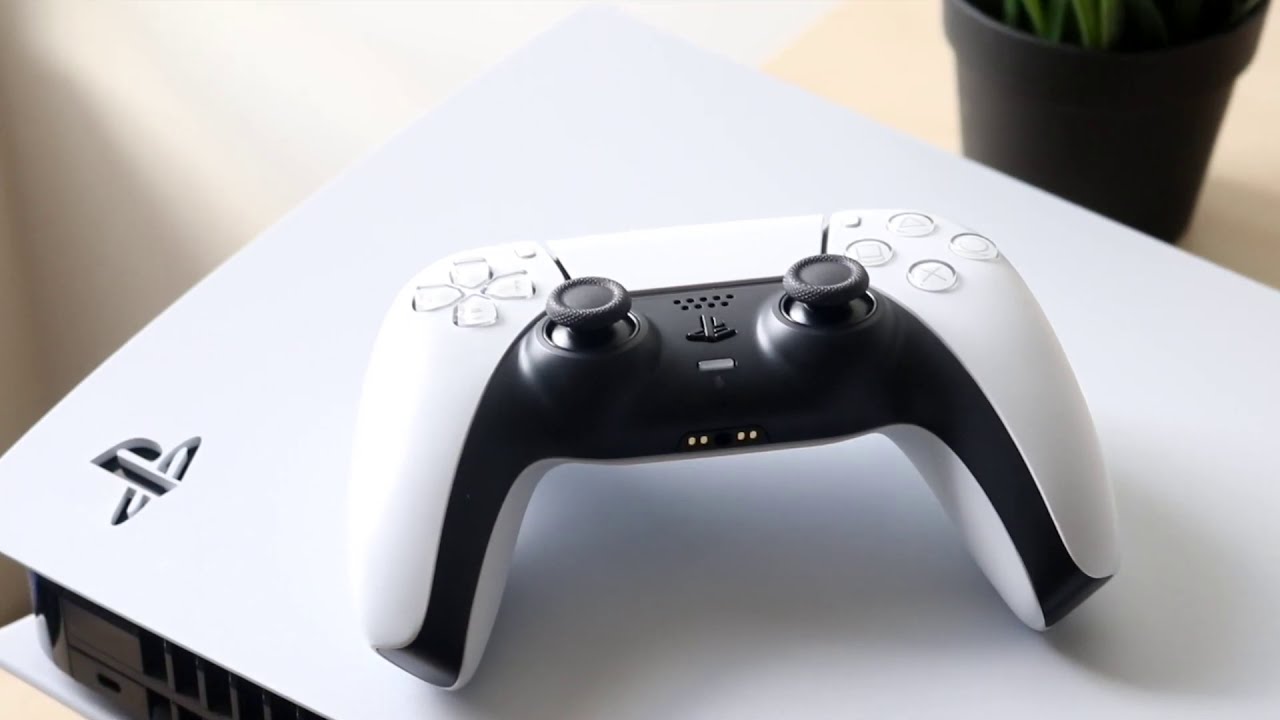
How To Connect PS5 To Hotspot

To connect PS5 to hotspot, turn on your phone's mobile hotspot, then go to your PS5 home screen and navigate to Settings > Network > Settings > Set Up Internet...

What Does A SIM Card Do In A Phone

A SIM card's primary function is to authenticate your identity to a cellular network, enabling voice calls, SMS, and mobile data access. Without a SIM card, a phone cannot connect...

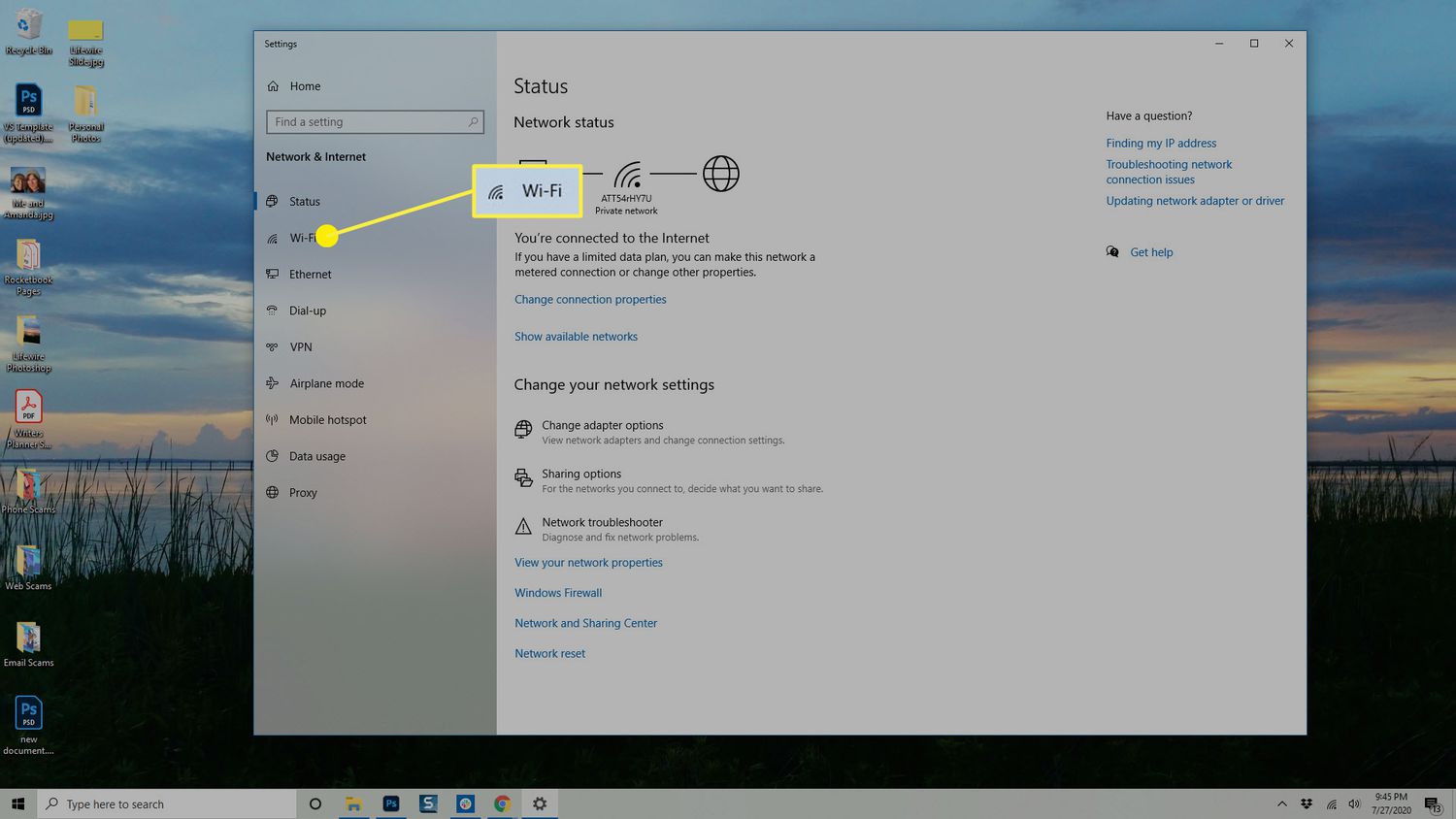
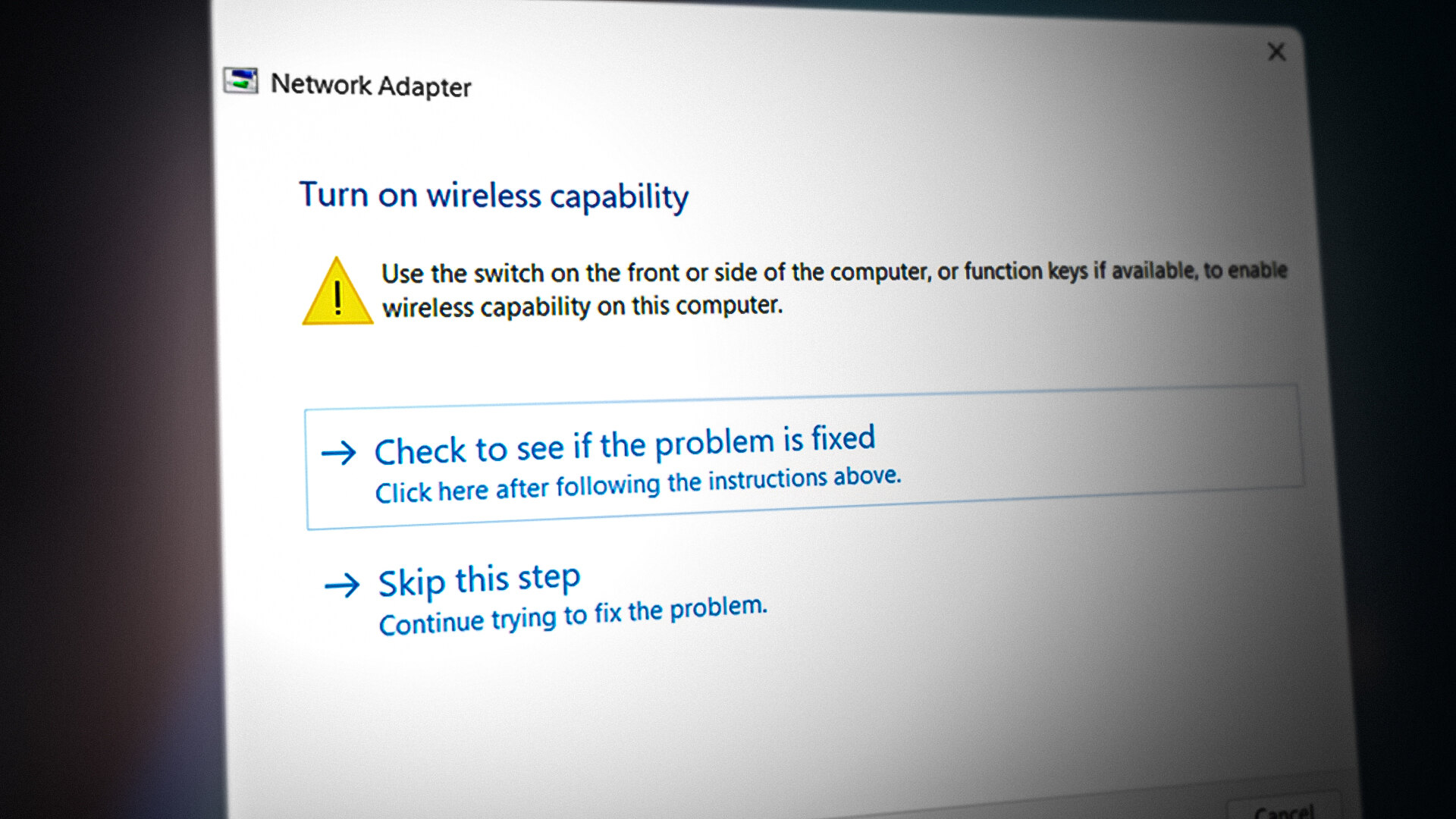
How To Turn Back On Wireless Capability

To turn back on wireless capability, you need to enable cellular data (mobile data) on your specific phone, not Wi-Fi. The exact steps depend on whether you use an iPhone,...

How To Stream Netflix Without Using Data

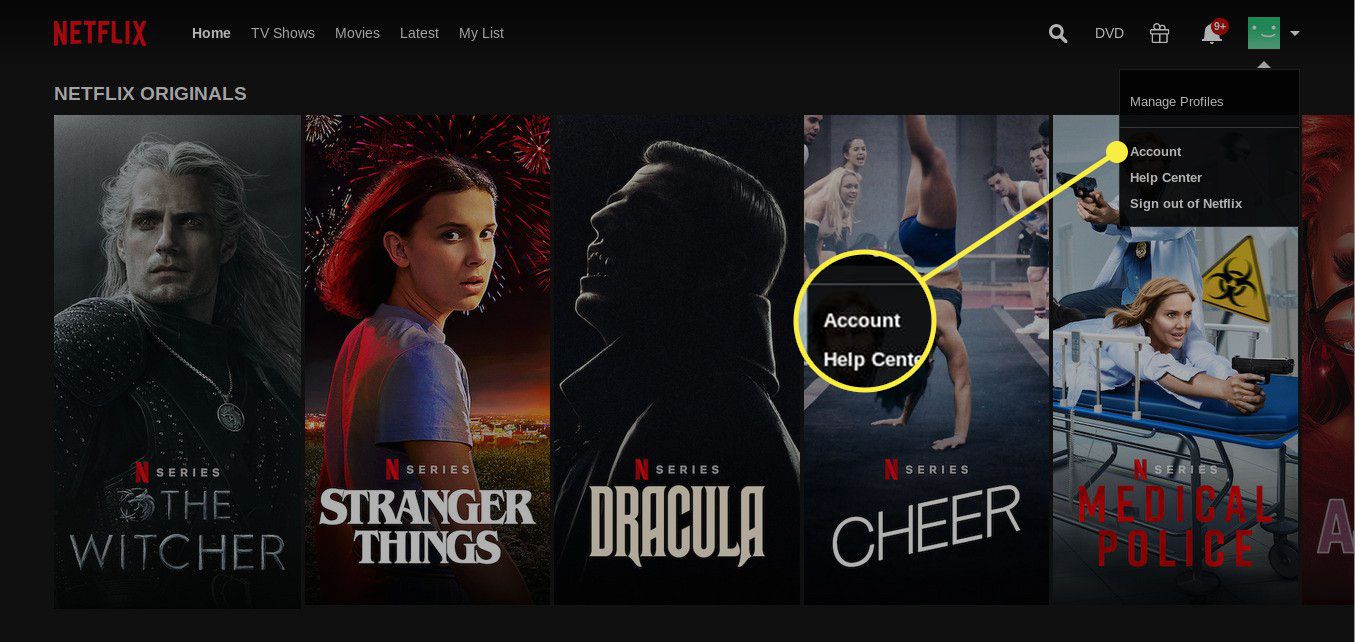
The only verified way to stream Netflix without using data is to download eligible titles in the Netflix app over Wi-Fi and watch them offline with no internet connection needed....

How To Access Snapchat Data

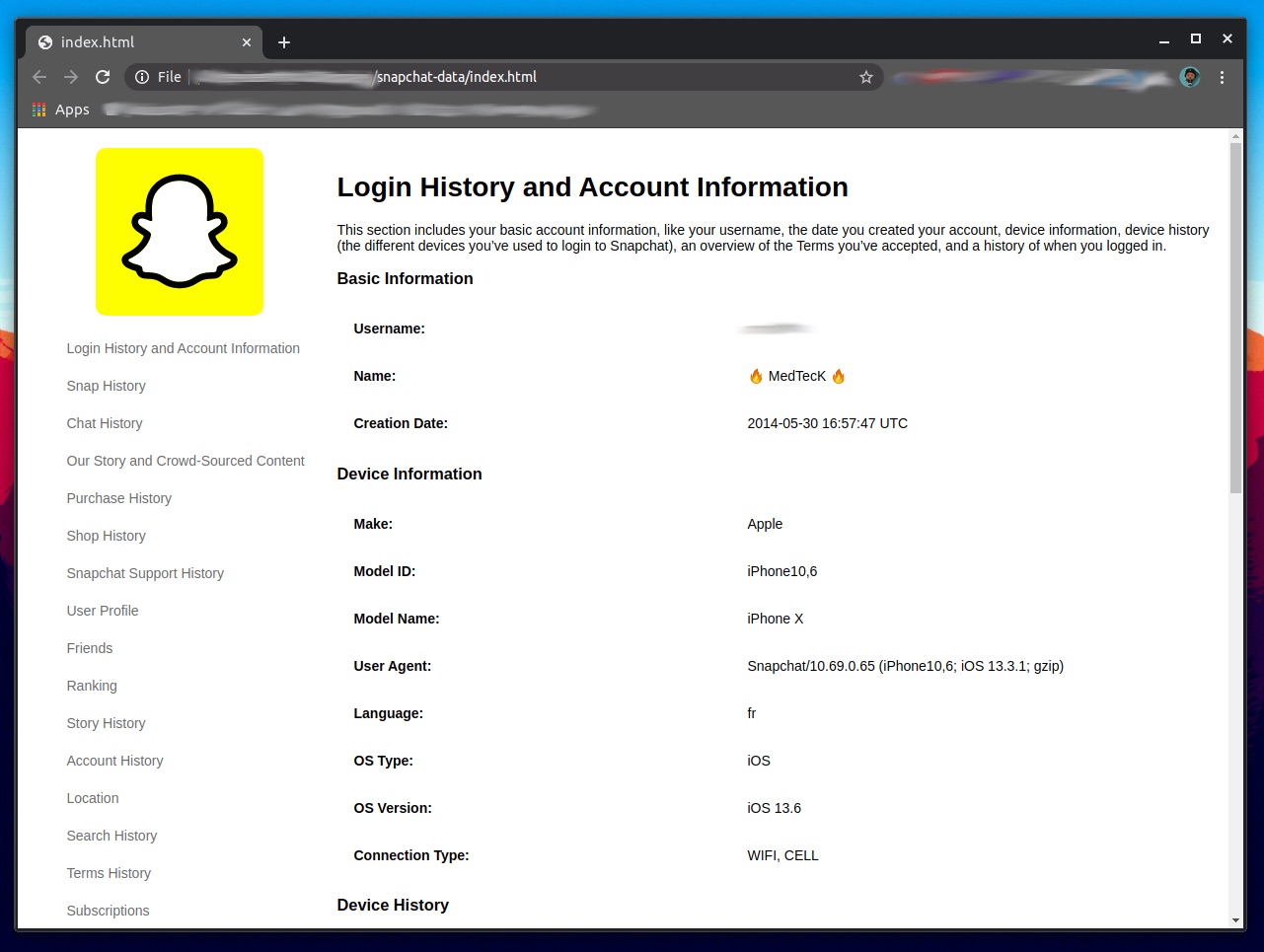
Understand your Snapchat data settings To access your Snapchat data settings, it helps to have a clear understanding Snapchat as a camera-first messaging app. The app is built around disappearing...

How To Play Minecraft On Cellular Data

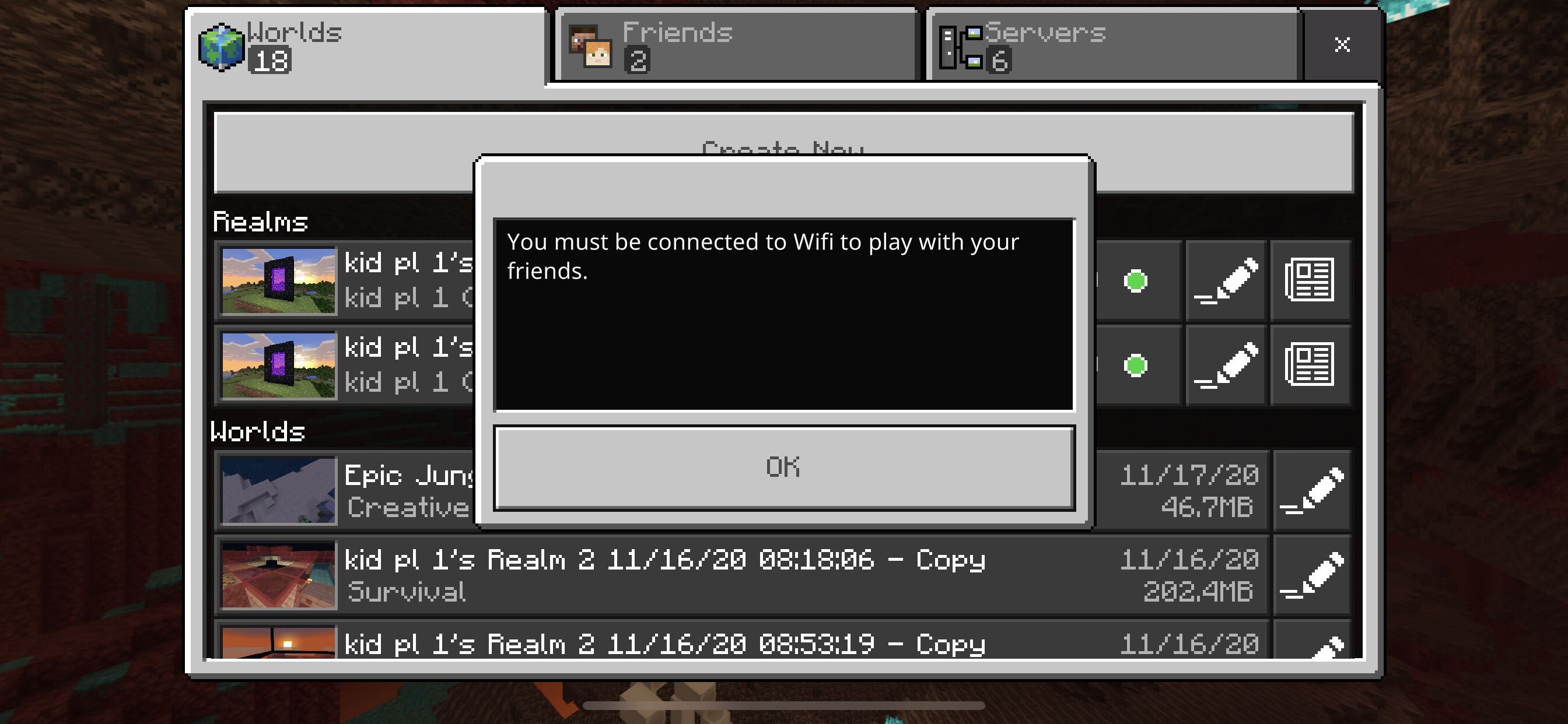
To play Minecraft on cellular data, open the Minecraft app, go to Settings, then navigate to the Profile or General tab, and toggle the "Use cellular data" or "Allow mobile...