This tag collects our guides on pairing and connecting wireless devices to your phone, tablet, game console, and other electronics. It is intended for anyone who has bought a new accessory, like earbuds, a selfie stick, or a game controller, and needs clear, step-by-step instructions to get it working with their existing gear. Whether you are setting up a device for the first time or troubleshooting a connection that has stopped working, these articles walk you through the process.
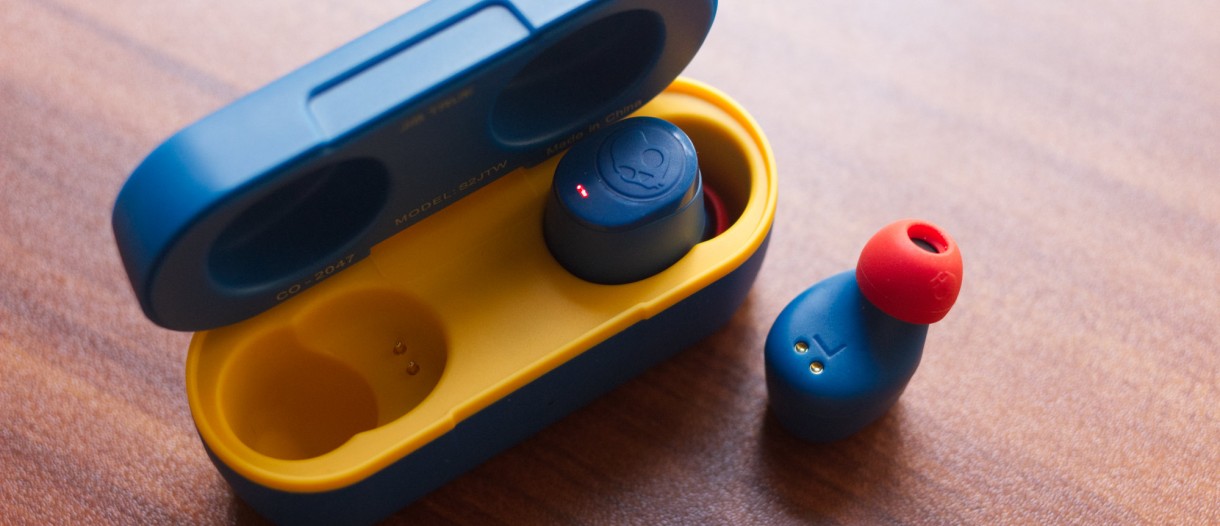
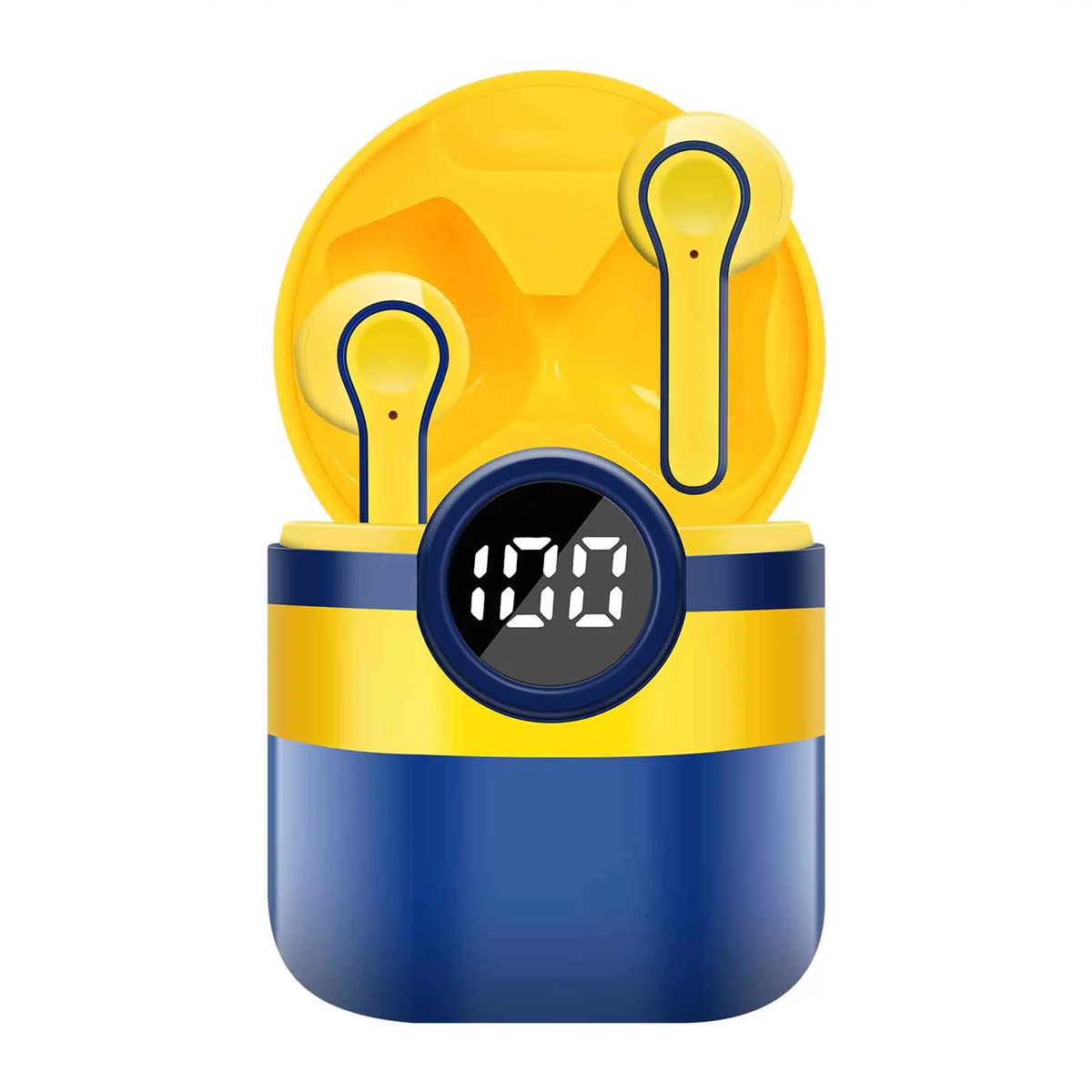
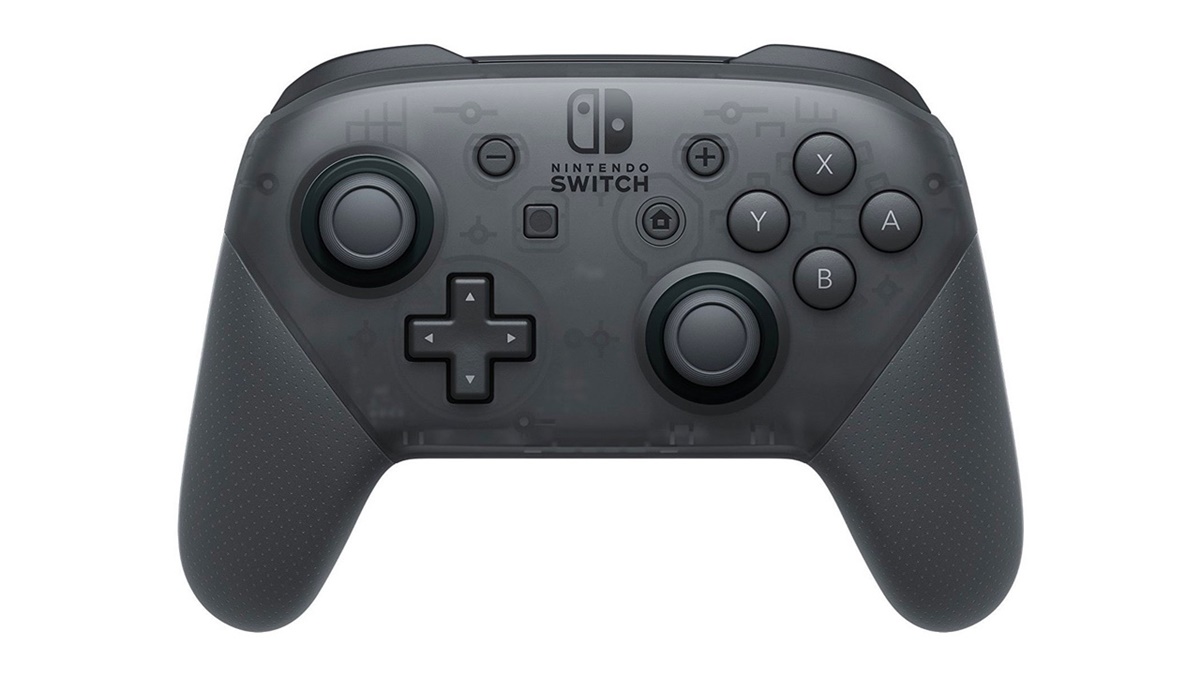
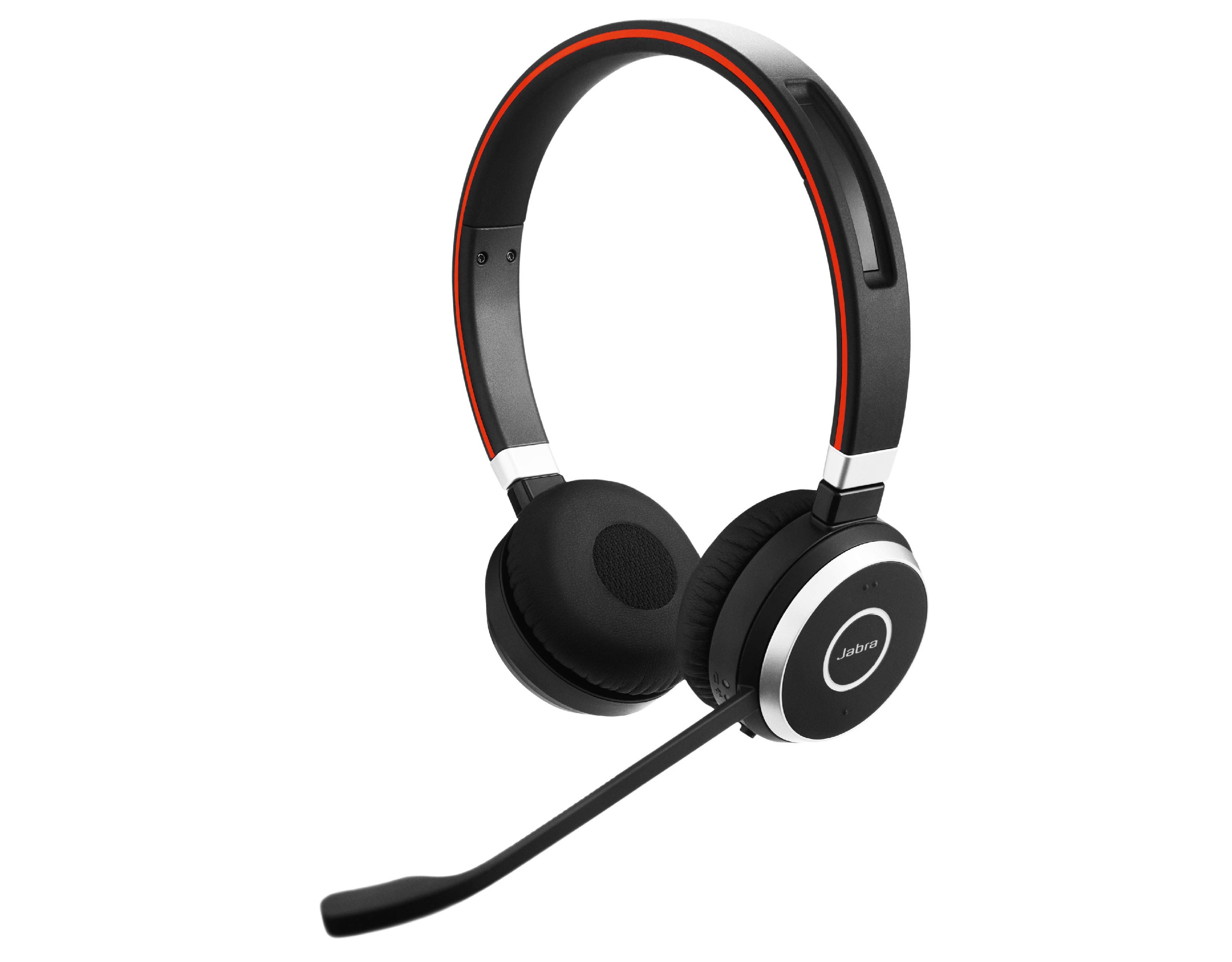
The articles here generally fall into two main problem areas. One group focuses on connecting audio devices, such as wireless earbuds and headphones, to your phone. You will find specific guides for pairing Sony wireless earbuds, Skullcandy Indy Evo wireless earbuds, and JBL wireless earbuds to a phone, as well as instructions for turning on Beats Flex wireless earbuds and connecting Jabra wireless headphones. Another set of articles deals with pairing controllers and peripherals, including how to connect a gamepad wireless controller to a Switch, how to pair a wireless controller to an Xbox One, and how to connect a wireless keyboard to a PS4.
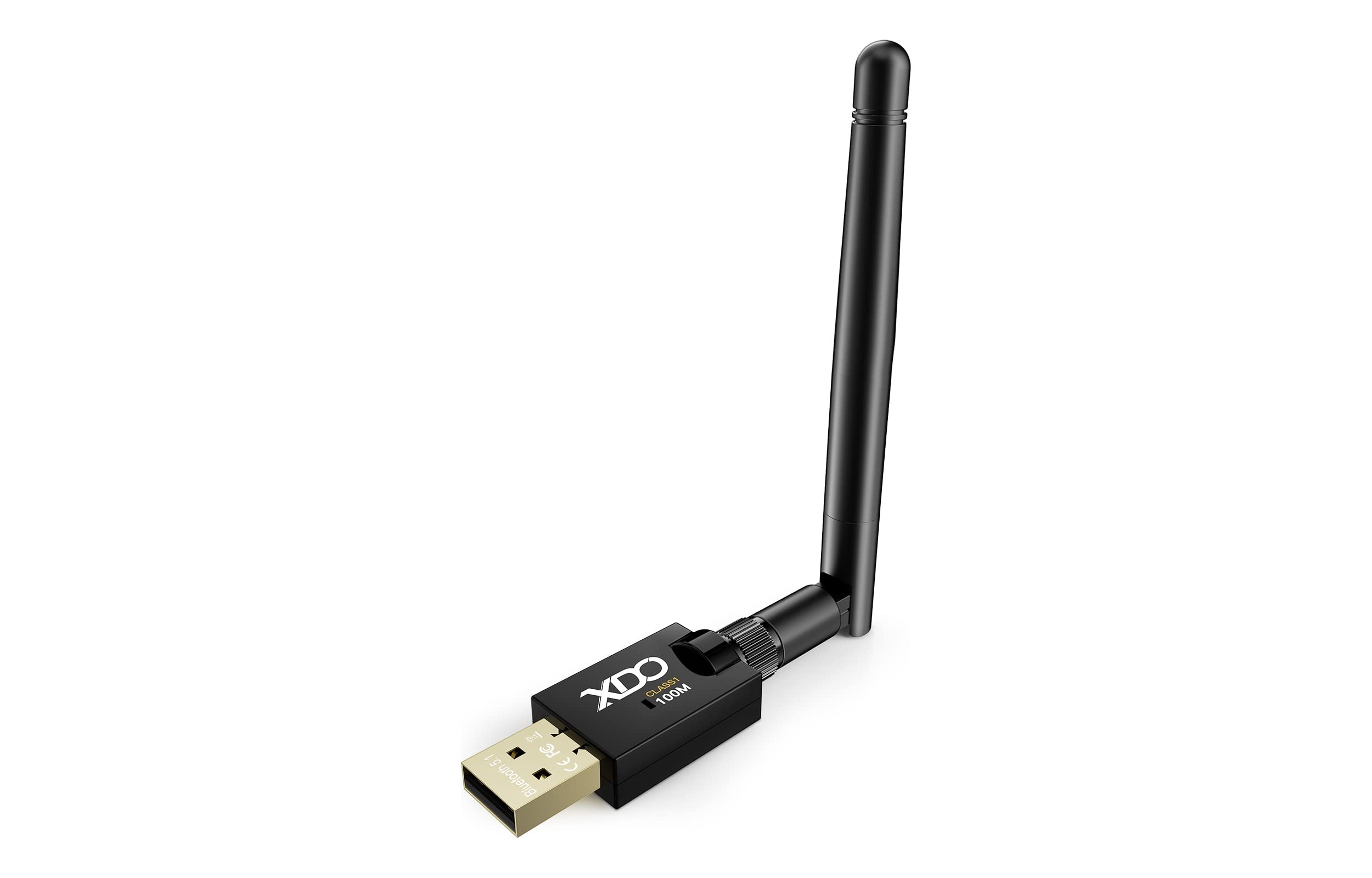
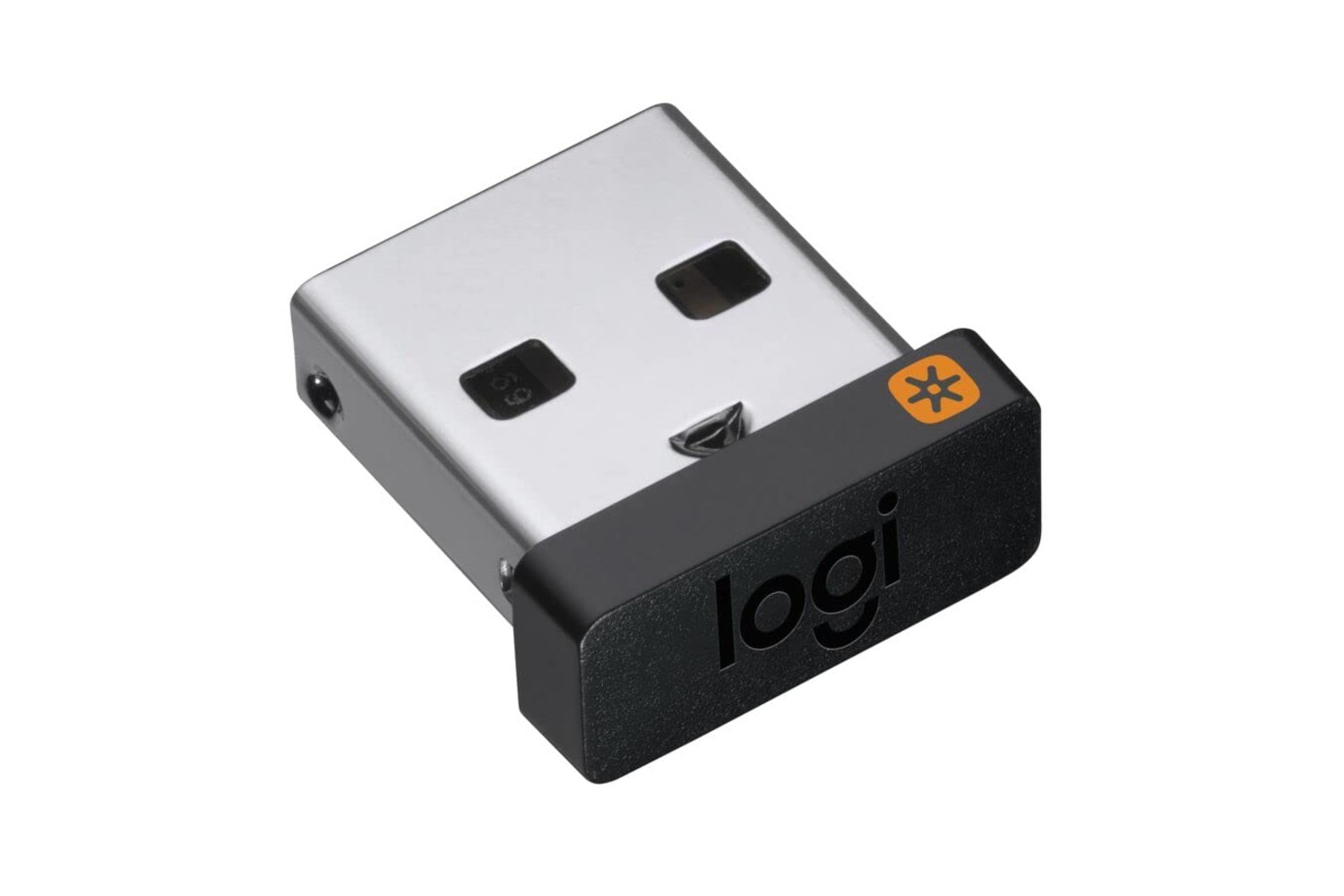
Beyond these core themes, the tag also covers related topics like using and reprogramming a Logitech dongle, understanding what discoverable mode is, and fixing Onn wireless earbuds. Each article is designed to help you perform a specific action, from connecting a selfie stick to syncing a Klipsch wireless subwoofer, without assuming prior technical knowledge. The goal is simply to get your devices paired and working as intended.