The Passcode tag on CellularNews is a practical resource for anyone who owns a smartphone and wants to control who can access their device, apps, and data. Whether you are setting up a phone for the first time, troubleshooting a lockout, or simply looking to add an extra layer of privacy to your photos, this collection of guides is designed for everyday users. The articles here focus on the real-world steps of managing security features, from basic screen locks to biometric authentication.
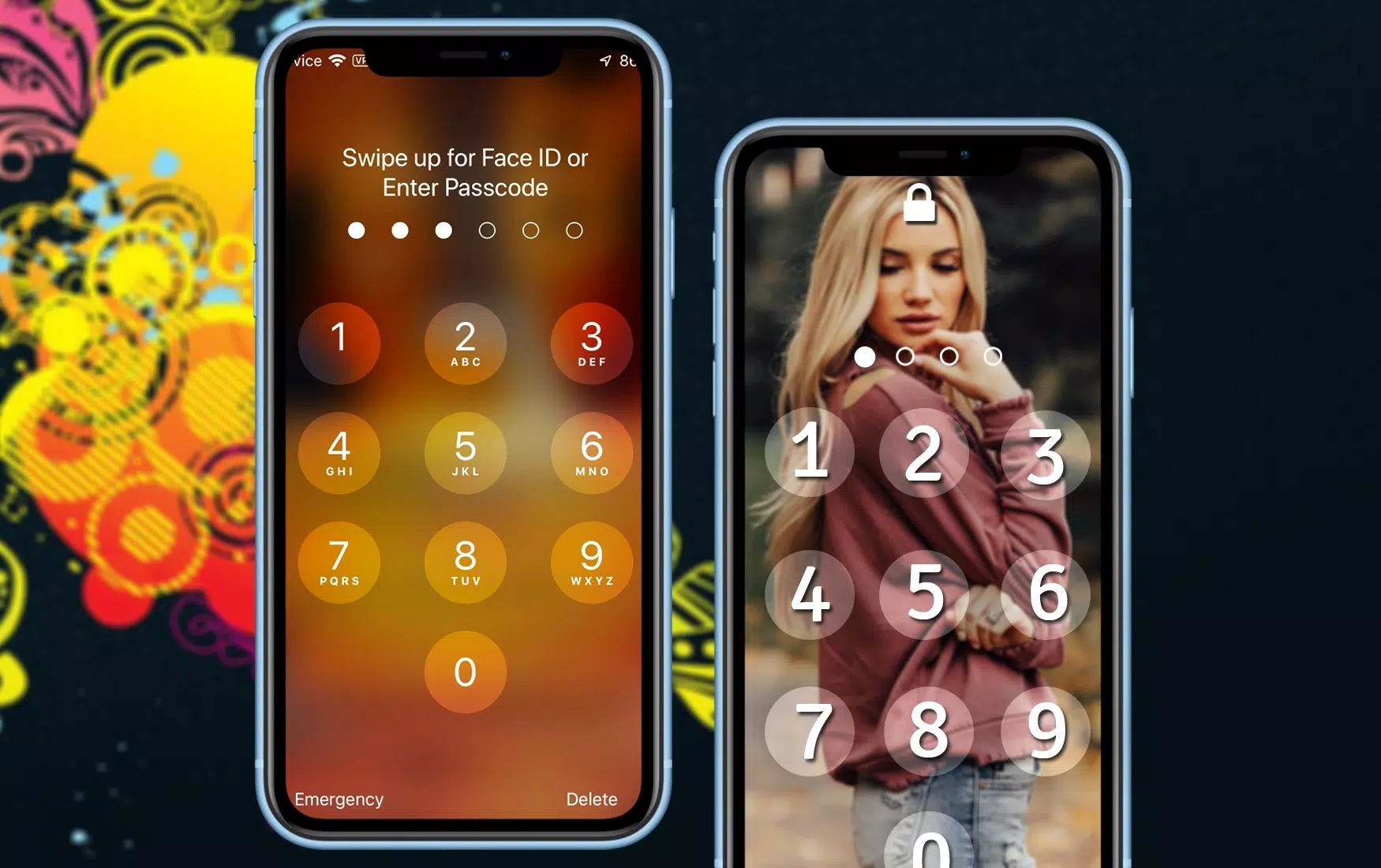
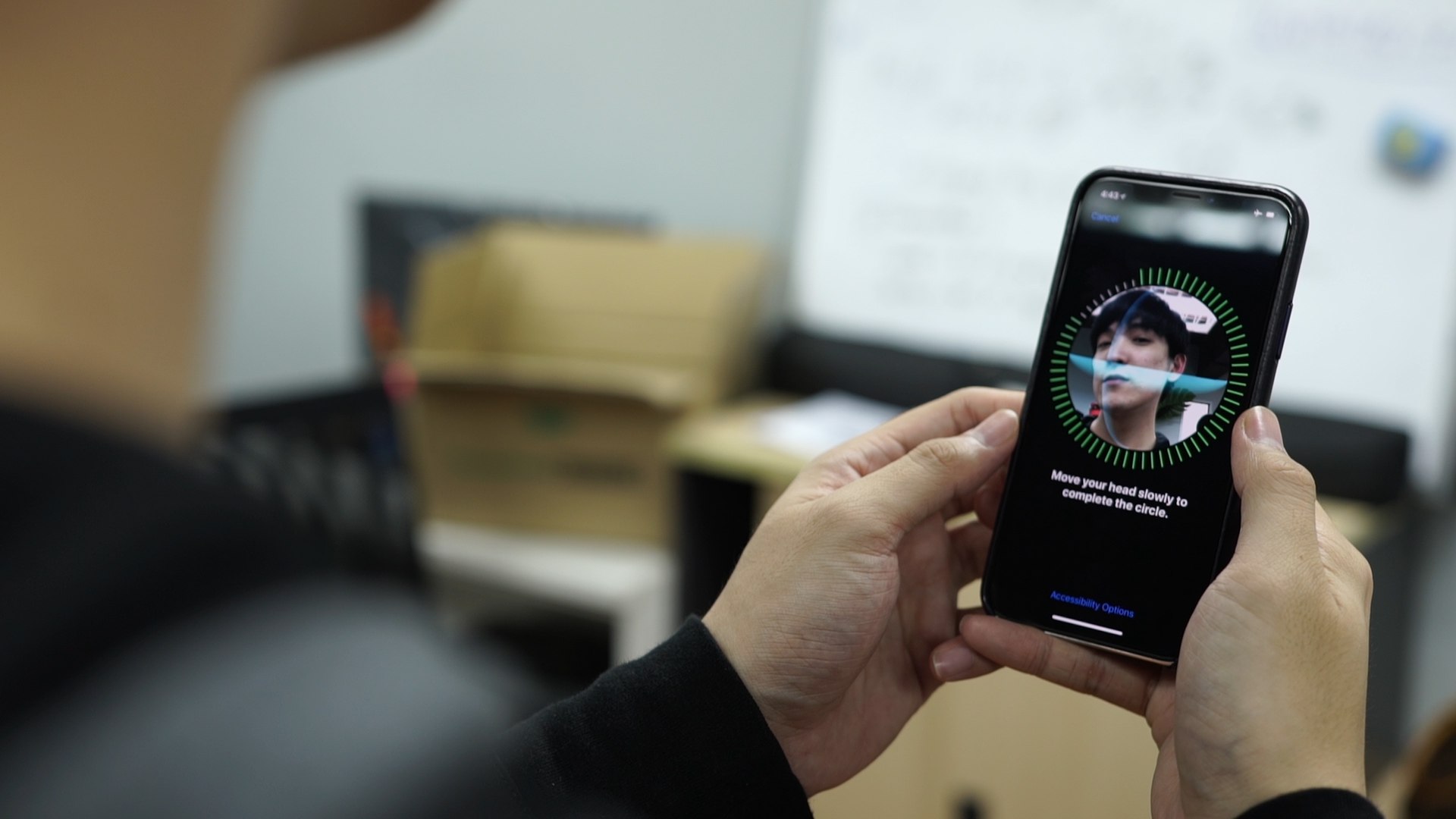
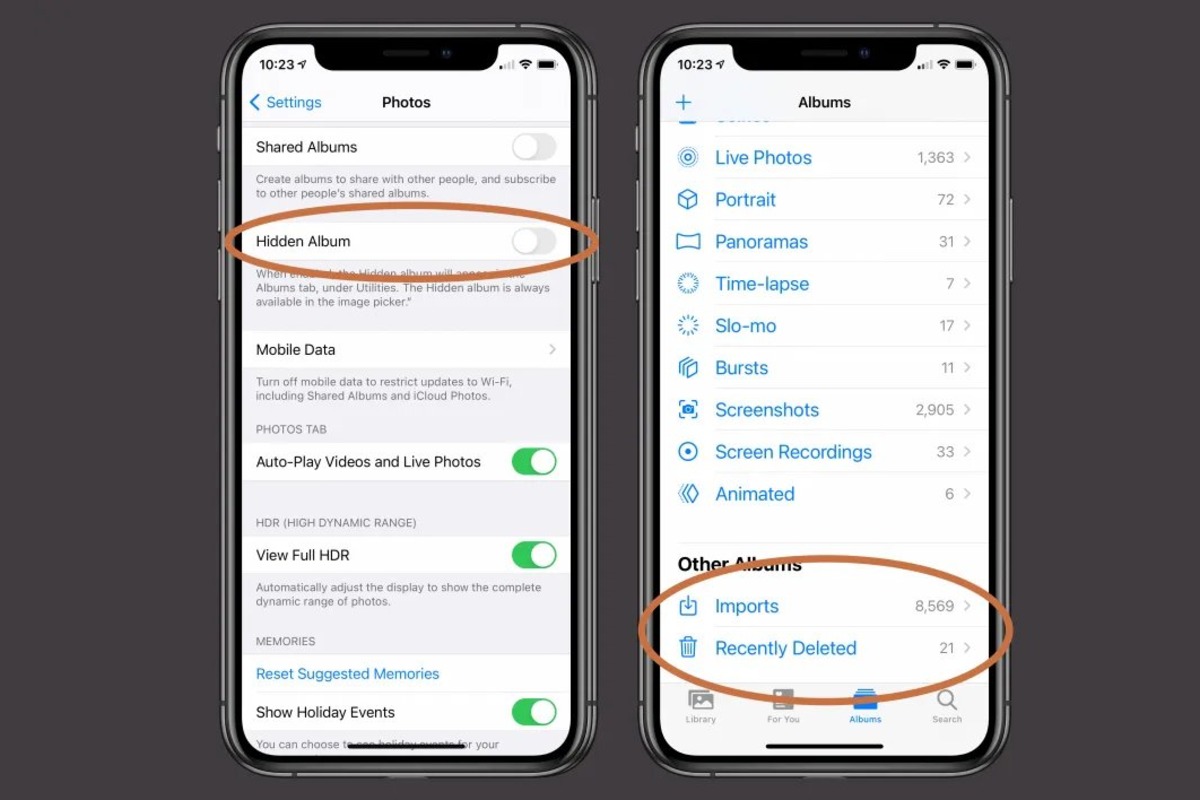
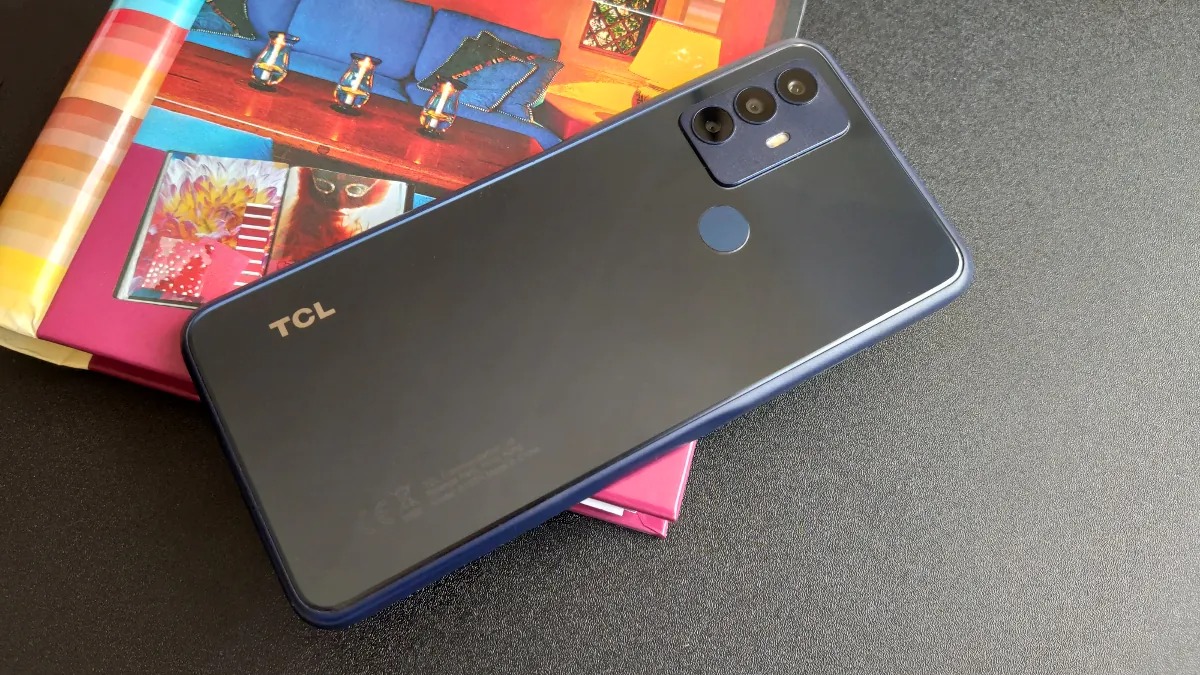
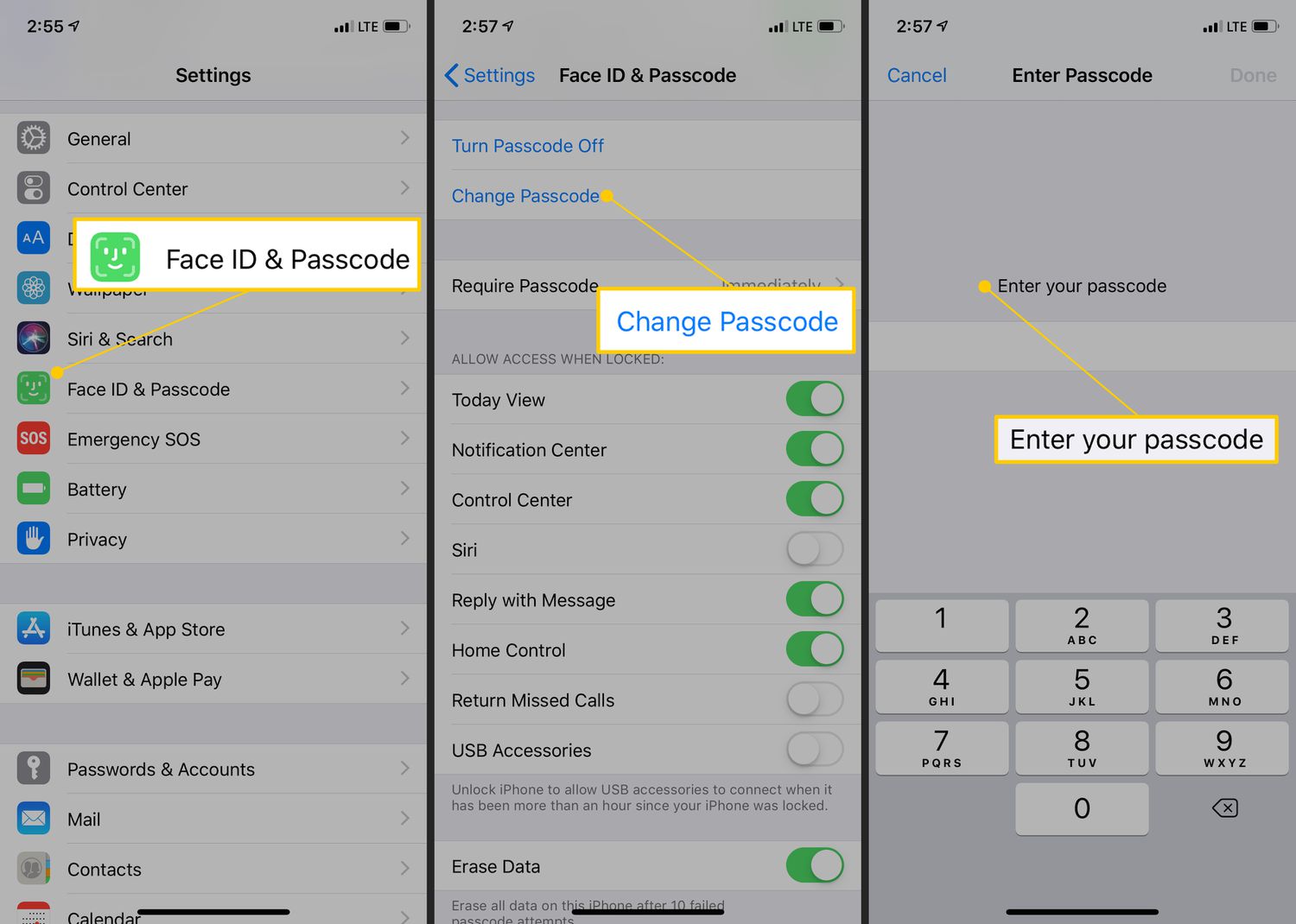
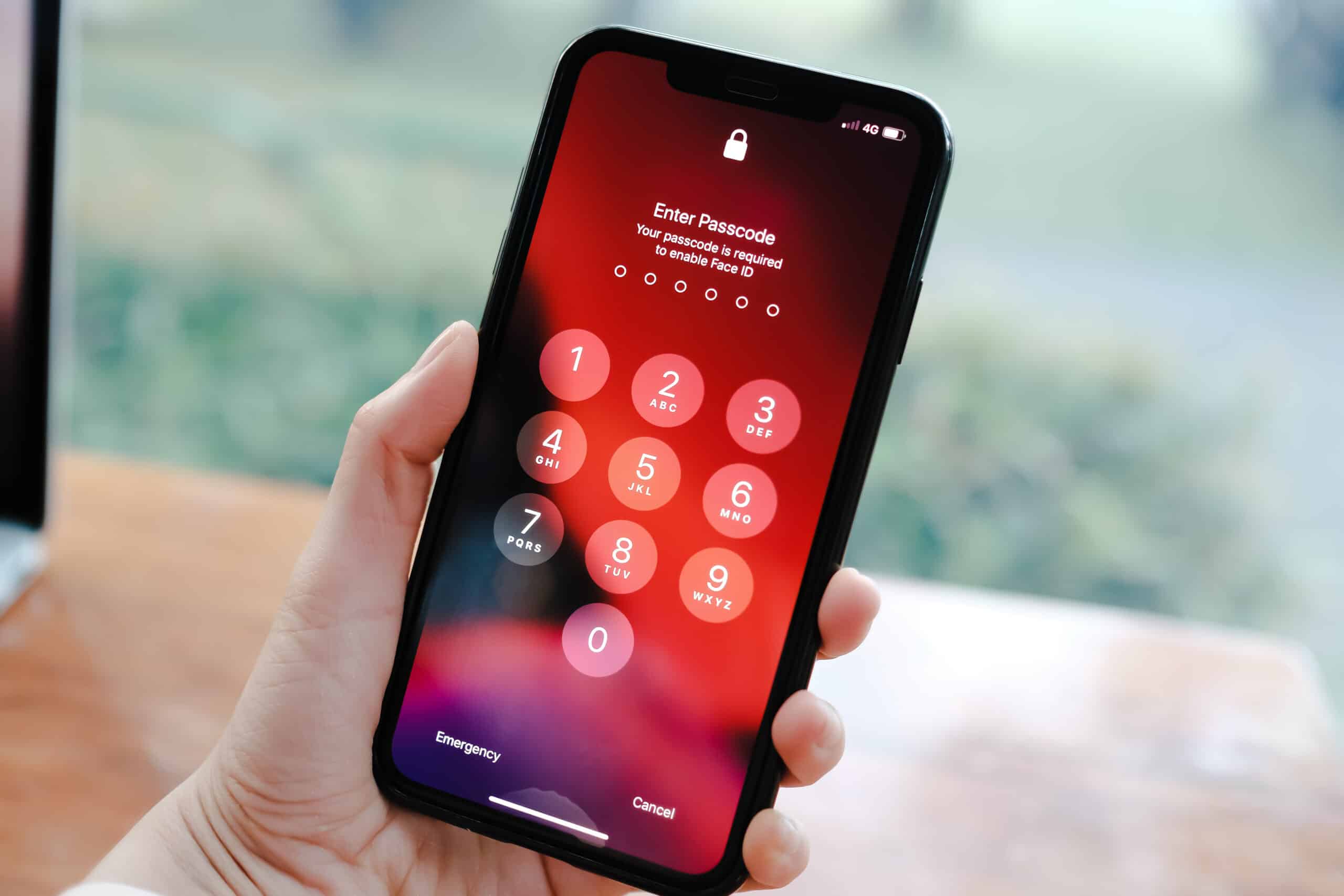
The content falls into two clear themes: setting up and removing access controls. For readers who want to establish protection, the tag covers how to set a password on your phone, how to screen lock on an iPhone 11, and how to set up Face ID on an iPhone 13. For those who need to bypass or disable these features, there are articles explaining how to take a passcode off your phone and how to bypass the passcode on a TCL phone. A third, smaller theme involves managing specific locked content, such as how to make a locked album on an iPhone.
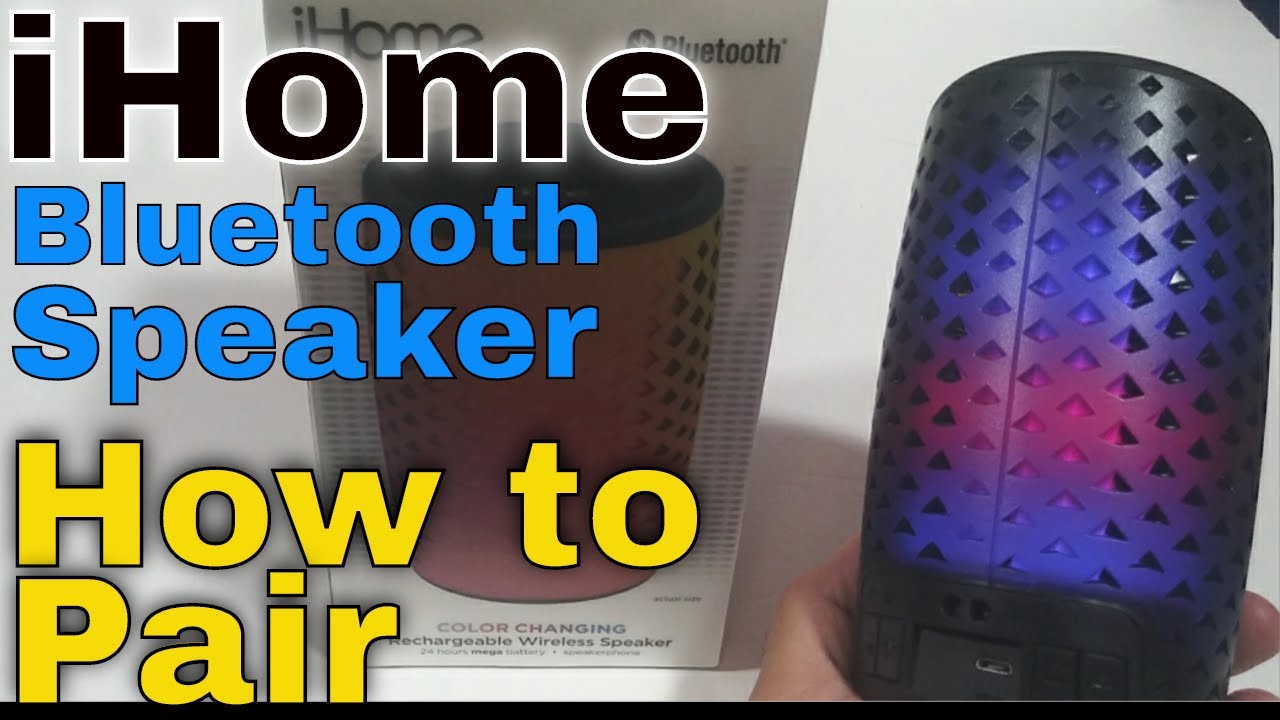
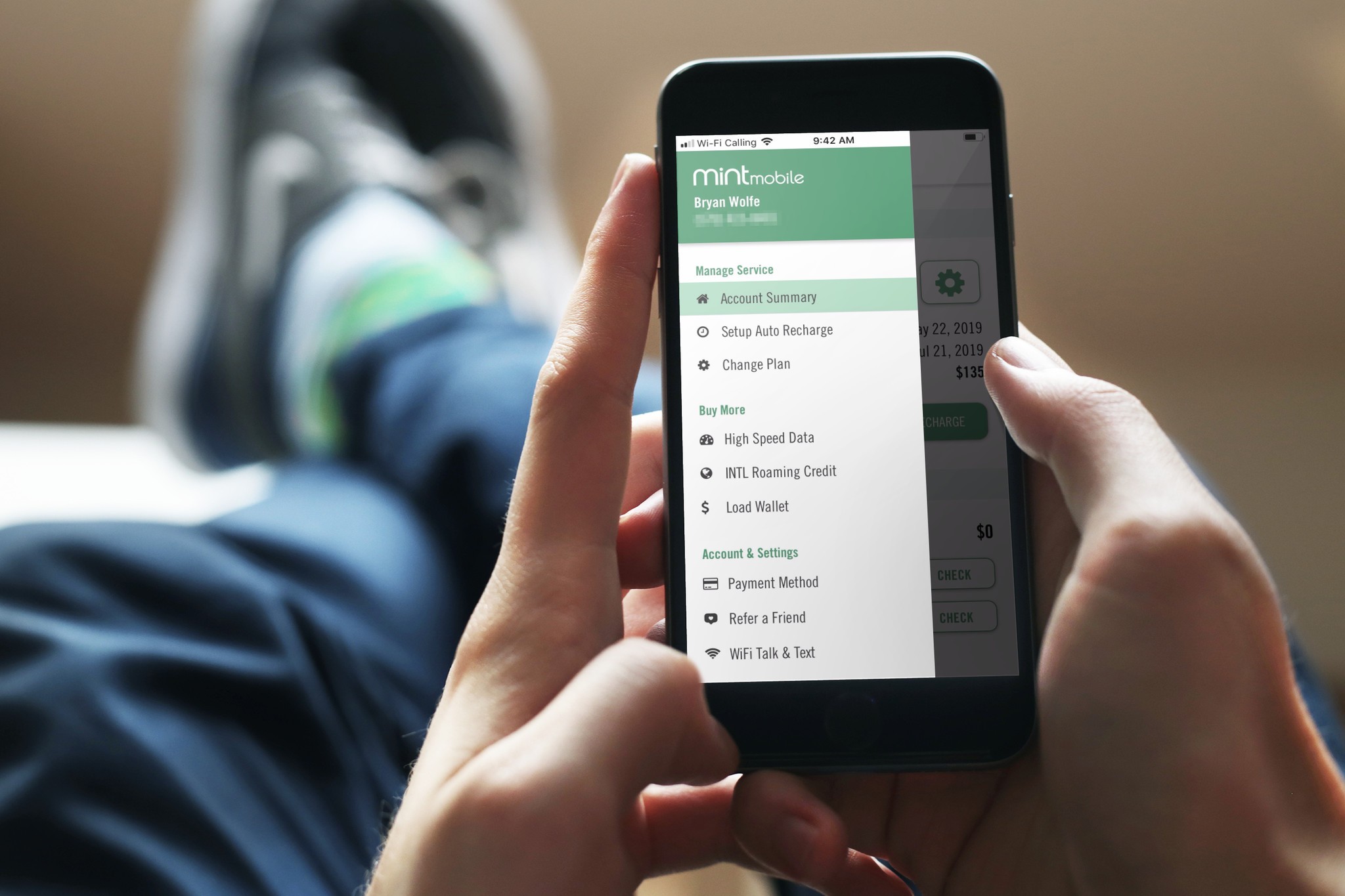
Beyond passcodes and screen locks, the tag also addresses related tasks like pairing an iHome Bluetooth speaker and setting up and managing voicemail on phones. Each article helps you complete a specific action, whether that is locking down your home screen, securing a private photo album, or getting your voicemail working correctly. This tag is for anyone who wants straightforward, actionable steps to take control of their phone’s security and everyday settings.