Set up voicemail by carrier
Before you set up voicemail, know that the service is not always active right out of the box, even with a fresh SIM card, and you often must call in from your own phone to trigger the service. If you need to set up voicemail Consumer Cellular from a Wireless Home Phone Base, pick up a connected home phone, dial 1, and wait about four seconds for the system to connect, then follow the voice prompts to create a password. On a standard mobile handset, holding the 1 key on your keypad will typically launch the same setup flow. When you set up voicemail on Verizon wireless, dial *86 from your phone or your 10-digit number from another phone, then follow prompts to select a language, create a 4- to 7-digit passcode, and record a greeting. The step-by-step activation path is documented for set up voicemail on Spectrum Mobile and set up voicemail on Xfinity Mobile, though it may not be for set up voicemail on Boost Mobile. Deleting a recording may not be enough to clear space, as you may need to listen to saved-then-deleted items completely to permanently erase them, and hanging up early may leave them in a state that still counts against your inbox limit.
First-time setup on specific phone models
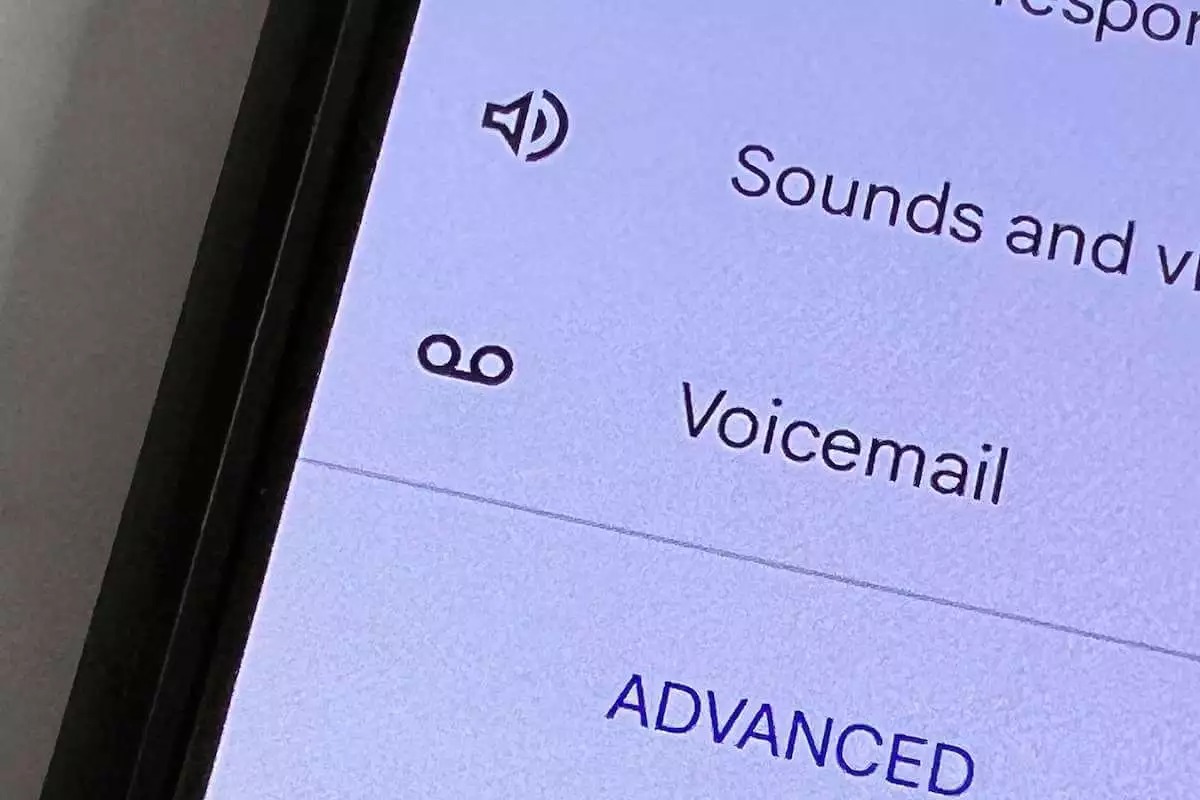
On many Android devices the starting point lives inside the Phone app itself, not in a separate voicemail application. When you need to set up voicemail on a Motorola Razr, open the Phone app, go to Settings > Voicemail. Navigate to the Voicemail section and look under Advanced Settings to confirm the correct access number is populated. Motorola’s support notes that the exact menu path can shift depending on which SIM is active on dual-SIM models. If the option is greyed out, switch your default calling SIM and check again. Once the number is correct, touch and hold the 1 key to dial into your mailbox. Your carrier’s voice prompts will walk you through creating a password and recording an introduction. If you set up voicemail on Samsung Galaxy S21 or another Galaxy device, the same general approach applies, but you may prefer to read the dedicated guide if you need to set up voicemail on Samsung phone for a different model. Use the Phone app’s configuration panel to verify the voicemail number, then long-press 1 to call in. For AT&T mobile accounts specifically, the system will ask you to choose a password before you can finish, and if you use their landline-style device you should follow the instructions to set up voicemail on AT&T wireless home phone instead. Menu labels and key sequences differ by device even when the underlying carrier steps stay the same, which is why you might want to set up voicemail on T-Mobile phone using their specific guide, or set up voicemail on TCL flip phone if you own that model. For office systems, you can also set up voicemail on mitel phone to ensure your desk extension is configured correctly.
Checking and listening to your messages
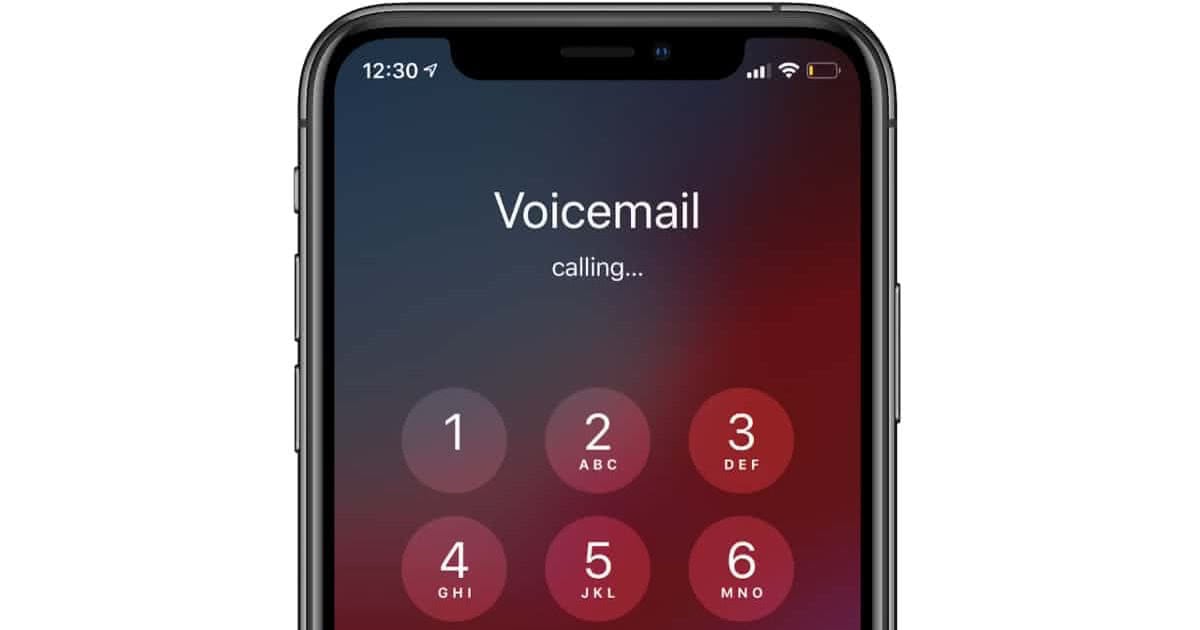
When a new recording arrives, how you listen depends on the device in your hand. On an iPhone, open the Phone app and look for the voicemail icon on the bottom row. If your carrier supports Visual Voicemail, you can tap any item in the list to play it without dialing in, but if the visual list fails to load, tapping Voicemail will instead connect you to the standard audio prompts where you enter your password. To check voicemail on T-Mobile directly from your own handset, you can dial 1 to access messages, change your greeting, or reset your password, and the system will not ask for a password by default. If you need to access voicemail on Android and a tape icon appears in the status bar, swipe down from the top of the screen and tap the notification to jump straight into playback or read a transcript if your carrier provides one.
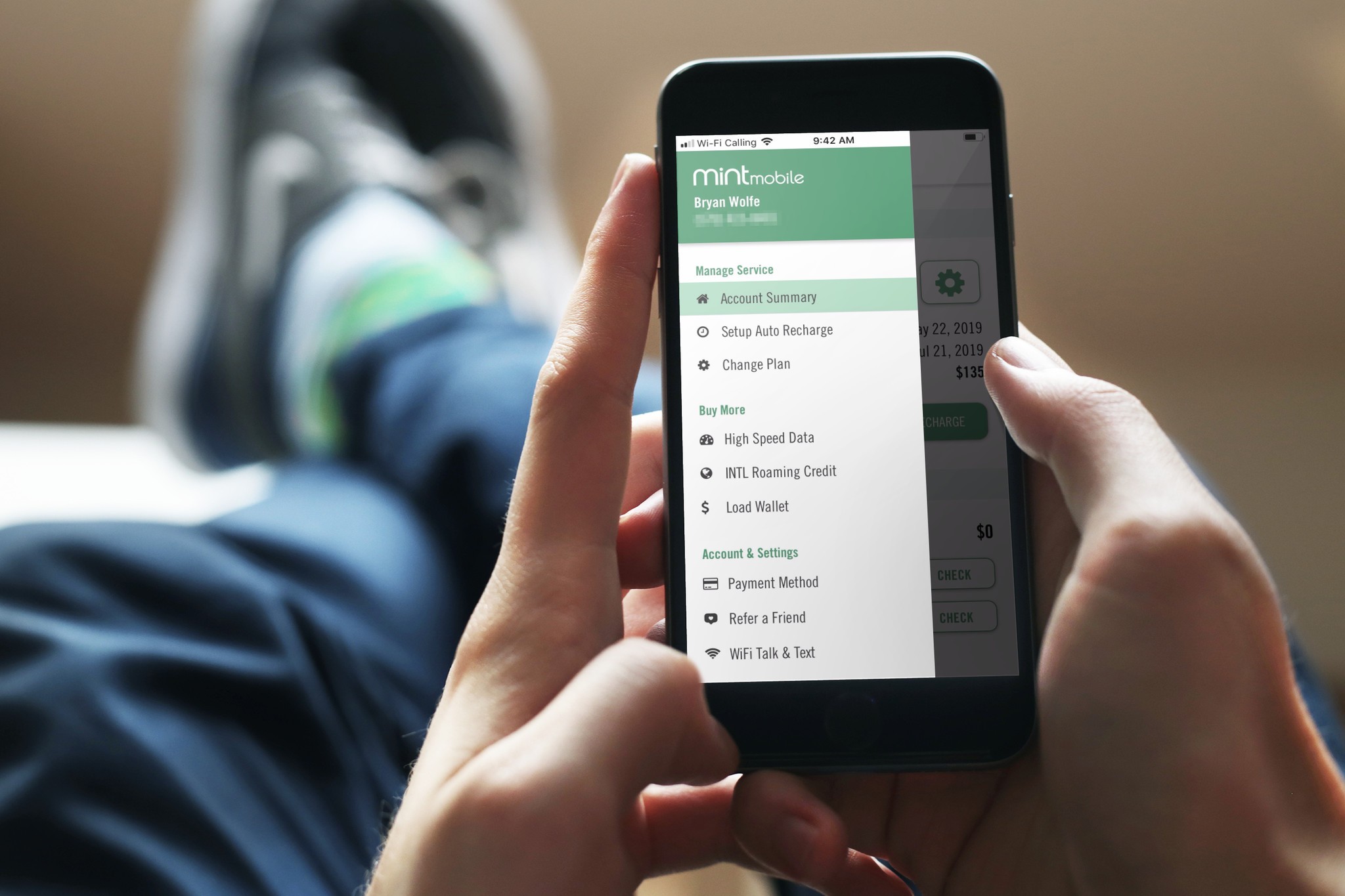
Retrieving recordings from a borrowed phone or landline follows a different rhythm. Dial your own mobile number and, as soon as your announcement plays, interrupt it by pressing the star or pound key, then enter your voicemail password. This same interruption trick may apply when you need to retrieve voicemail on Consumer Cellular or access voicemail Mint Mobile from a secondary line, though the exact key to press can vary, so listen closely to the prompt. If you recently switched carriers and are trying to get voicemail on Motorola phone hardware that still shows an old access number, open the Phone app’s configuration and verify the voicemail number field is populated with the correct digits for your current provider before you attempt remote retrieval.
Managing voicemail on home and office phones
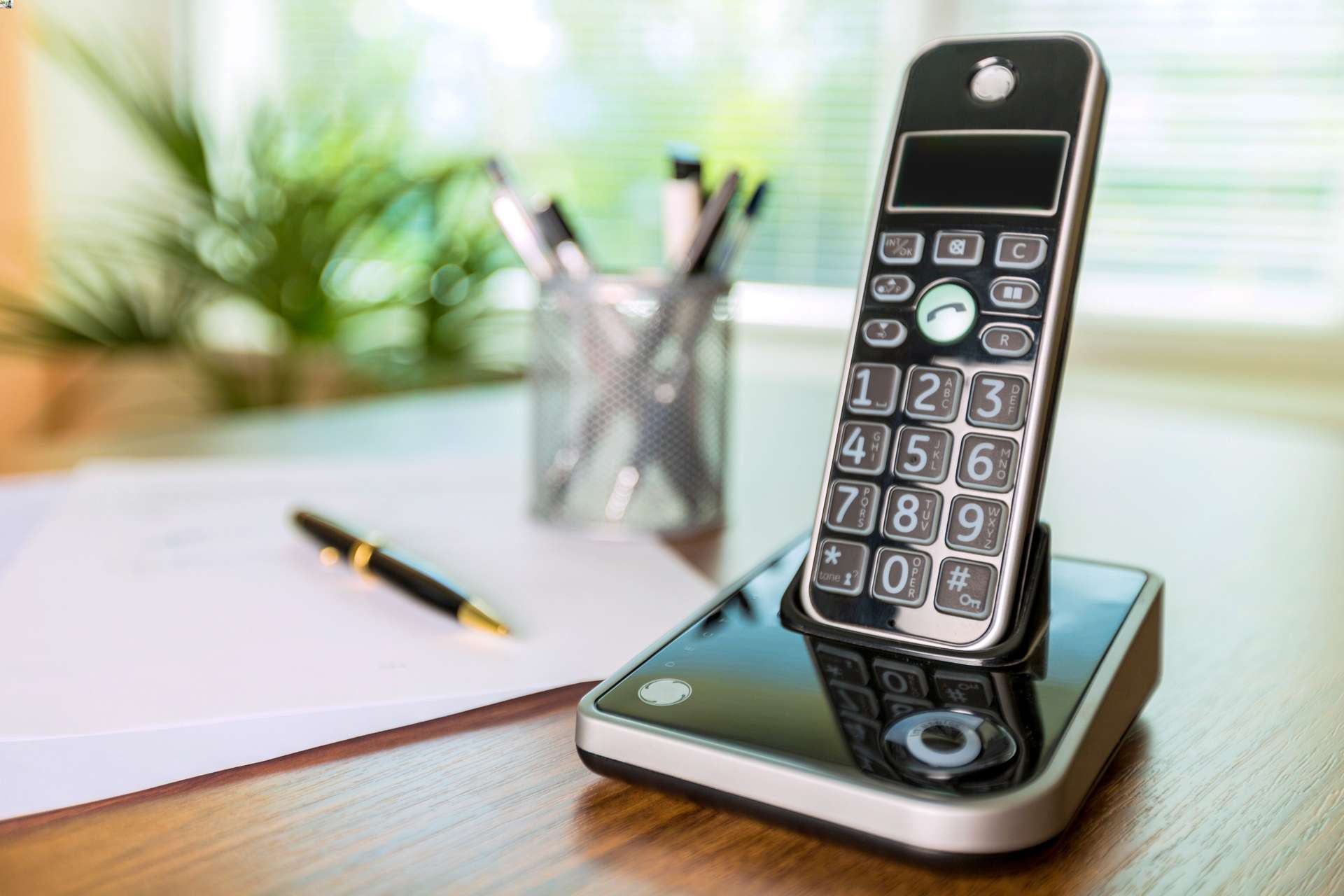
When you manage voicemail on a home phone, the first step is often the one that trips people up: the service is rarely active by default, even if you already have dial tone. To check voicemail on Xfinity home phone, you must first dial the voicemail access code from your home handset and follow the spoken prompts to create a password and record your name before the mailbox will accept new recordings. Once that is done, you can check voicemail on Spectrum home phone by dialing your own home number and pressing # when the announcement begins, though the exact retrieval steps and menu sequences vary by provider and handset model.
Office desk phones add a layer of hardware-specific navigation. If you need to change voicemail greeting on Yealink phone, you will typically press the voicemail key or dial the access code, then navigate the audio prompts to manage your announcement through the carrier’s mailbox system. Similarly, when you use Cisco phone in a business environment, you can step through playback controls using the keypad once connected to the messaging system, and you can check voicemail on Polycom phone using a comparable keypad-driven process. Remember that clearing out your inbox may require following specific prompts to permanently erase deleted messages. You can also check Verizon wireless voicemail from another phone by dialing your mobile number and interrupting the greeting.
Deleting and clearing out your inbox
Even after you tap Delete, the message is rarely gone for good. On an iPhone, open Phone → Voicemail, scroll to the bottom of the list, tap Deleted Messages, and then tap Clear All to permanently reclaim the space; skipping that final step is the most common reason a mailbox still reports as full. If you need to empty voicemail on Android phone, the process depends on your carrier’s app, on a Pixel you can long-press a recording in the Voicemail tab, tap the trash icon, and confirm the deletion. The path to empty voicemail on Samsung phone varies depending on whether your carrier layers its own visual voicemail over the stock dialer. The same logic applies when you empty phone mailbox through the old-school audio prompts: hanging up mid-prompt abandons the item in a deleted-but-not-erased limbo, so you must listen until the system confirms permanent removal before you end the call.
Changing greetings and notification settings
When you are ready to record a personal announcement, the path varies sharply by platform. On an iPhone, open the Phone app and tap the Voicemail tab. Then tap Greeting and select Custom before hitting record. Apple notes this option is not supported by all carriers or in every region. If you want to alter how the device alerts you, head to Settings > Sounds & Haptics > New Voicemail and pick a tone that cuts through your daily noise. The steps to change your voicemail on Android depend entirely on the carrier-specific app installed on your model. No single menu path applies across all devices. While you are tidying up your mailbox, keep in mind that a full inbox can sometimes force calls away before you even see them ring. That is why many people suddenly need to stop my Android phone from going straight to voicemail after a busy week. Because that routing behavior is often tied to carrier-side configurations or Do Not Disturb schedules rather than a single toggle, you may need to check both your phone’s notification rules and your account features. For those who prefer hands-free control while driving, you can access your device by using Siri with the phrase unlock your phone with Siri and then ask her to play your latest recordings.
Saving and unlocking important messages
Not every recording deserves to vanish after a few days. When you need to keep one, you can often save Verizon wireless voicemails directly through the Visual Voicemail app on your iPhone or Android device, though the exact button label varies by model. Be aware that some older phones with Visual Voicemail may not support saving recordings to the device at all, so you may need to play the audio aloud and record it externally.
If you have been locked out of your mailbox entirely, you might need to unlock voicemail on Google phone by entering your password when calling the mailbox from another phone. Dial your 10-digit mobile number, press # to interrupt the outgoing announcement, and then enter your password when prompted. This same method works whenever you need to listen to my voicemail from another phone, whether you are borrowing a friend’s handset or trying to access cell phone voicemail from landline at home.
Turning off or canceling the service
Completely removing this service from your line is a different task than simply muting notifications and is rarely an option you can flip on your own. The on-device options you’ll find in your phone’s configuration only control the interface, not the service itself. For a full cancellation, the path is consistent across devices: contact your provider directly and request removal from the line.
Frequently Asked Questions
What is the voicemail access number for Xfinity Home Phone?
Dial *99 from your home phone to access the voicemail system and complete first-time setup. You must create a password and record a greeting from your home handset before the mailbox will accept new messages.
Why does my Android phone still say the mailbox is full after deleting messages?
Deleted recordings often remain in a temporary trash folder and still count against your inbox limit. You must listen to saved-then-deleted items completely until the system confirms permanent removal before hanging up.
What password length does AT&T require for mobile voicemail?
AT&T mobile accounts require a password between 7 and 15 digits during first-time setup. For AT&T Wireless Home Phone devices, the password must be 4 to 15 digits instead.